
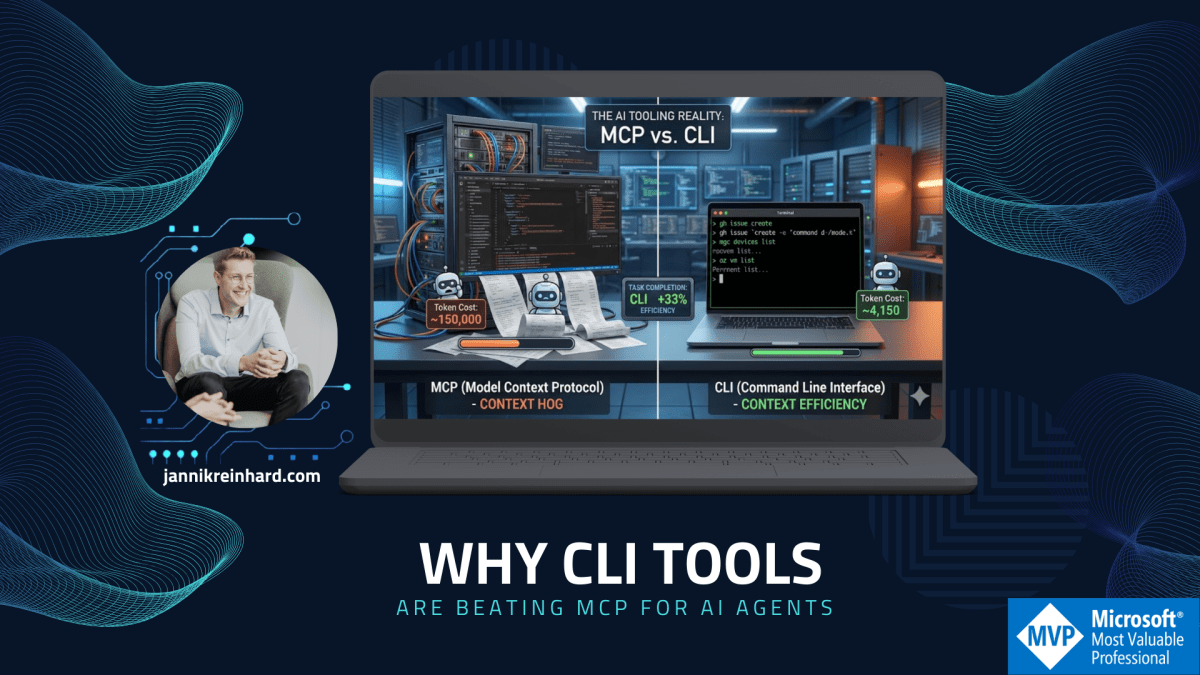
Why CLI Tools Are Beating MCP for AI Agents
Let’s be honest: MCP (Model Context Protocol) was supposed to be the universal connector between AI models and the real world. A clean, structured protocol that lets your AI agent talk to any tool through a standardized interface. Sounds great in theory. In practice? I’m increasingly reaching for good old…
Read more…
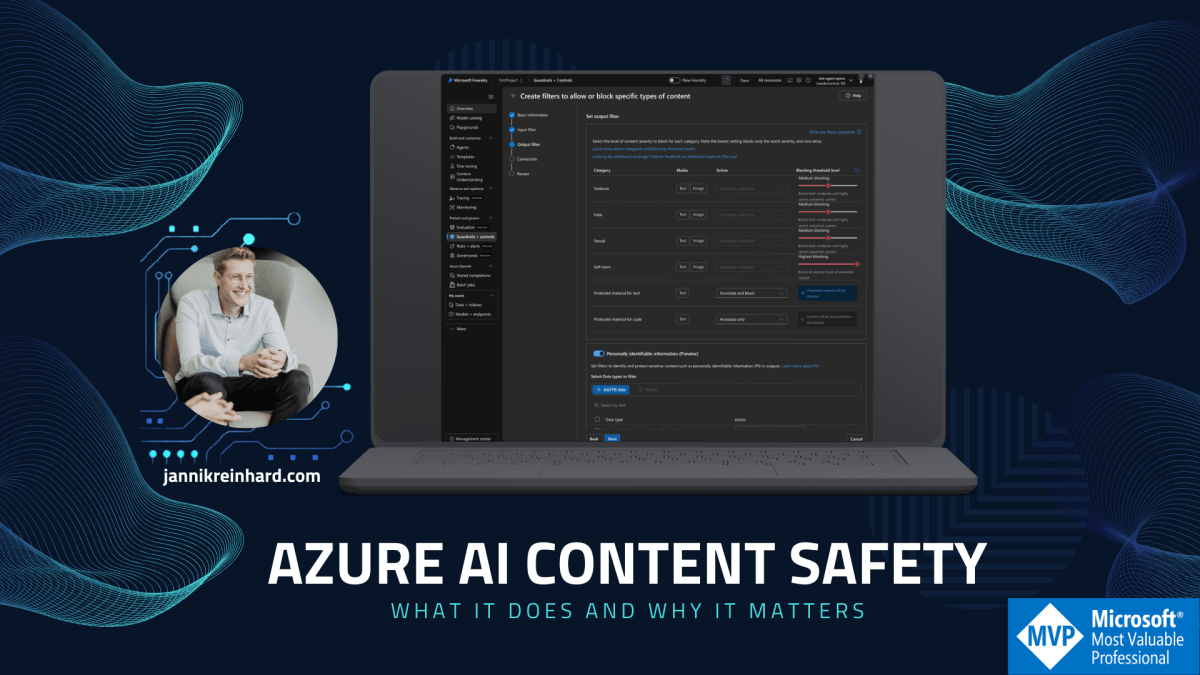
What Azure AI Content Safety does and why it matters
Azure AI Content Safety is Microsoft’s AI-powered service for detecting harmful content in both user-generated and AI-generated text and images. It runs as the built-in content filtering system for all Azure OpenAI and Foundry model deployments, screening both prompts and completions through an ensemble of classification models. The service is…
Read more…
My Daily Tools: The Stack That Runs My Day
There’s a question I get asked very often: “What tools do you actually use every day?” This are the ones I personally rely on to stay productive and creative. So here it is – my complete daily toolkit, broken down by what each tool actually does for me and why…
Read more…
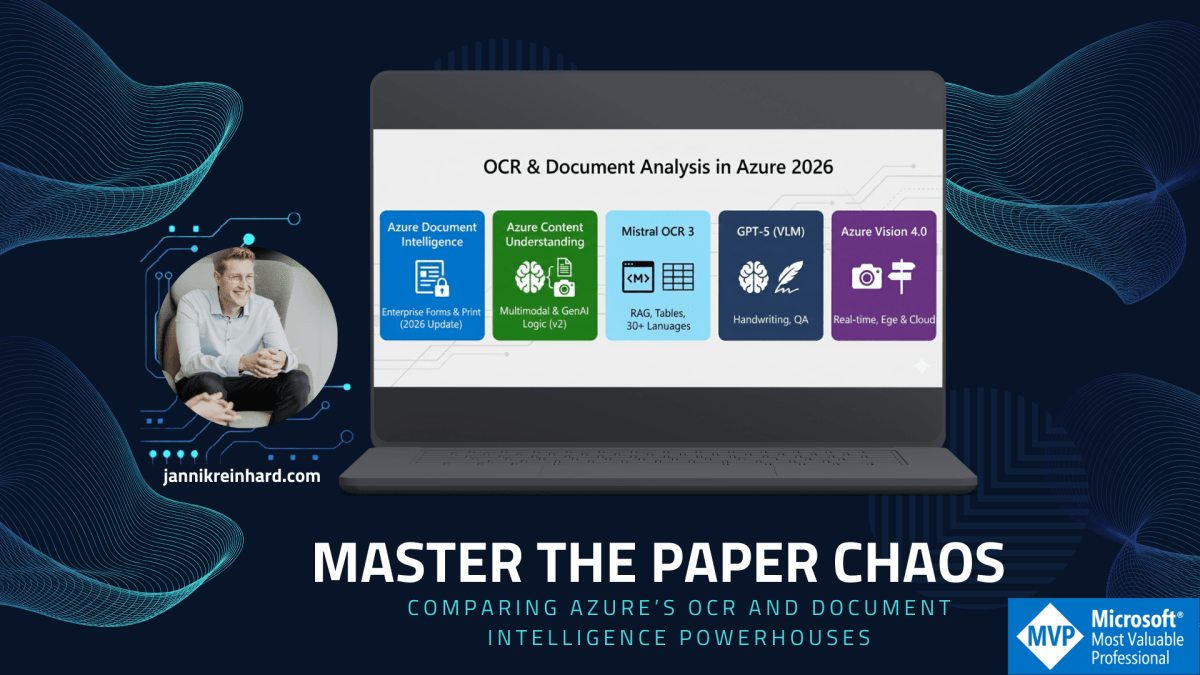
Master the Paper Chaos: Comparing Azure’s OCR and Document Intelligence Powerhouses
Document Intelligence vs. Content Understanding vs. Mistral OCR 3 vs. GPT-5 vs. Azure Vision Extracting data from documents is no longer just about “reading” text—it’s about intelligent understanding. Whether you’re digitizing 10,000 invoices, building a real-time app to read street signs, or preparing scientific papers for RAG pipelines, Azure offers a…
Read more…
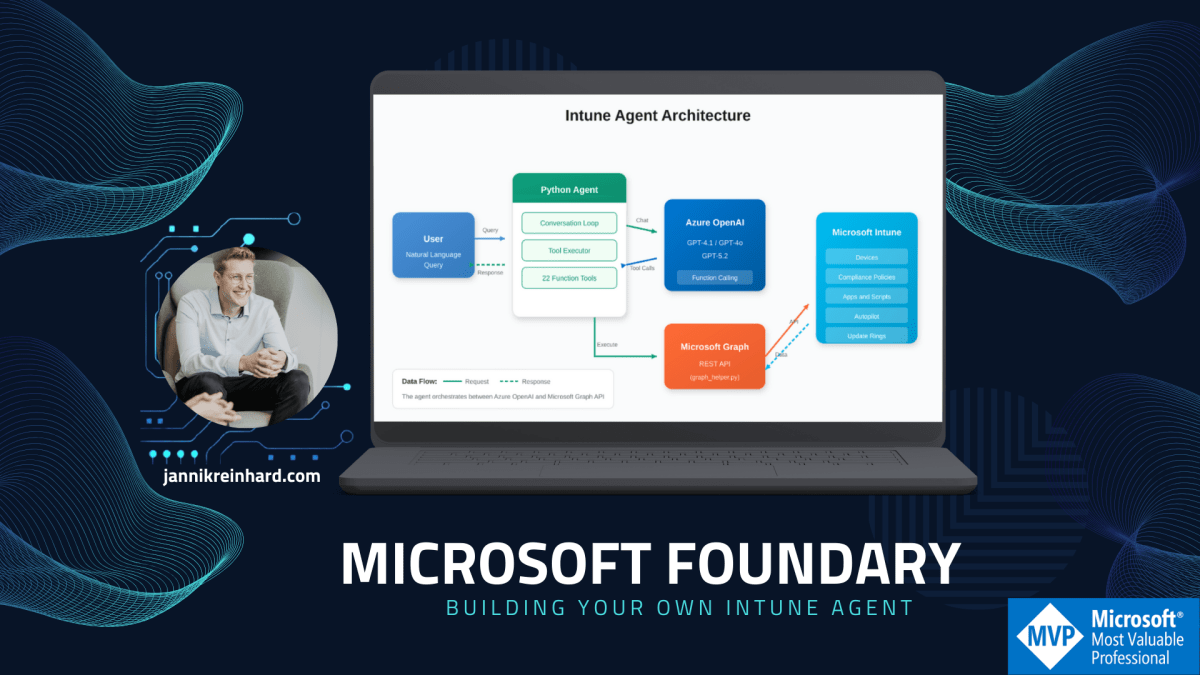
Building Your Own Intune Agent with Microsoft Foundry
We’ve all built PowerShell scripts to query Intune, wrapped them in some automation, and called it a day. It works. But with Azure OpenAI Service and models like GPT-4.1 and GPT-5.2 optimized for tool calling, there’s a more interesting approach—building an actual AI agent that can talk to your Intune…
Read more…

Selfi-KI trend: How I Created an AI “Selfie Tour” Video with Tech Icons
Let’s be honest: the AI video space has exploded. Every week there’s a new tool promising Hollywood-quality results. But what happens when you combine AI image generation with video transformation and some creative editing? You get something that looks surprisingly real – and it’s easier than you might think. I…
Read more…
Microsoft IQ: The Intelligence Layer That Finally Makes AI Agents Useful
Let’s be honest: building AI agents in the enterprise has been a mess. You spend 80% of your time stitching together data sources, wrestling with RAG pipelines, and praying your agent doesn’t hallucinate the CEO’s name. Every new project feels like reinventing the wheel – but a wheel made of…
Read more…
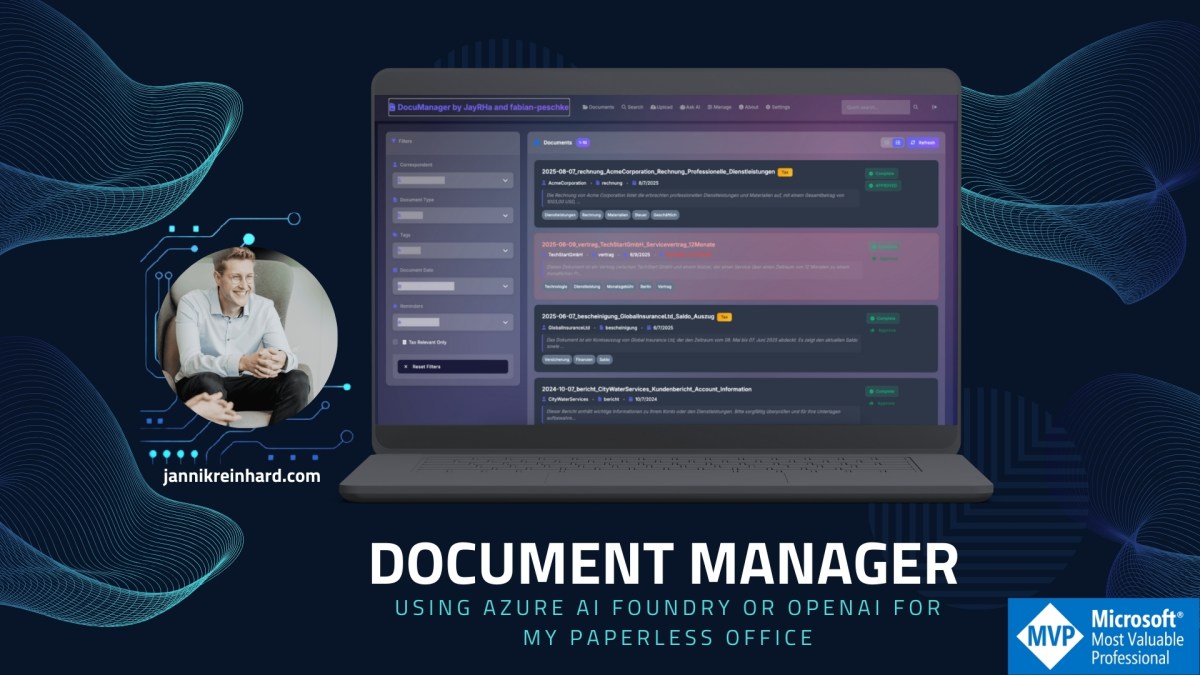
Document Manager: Using Azure AI Foundry or OpenAI for my paperless office
Let’s be honest: most document management systems feel like they’re stuck in 2005. I decide to move to an paperless office and scan all my documents. I tried multiple ways to realize this but I don`t find the tooling where I say I feel comfortable with and it saves me…
Read more…
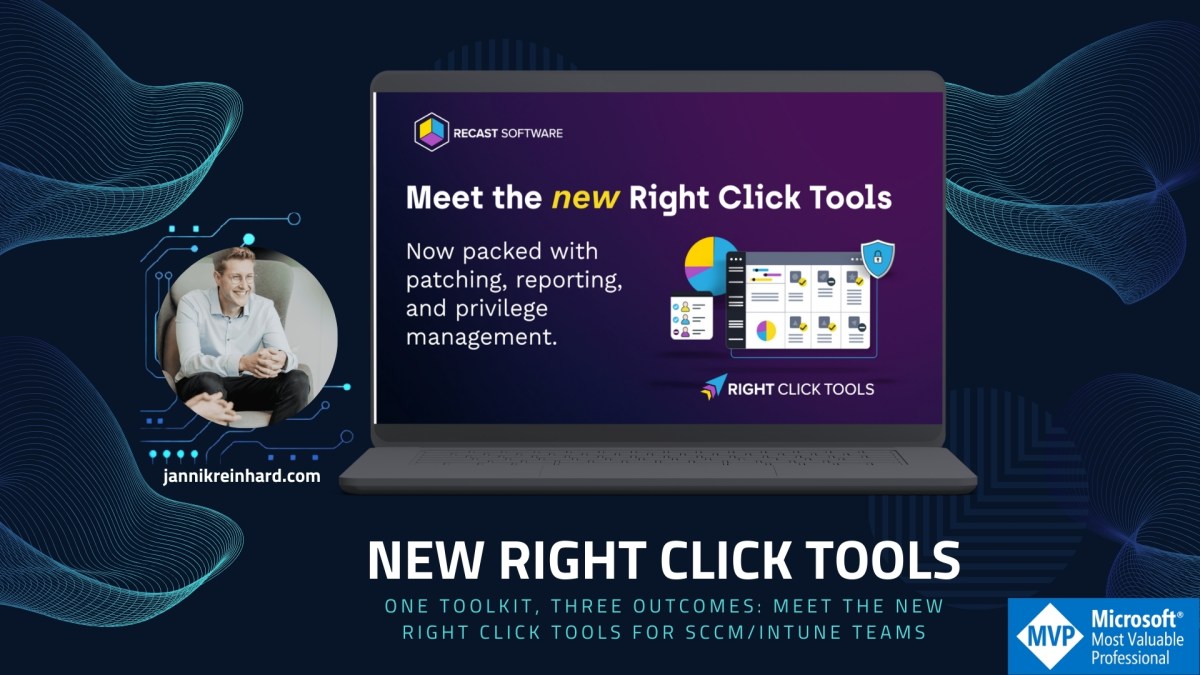
One Toolkit, Three Outcomes: Meet the New Right Click Tools for SCCM/Intune Teams
If your day still looks like this—jumping between consoles, chasing patch gaps, and wrestling with standing local admin—your tools are slowing you down. The New Right Click Tools changes that by bringing patching, reporting/visibility, and privileged access together, built for SCCM/ConfigMgr and Intune realities. Trusted across 60M+ endpoints, Right Click Tools is designed for modern endpoint management at scale—without adding another…
Read more…
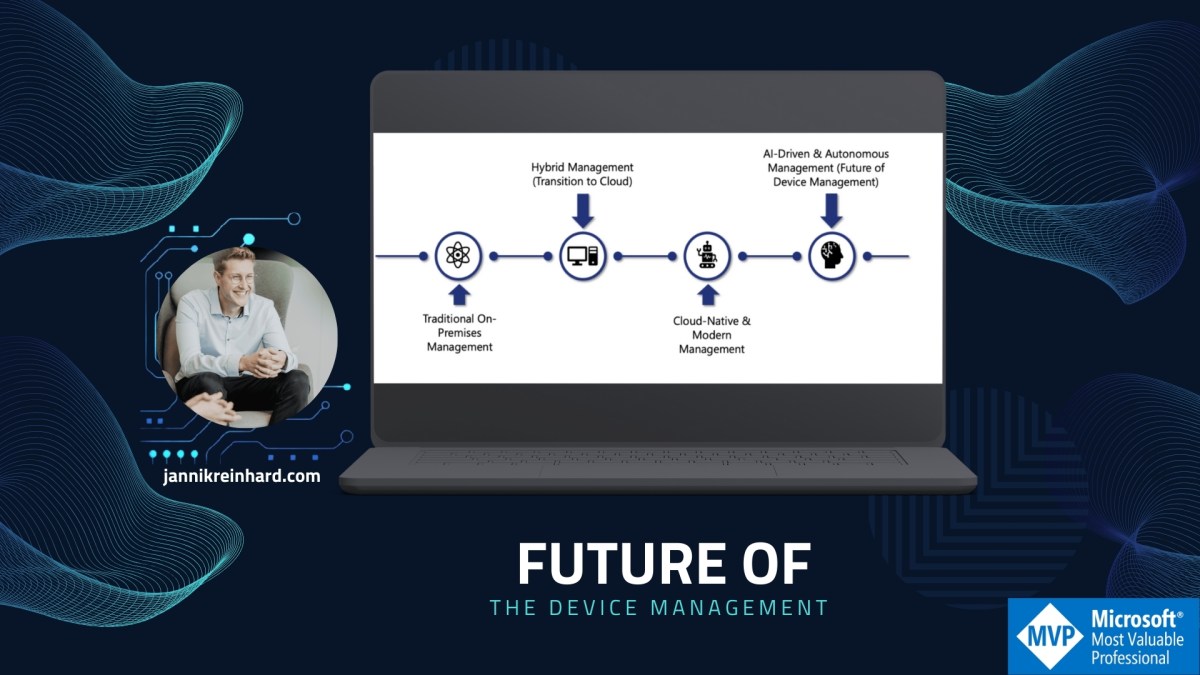
Let’s look in the future of device management
Endpoint management has come a long way from the days of manual, on-premises processes. In today’s world where employees work from home, on the road, or in branch offices—IT teams need tools that are not only powerful but also flexible and intelligent. Microsoft’s journey from Configuration Manager (SCCM) to Intune,…
Read more…
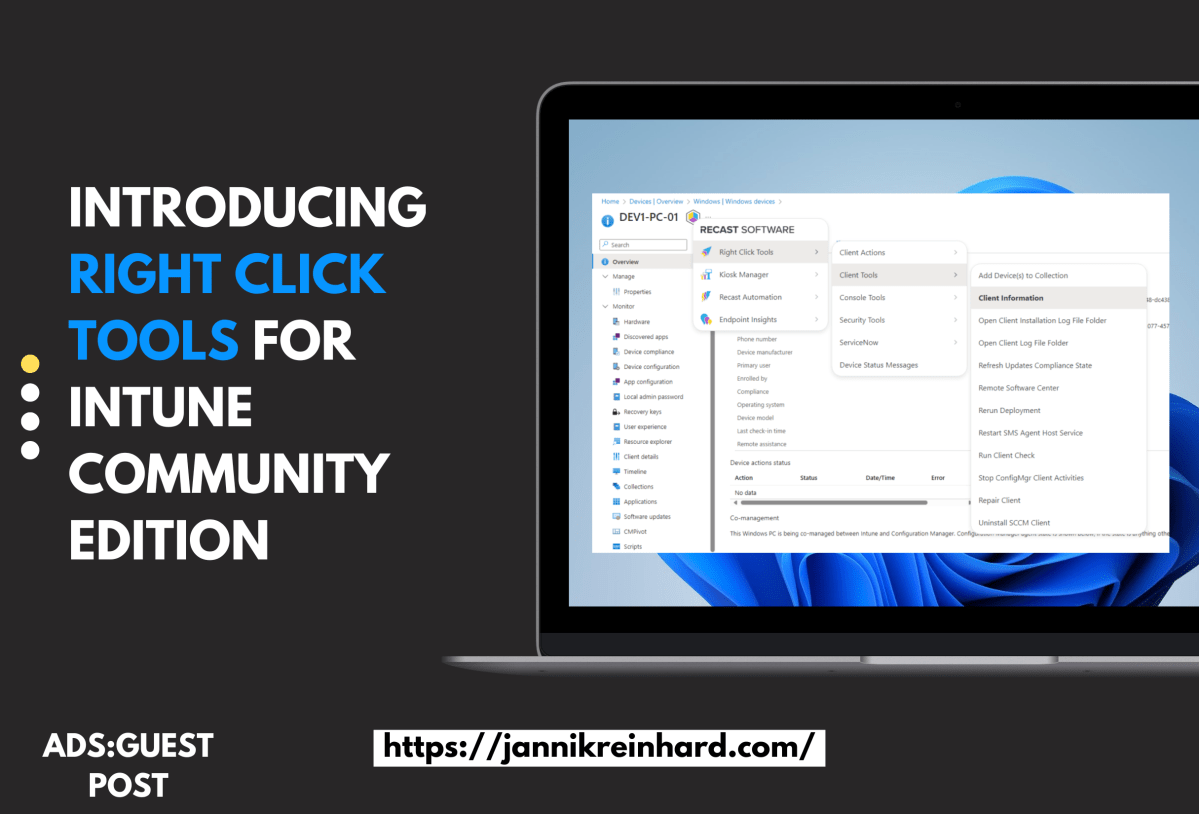
Introducing Right Click Tools for Intune Community Edition
Right Click Tools built its reputation on making endpoint management within Microsoft Configuration Manager (ConfigMgr) simpler and faster. After the success of the free ConfigMgr add-on, Recast Software has now brought the same capabilities to Microsoft Intune with the new Right Click Tools for Intune Community Edition browser extension. Bridging…
Read more…

Transform Application Management: Deploy Faster, Patch Smarter, and Simplify Your IT Stack with Application Workspace (Sponsor)
When application management works smoothly, everyone benefits: IT teams operate with fewer tickets, security stays tight, and employees remain productive. Yet for many organizations, keeping every device up to date, simplifying deployments for AVD/Citrix images, managing SSO across the environment, and supporting macOS without costly third-party solutions can feel overwhelming.…
Read more…

Become a Prompt Engineering Pro: Mastering the Art of Talking to AI in 2025
Welcome to the future, where chatting with AI is as common as texting a friend! But just like crafting the perfect message to your crush, getting the right response from AI requires a bit of finesse. Enter the world of prompt engineering. 📣 Why Prompt Engineering is THE Skill of…
Read more…
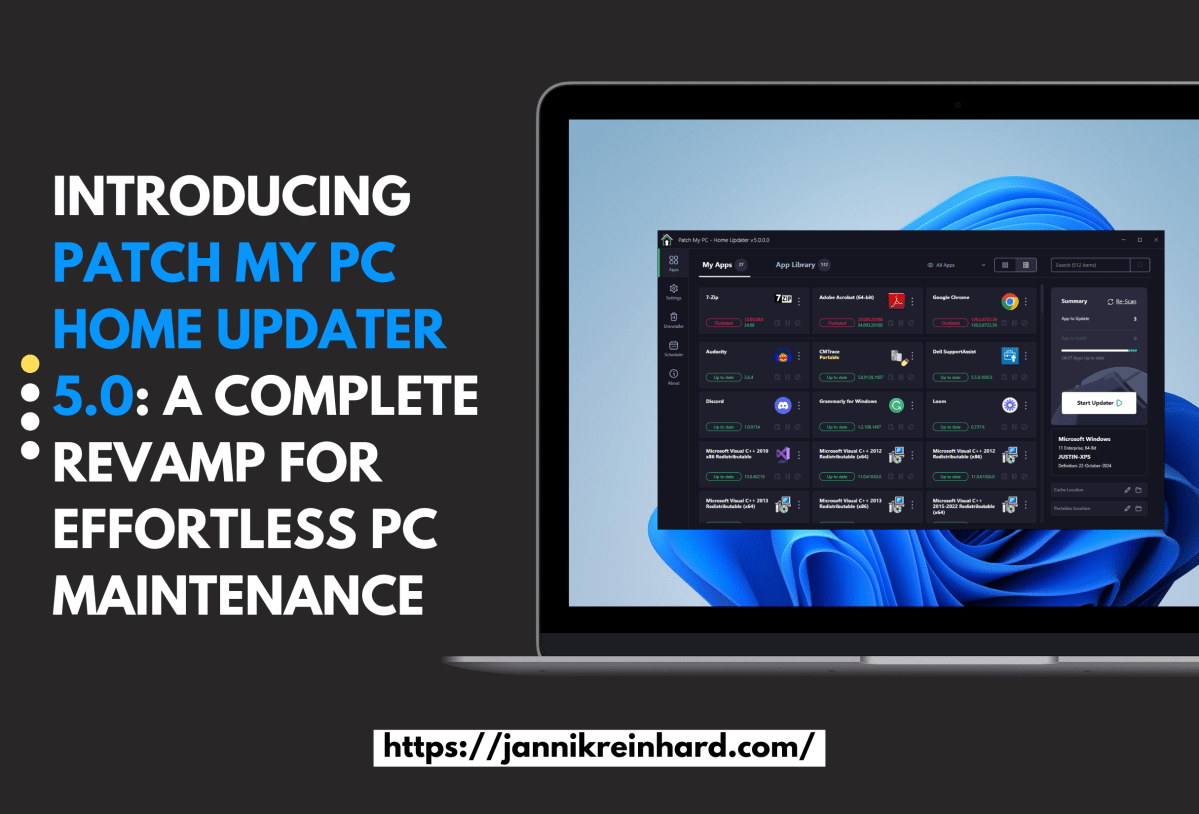
Introducing Patch My PC Home Updater 5.0: A Complete Revamp for Effortless PC Maintenance
During the recent MMS conference, I had the opportunity to get an early look at the new Patch My PC Home Updater 5.0. Keeping your PC updated is crucial for security, performance, and accessing the latest features in your applications. In business environments, IT teams usually handle this task, but…
Read more…

Converting Device Groups to User Groups (and Vice Versa) Using Microsoft Graph API
I currently attend at the MMS Fort Lauderdale conference, where an attendee asked an good question: Is it possible to convert a device group into a user group, and vice versa? The answer is both yes and no. While there’s no out-of-the-box functionality in Intune to achieve this directly, it…
Read more…

Robopack A bis Z: Alles, was du wissen musst (Sponsor)
In meinem ersten deutschen Blogpost heiße ich dich willkommen zu meiner neuen Robopack-A-bis-Z-Serie! In dieser dreiteiligen Videoserie gehe ich detailliert auf die wichtigsten Funktionen und Einsatzmöglichkeiten von Robopack ein – einem leistungsstarken Tool für dein Applcation Management. Wenn du nach einer Lösung suchst, um den gesamten Lebenszyklus deiner Apps und…
Read more…

Graph Batch Endpoint
This is only a small blog post but maybe for most of you very helpful especially if you work a lot with Microsoft Graphs. Often the problem is you want to run multiple calls and then you have to loop through the single items or have a long line of…
Read more…
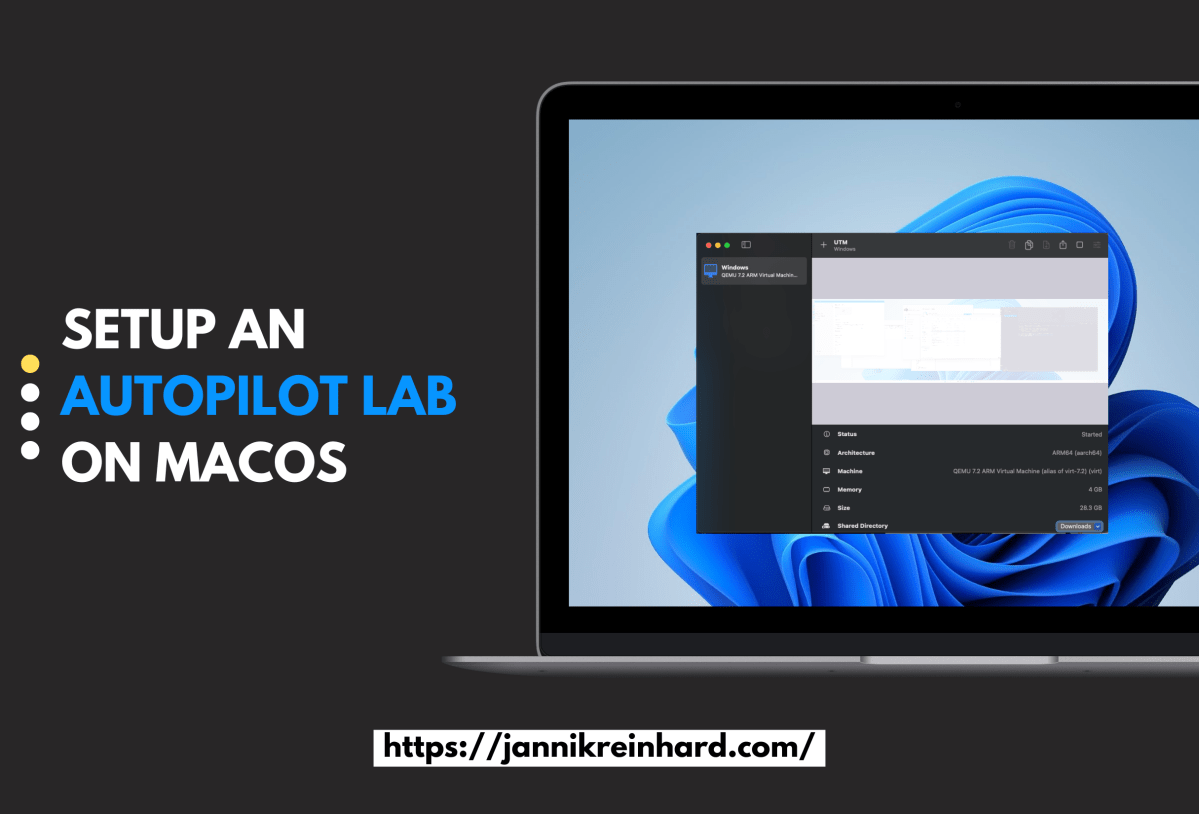
Setup an Autopilot lab on MacOS
As an Intune MVP, I frequently need to test various setups on a dedicated test machine. The easiest way to do this is by using virtual machines (VMs). However, running a Windows VM on a MacBook Pro with Apple Silicon (M3) can be a bit tricky. In this blog post,…
Read more…

Azure AI Search: Deploying a Powerful AI-Powered Search Engine
The Azure AI search is one of the most powerful search engines at least in my experience. In times of AI and LLMs the in the past boring technology of search engine lives now a new hype. In this blog post, I’ll guide you through deploying and configuring Azure AI…
Read more…
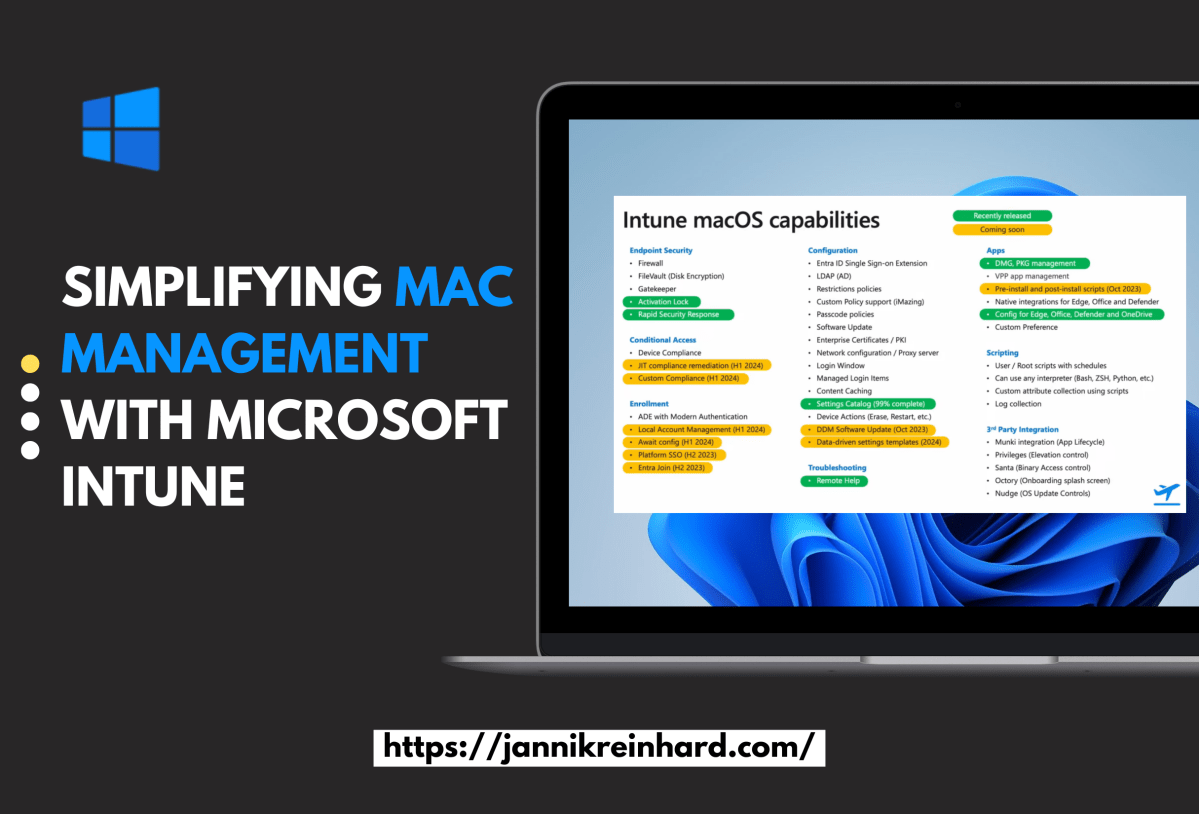
Simplifying Mac Management with Microsoft Intune
Managing a fleet of devices in today’s workplace isn’t just about only Windows management anymore —the world around Macs devices are increasing more and more. As more employees choose Macs for their performance, design, and reliability, you also have to deal about the right ways to manage and secure them.…
Read more…

IME Log summarizer
In this short blog I want to show you how you can use GPT to get a summarization of the Intune Management Log. This script will read the Intune Management Extension Log file in the ProgramData/Microsoft/IntuneManagementExtension/Logs folder and will pass this latest content of the script to GPT. How does…
Read more…

How to create a custom SSO Teams bot
As GPT and other large language models revolutionize the way how we communicate and how we can build custom solutions for companies, the demand for intuitive frontends to deliver these AI capabilities to end-users has never been higher. If you’re wondering whether there’s a seamless way to integrate a bot…
Read more…

How to build your custom GPT apps
I wrote a lot of blogs about AI solution, utilizing e.g. Azure OpenAI. But I want to take you on this journey how you can build your own apps and websites. In this post I will show you how to build you customized solution with the help of two very…
Read more…

Cloud native Endpoint deployment
You plan to migrate to Intune? Then do this Cloud Native! Use the chance and get rid of you on-premises environment, maintenance of the infrastructure and move this responsibility to Microsoft. In this blog I want to explain what cloud native is and what Intune provides you to make your…
Read more…
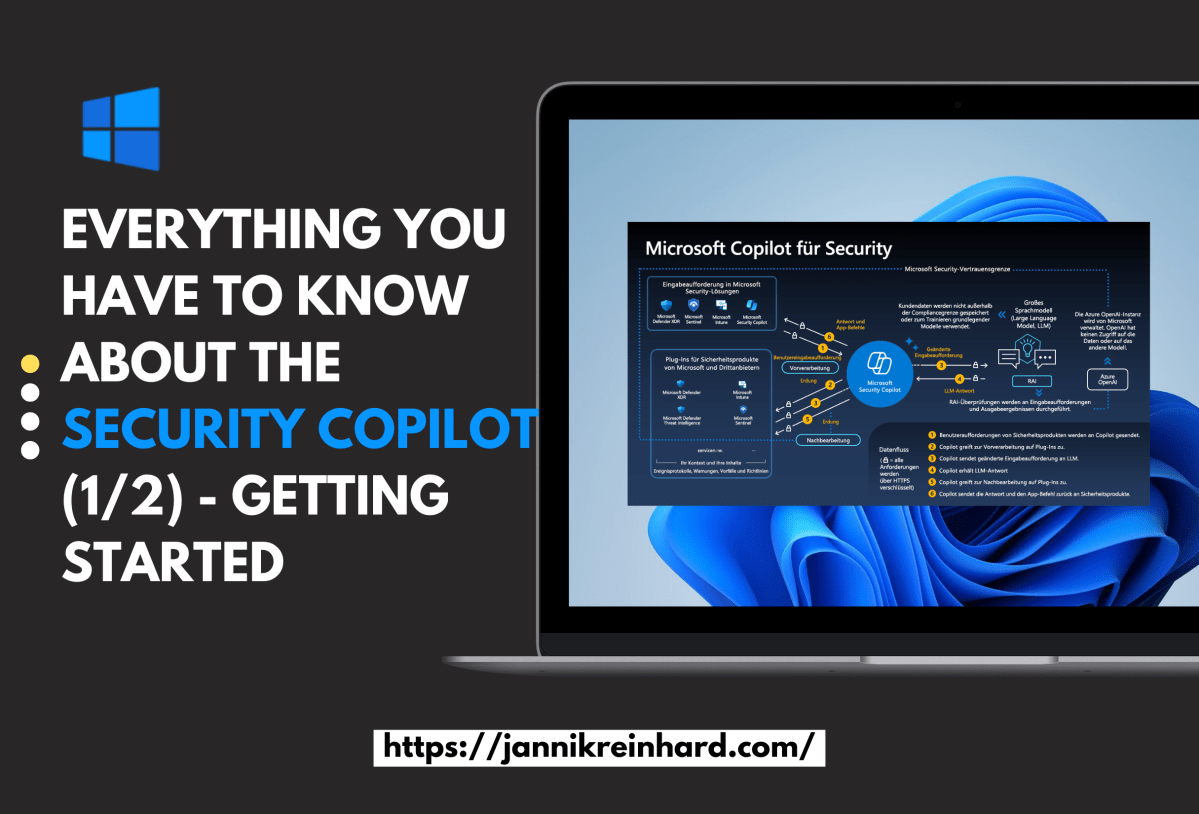
Everything you have to know about the Copilot for Security (1/2) – Getting started
This was an no brainer for me that I will write a blog about Microsoft Copilot for Security. You know I like AI and I like Intune. What is better if I can blog in one post about both. I was already part of the closed preview, and I a…
Read more…

Automating Local Admin Rights Removal w/ Privilege Manager (Sponsor)
This is the second guest post from my partner Recast Software. Imagine reducing 90% of critical security vulnerabilities with a single change to your IT policy. Removing local admin rights can achieve this. IT departments face a constant influx of tickets and issues to manage. Many of these result from a…
Read more…

Create your own Intune Co Pilot using CoPilot Studio
In the last post I explained how you can build a CoPilot using the Azure OpenAI Studio in this blog post we will do the same with the CoPilot Studio. Here we will also utilize the Azure OpenAI Service. Lets have an quick look into this topic as well: What…
Read more…

Create your own Intune Co Pilot using Azure OpenAi Studio
The simplest approach to deploying a chatbot is to do so without any coding. This is precisely what I aim to demonstrate. Such a chatbot can be tailored to utilize your custom documentation, knowledge articles, or any other resources you wish to integrate. This method simplifies the process, making it…
Read more…
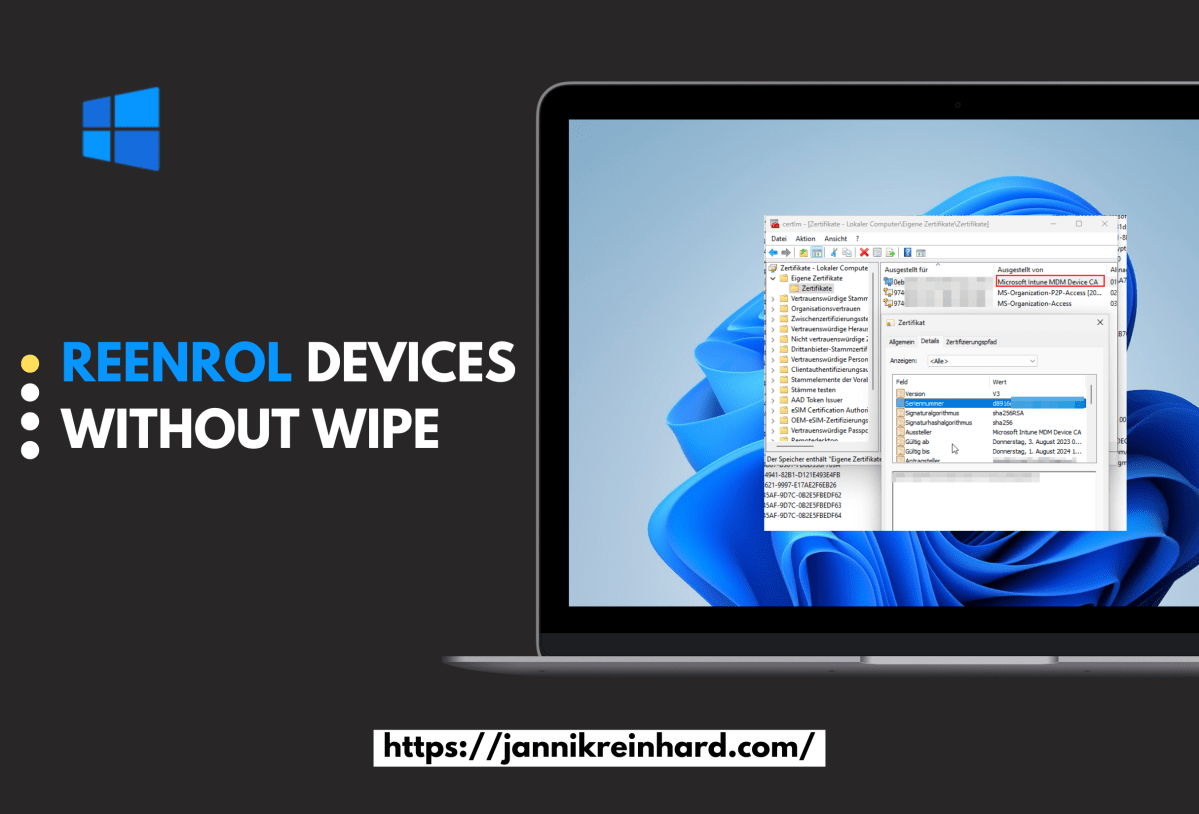
Reenrol devices without wipe
Enrolled Intune devices occasionally face trust issues due to MDM or Microsoft Azure certificate problems, among other factors. While wiping and re-enrolling is a standard fix, it’s straightforward for regular devices, with minimal data loss thanks to services like OneDrive. However, this process is more complex for specialized field devices,…
Read more…
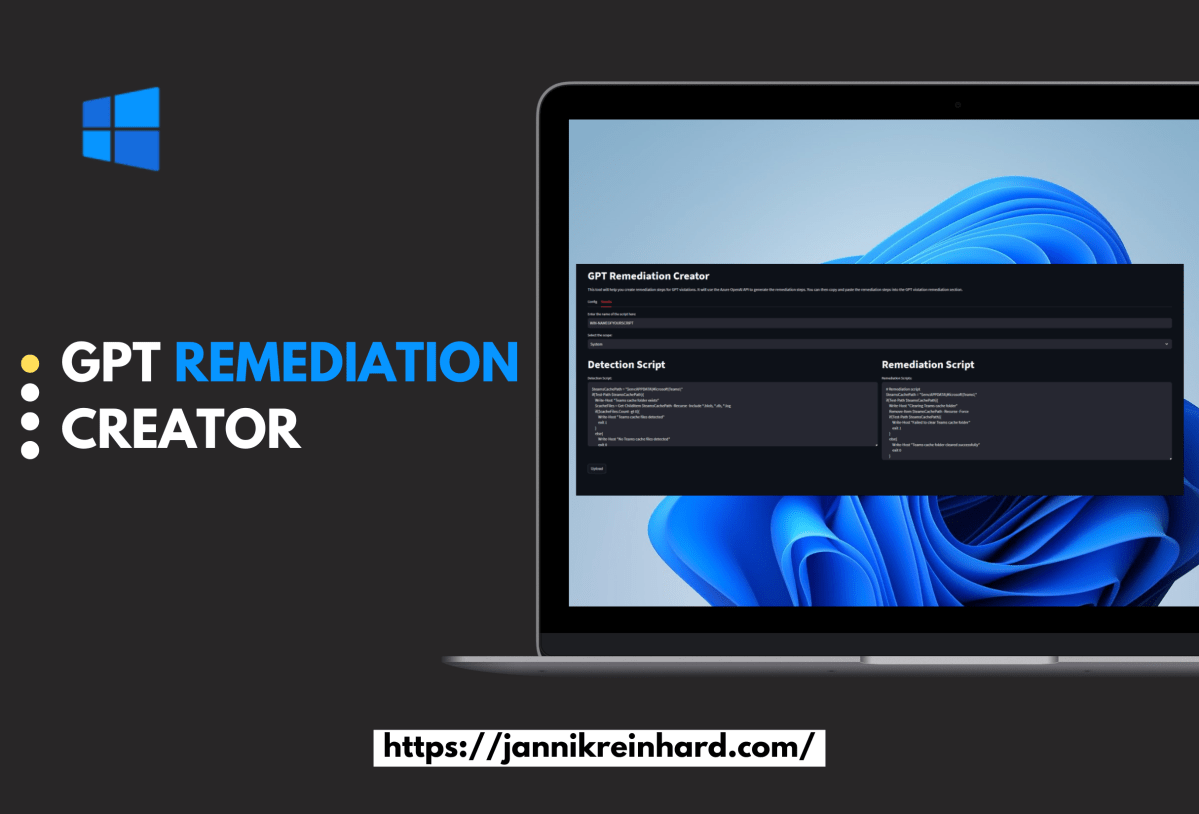
GPT Remediation creator
Remediations play a pivotal role in effective client management, allowing organizations to proactively identify and resolve end-user issues. Additionally, they serve as a valuable tool for enforcing specific settings or configurations that may not be natively supported in Microsoft Intune. However, the process of crafting these scripts can often be…
Read more…

Easy and Effective App Management in Intune
This is the first guest post from my partner Recast Software. Managing an ever-growing array of systems and permissions, SysAdmins often find third-party application patching slipping through the cracks. Despite best efforts to keep Windows updates in check, the other applications on our endpoints too frequently get overlooked. This is…
Read more…

Deep Dive into Co-Pilots: Understanding Architecture, LLMs, and Advanced Concepts
In this blog post I want to deep dive with you how LLMs and CoPilots work, want to give an explanations into the most important aspects and show you some important architecture aspects and concepts. We will not build an own Copilot but I will share also some reference architectures…
Read more…

Microsoft Defender for Endpoint: Key Configurations and Best Practices (2/2)
After some weeks here is the second part of my series on Microsoft Defender for Endpoint. In this pert, we delve into essential insights and best practices for Microsoft Defender for Endpoint. I will guide you through important configurations and strategies to enhance your organisations security. Part 1 (How to…
Read more…

The easy way to make data science with Intune
As you know I like everything what is related to data science and Intune. In this blog I will show you a solution how you can get some insights about your Intune environment you did not have bevor. Content Prerequisites The prerequisites to use the solutions are really low. The…
Read more…

Detect new Intune Management Extension Updates
You know there are regular changes and updates on the Intune Management Extension (IME). Sometimes it can be the cause of an issues or it is also interesting to see what was changed. To detect this changes I wrote an script which notifies you in case of an change and…
Read more…

How to enroll device to Microsoft Defender for Endpoint and how does it work (1/2)?
Do you know that you can deploy configurations to devices without enrolling them to Intune? No than follow this blog how to enroll devices to Microsoft Defender for Endpoint (MDE). In this blog I want to show you how you can onboard your devices in MDE. In the next blog I…
Read more…
The Magic of the GPT Intune Device Troubleshooter
I am more than happy to release my new tool the GPT Intune Device Trouleshooter. Wouldn’t it be awesome if you have an assistant which you explain what you want to do in Intune an he do the job for you? This dream will now become reality with the GPT…
Read more…

New Version of the intune group assignment script
Some month ago I relesed an script which lists you all assignments of an aad group in intune. With this blog post I will release a new version of this script which includes more configuration objects and improves a lot of the code parts. What is the purpose of the…
Read more…

How to activate the uninstallation feature in the Company Portal
It is a feature where a lot customer waiting since a long time. Now it is here. The possibility to uninstall apps from the company portal. In this short blog post we want to have an look how you can configure this and how the user flow looks like. Content…
Read more…
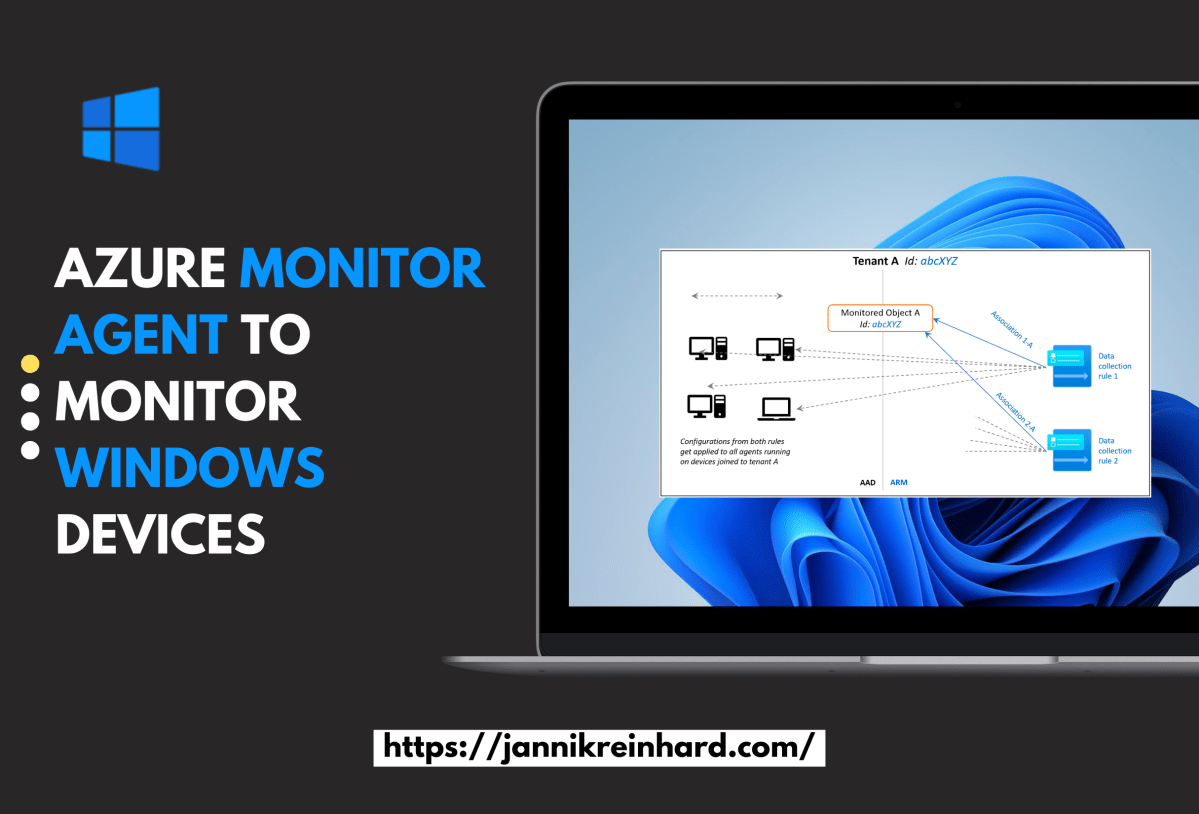
Azure Monitor Agent to monitor Windows devices (1/2) – Setup
In this blog post we want to have an closer look into an way how you can collect data from an client system to monitor them. With endpoint analytics Microsoft provides an very powerful way to analyse clients, remediate potential issues or also detect anomalies in the field. If you…
Read more…
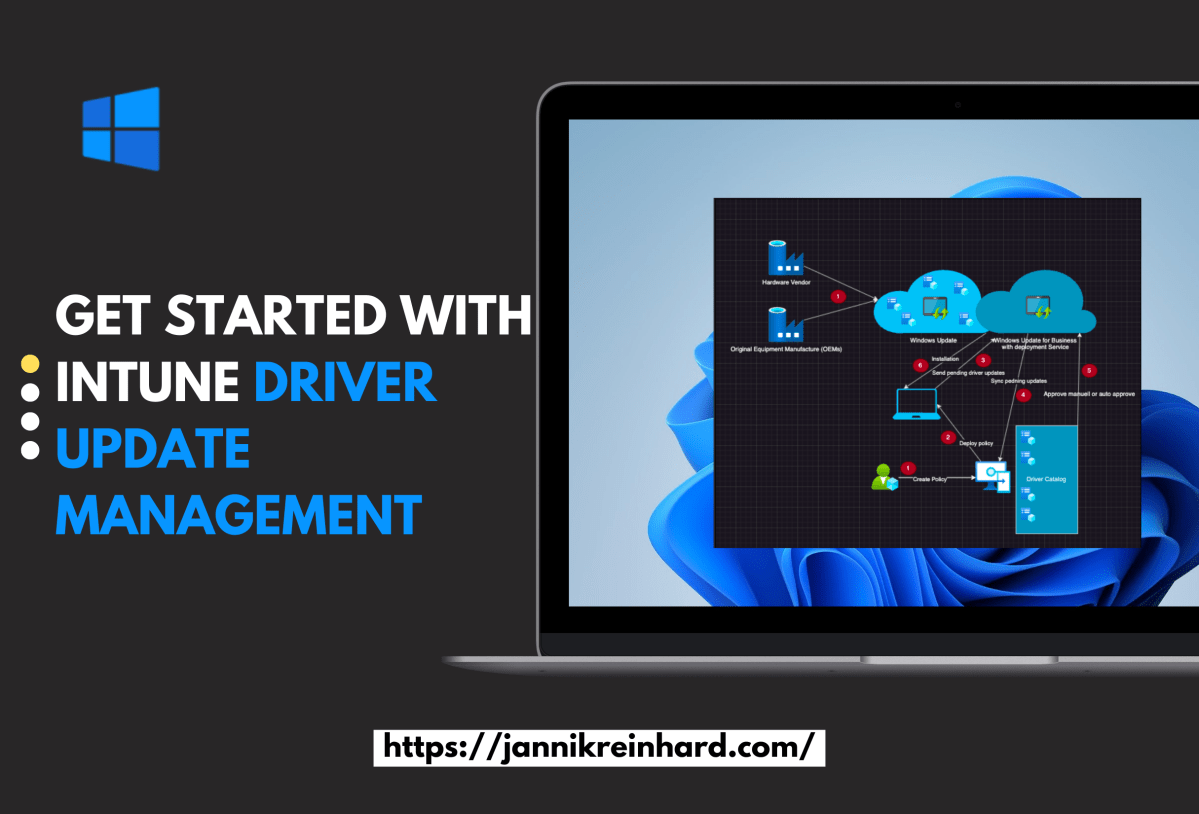
Get started with Intune driver update management
A lot of Intune admins waited for the feature Intune driver update management. Now it is here. In this blog post I want to describe whats behind this feature, how it works and how you can start with. What is driver management? Driver management is a new Feature wich was…
Read more…

Using Microsoft Fabric to export Intune data into the OneLake for PowerBi reporting
Intune provides a lot of data that can be exported via interfaces. But wouldn’t it be cool if you could have everything from the data export to the powerbi dashboard in one place in a portal and additionally query the data Graph provides you with via SQL to build complex…
Read more…
Management of external devices (peripherals) with Intune
To reduce the security risk of the end devices and to protect them from data loss or malicious devices, it makes sense to also deal with the management of peripherals. Intune also has an answer for this with attack surface reduction policies. We would like to take a closer look…
Read more…
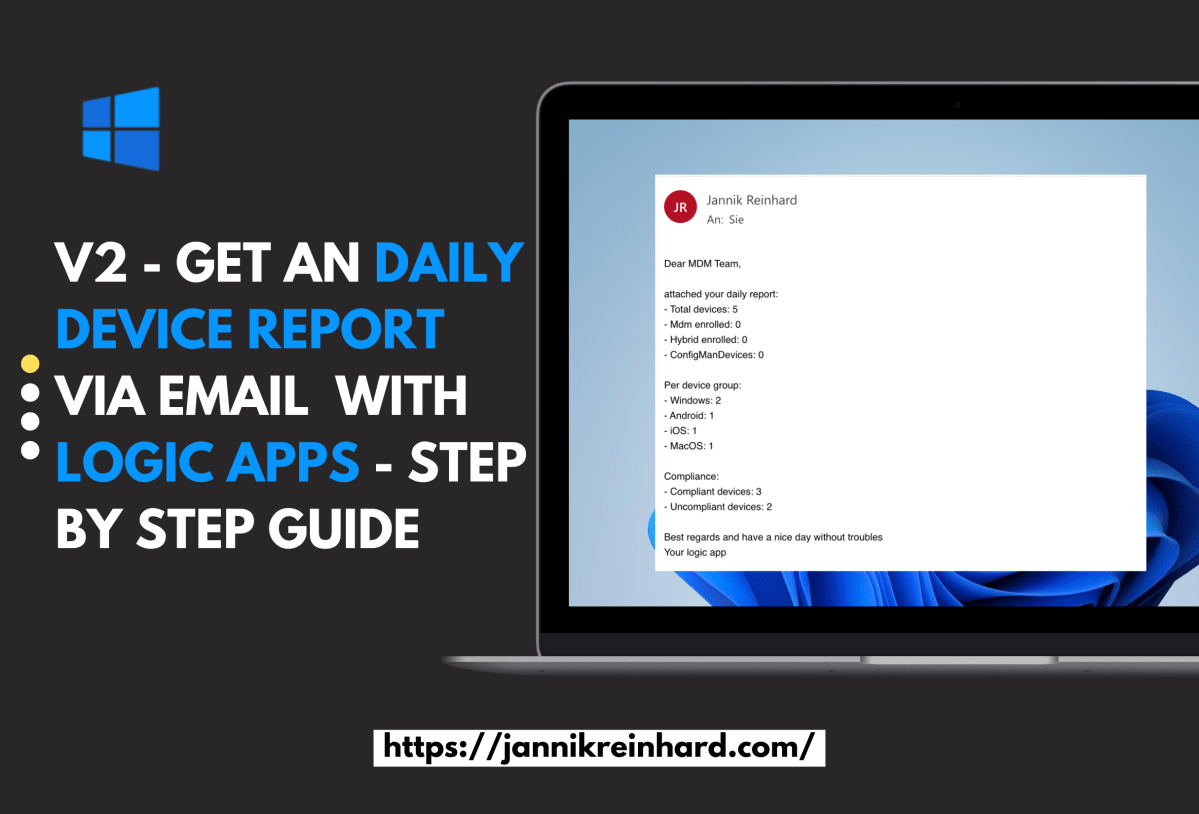
V2 – Get an daily device report via email or teams with logic apps – Step by Step guide
I have already written a blog about how to send a message using Logic apps to generate a regular device report. After a presentation about automation with Intune and Graph I got the good feedback if I can do a variant with Co Managed devices. So I decided to write…
Read more…

Mastering Intune Reporting and Analytics
In this new blog post I want to give you an overview hot you can start with reporting analytics with Intune. I already wrote several blogs how to create custom reports via mail or team, to to export and automate things. I also wrote an blog with an overview of…
Read more…

Tracking Windows 11 Upgrades with Azure Automation and Intune
In today’s blog, I will address a question from one of our community members, who is looking to create a report for tracking Windows 11 upgrades via Azure Automation Runbook and Microsoft Intune. He has tried to gather enrolled devices details using a runbook but hasn’t found a solution yet.…
Read more…

Intune AI Voice Bot
In the todays blog, I will announce the release of our experimental AI-driven voice assistant for Microsoft Intune-related questions. As you know, I am an huge fans of automation and AI technologies. I teamed up with Fabian Peschke to develop this innovative voice bot that aims to help users with…
Read more…

Creating and Configuring Bash Scripts for Ubuntu Devices in Intune
In one of my previous blog posts, I demonstrated how to enroll an Ubuntu device in Intune. In this blog post, I will walk you through creating and configuring custom Bash scripts for your Ubuntu devices using Microsoft Intune. With the service release 2023, Intune now supports running Bash scripts…
Read more…

How to start with Azure Automation Runbook to automate tasks in Intune
As you all know I am a very very big fan of automation. The good thing is in almost all microsoft products there are interfaces to do exactly that. This is also the case for Intune. In one of my last blogs I wrote about how to use PowerShell to…
Read more…
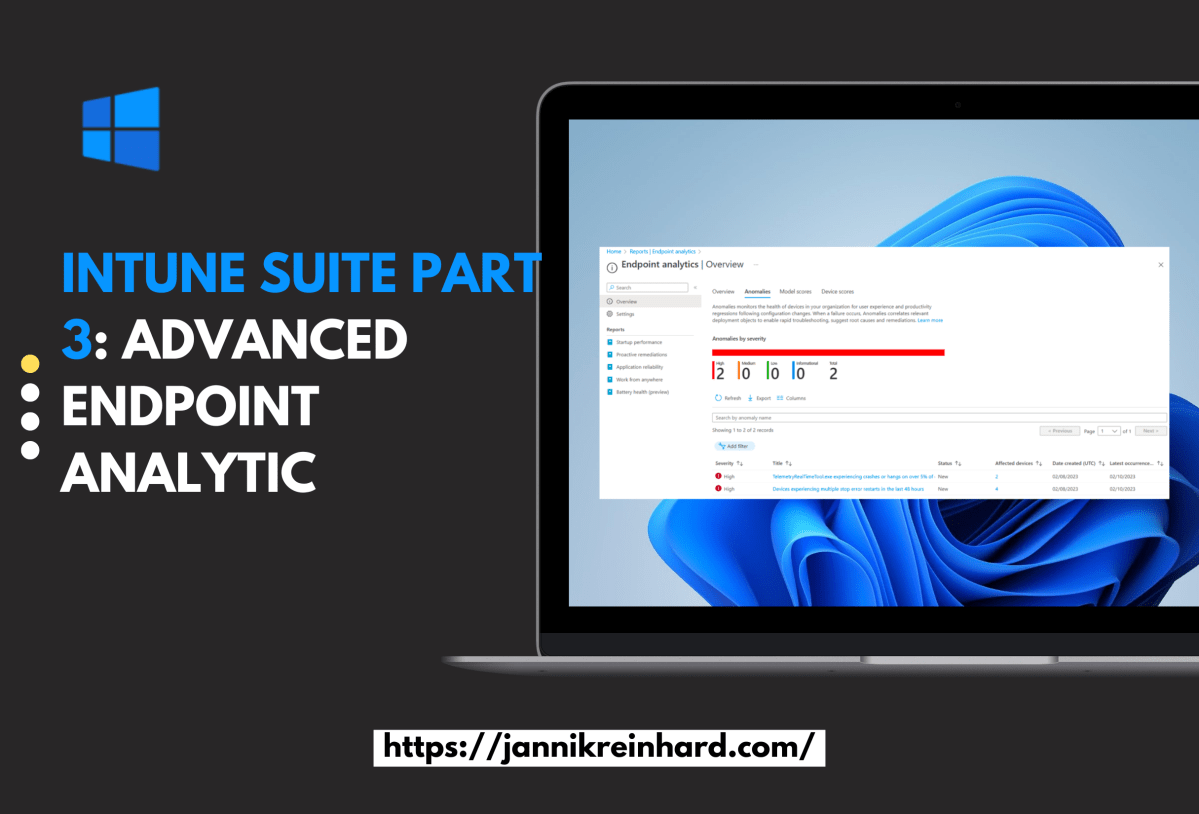
Intune Suite Part 3: Advanced Endpoint Analytics
In the third part of this Intune Suite series, I want to give you more insights into advanced endpoint analytics. I am really happy that Intune has gone in the direction of machine learning and anomaly detection. I blogged about these topics a few months ago, discussing how to analyze…
Read more…

Intune Suite Part 2: Easy start with Endpoint Privilege Management
In my second part of the Intune suite series I want to talk about Endpoint Privilege Management. This feature is brand new and was released yesterday. Endpoint Privilege Management (EPM) is a powerful feature in Microsoft Intune that allows you to enable users to run as standard users, without administrative…
Read more…
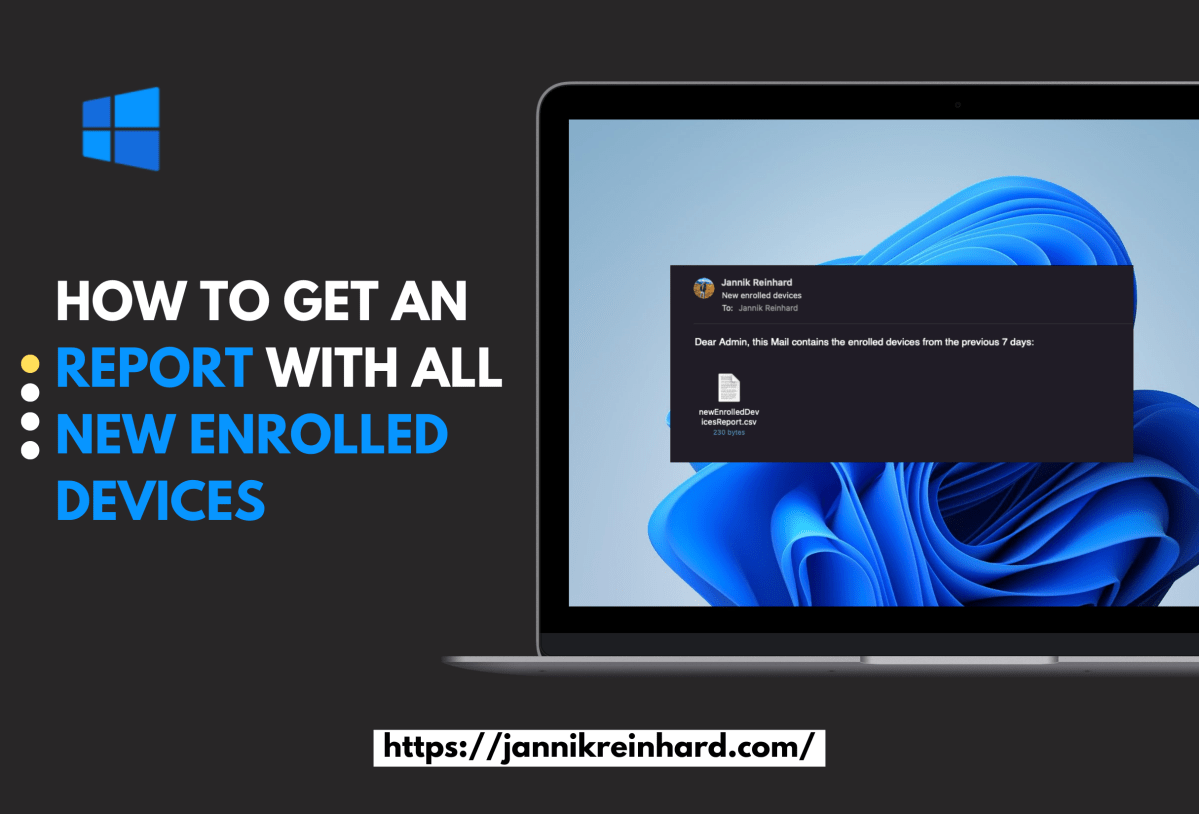
How to get an report with all new enrolled devices
Keeping track of newly enrolled devices in your organisation can be a challenging task when relying solely on the Intune console. Wouldn’t it be awesome to receive a comprehensive report automatically via email? As you know, I love automating things. In this blog post, we’ll explore a simple and efficient…
Read more…

Endpoint analytics remediation script community repository
What could be better than working on a project together with others. Andrew Taylor, Joey Verlinden, Florian Salzmann and I have created a community proactive remediation script repository where we have written and added as many scripts as possible ready to use scripts for you. In this blog post I…
Read more…

Intune Suite Part 1: Easy start with Remote Help
Welcome to my Intune Suite series. In this series I will go over the features that are part of the Intune suite piece by piece. We will start with remote help. Every good device management tool has a remote support solution. To meet this use case microsoft has introduced remote…
Read more…

How to use Custom Compliance Script + Example script
Compliance policies are essential for ensuring that devices meet all the necessary requirements set by the company, such as a minimum OS version. Previously, Microsoft provided predefined policies that could be used, but with the service release 2208, support for custom compliance checks was added, enabling the freedom to query…
Read more…

Create Smart Groups for Wave Deployment of Configurations in Intune
How do you distribute configuration profile, apps or other configurations in Intune today? In this blog I want to explain and provide a script how you can easily roll out objects in Intune using waves. Here I will help you to create groups defined by you that will pack a…
Read more…

How to create PowerShell script to automate tasks in Intune
Most have heard the term Microsoft Graph API before. Ms Graph is an interface from MS for accessing and controlling a variety of Microsoft cloud services. In this blog post I will go into more detail on how you can use Graph in conjunction with Intune, what your options are…
Read more…

Detect Errors from Intune Assignments: How to Export all Errors
Welcome to my first blog as a Microsoft MVP! This blog will focus on a script I created in response to a request from a member of the community who asked how to efficiently export all errors in Intune. Instead of manually sifting through numerous reports to find errors, my…
Read more…

Get assignments of an device via Powershell
Via the MEM UI in the device overview you can see all assignments of a certain device. In the service release Service release 2206 even the function to see the group members of a device was included. But if you want to create automations it is helpful to be able…
Read more…
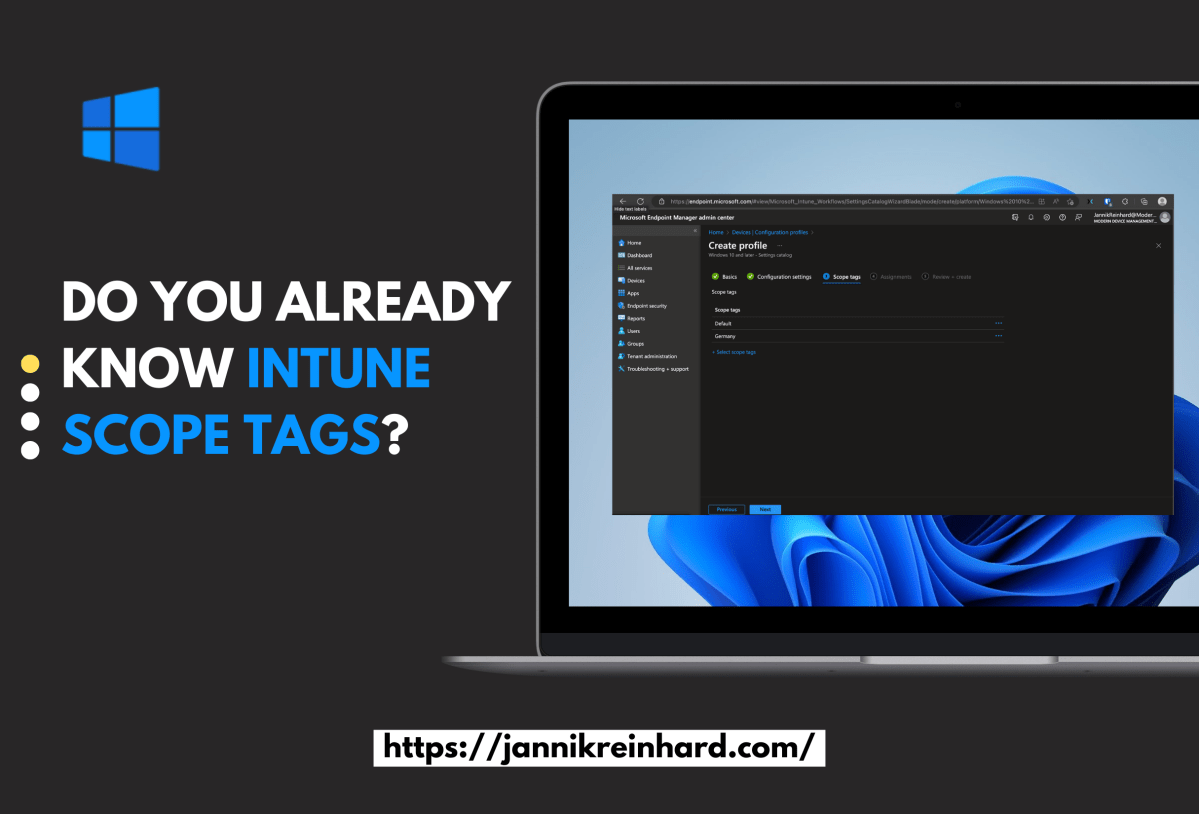
Do you already know Intune scope tags?
Intune scope tags allow you to manage a large organisations IT infrastructure while giving each department/region/sub company/… the flexibility to configure their own settings. Scope tags in Microsoft Intune allow administrators to divide devices in their organization into logical groups. These groups, also known as tags, can be used to…
Read more…
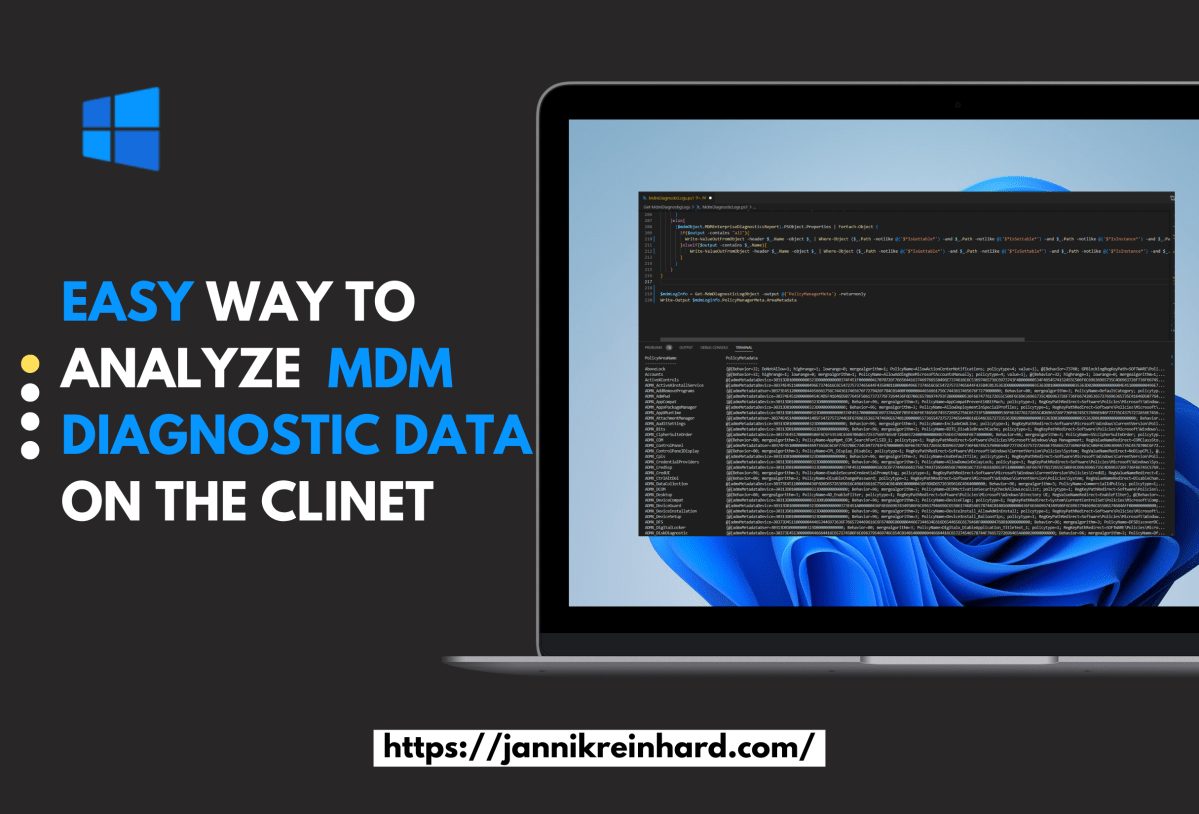
Easy way to analyse MDM Diagnostic data on the client
In this blog I would like to give you a helpful tool how you can analyze the MDM diagnostic log directly on the client with the help of PowerShell and how you can process the content in a simple way to implement remediations or to build a monitoring. In the…
Read more…

Intune Quick Start Guide
Remote working is the new normal and this is exactly what has contributed to the spread of intune. Intune gets a large number of new users/devices every day and is also being developed at a rapid pace. Intune is an extremely good platform to manage devices regardless of their location…
Read more…
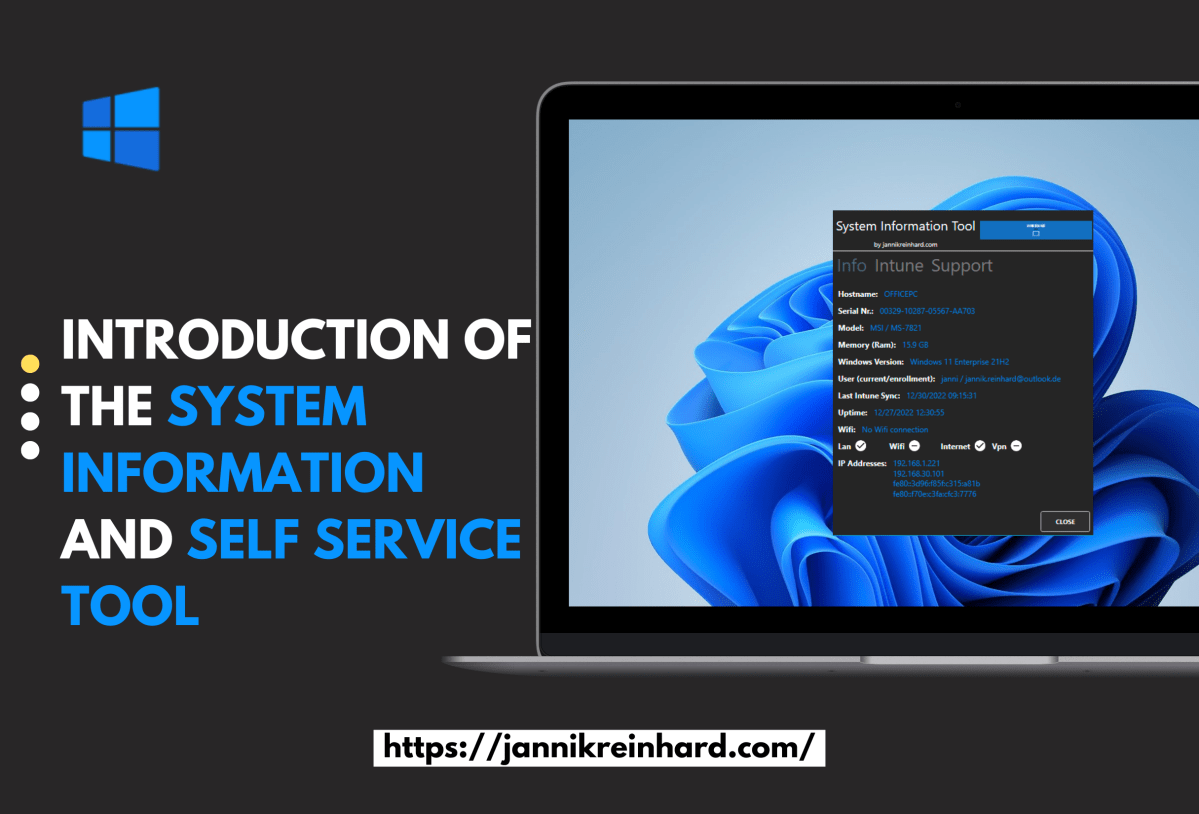
System Information and Self Service Tool
In this blog I would like to introduce you to my new System Information Tool. The System Information Tool is a software that displays various system information, such as the serial number, IP address, username and logged-in user, and many more. It also provides functions for troubleshooting and analysing problems…
Read more…
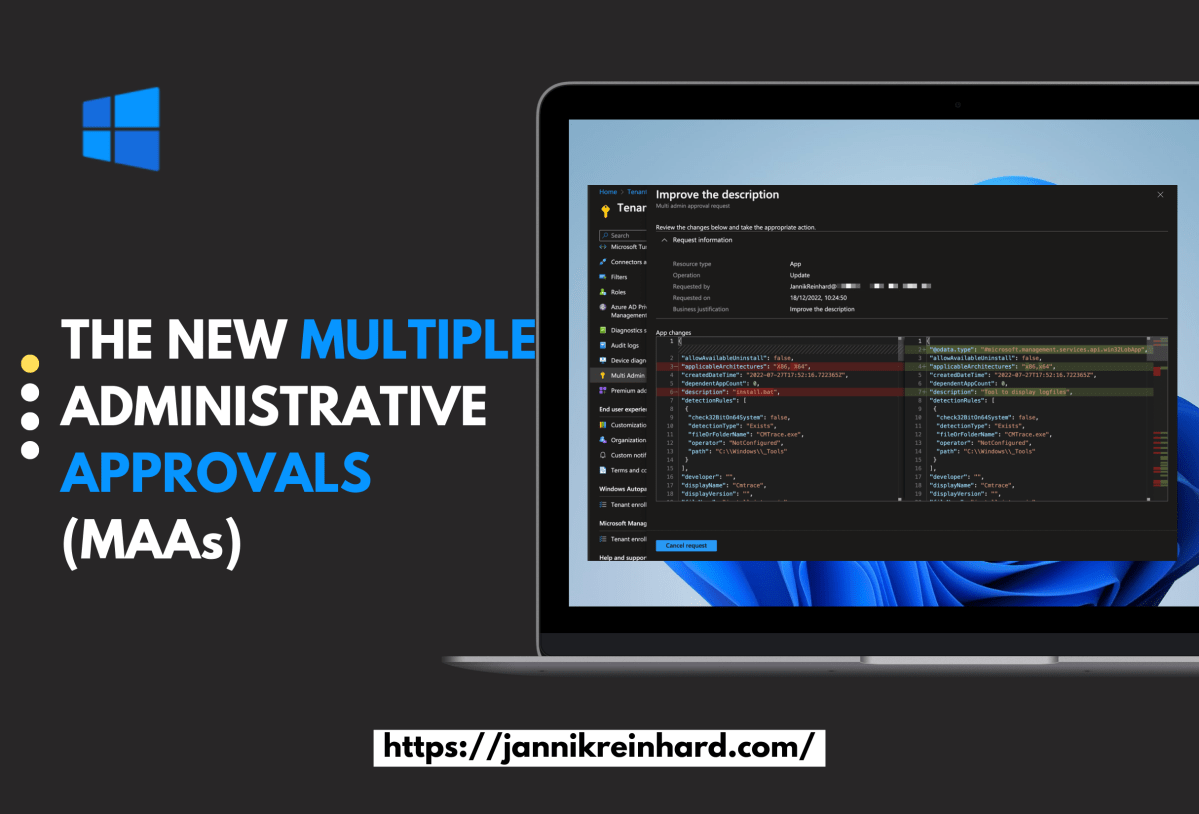
The new multiple administrative approvals (MAAs)
Are you looking to add an extra layer of security to your device configurations in Microsoft Intune? The new multiple administrative approvals (MAAs) feature, introduced in the November 2211 service release, may be just what you need. In this blog post, we’ll walk you through the process of setting up…
Read more…
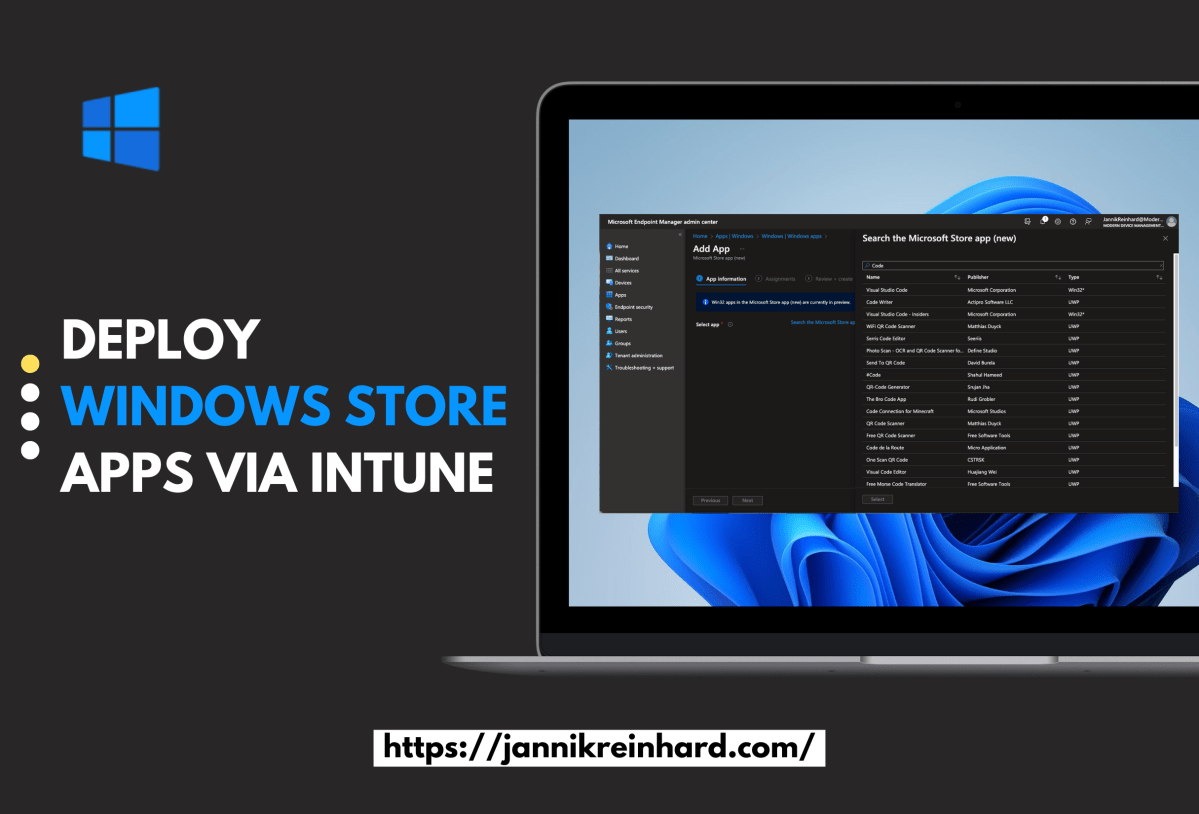
Deploy Windows Store Apps via Intune
This blog post is my take about how to install Windows Store Application via Intune. this feature makes it much easier to deploy apps via Intune. Intune provides all apps that are available in the winget repository and you can easily select them via a very large software catalog in…
Read more…
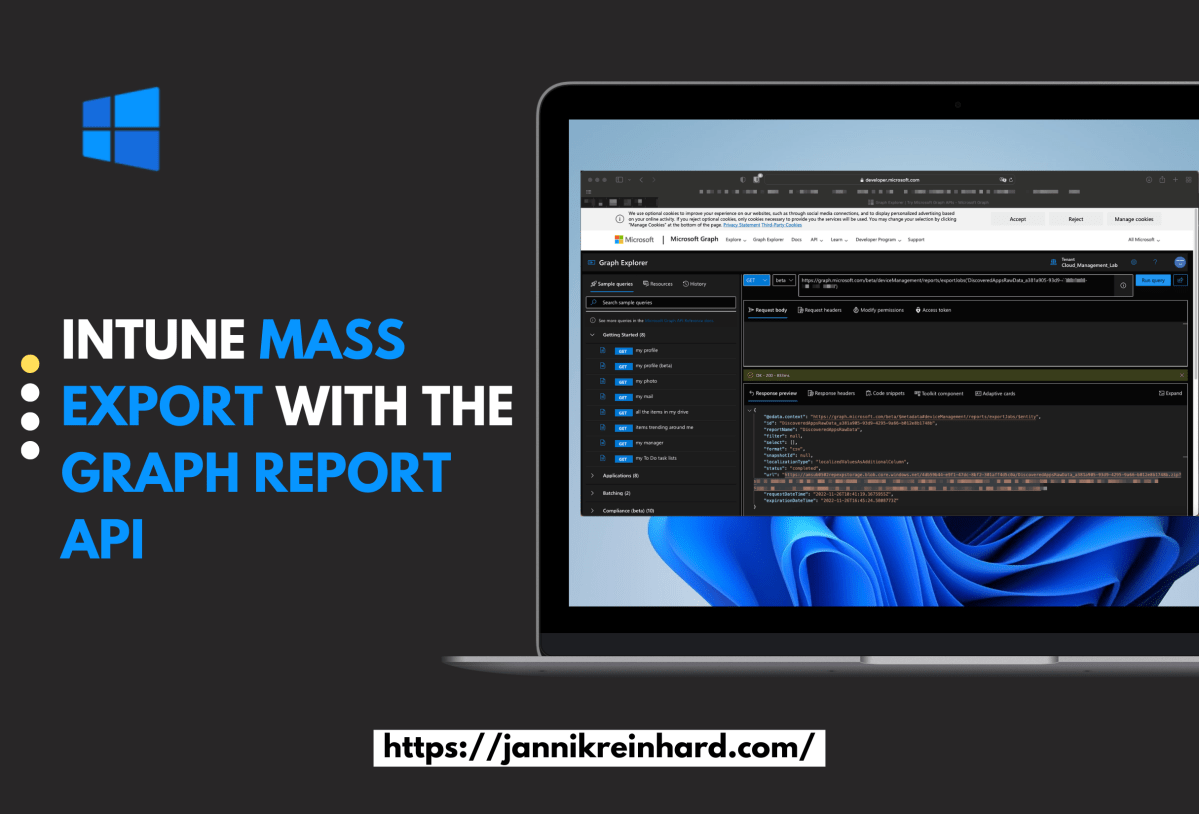
Intune mass export with the Graph Report API
There are many ways to export information from Intune. For example, you can use Log Analytics, the Data Warehouse or the Graph API. But if you want to export several thousand devices or apps via Graph, it can happen that Graph has a paging. Paging means that you only get…
Read more…
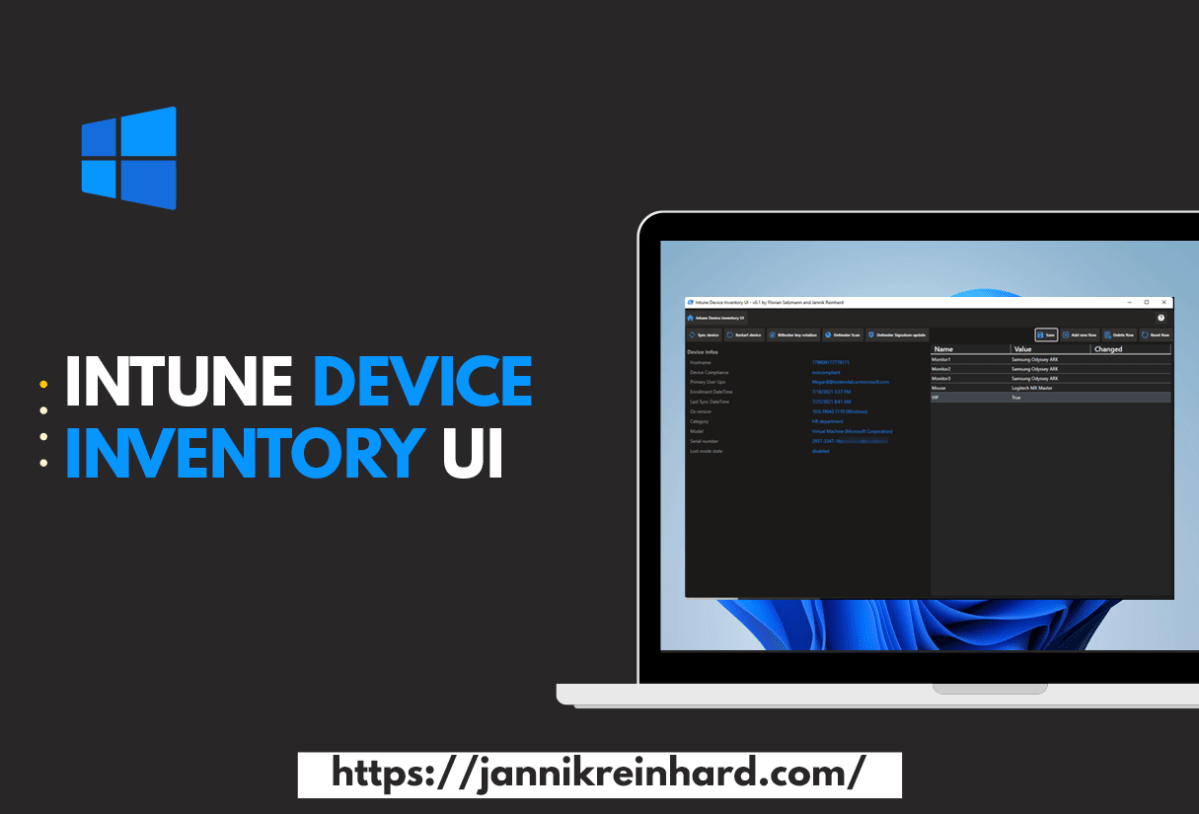
Intune Device Inventory UI
Anyone who has been working in the area of device management for a while knows that a good inventory is a very important prerequisite for good device management. A very desired feature from you is to have a custom inventory directly in Intune with which you can then continue to…
Read more…

How to enroll a ubuntu device in intune
Since a few weeks there is a new icon in the Intune console and this is linux. The linux support is a very long awaited feature and there was good feedback from the ommunity. Currently the feature set is still a bit limited, there is currently only the possibility to…
Read more…
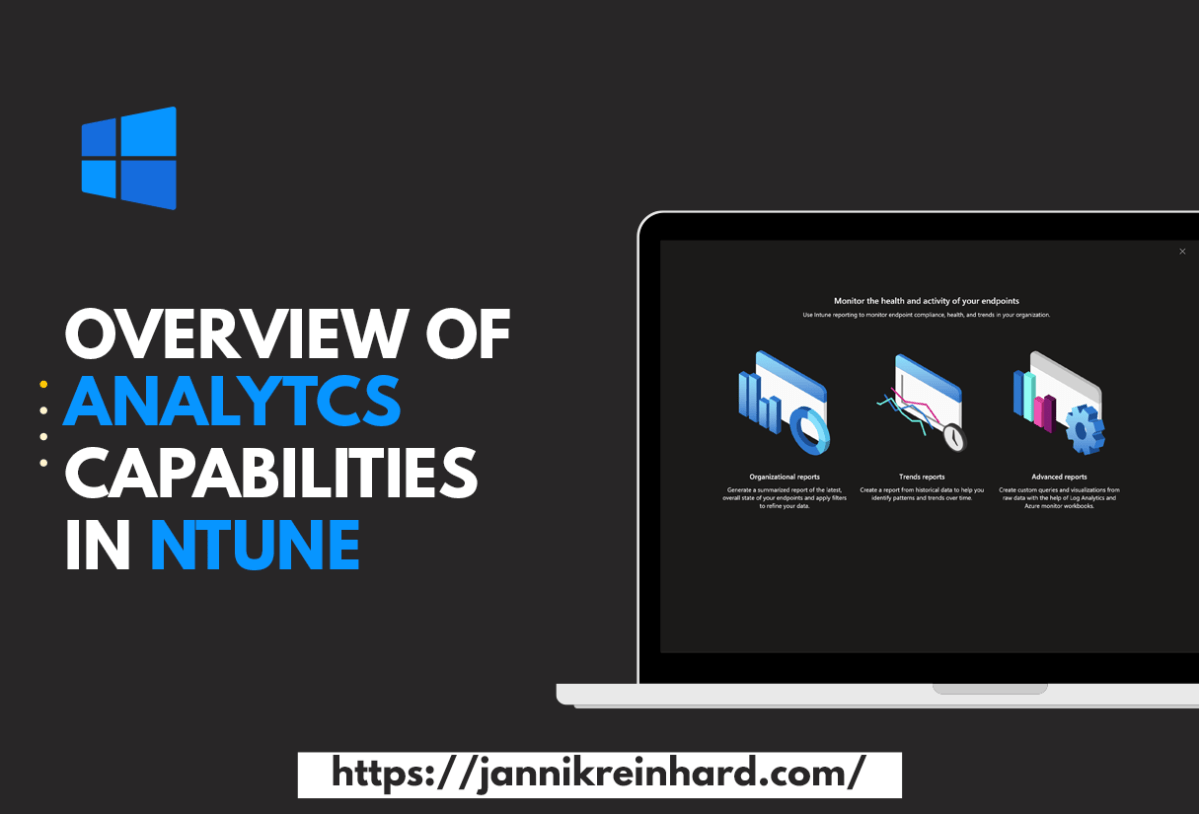
Overview of Analytics capabilities in Intune
A lot has changed from the traditional on premise managed workplace to the modern workplace managed via cloud power. You no longer have to worry about infrastructure, you can work securely from anywhere and you save money. But where do we go from here? The topic of analytics and user…
Read more…
Whats new in 2210
Glad to publish today my second installment of my Intune Whats new series. This month was ignite and what you need to know that during this time very many are busy internally at microsoft through the Ignite. Nevertheless, the changes in the new service release are very noteworthy. In this…
Read more…

Intune DevOps Tools – Move objects from Dev to Prod Tenant
The more clients are managed in your tenant and the more people have contributor rights in your tenant, the more important it becomes to have good release management processes. In this blog post I would like to introduce you to my Intune CI pipeline that allows you to transfer configurations…
Read more…
Recap Ignite 2022 – New Intune related announcements
Like every year the Ignite of Microsoft takes place. This is an event where Microsoft presents news in their products but also general strategic topics on which they will work within the next few months. This year the ignite was a hybrid event both as live stream and on site…
Read more…

Deep Dive into delivery optimization
You can imagine that when a new Windows patch or a new version of a software is released and has to be installed on every Devices and many PCs start to download the content at the same time from a destination outside the corporate network, the Internet break outs are…
Read more…
How to skip the ESP for a single app installation
Unfortunately, there is no setting in Intune with which you can determine whether an app should be installed during ESP (Enrollment Status Page) or only after ESP. Of course, it is a huge advantage to install as many apps as possible during the ESP or even better during the white…
Read more…
Whats new in 2209
Every month there is a new service release of Intune with new features and bug fixes. With this blog I would like to start a new series and take a closer look at the new features in new Intune releases. The release that was released on Thursday was the 2209…
Read more…
Deep dive into the IME Health check
In one of my last posts we took a closer look at how the Intune Management extension works and even looked behind the scenes directly into the code. In this post I have already mentioned the ClientHealthEval.exe and I would like to take a closer look into this. What is…
Read more…
Collect connected Hardware with Endpoint Analytics
To see which devices are using a particular monitor or keyboard, it can be very helpful if you can collect this information. In this blog I will show you how to do this with the help of Endpoint Analytics. You can then use this information to assign a driver to…
Read more…
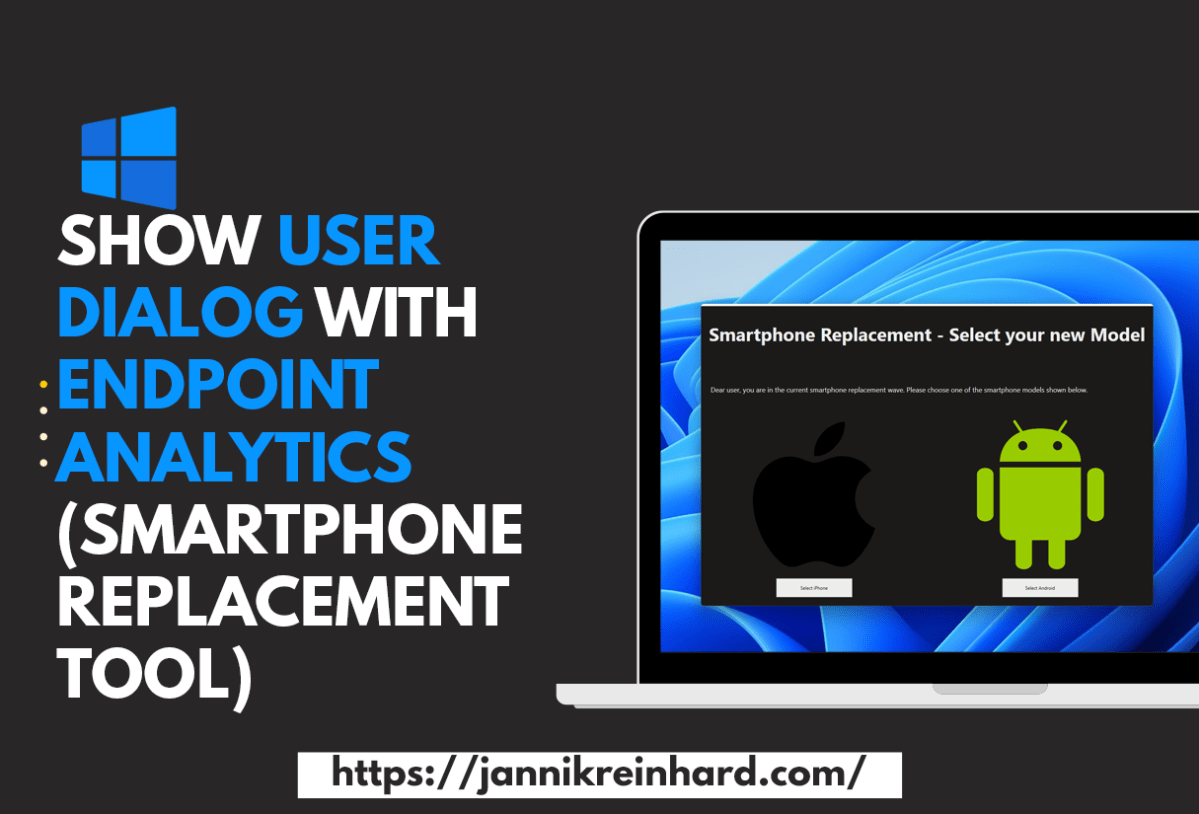
Show user dialog with Endpoint Analytics (Smartphone Replacement Tool)
It is not always easy to reach users via email or other channels. When there are projects running to exchange e.g. smartphones or migrations from files from a network drive to an SharePoint it is hard reach the users and get an answer. Intune provides with Endpoint Analytics a very…
Read more…

How to activate the new options for Passwordless authentication
The best password is the password that is not needed. Statistics show that the more often you have to change the password, the more insecure it becomes. Users write down the password or simply count it up. How about a possibility that is secure but does not require a password.…
Read more…
How to start with creating blog content about MEM
I started blogging about various mem topics some time ago. What I can say after this time is that this was the best decision I made. By creating blog posts I have been able to expand my knowledge a lot, I have met a lot of amazing people and the…
Read more…

Create and Fill AAD Group based on an local attributes
There is often the need to create an AAD group based on a local registry key or another attribute to make more specific accesses, to use this group for access rights to an application or many other usecases. How you can do this with the help of endpoint analytics and…
Read more…
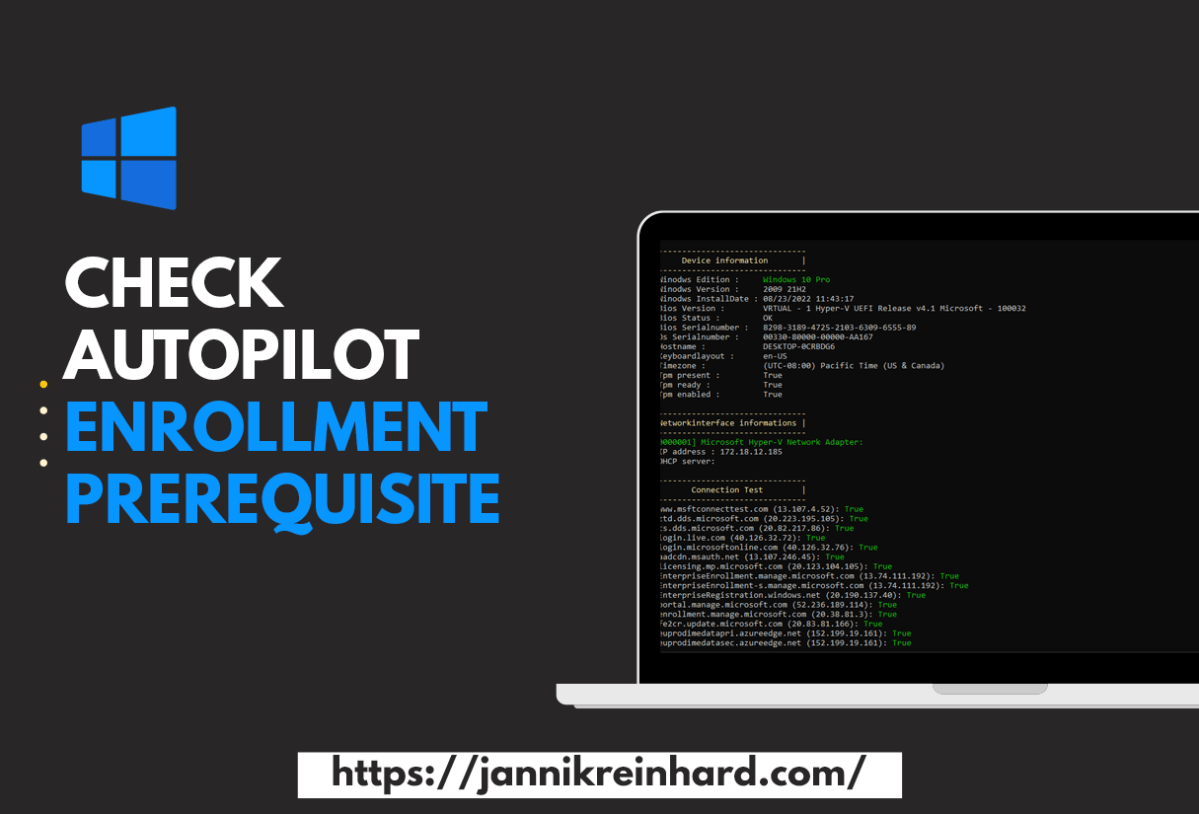
Check Autopilot enrollment prerequisite
Everyone who has enrolled a few devices with autopilot in his life and has encountered errors knows the problem that it can quickly be very cumbersome to find the problem why an enrolment fails. Especially when it comes to network endpoints that are not reachable it can be very time…
Read more…

Get teams notification for the Top5 apps with installation errors
It is always important as an Intune admin to have an overview of the environment. Intune offers a lot of reports but as we all know you don’t look into them every day. Isn’t it easier to get a daily or weekly message in Teams and see the top failed…
Read more…

How to import custom ADMX/ADML into Intune
With the Intune service release 2208 there is a really nice feature that provides the support to import ADMX and ADML templates very easy into MEM. This helps to create configurations for e.g. 3rd party products. How this work I will explain based on a Firefox. Upload ADMX and ADML…
Read more…
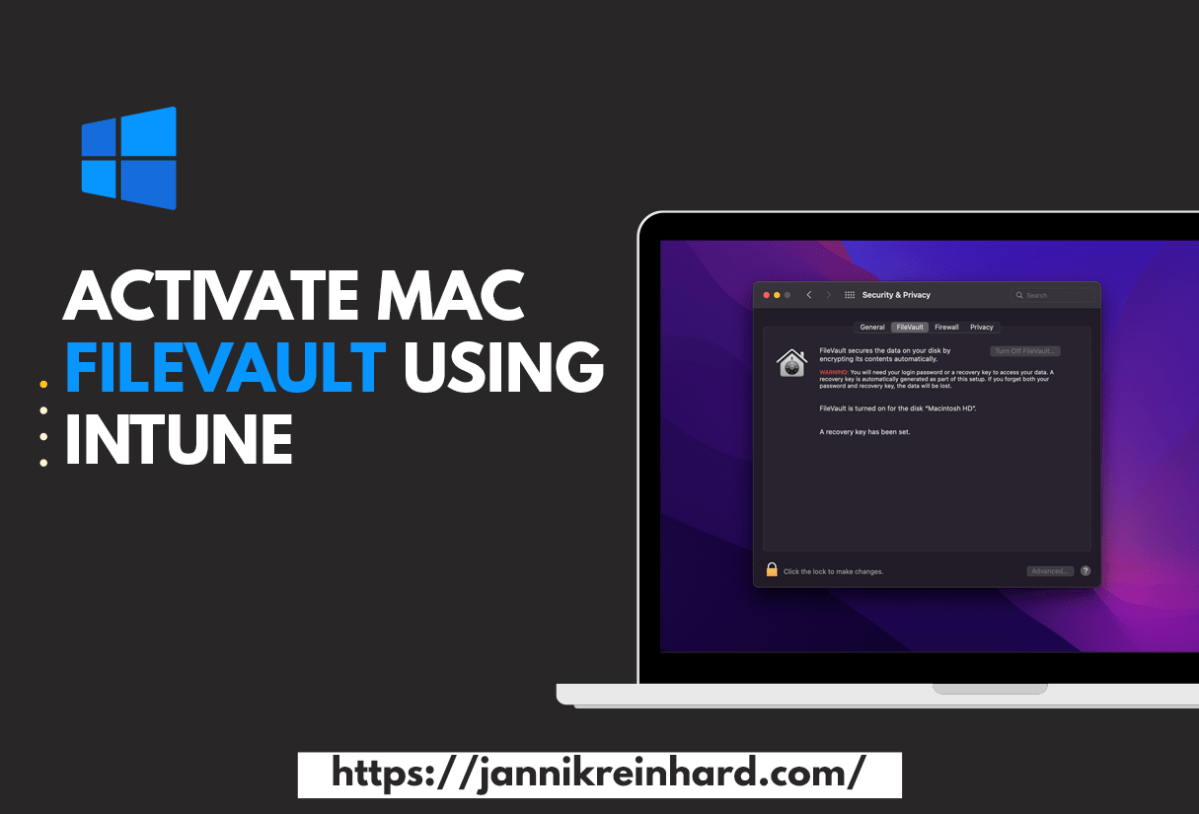
Activate Mac FileVault using Intune
Encrypting the disk of a workspace is one of the basic settings that every managed device should have. Everyone who manages Windows PCs knows BitLocker. The solution that is integrated in MacOS to encrypt disks is called FileVault. In this blog I want to explain you how to configure this…
Read more…

Detect anomalies in your Intune environment with Azure Cognitive Services – Part 3 Bluescreen of death detection
Welcome to the third part of my series in which I describe ways to get proactive notifications when something in your environment has a problem / error. So that this monitoring does not work with static values I use Microsoft Cognitive services to detect anomalies via machine learning. In this…
Read more…

Change Windows 11 Context Menu with Intune
Windows 11 has brought some changes to the Windows Explorer, including the way the context menu looks. By default, the context menu is reduced to the really necessary functions. This is sufficient for most users. However, if you often need functions that are not in the reduced view, then this…
Read more…

Introduction of the Intune App Creator with help of Chocolatey
Anyone who has worked with Intune and deployed an app knows that this is a bit of work. You have to download the sources, create the IntuneWin file, create the app in Intune. To simplify this I have created the Intune App Creator. With this application you can search within…
Read more…

Introduction of the Intune Device Troubleshooter
If you follow my blog, you know that there are two things I really like: helping people with their problems, and automating or simplifying processes. In this blog, I want to introduce you to my new tool, the Intune Device Troubleshooter. This is a PowerShell UI application that will help…
Read more…
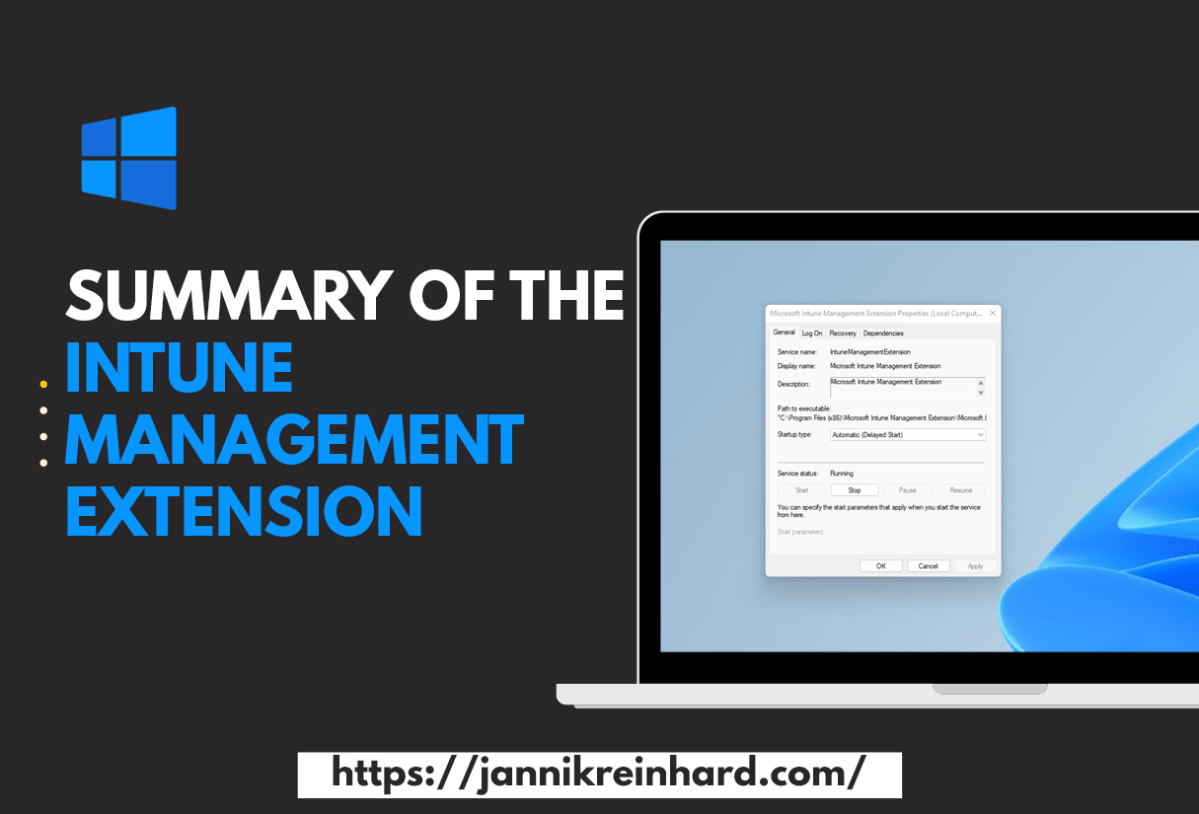
Summary of the Intune Management Extension
If you’ve been following my blog, you know that I mention the Intune Management Extension (IME) in several of them. The IME is a powerful tool that help you to manage your devices. In this blog, I’d like to go into more detail and take a look behind the scenes…
Read more…
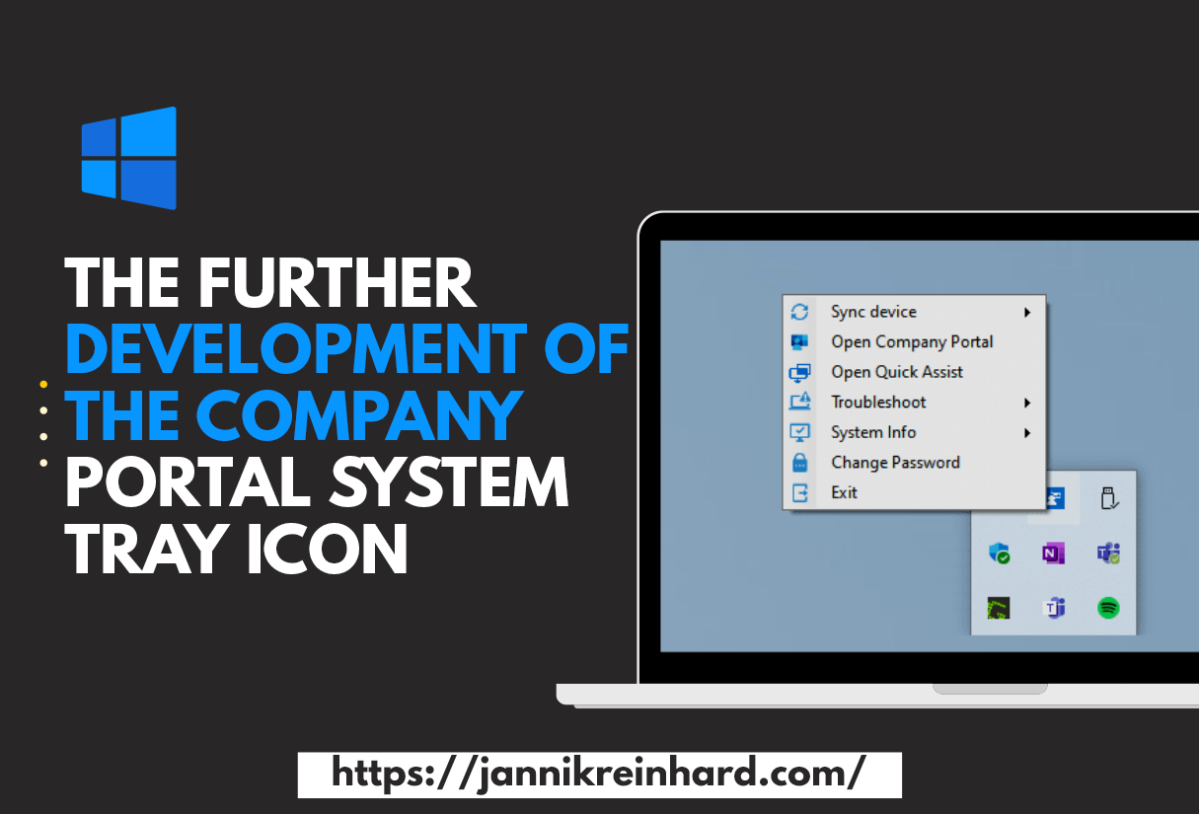
The further development of the Company Portal System Tray Icon
A few weeks ago I released the Company Portal System Tray tool. The posts have a very good feedback and the tool was tested by some and also used productively. I have been working on developing the tool further and integrating more useful functions that can help with troubleshooting. The…
Read more…

Detect anomalies in your Intune environment with Azure Cognitive Services – Part 2 Application Installations
In one of my previous blog posts I explained how you can use Azure Automation and Azure Cognitive service to monitor the compliance state of your environment and notify you if there are major deviations today. In this part of the series I want to show you how you can…
Read more…

Using MacOS custom attributes in Intune
Intune already has a basic inventory of MacOS devices. On the one hand, there is a hardware inventory in which you have everything from the serial number to the free memory, but also os information. In addition, you can see in the discovered apps which applications are installed on the…
Read more…
Automatically create assignment groups when a app is created
When creating a new app in MEM and not assigning it to AllUser/AllDevices this is always some work to create own group for available/required and uninstall assignments for each app. You know I love automation. To save time and automate this work I will describe in this blog how you…
Read more…
Use Endpoint Analytics to clean up the disk
I have already written several blog posts about endpoint analytics. In the Microsoft Tech Community the question came up how to clean up the disk using Intune. This is a question that is difficult to answer generically as it is always very specific. Through more and more applications and data…
Read more…
A default set on assignment Filter
In one of my posts I have explain how you can create an apply assignment filters. Is a very powerful feature to refine the assignment of group. For example, you can assign a config profile to all devices and apply a filter to apply the config profile only on Windows…
Read more…

Detect anomalies in your Intune environment with Azure Cognitive Services – Part 1 Device Compliance
It is hard to keep track of your Intune environment. With the help of log events you can build static monitoring via Azure automation or logic apps. This is possible if you are only interested in a specific event or if you can express this via static code. However, if…
Read more…
Build PowerBi Dashboard based on Intune Data Warehouse
The Intune Data warehouse provides some data that is very useful for creating reports. In this blog I will show you how to access this data with PowerBi and also provide you with a example dashboard. What is the Intune data warehouse The Intune data ware house is a collection…
Read more…

Sync Azure AD Group with Kiosk Config Profile
I have already described in a previous blog how to deploy a device as a kiosk device using Intune. This actually works really well. There is only one small thing that is really inconvenient. If Azure AD user or group is selected as logon type (only specific users are allowed…
Read more…
 jannikreinhard.com