
Cloud and endpoint security
Apply security controls to endpoints, cloud services and AI applications. These articles cover device restrictions, identity, permissions and the checks around agent tools. Follow a specific configuration or review the boundaries of an integration. The examples include the point at which a control is enforced, so you can distinguish application behavior from access policy.


Name the action a control must govern
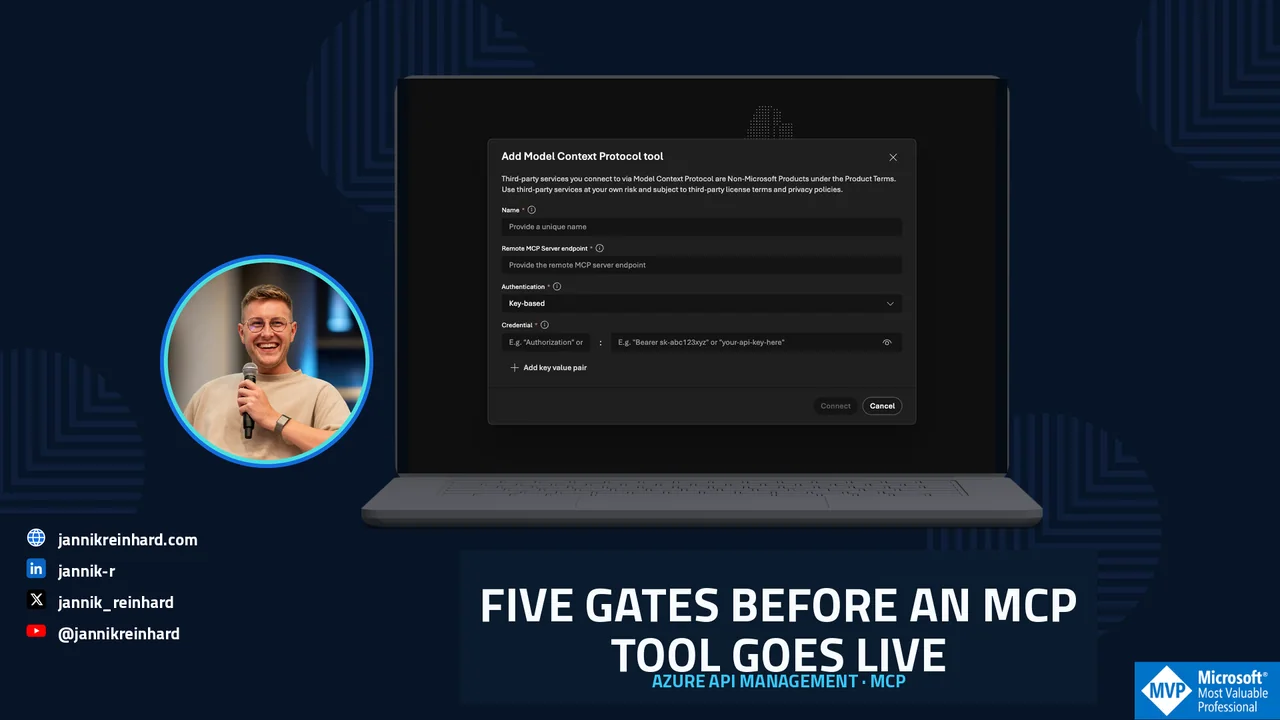
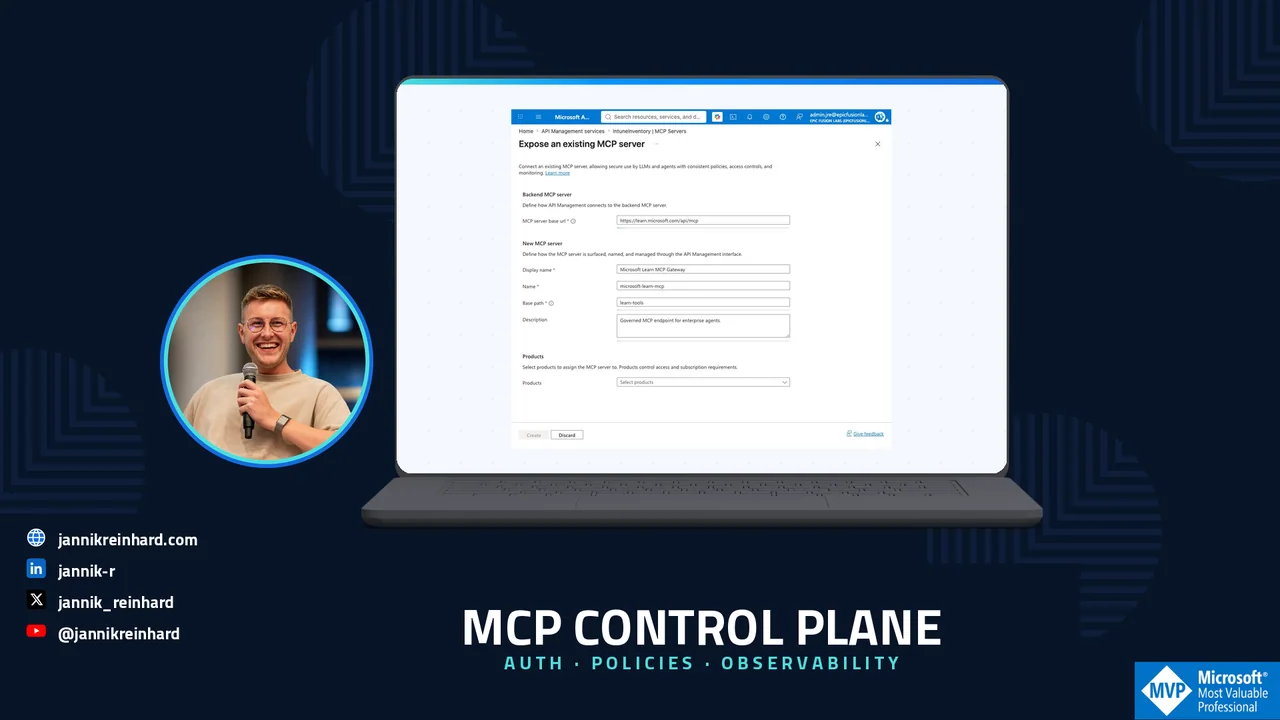
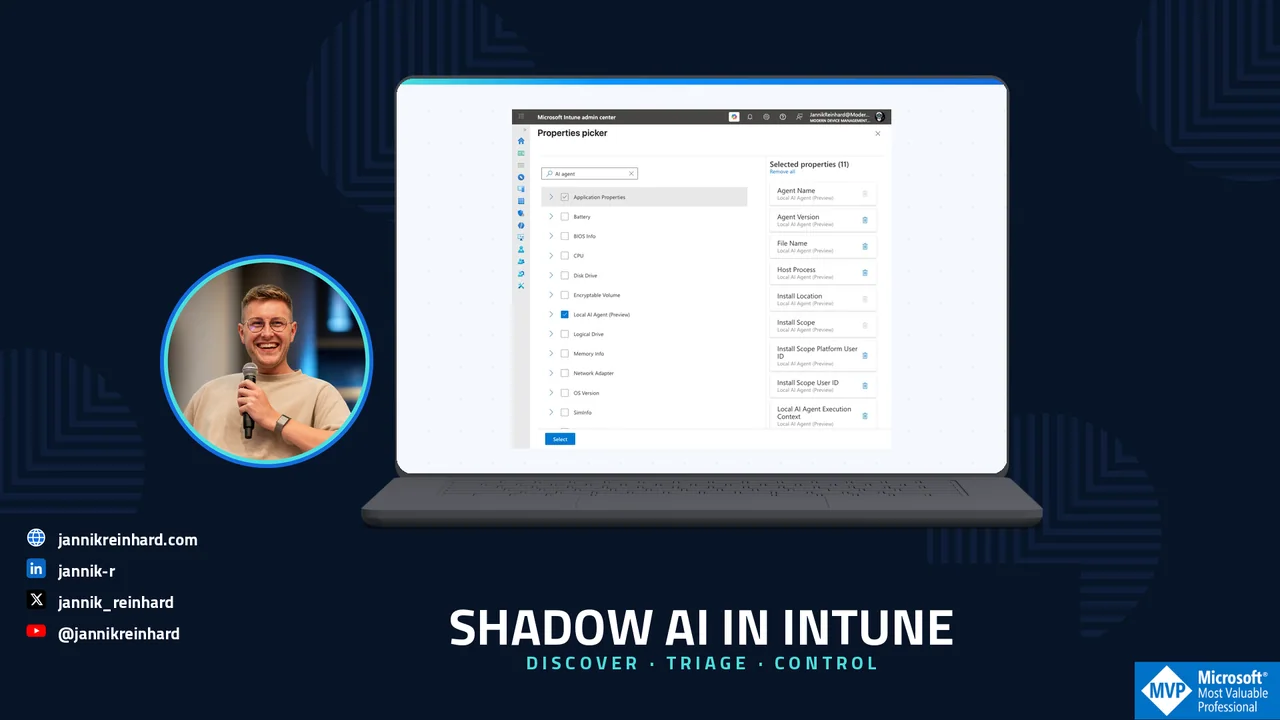
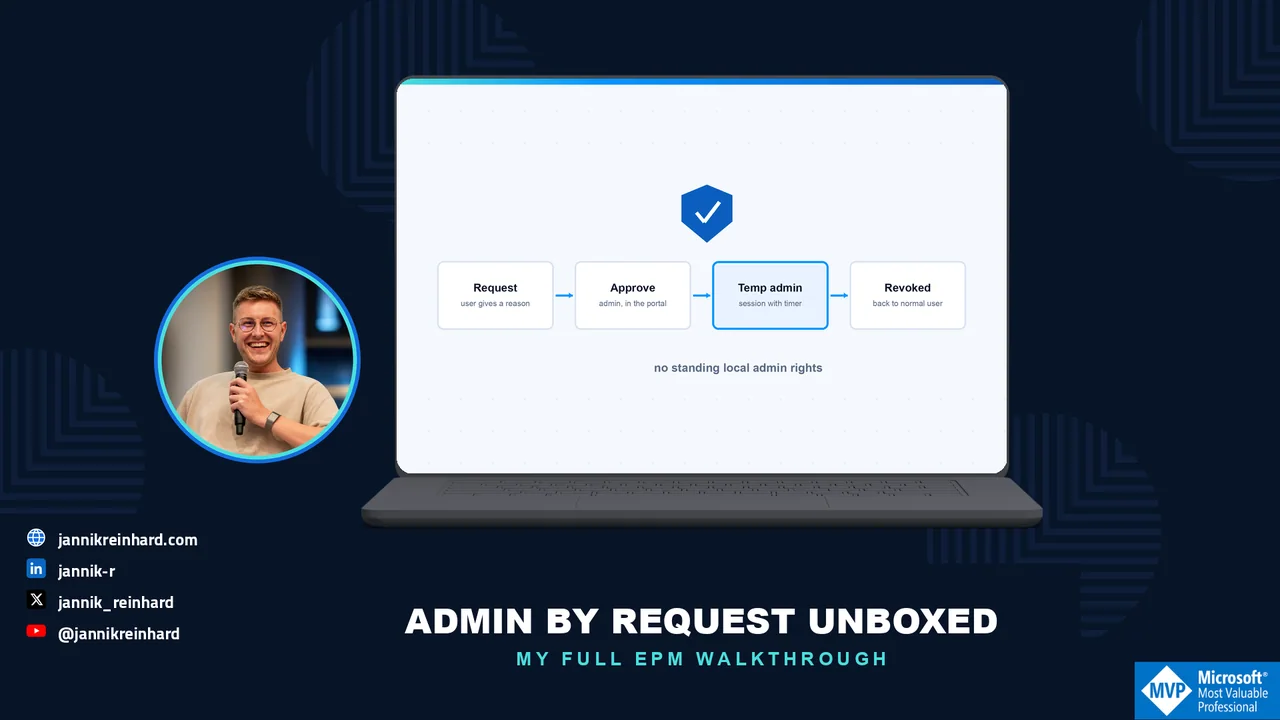
Begin with an action you want to allow, limit or review. It might be elevating an application, calling a tool with an agent or accessing a resource from a managed device. Identify who performs that action and where the decision is made. Choose the corresponding article instead of applying every setting from a general checklist. For an endpoint privilege question, follow the EPM walkthrough. For an AI-agent question, use the runtime-protection guide and keep its stated support boundaries with your test notes.
Keep configuration and evidence together
Write down the product version, policy scope, test identity and expected outcome before making a change. In a lab, try both an action that should be allowed and one that should be refused. Record the observed result and the event or log that supports it. A portal screenshot shows a setting; the test notes show what happened for a particular request. If the two disagree, investigate that difference before extending the configuration to a wider group. Include a way to reverse the test change and identify who can do it.
Review the complete path
For an agent integration, trace the path from the user request through the agent, tool and target service. At each boundary, ask which identity is used and which data is passed on. For endpoint controls, include the device context and the application being tested. The linked guides focus on different parts of these paths, so keep a list of the boundaries your test has not covered. A successful check for one application or identity is evidence for that case; repeat it for the other cases you intend to support.
Use the publication context
Some tutorials describe an older portal or an early product capability. Read the date and update notes before reusing a configuration. Follow the official documentation linked in the article for current prerequisites and supported combinations. Keep the result of your own checks with the configuration so a colleague can repeat them after an update. When asking for help, describe the intended action, the control you tested and the difference between expected and observed behavior. Share anonymised evidence and keep credentials out of the request.