Intune Wave Deployment: Create Smart Device Groups
Build device groups for phased Intune deployments with PowerShell. Review the grouping script, assignment strategy and validation before a wider rollout.
Read article
Build device groups for phased Intune deployments with PowerShell. Review the grouping script, assignment strategy and validation before a wider rollout.
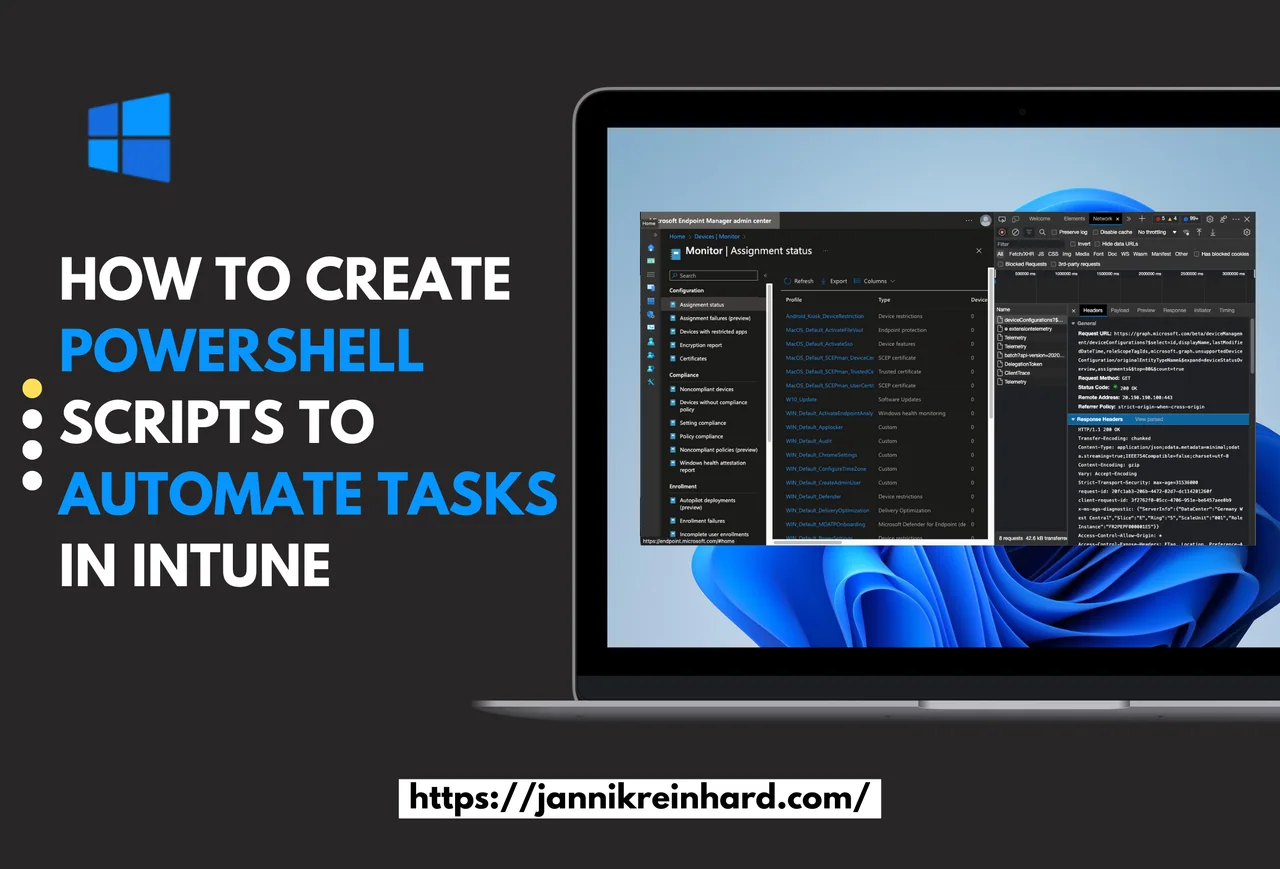
Read articleAutomate Microsoft Intune tasks with PowerShell and Microsoft Graph. Build authentication, API calls and reusable scripts step by step.
Read articleExport Intune assignment errors with PowerShell for troubleshooting and reporting. Review the script, required permissions and the resulting CSV output.
Read articleResolve the assignments of a device via PowerShell in seconds: groups, profiles and apps in one clean report. Stop guessing why a policy applies.
Read articleIntune scope tags make delegated admin simple: learn how to create groups, tags, and custom roles in a few proven steps to secure your tenant fast.
Read articleAnalyze Windows MDM diagnostic data with PowerShell. Inspect the report and client-side information to investigate Intune configuration and enrollment issues.
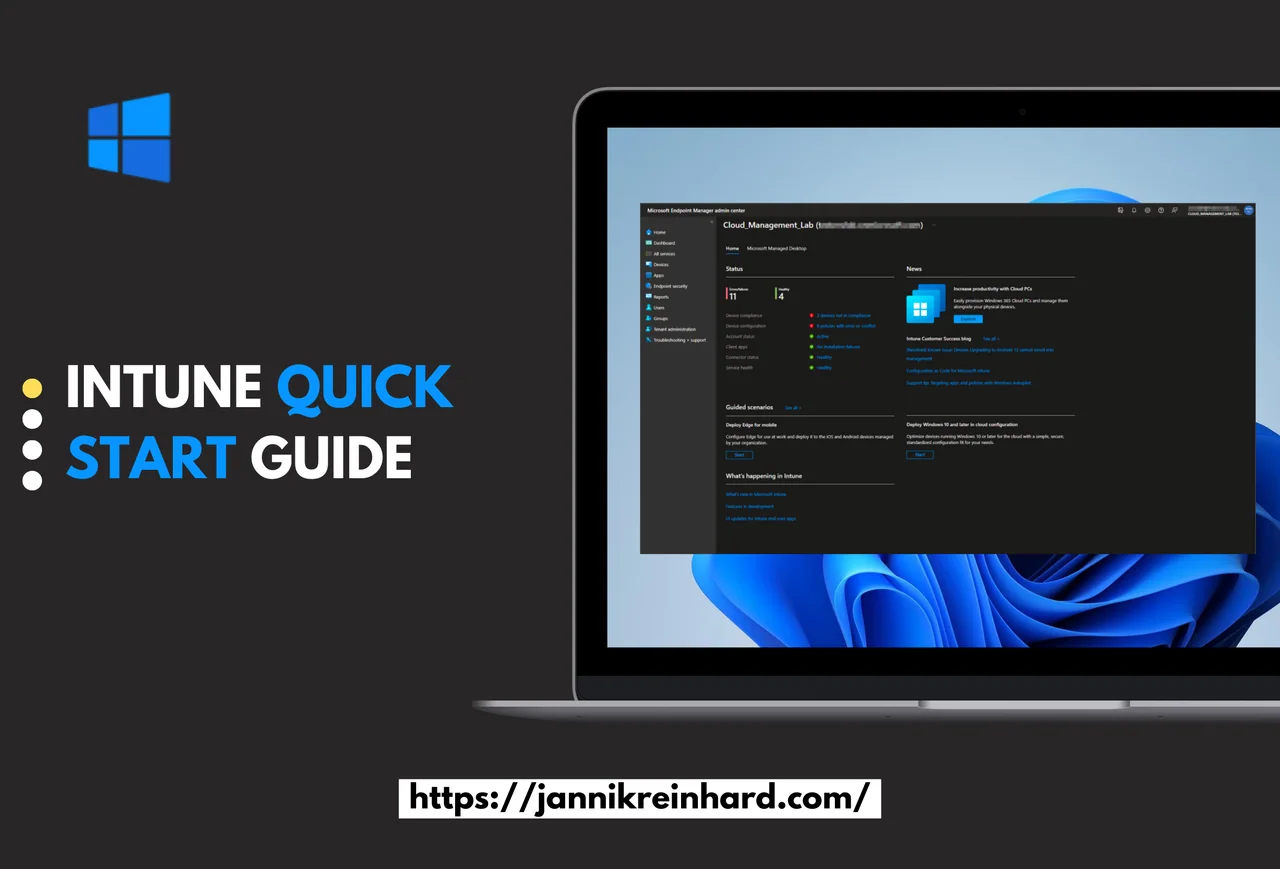
Read articleIntune Quick Start Guide: learn the portal, prerequisites, and how to create your first profile fast. Get up and running in easy, simple steps.
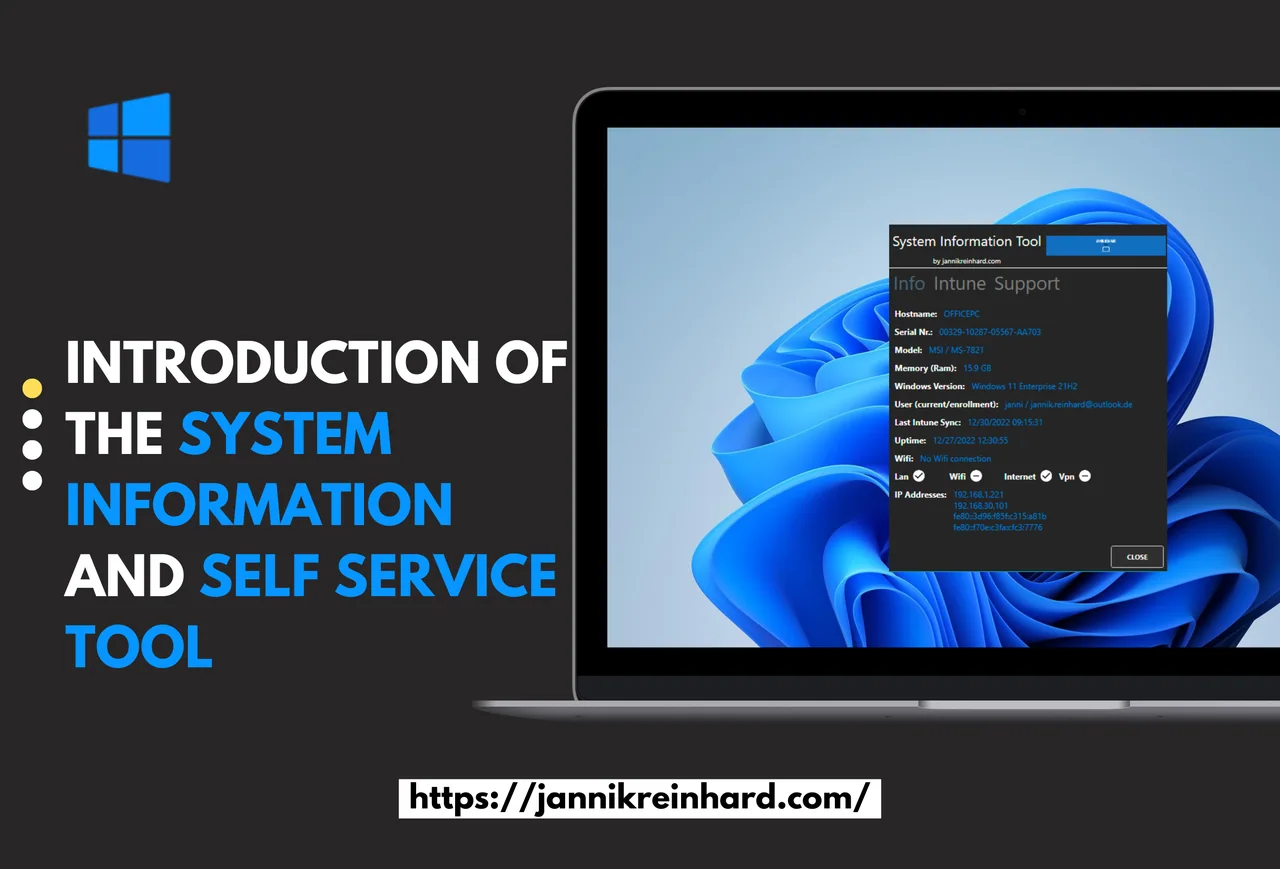
Read articleExplore the Windows System Information and Self Service Tool. View device details and available support actions, then review deployment through Intune.
Read articleSet up multiple administrative approvals in Microsoft Intune with this easy guide. Add a second-admin approval to protect apps and scripts fast.
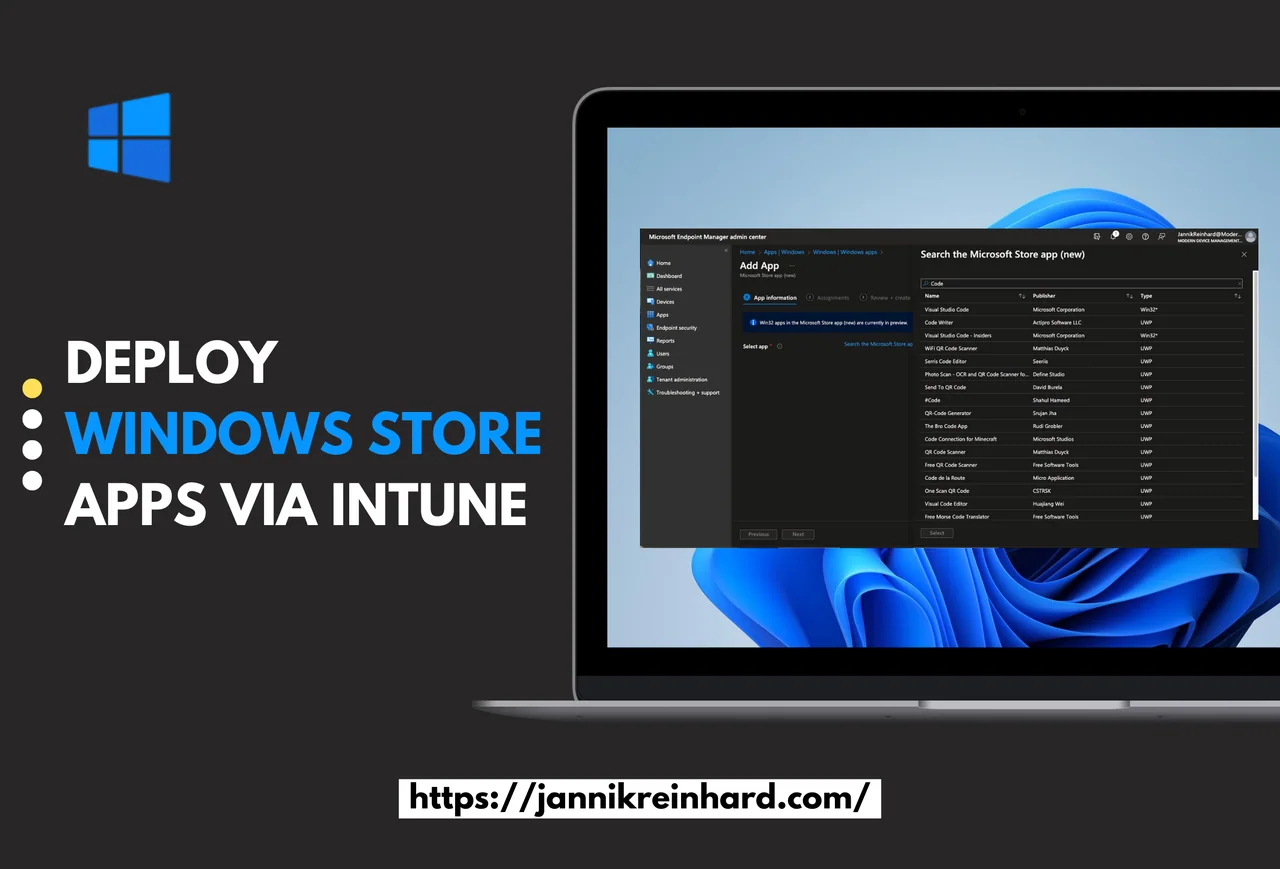
Read articleDeploy Microsoft Store apps through Intune. Follow app selection and assignment, then review installation behavior and the Windows Package Manager workflow.
Read articleExplore a historical Intune report-export script using Microsoft Graph. Read the authentication compatibility note before reusing the export workflow.
Read articleExplore the original Intune organizational-messages workflow and screenshots. Follow the current Microsoft 365 documentation linked in the update note.
Read article