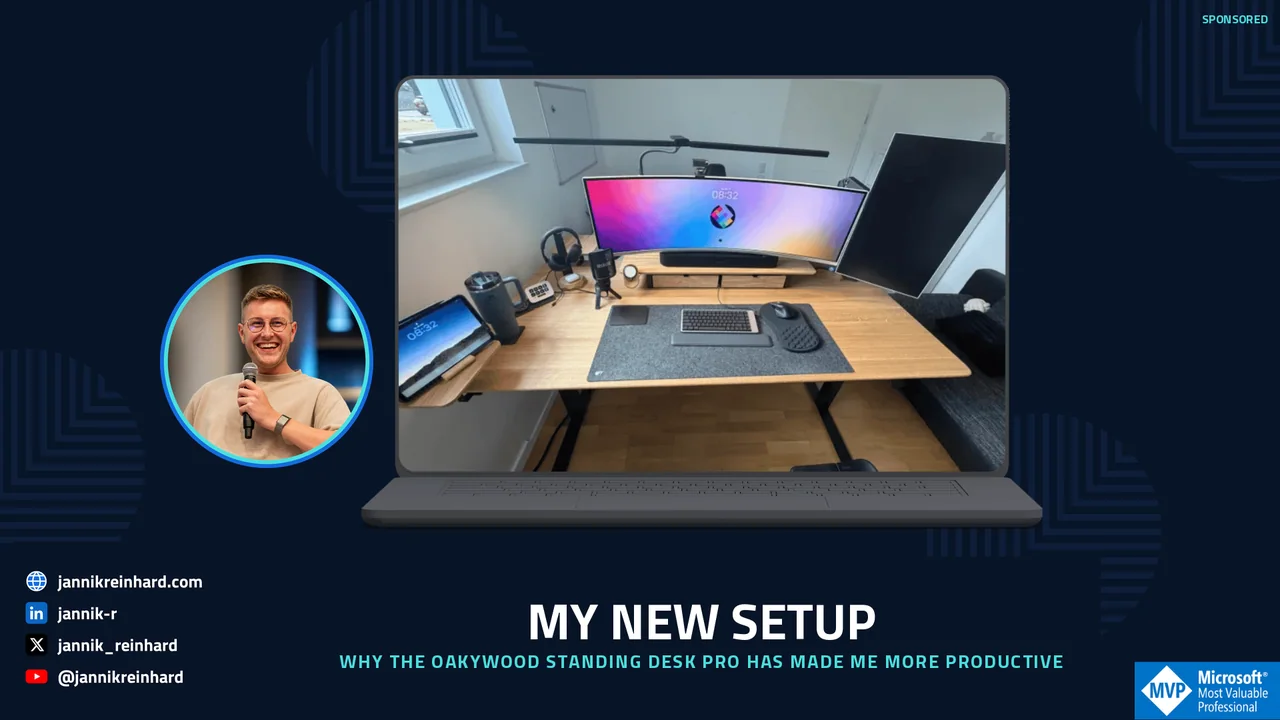
My New Setup: Why the Oakywood Standing Desk Pro Has Actually Made Me More Productive Template.png.opt

My New Setup: Why the Oakywood Standing Desk Pro Has Actually Made Me More Productive

My New Setup: Why the Oakywood Standing Desk Pro Has Actually Made Me More Productive

Advertisement. Oakywood provided the desk and accessories as part of a paid content partnership; this post contains advertising and may include affiliate links. Everything here is still 100% my own experience.

I’ve been using the Oakywood Standing Desk Pro as the centerpiece of my setup daily for several weeks now, and this review collects everything I’ve learned so far.

I’ll be honest: I spend a huge portion of my life at a desk. Coding sessions for Frontier Engine, slide decks for conferences, podcast recordings, writing on this blog,… all of it happens on a surface of roughly 1.4 by 0.7 meters. My old desk was functional, but at some point it hit me: the piece of furniture I spend 70+ hours a week at probably deserves to be more than just “functional.”

That’s where Oakywood came in.

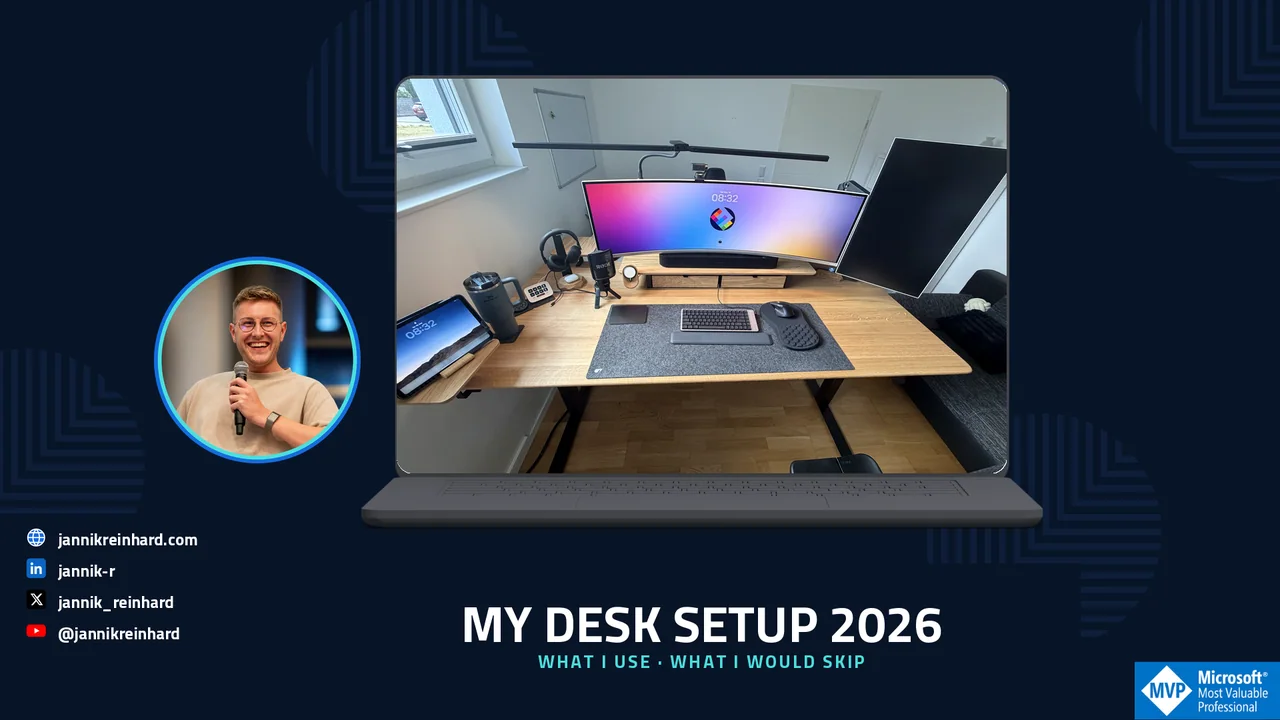
Oakywood Standing Desk Pro as the centerpiece of my home office setup
Read More » My New Setup: Why the Oakywood Standing Desk Pro Has Actually Made Me More Productive
Convert Intune Device Groups to User Groups via Graph API

Convert Intune Device Groups to User Groups via Graph API

Convert Intune Device Groups to User Groups via Graph API

I currently attend at the MMS Fort Lauderdale conference, where an attendee asked a good question: Is it possible to convert device groups to user groups, and vice versa? The answer is both yes and no. While there’s no out-of-the-box functionality in Intune to turn device groups to user groups directly, it is possible by leveraging the Microsoft Graph API.

Diagram showing how to convert device groups to user groups with the Microsoft Graph API
Read More » Convert Intune Device Groups to User Groups via Graph API
Graph Batch Endpoint

Graph Batch Endpoint

Graph Batch Endpoint

This is only a small blog post but maybe for most of you very helpful, especially if you work a lot with Microsoft Graph. Often the problem is you want to run multiple calls and then you have to loop through the single items or have a long line of calls. The Microsoft Graph Batch Endpoint solves exactly this by letting you combine many requests into one single HTTP call.

While writing another blog post, I found out that there is a batch endpoint for MS Graph. In this blog, I will show you how you can use the Graph Batch Endpoint and give you also an example script that you can adapt for your own automations.

Graph Batch Endpoint overview diagram
Read More » Graph Batch Endpoint
The easy way to make data science with Intune

Data Science with Microsoft Intune — Quick Start

Data Science with Microsoft Intune — Quick Start

This is a Quick Start to data science with Intune. The post walks through how to pull Intune data into a notebook, do meaningful exploratory analysis on devices, apps, and compliance, and turn the result into something an admin team can actually act on. If you have ever wanted to do real data science with Intune without building a heavy reporting pipeline, this is the fastest path I know.

As you know I like everything what is related to data science and Intune. In this blog I will show you a solution how you can get some insights about your Intune environment you did not have before. The goal is simple: take the raw signals Microsoft already collects and make them easy to understand at a glance.

The easy way to make data science with Intune
Read More » Data Science with Microsoft Intune — Quick Start
New Version of the intune group assignment script

New Intune Group Assignment Script (Updated)

New Intune Group Assignment Script (Updated)

This post introduces the new and Updated Intune Group Assignment Script. The original was useful but limited; the new version of the Intune Group Assignment Script supports dynamic groups, scope tags, exclusion assignments, and a much cleaner CLI for use in pipelines.

A few months ago I released a script which lists you all assignments of a Microsoft Entra ID group in Intune. With this blog post I will release a new version of this script which includes more configuration objects and improves a lot of the code parts. If you manage a large tenant, the Intune Group Assignment Script will save you hours of manual clicking in the portal.

New version of the Intune Group Assignment Script showing all Entra ID group assignments
Read More » New Intune Group Assignment Script (Updated)
Export Intune Data to OneLake for Power BI with Fabric

Export Intune Data to OneLake for Power BI with Fabric

Export Intune Data to OneLake for Power BI with Fabric

Intune provides a lot of data, and you can export Intune data through interfaces, which is also the foundation for Intune reporting and analytics. But wouldn’t it be cool if you could export Intune data and have everything from the data export to the Power BI dashboard in one portal, and additionally query the data Graph provides you with via SQL to build complex queries. That’s exactly what Microsoft Fabric delivers, and in this blog we would like to take a closer look at how to export Intune data to OneLake on this new platform.

Microsoft Fabric workflow exporting Intune data to OneLake
Read More » Export Intune Data to OneLake for Power BI with Fabric
V2 – Get an daily device report via email or teams with logic apps – Step by Step guide

V2 – Get a Daily Device Report via Email or Teams with Logic Apps (Step by Step)

V2 – Get a Daily Device Report via Email or Teams with Logic Apps (Step by Step)

I have already written a blog about how to send a message using Logic Apps to generate a daily device report. After a presentation about automation with Intune and Graph I got good feedback asking if I can do a variant with Co-Managed devices. So I decided to write a V2 of this guide that delivers a complete daily device report and also updates the authentication with a Managed Identity. If you are interested in more blogs around the topic of Logic Apps, let me know and I will be happy to do a deep dive on Logic Apps.

V2 – Get an daily device report via email or teams with logic apps – Step by Step guide
Read More » V2 – Get a Daily Device Report via Email or Teams with Logic Apps (Step by Step)
Mastering Intune Reporting and Analytics

Mastering Intune Reporting and Analytics

Mastering Intune Reporting and Analytics

In this new blog post I want to give you an overview of how you can start with Intune reporting and analytics. I already wrote several blogs on how to create custom reports via mail or Teams, and how to export and automate things. I also wrote a blog with an overview of the analytics capabilities of Intune. In this post I want to take a step back and give you an overview of how to start with Intune reporting and analytics and which capabilities Intune offers.

Intune reporting and analytics overview dashboard
Read More » Mastering Intune Reporting and Analytics
Tracking Windows 11 Upgrades with Azure Automation and Intune

Tracking Windows 11 Upgrades with Azure Automation and Intune

Tracking Windows 11 Upgrades with Azure Automation and Intune

In today’s blog, I will address a question from one of our community members, who is looking to create a report for Tracking Windows 11 Upgrades via Azure Automation Runbook and Microsoft Intune. He has tried to gather enrolled devices details using a runbook but hasn’t found a solution yet. In this post, we will demonstrate how to generate a report on Tracking Windows 11 Upgrades with Intune and Azure Automation, so you always know exactly where your fleet stands during the migration.

Tracking Windows 11 Upgrades is one of the most important reporting tasks for any modern workplace team. Without a clear overview, it is hard to plan deployment rings, communicate progress to management, or spot devices that are stuck on Windows 10. By combining Azure Automation with Intune, you get a fully automated, scheduled report that keeps the whole process effortless and consistent across your entire device estate.

Tracking Windows 11 Upgrades with Azure Automation and Intune
Read More » Tracking Windows 11 Upgrades with Azure Automation and Intune
Automate Intune Tasks with Azure Automation Runbooks

Automate Intune Tasks with Azure Automation Runbooks

Automate Intune Tasks with Azure Automation Runbooks

As you all know I am a very very big fan of automation. The good thing is in almost all Microsoft products there are interfaces to do exactly that. This is also the case for Intune. In one of my last blogs I wrote about how to use PowerShell to automate things in Intune. I also mentioned Azure Automation. In this blog I want to go deeper into the topic and explain how you can use an Azure Automation Runbook to automate recurring processes in Intune.

Azure Automation Runbook setup for Intune tasks
Read More » Automate Intune Tasks with Azure Automation Runbooks