
Detect new Intune Management Extension Updates
Detect new Intune Management Extension updates automatically with a simple script and toast alerts. Stop chasing silent IME changes on your devices today.
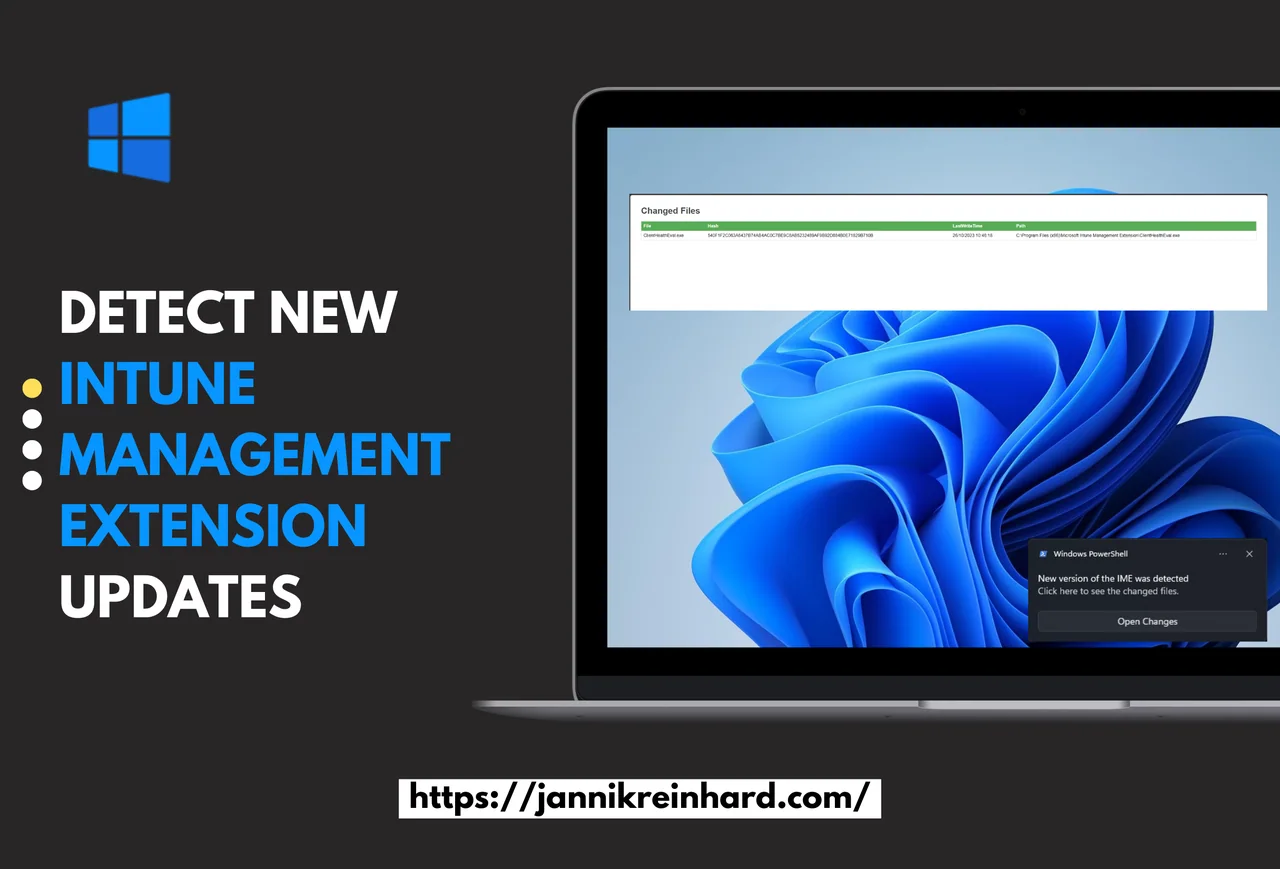
You know there are regular changes and updates on the Intune Management Extension (IME). Sometimes it can be the cause of issues, or it is also interesting to see what was changed. To detect these changes I wrote a script which notifies you in case of a change and will let you know what was changed. In this guide I walk through how to detect new Intune Management Extension updates automatically on every device, so you are never surprised by a silent client-side update again.
What is the Intune Management Extension?
The Intune Management Extension, in short IME or also SideCar Agent, handles the application installation and script execution. It is the component that runs Win32 app deployments, PowerShell scripts, remediations, and custom compliance on every managed Windows client. Because so much of the modern Windows management stack flows through this agent, knowing exactly when the Intune Management Extension changes on your endpoints is extremely valuable. You can read more about how the agent is delivered and serviced in the official Microsoft Learn documentation.
What is the purpose of the script?
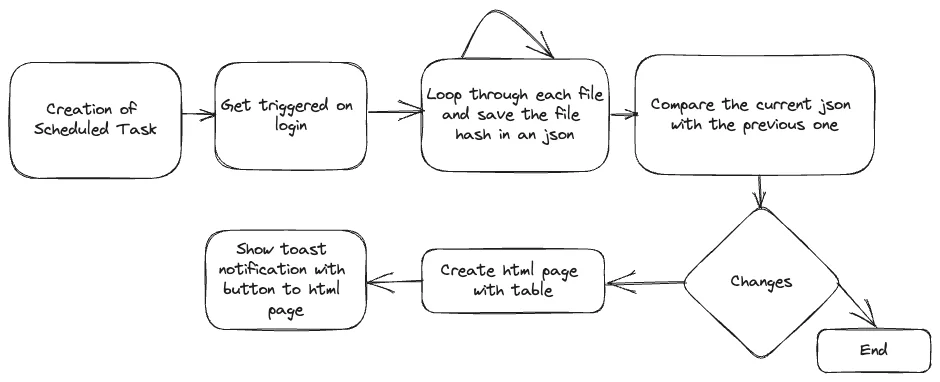
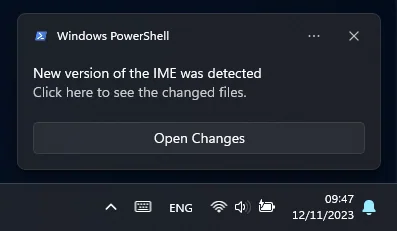
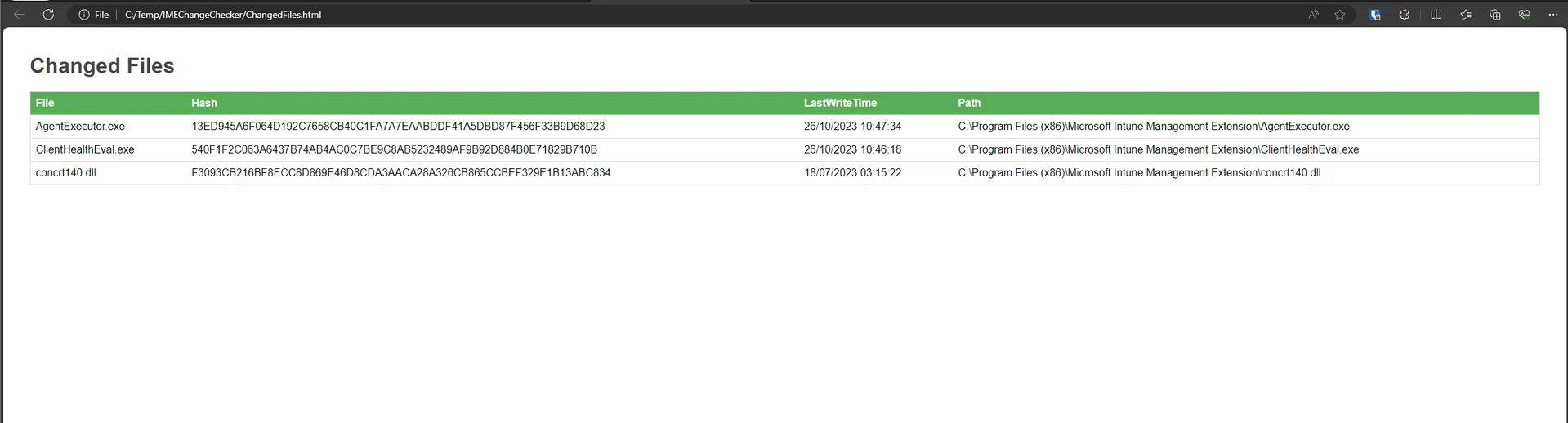
The script checks at every login if there is a change in one of the DLLs of the IME. If there is a change, it shows you a toast notification with a button to a webpage where you can see which files were changed. The goal is simple: give administrators an early, automatic signal whenever Microsoft ships a new Intune Management Extension build, instead of finding out after a deployment suddenly behaves differently.
Why detecting Intune Management Extension updates is helpful
There are regular changes in the IME. If there is a new feature or an update to services in Intune, the client component also has to be updated. It is always good to know which changes were made to be aware in case of potential issues, as well as to always be up to date with new features. When you detect new Intune Management Extension updates the moment they roll out, you can correlate them with app install failures, script execution problems, or changed behavior during troubleshooting. That timeline alone can save hours of guesswork, because you immediately know whether a new agent version is in play.
How does the detection work?
The script creates a hash from each file at every login and saves it in a file. If there are differences between the previous and the current one, it will detect this and show a toast notification to make you aware of the changes. In addition to this, it also creates an HTML file to show you more details like what was changed and when. Because the comparison is based on file hashes of the IME binaries, even small DLL replacements are caught reliably, which is exactly what you want when trying to detect new Intune Management Extension updates across a fleet.
How can I set this up on my devices?
The only thing you have to do is execute the script. The script will then create a scheduled task which is triggered at each login. From that point on, every user session quietly compares the current IME binaries against the stored baseline. If you manage many endpoints, you can package the script as a remediation or a platform script in Intune so that the detection logic is consistently applied everywhere. If you want more background on building Intune scripts and remediations, take a look at my other posts on jannikreinhard.com.
Where can I find the script?
You can find the script in my GitHub repository. Deploy it once, and you will reliably detect new Intune Management Extension updates on your devices without any manual checks.