
AI, Automation and Analytics for Microsoft Intune
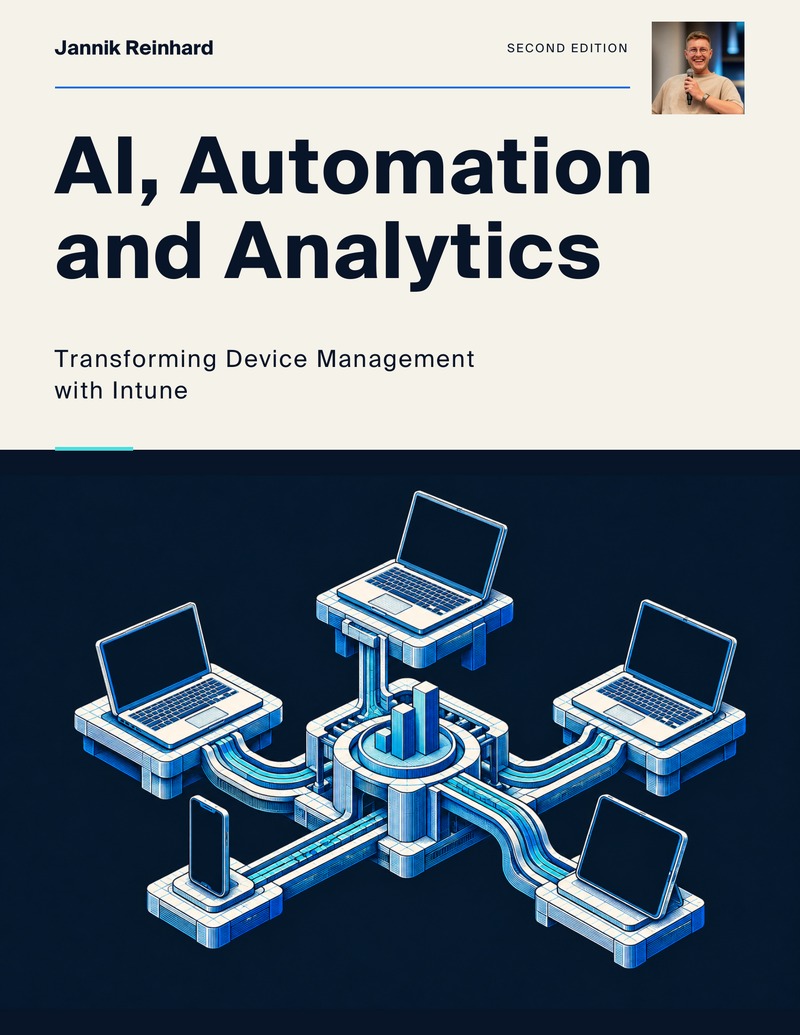
AI, Automation and Analytics focuses on Microsoft Intune operations. The book connects Microsoft Graph, KQL and reporting with automation, tenant-as-code and AI agents.
3 complete books · English PDFs · Free
Supported byAdvertisement


What this book covers
Preview the chapters and example pages from AI, Automation and Analytics below. The signup form explains how to receive the complete English edition.
317 pagesTopics and examples
Turn endpoint data into better decisions and working automation.
- Microsoft Graph, KQL & Analytics
- Automation, tenant-as-code & CI/CD
- Copilot Studio, Foundry & AI Agents
Start with endpoint data
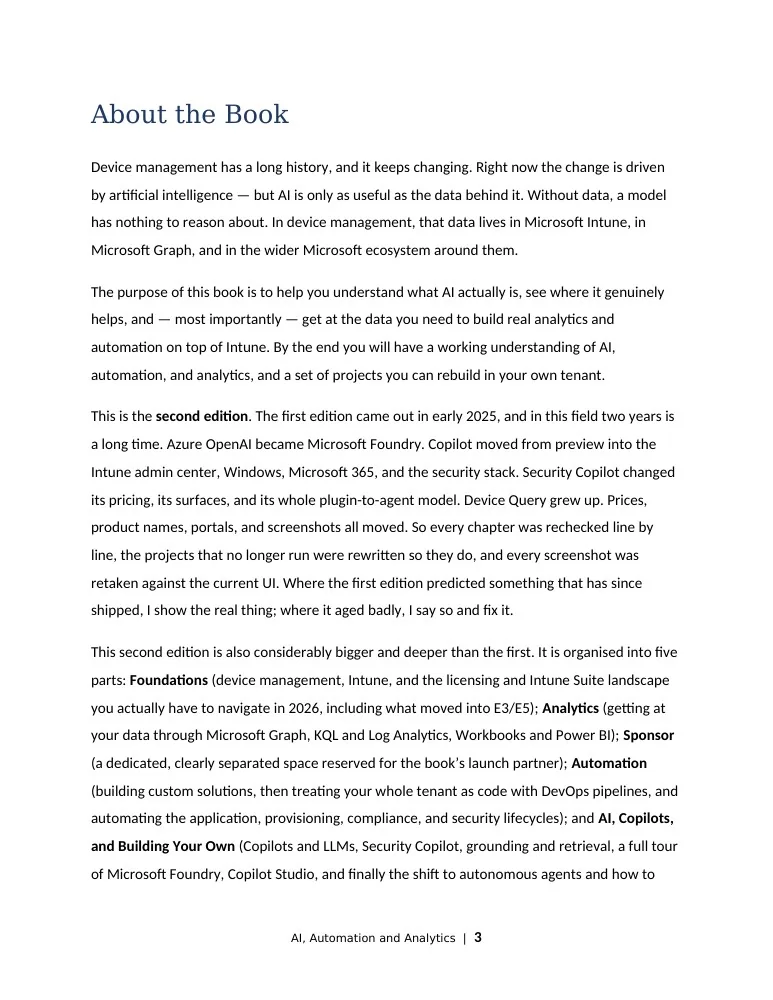
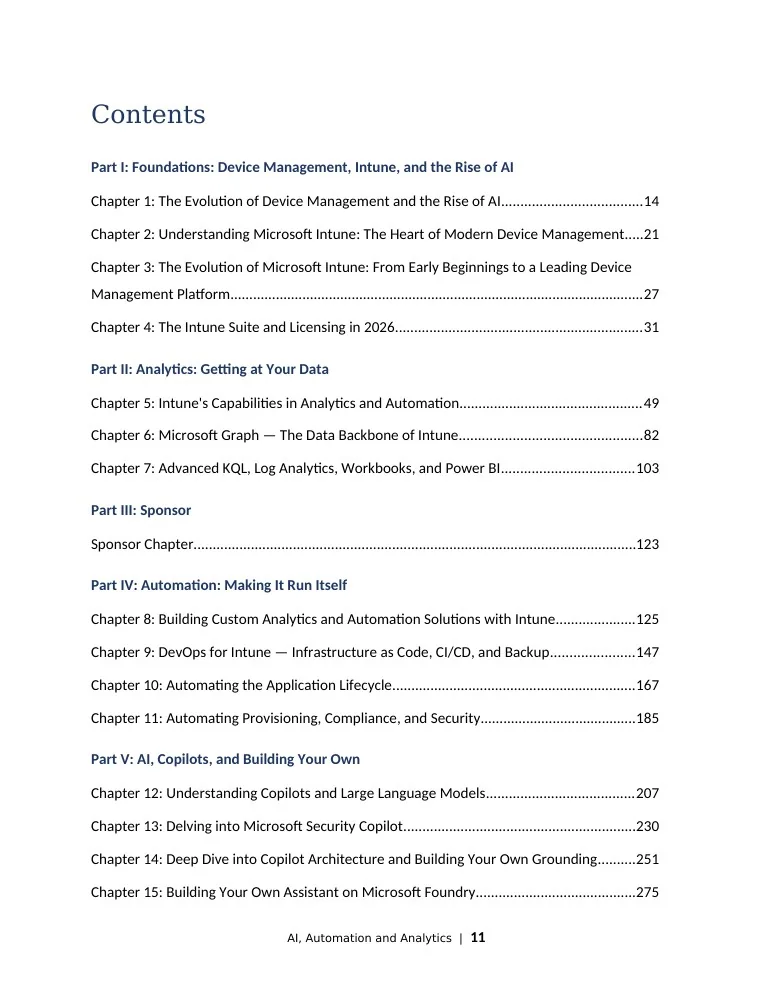
The analytics section explains access to Intune data through Microsoft Graph, KQL and Log Analytics. Workbooks and Power BI provide ways to turn that data into reports. The foundations cover device management, the Intune service and the licensing landscape discussed in this edition. These chapters provide the context for the automation and AI projects that follow.
Connect analytics, automation and AI
The automation section covers custom solutions, tenant-as-code and DevOps pipelines across application, provisioning, compliance and security workflows. The AI section moves through copilots, language models, retrieval, Microsoft Foundry and Copilot Studio. The second edition is written for readers who want to follow the examples in their own tenant and understand which data each workflow needs.
The complete English edition, including all chapters and code examples.
See sample pages
Practise with one endpoint question
Choose a question that your team currently answers by hand: which devices need attention, where an application rollout stopped, or how a configuration differs between environments. Use the analytics chapters to identify the data behind that question before adding an automated action. Write down the expected columns, filters and result so that you can judge the report independently of how it looks.
For a first exercise, keep the scope to a test group and collect data before changing anything. Follow the companion code alongside the relevant chapter, check the permissions it requests and replace example values with your own lab settings. Compare the output with a device or application you can inspect yourself. If the result is unexpected, resolve that difference before scheduling the workflow.
When the report is useful, move to the automation section and decide which part should run repeatedly. Record its input, its output and the person who owns failures. The tenant-as-code chapters can then help you approach configuration as a versioned artifact. For an AI experiment, use the same question and the same verified data: compare the agent’s answer with your manual result and keep the source available for review. You can work through these exercises separately; completing an analytics example does not require building an agent.