In one of my last posts we took a closer look at how the Intune Management extension works and even looked behind the scenes directly into the code. In this post I have already mentioned the ClientHealthEval.exe and I would like to take a closer look into this.
It is not always easy to reach users via email or other channels. When there are projects running to exchange e.g. smartphones or migrations from files from a network drive to an SharePoint it is hard reach the users and get an answer. Intune provides with Endpoint Analytics a very good on board tool to easily reach users via a user dialog. In this blog I will show how you can use this with the example of a smartphone exchange. The dialog and the method can be adapted to many other use cases.
I started blogging about various mem topics some time ago. What I can say after this time is that this was the best decision I made. By creating blog posts I have been able to expand my knowledge a lot, I have met a lot of amazing people and the best of all I could share my knowledge with others and help them. With this blog post I want to explain what you need to start blogging about mem topics and encourage you to do so. You will not regret it.
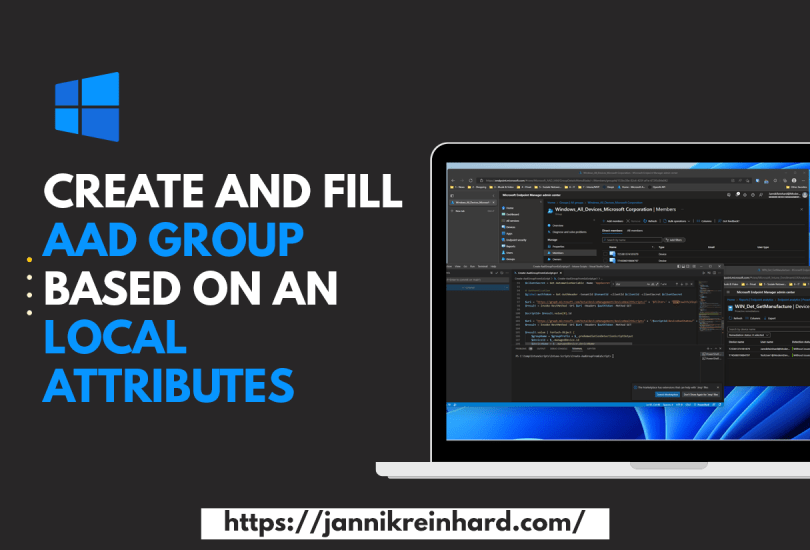
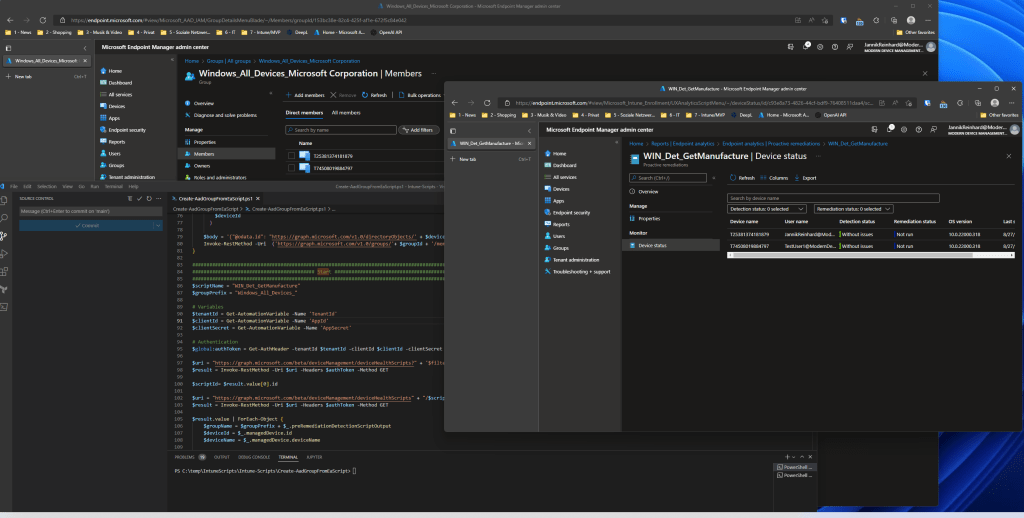
There is often the need to create an AAD group based on a local registry key or another attribute to make more specific accesses, to use this group for access rights to an application or many other usecases. How you can do this with the help of endpoint analytics and azure automation I will show you in this blog post. In my blog I show you how to do this with the example of device manufacture for sure we already have this info in Intune but it is an example how this work. Of course you can also do this with anything else you can read out on a client.
Everyone who has enrolled a few devices with autopilot in his life and has encountered errors knows the problem that it can quickly be very cumbersome to find the problem why an enrolment fails. Especially when it comes to network endpoints that are not reachable it can be very time consuming to find them. To enroll a device with autopilot there are also some prerequisites that have to be fulfilled. To check this before the enrollment I have created a script that helps you to check these requirements.
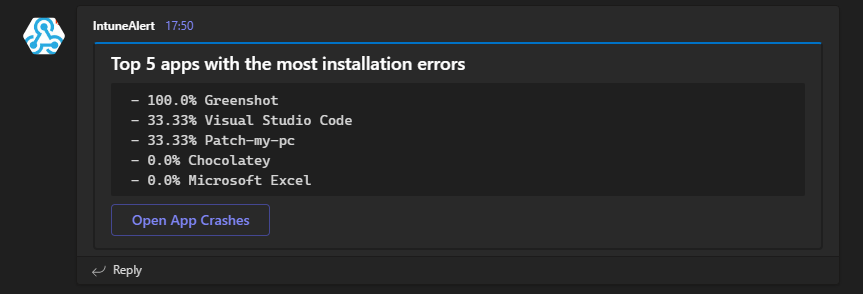
It is always important as an Intune admin to have an overview of the environment. Intune offers a lot of reports but as we all know you don’t look into them every day. Isn’t it easier to get a daily or weekly message in Teams and see the top failed app installation. I have already released some blogs with the topic of detecting anomalies in Intune with the help of cognitive services. In this blog I want to show you how to send a report that is already available in Intune to Teams using Azure Automation.
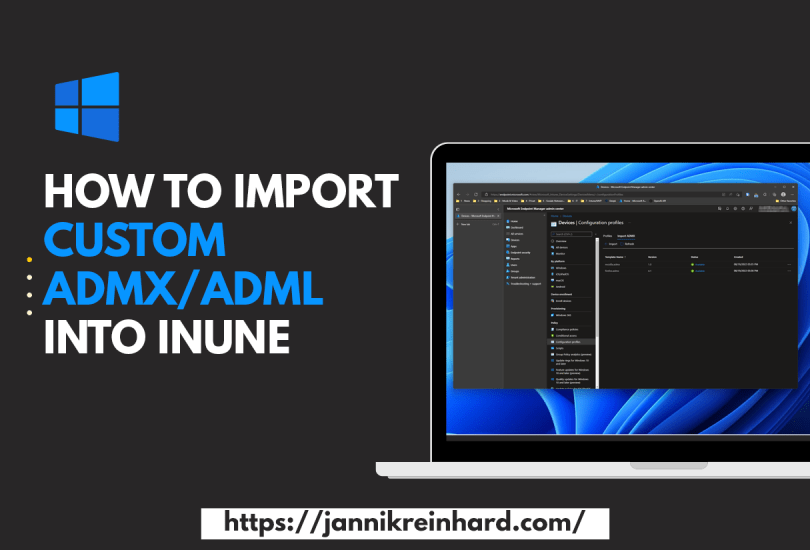
With the Intune service release 2208 there is a really nice feature that provides the support to import ADMX and ADML templates very easy into MEM. This helps to create configurations for e.g. 3rd party products. How this work I will explain based on a Firefox.
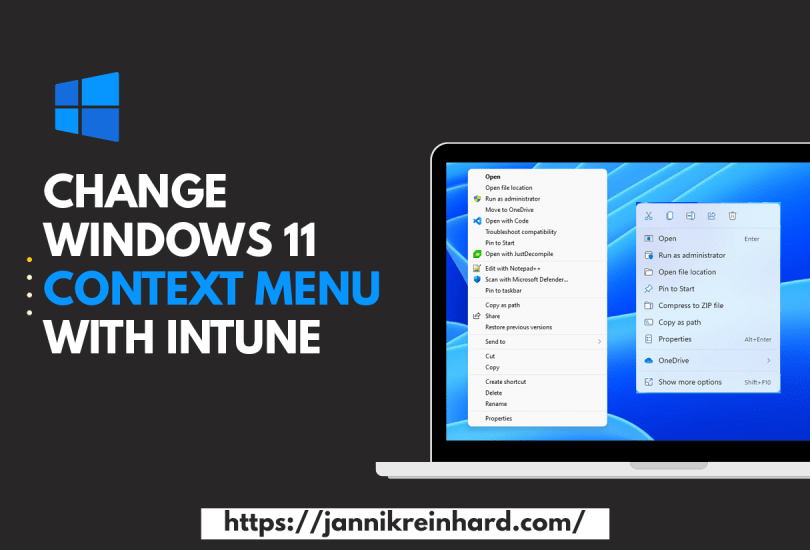
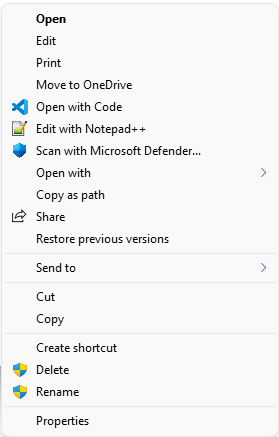
Windows 11 has brought some changes to the Windows Explorer, including the way the context menu looks. By default, the context menu is reduced to the really necessary functions. This is sufficient for most users. However, if you often need functions that are not in the reduced view, then this can be a hindrance in the workflow. In this blog I want to show you how to get back the Windows 10 context menu with the help of Intune.
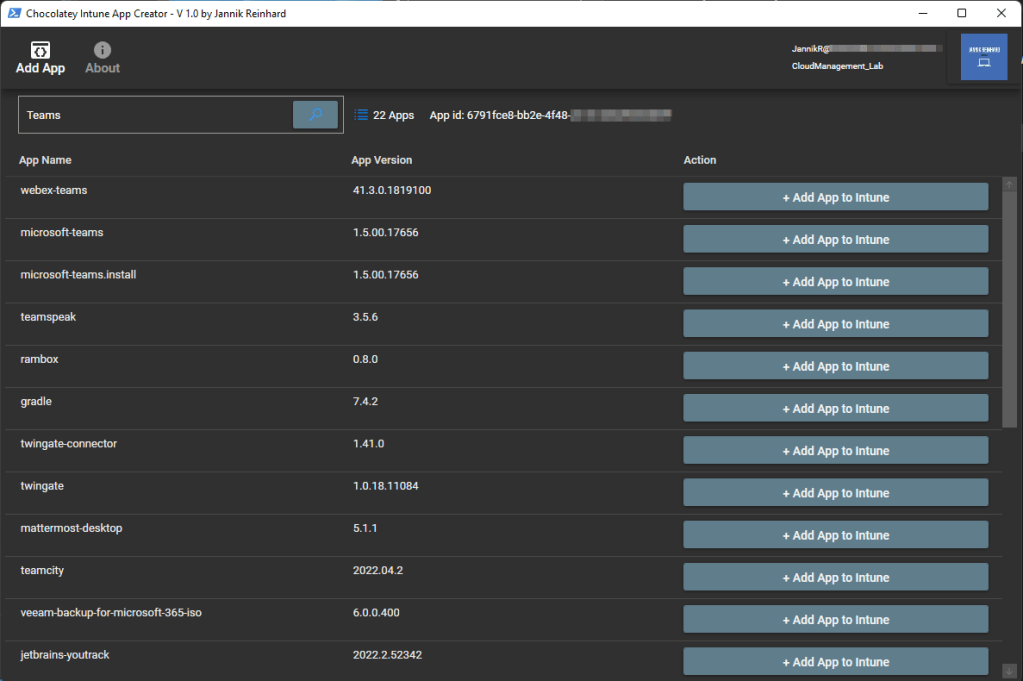
Anyone who has worked with Intune and deployed an app knows that this is a bit of work. You have to download the sources, create the IntuneWin file, create the app in Intune. To simplify this I have created the Intune App Creator. With this application you can search within the >9,000 Chocolatey and automatically add this app to your Intune app portfolio with just one click.
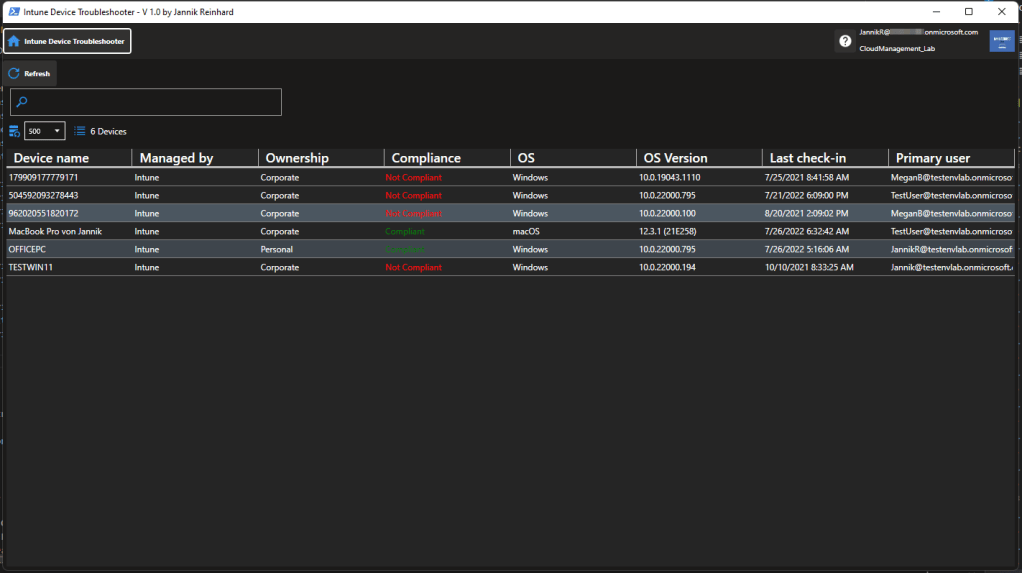
If you follow my blog, you know that there are two things I really like: helping people with their problems, and automating or simplifying processes. In this blog, I want to introduce you to my new tool, the Intune Device Troubleshooter. This is a PowerShell UI application that will help you to check the status of your devices, as well as support you to trigger remediation scripts to fix issues add-hock on single devices. It also provides you intelligent recommendations what you should check at a single device to determine and possible issue. So let’s get started and look at the features of the tool.









 jannikreinhard.com