Deep Dive into delivery optimization

You can imagine that when a new Windows patch or a new version of a software is released and has to be installed on every Devices and many PCs start to download the content at the same time from a destination outside the corporate network, the Internet break outs are very busy. Or if the internet connection of a certain location has a low bandwidth the download of a large app takes a long time. But more and more organisations move their applications as well as the update management to the cloud and reduce their on premise infrastructure. To solve this problem microsoft has introduced a very good technology called Delivery Optimization. In this blog we would like to clarify what is DO and take a deeper look at how this works.

Read More »

How to skip the ESP for a single app installation

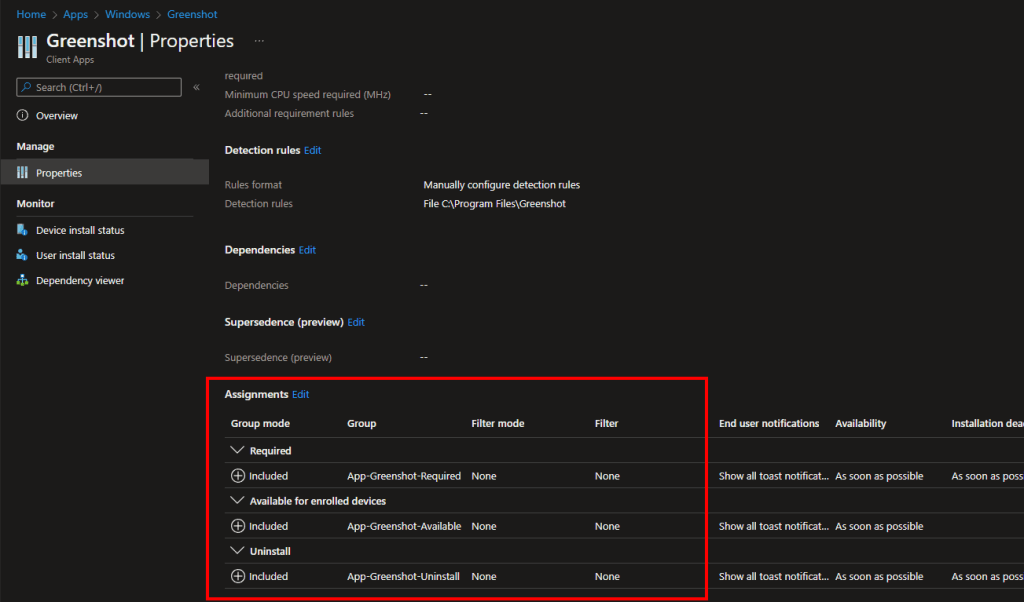
Unfortunately, there is no setting in Intune with which you can determine whether an app should be installed during ESP (Enrollment Status Page) or only after ESP. Of course, it is a huge advantage to install as many apps as possible during the ESP or even better during the white glove phase so that you have a ready to use device after enrollment. But there are cases where it can make sense to install an app after the ESP, for example if the installation routine requires an interaction. How you can skip the installation of an app in the ESP I will explain now.

Read More »

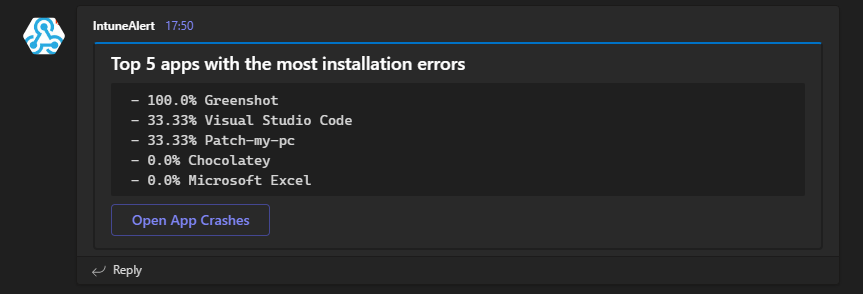
Get teams notification for the Top5 apps with installation errors

It is always important as an Intune admin to have an overview of the environment. Intune offers a lot of reports but as we all know you don’t look into them every day. Isn’t it easier to get a daily or weekly message in Teams and see the top failed app installation. I have already released some blogs with the topic of detecting anomalies in Intune with the help of cognitive services. In this blog I want to show you how to send a report that is already available in Intune to Teams using Azure Automation.

Read More »

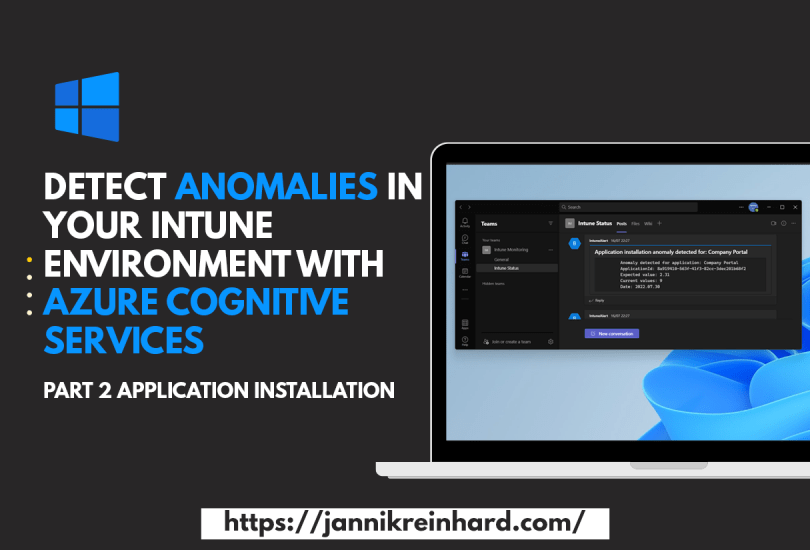
Detect anomalies in your Intune environment with Azure Cognitive Services – Part 2 Application Installations

In one of my previous blog posts I explained how you can use Azure Automation and Azure Cognitive service to monitor the compliance state of your environment and notify you if there are major deviations today. In this part of the series I want to show you how you can apply this to the deployment of your applications and also get notified if the installation of an application suddenly fails abnormally often.

Read More »

Use Endpoint Analytics to clean up the disk

I have already written several blog posts about endpoint analytics. In the Microsoft Tech Community the question came up how to clean up the disk using Intune. This is a question that is difficult to answer generically as it is always very specific. Through more and more applications and data moving to the cloud and the storage is also becoming cheaper and cheaper, the amount of storage needed on a workplace devices and the problems with full hard disks are no longer as present as in the past.

In this blog I will show you how to free up disk space on your clients with an high disk usage. So let’s get started.

Read More »

A default set on assignment Filter

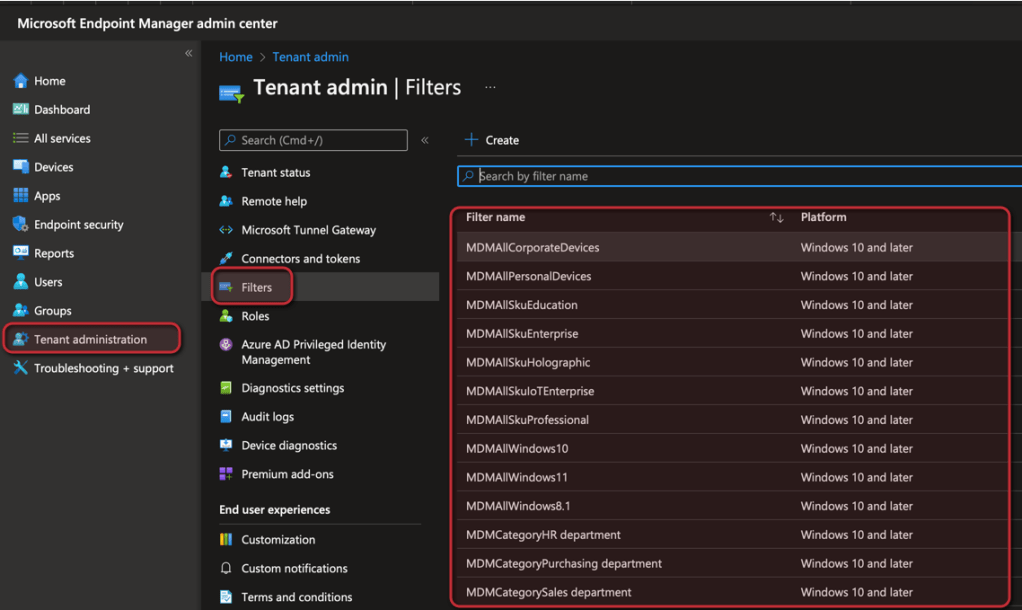
In one of my posts I have explain how you can create an apply assignment filters. Is a very powerful feature to refine the assignment of group. For example, you can assign a config profile to all devices and apply a filter to apply the config profile only on Windows 11 devices within the group. To make it easier for you to start with filters I wrote a script which creates a default set of filters.

Read More »