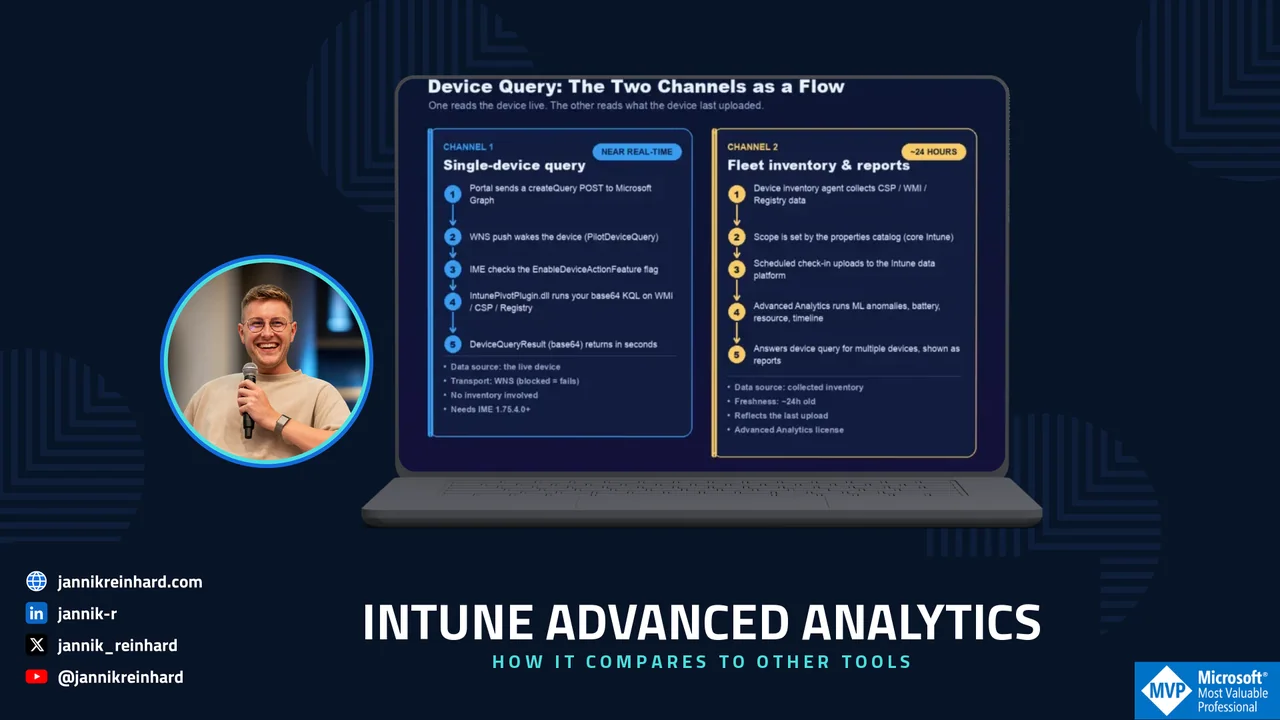
Intune Advanced Analytics: How It Compares to Other Tools — cover image showing the two device query channels flow on a laptop, with Jannik Reinhard (Microsoft MVP) and jannikreinhard.com

Intune Advanced Analytics: How It Compares to Other Tools

Intune Advanced Analytics: How It Compares to Other Tools

In this blog post I want to look at Microsoft Intune Advanced Analytics and compare it, in plain words, to the other analytics tools that are out there. This is the topic I know well. Before I started writing blogs and running my own company, I spent years as the tech lead for AIOps in a large enterprise. Part of my job was to evaluate analytics and digital employee experience (DEX) platforms — Nexthink, Aternity, HP’s analytics solution and several more. So this is not a marketing piece. It is what I learned from running these tools at scale, and where I think Microsoft’s approach is genuinely different.

Here is my honest summary up front: most of these platforms cook with water. They are mature and capable, but they largely solve the same problems in the same way. The hard part was never the dashboard — it was building a business case that survived a second look, because every one of them came with its own agent, its own data store, its own portal and its own license. That is exactly the cost that Microsoft Intune Advanced Analytics removes.

Worth knowing before you read on: From July 1, 2026, Microsoft Intune Advanced Analytics is included in Microsoft 365 E3 and Microsoft 365 E5 as part of Microsoft Intune Plan 2. The separate add-on that used to cost around 10 USD per user per month is now part of the plan. Many teams already own this and don’t know it yet.

Read More » Intune Advanced Analytics: How It Compares to Other Tools
Azure Monitor Agent to monitor Windows devices (1/2) – Setup

Azure Monitor Agent to monitor Windows devices (1/2) – Setup

Azure Monitor Agent to monitor Windows devices (1/2) – Setup

In this blog post we want to have a closer look into a way to collect data from client systems to monitor them with the Azure Monitor Agent. With endpoint analytics Microsoft provides a very powerful way to analyze clients, remediate potential issues or also detect anomalies in the field. If you are interested in unaggregated and more detailed data to build custom solutions then the Azure Monitor Agent and the Log Analytics workspace are the right solution for you.

This is the first part of a small series with two parts. In this part we will check how the Azure Monitor Agent works and how to set it up, and in the other part how you can work with the data.

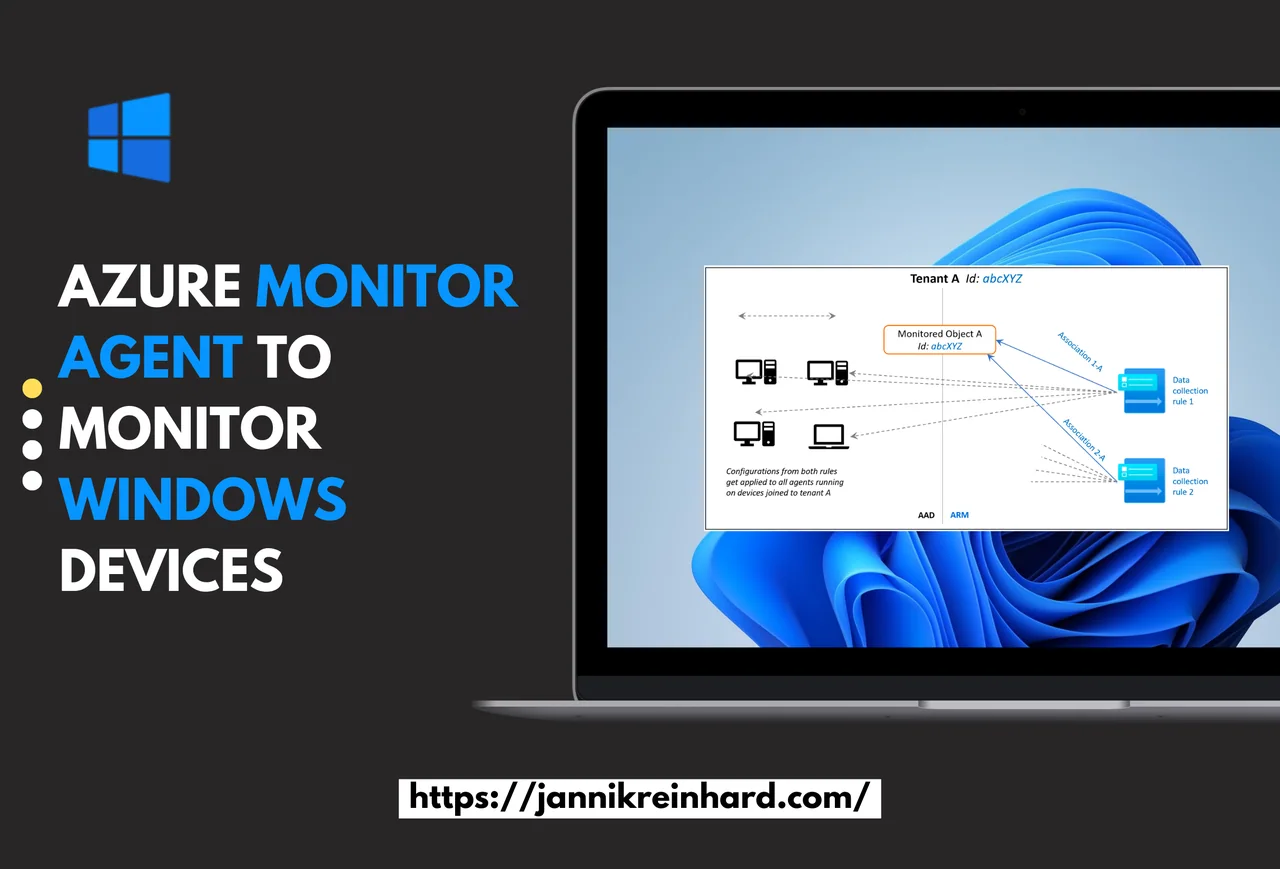
Diagram shows monitored object purpose and association.
Read More » Azure Monitor Agent to monitor Windows devices (1/2) – Setup
Mastering Intune Reporting and Analytics

Mastering Intune Reporting and Analytics

Mastering Intune Reporting and Analytics

In this new blog post I want to give you an overview of how you can start with Intune reporting and analytics. I already wrote several blogs on how to create custom reports via mail or Teams, and how to export and automate things. I also wrote a blog with an overview of the analytics capabilities of Intune. In this post I want to take a step back and give you an overview of how to start with Intune reporting and analytics and which capabilities Intune offers.

Intune reporting and analytics overview dashboard
Read More » Mastering Intune Reporting and Analytics
Intune Suite Part 3: Advanced Endpoint Analytics

Intune Suite Part 3: Advanced Endpoint Analytics

Intune Suite Part 3: Advanced Endpoint Analytics

In the third part of this Intune Suite series, I want to give you more insights into advanced endpoint analytics. Advanced Endpoint Analytics brings machine learning and anomaly detection directly into Intune, and I am really happy that Intune has gone in this direction. I blogged about these topics a few months ago, discussing how to analyze Intune data with the help of cognitive service anomaly detection. It’s awesome that Intune now includes this out-of-the-box in the tool. Unfortunately, I can’t test this feature in my own tenant because Endpoint analytics requires at least 10 devices, and this is not possible in my test tenant. However, I will cover all elements of the feature in this blog.

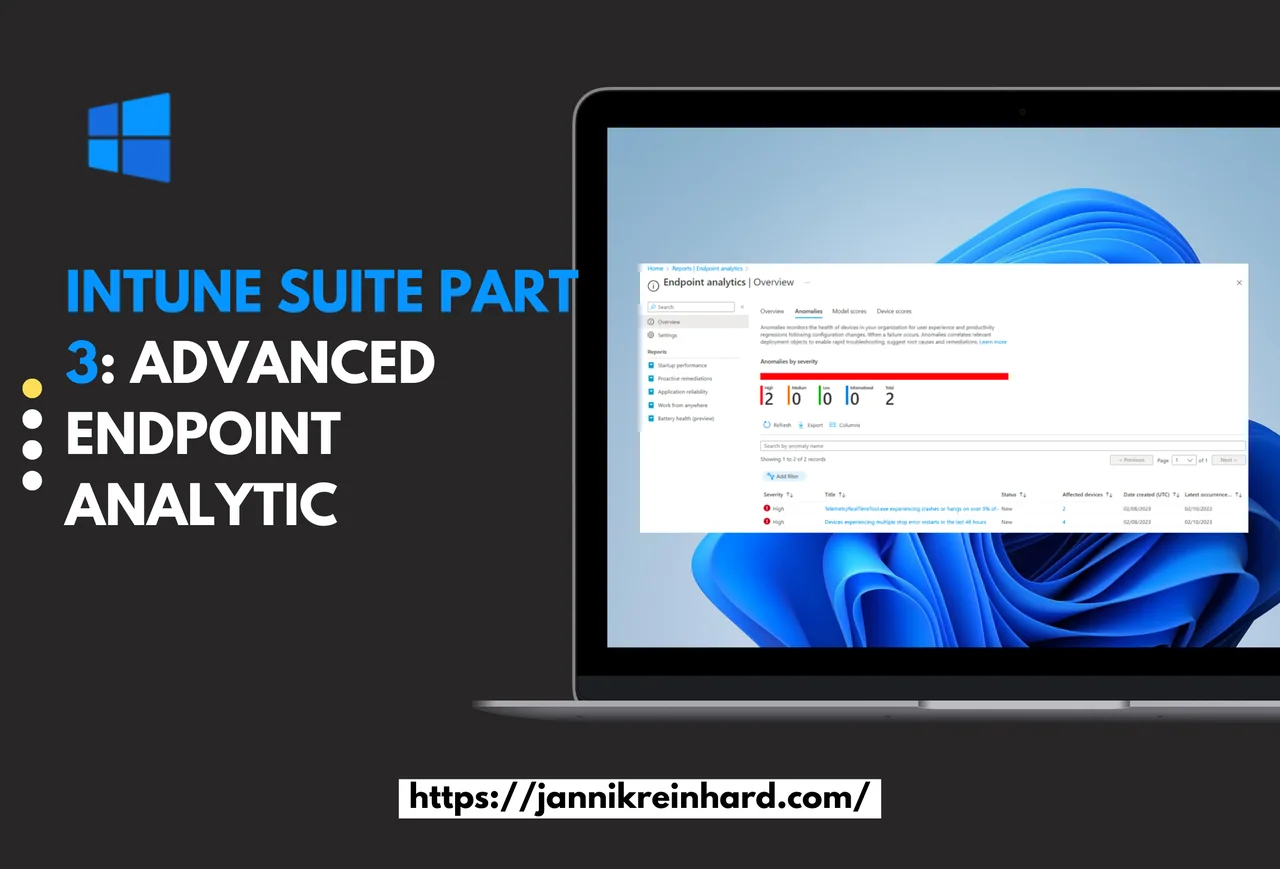
Source: https://learn.microsoft.com/en-us/intune/advanced-analytics/

Read More » Intune Suite Part 3: Advanced Endpoint Analytics
Endpoint analytics remediation script community repository

Endpoint analytics remediation script community repository

Endpoint analytics remediation script community repository

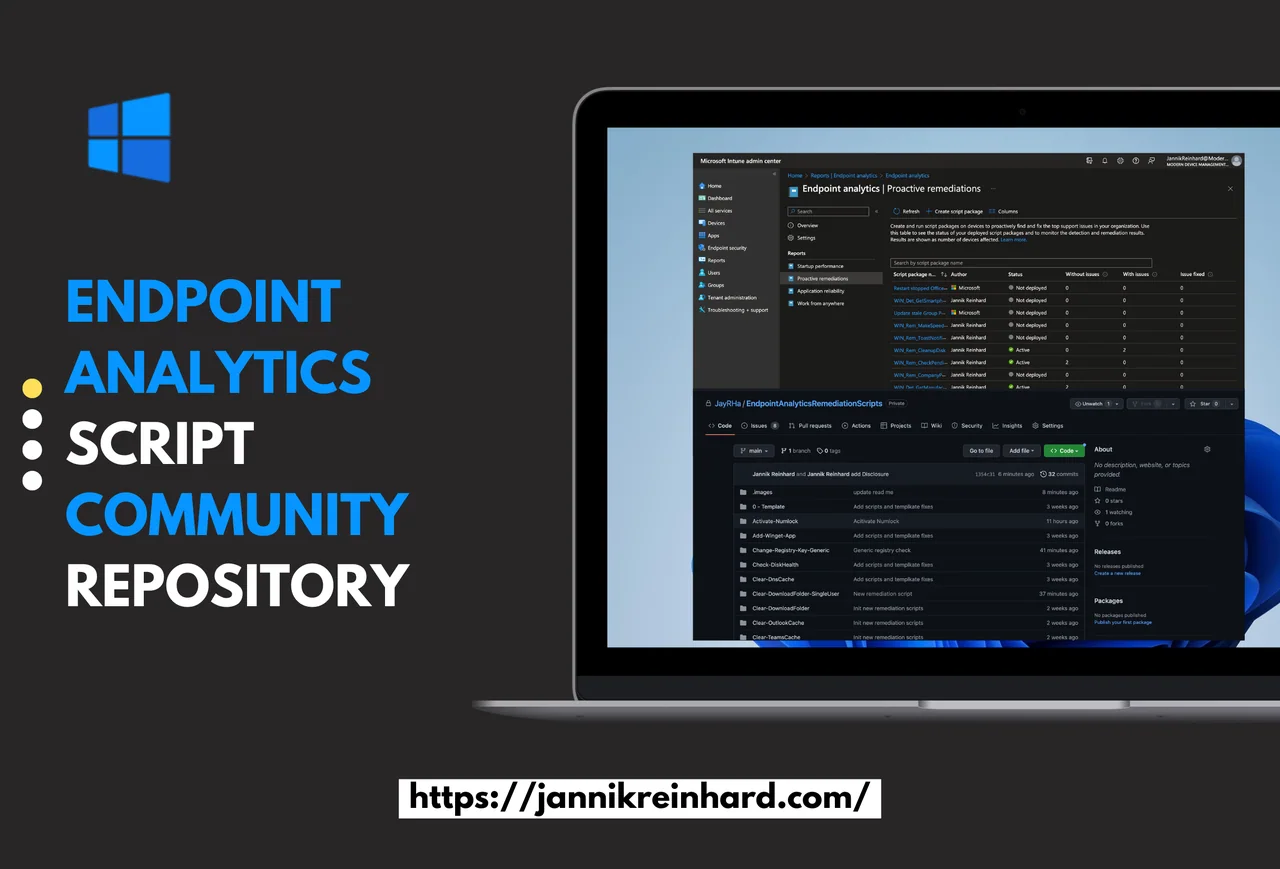
What could be better than working on a project together with others. Andrew Taylor, Joey Verlinden, Florian Salzmann and I have created a community endpoint analytics remediation script repository where we have written and added as many ready to use scripts as possible for you. In this blog post I want to give you more insights into these scripts and explain how you can integrate them into your environment.

Endpoint analytics remediation script community repository
Read More » Endpoint analytics remediation script community repository
Microsoft Intune Analytics: Reports, Endpoint Analytics & BI

Microsoft Intune Analytics: Reports, Endpoint Analytics & BI

Microsoft Intune Analytics: Reports, Endpoint Analytics & BI

A lot has changed from the traditional on premise managed workplace to the modern workplace managed via cloud power. You no longer have to worry about infrastructure, you can work securely from anywhere and you save money. But where do we go from here? The topic of Intune analytics and user experience is becoming increasingly important. The goal is to reduce problems or to detect them at an early stage. The cloud offers you limitless possibilities for this. In this blog we want to take a look at what Intune currently delivers out of the box and how you can build solutions on it.

Read More » Microsoft Intune Analytics: Reports, Endpoint Analytics & BI
Detect Connected Hardware with Intune Endpoint Analytics

Detect Connected Hardware with Intune Endpoint Analytics

Detect Connected Hardware with Intune Endpoint Analytics

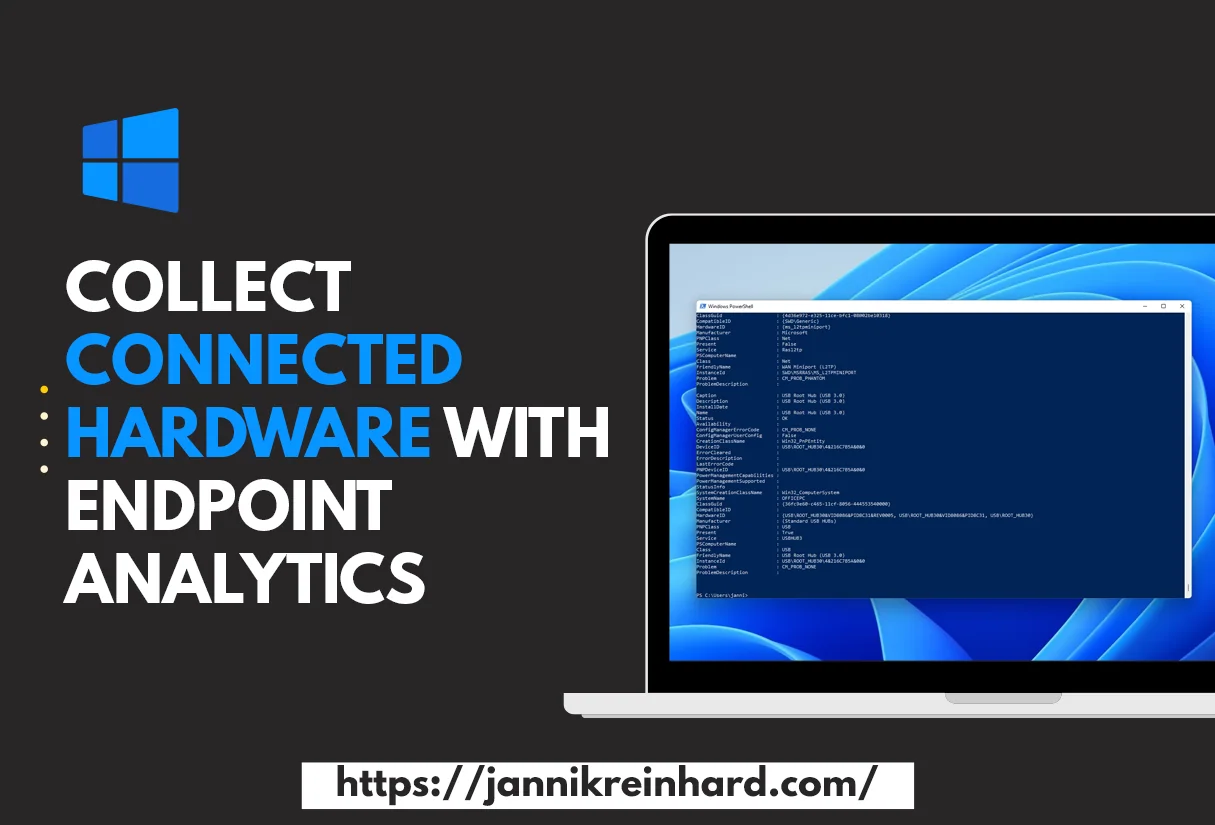
Modern endpoint estates contain a lot more than the laptop itself: docking stations, external monitors, headsets, USB peripherals, and a long tail of business-specific gear. Microsoft Endpoint Analytics gives you the foundation to detect connected hardware across your fleet with a custom data-collection script and feed it into Log Analytics, where you can correlate peripheral inventory with users, locations and refresh cycles. This post walks through the pattern I use to detect connected hardware: a PowerShell collector that reads CIM classes, normalises the result, and posts it into a custom Log Analytics table — ready for Power BI and procurement reporting.

To see which devices are using a particular monitor or keyboard, it can be very helpful if you can collect this information. In this blog I will show you how to detect connected hardware with the help of Endpoint Analytics. You can then use this information to assign a driver to these devices or to trigger a hardware replacement. How you can automatically populate a group based on the output of an endpoint analytics script I explained in create and fill Microsoft Entra ID group based on local attributes.

Behind the scenes the approach builds on the Endpoint Analytics remediations feature in Microsoft Intune, so you do not need any extra agent on the client to detect connected hardware reliably.

Detect connected hardware with Intune Endpoint Analytics dashboard
Read More » Detect Connected Hardware with Intune Endpoint Analytics
Show user dialog with Endpoint Analytics (Smartphone Replacement Tool)

Show user dialog with Endpoint Analytics (Smartphone Replacement Tool)

Show user dialog with Endpoint Analytics (Smartphone Replacement Tool)

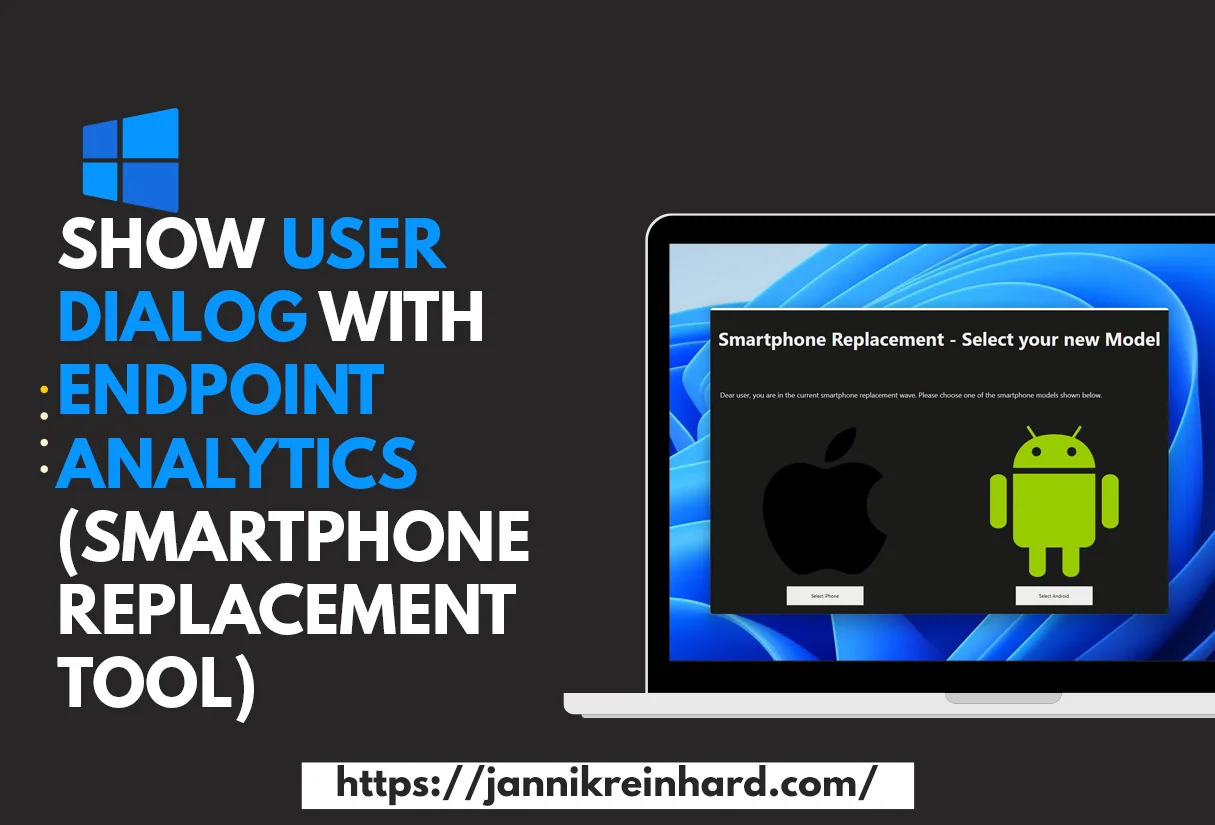
Sometimes the most underrated way to drive change in a fleet is to just talk to the user. Endpoint Analytics surfaces all kinds of useful insights — battery health, boot performance, application reliability — but those signals only become action when they reach the right person at the right moment. The Smartphone Replacement Tool is a small wrapper I built around that idea: trigger a clean, branded dialog on the user’s PC the next time they log on, with a contextual message and a clear next step. The technical scaffolding is intentionally simple: a Win32-deployed tool with a WPF frontend, an Intune Proactive Remediation that decides who sees the dialog, and an analytics-driven trigger.

It is not always easy to reach users via email or other channels. When there are projects running to exchange e.g. smartphones or migrations of files from a network drive to a SharePoint it is hard to reach the users and get an answer. Intune provides with Endpoint Analytics a very good on board tool to easily reach users via a user dialog. In this blog I will show how you can use this with the example of a smartphone exchange. The dialog and the method can be adapted to many other use cases.

Show user dialog with Endpoint Analytics (Smartphone Replacement Tool)
Read More » Show user dialog with Endpoint Analytics (Smartphone Replacement Tool)
Create and Fill AAD Group based on an local attributes

Create and Fill an Entra ID Group based on Local Attributes

Create and Fill an Entra ID Group based on Local Attributes

There is often the need to create an Entra ID group (formerly Azure AD) based on a local registry key or another attribute to make more specific access decisions, to use this group for access rights to an application or many other use cases. Building an AAD group based on local attributes is the perfect way to do exactly that.

In this blog post I will show you how to create an AAD group based on local attributes with the help of Endpoint Analytics and Azure Automation. In my blog I show you how to do this with the example of device manufacturer; of course we already have this info in Intune, but it is just an example of how this works. Of course you can also do this with anything else you can read out on a client.

AAD group based on local attributes
Read More » Create and Fill an Entra ID Group based on Local Attributes
Detect anomalies in your Intune environment with Azure Cognitive Services – Part 3 Bluescreen of death detection

Detect anomalies in your Intune environment with Azure Cognitive Services – Part 3 Bluescreen of death detection

Detect anomalies in your Intune environment with Azure Cognitive Services – Part 3 Bluescreen of death detection

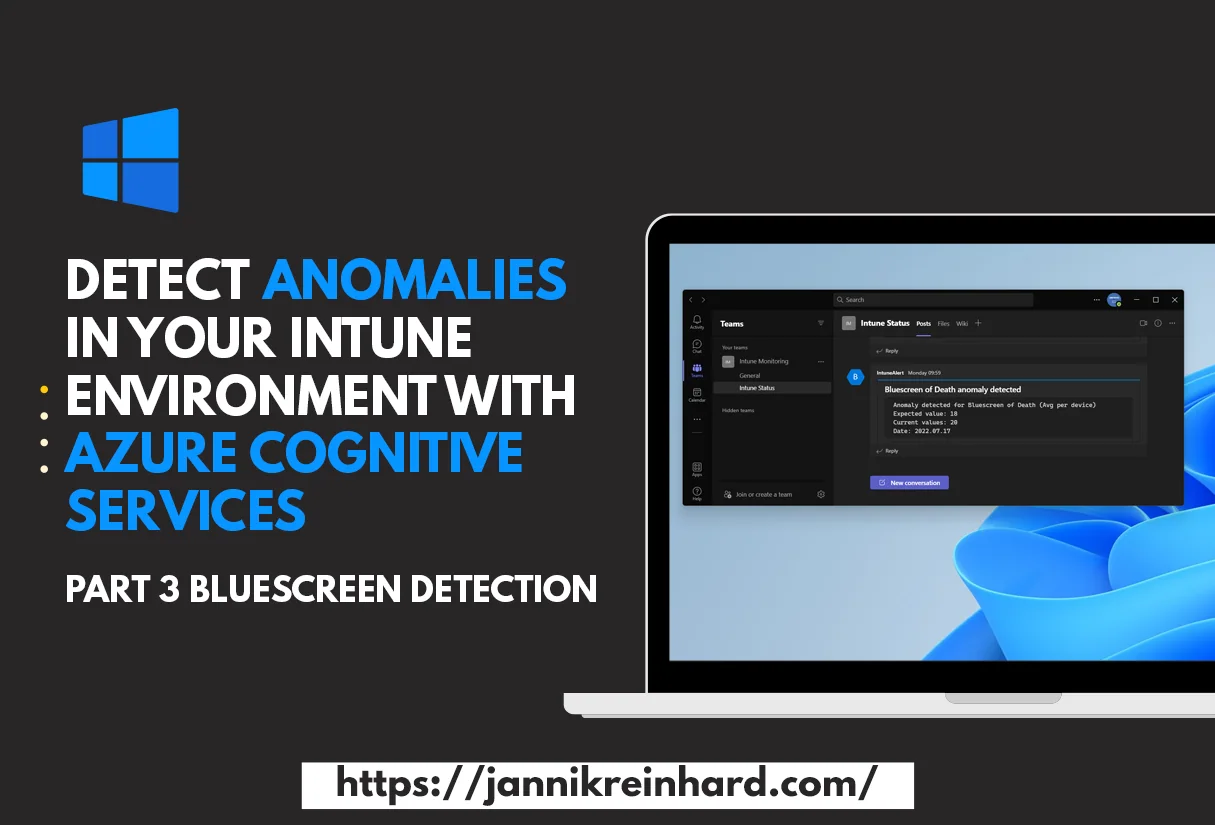
Welcome to the third part of my series in which I describe ways to get proactive notifications when something in your environment has a problem / error. So that this monitoring does not work with static values, I use Azure Cognitive Services (now Azure AI Services) to detect anomalies via machine learning. In this blog we will take a look at the Endpoint Analytics Startup performance bluescreen detection. The goal is to detect anomalies automatically, so we are notified when an unusual number of devices report a blue screen or problem during detection. You can read more about anomaly detection on Microsoft Learn.

Detect anomalies in your Intune environment with Azure Cognitive Services - Bluescreen of death
Read More » Detect anomalies in your Intune environment with Azure Cognitive Services – Part 3 Bluescreen of death detection