
Right Click Tools for SCCM & Intune: Patch, Report, Elevate
Explore Right Click Tools for SCCM and Intune: application patching, reporting and elevation, with configuration examples and deployment considerations.
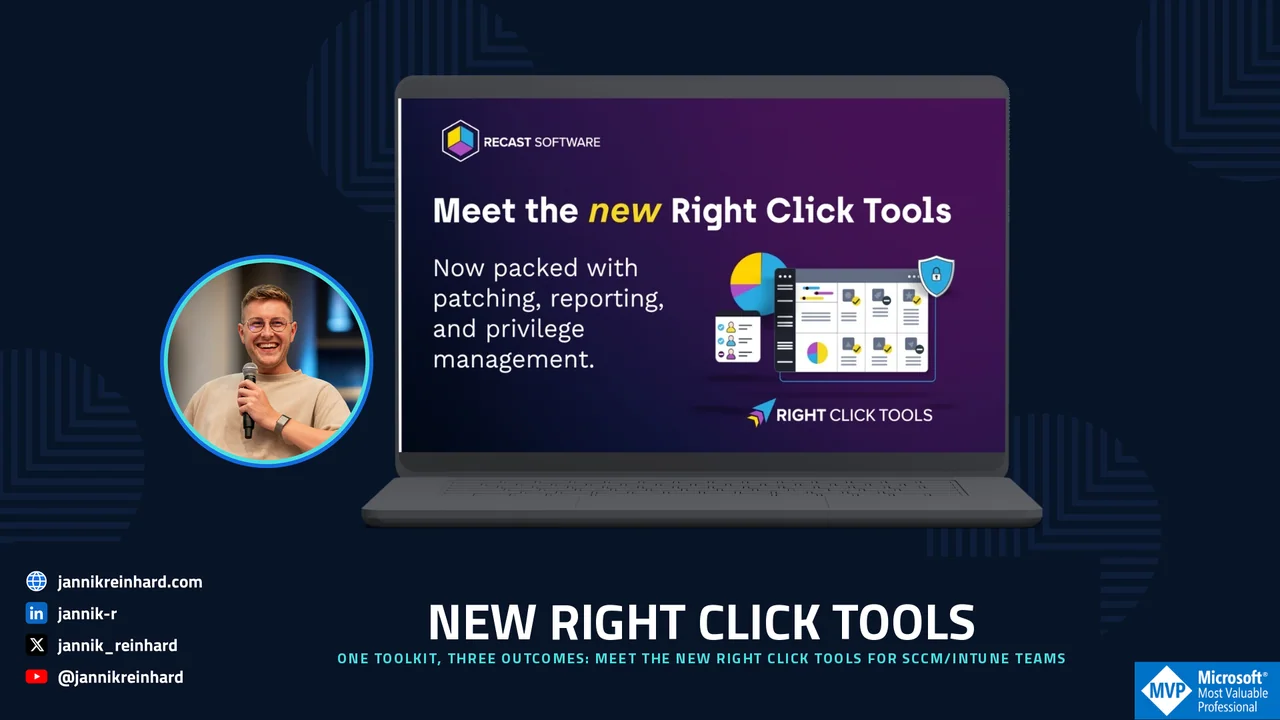
If your day still looks like this—jumping between consoles, chasing patch gaps, and wrestling with standing local admin—your tools are slowing you down. The New Right Click Tools changes that by bringing patching, reporting/visibility, and privileged access together, built for SCCM/ConfigMgr and Intune realities. In this guide you will see exactly how the new toolkit fits into a real endpoint workflow.
Trusted across 60M+ endpoints, Right Click Tools is designed for modern endpoint management at scale—without adding another portal to learn. If you already manage devices with the Microsoft Configuration Manager console, the toolkit layers right on top of what you already use.
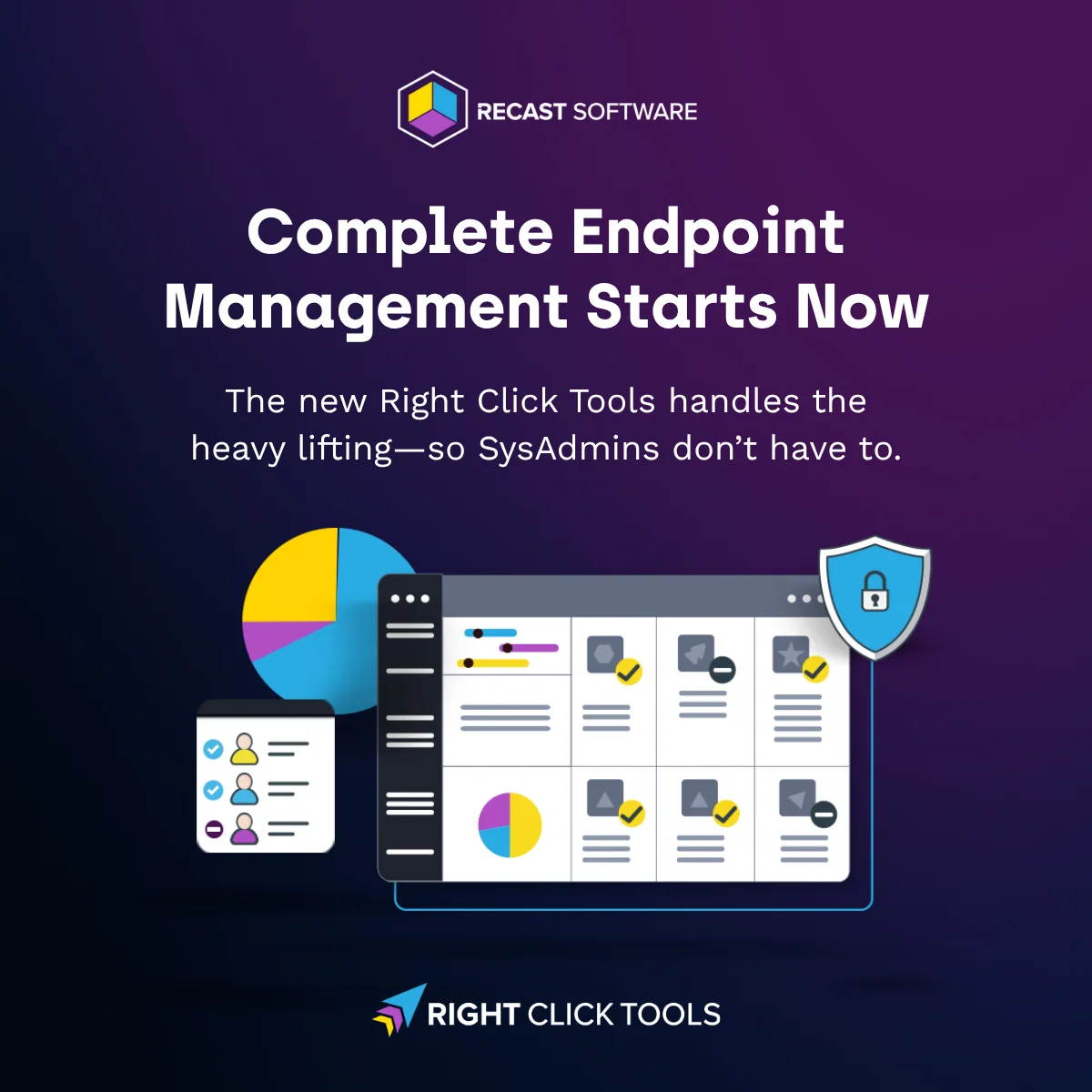
What’s New in Right Click Tools (and Why It Matters)
Right Click Tools Patching
Automate third-party application patching at scale and close gaps faster. Spend less time packaging and more time getting compliant.
Right Click Tools Insights
Turn visibility into action. Go from “non-compliant” to “handled” in fewer clicks with reports you can act on—right where you work.
Right Click Tools Privileged Access
Adopt just-in-time elevation instead of “always-on” admin. Grant time-boxed, scoped privileges that protect users and keep work moving.
From Visibility to Action: A Day-in-the-Life
Scenario: A critical third-party app is out of date on a subset of devices, and a service desk ticket needs elevated access to complete a fix. Here is how the toolkit handles it end to end.
- See: Use Insights to isolate the affected devices and understand blast radius—OS versions, app versions, compliance posture—without leaving your primary console.
- Decide: Identify remediation paths (automated patch vs. targeted deployment) and group devices instantly based on posture and risk.
- Fix: Trigger Patching to update the app fleet-wide, or perform a scoped rollout to a pilot collection. Track status in the same place you discovered the issue.
- Elevate (when needed): Grant just-in-time elevation with Privileged Access to let a technician complete a task that truly requires higher privileges. Elevation is time-boxed, audited, and scoped—no lingering admin.
- Move on: With fewer tools to juggle and fewer hops between discovery and remediation, you reduce escalations and shorten mean time to resolution (MTTR).
Where Consolidation Pays Off
- Close patching gaps faster: Third-party updates at scale—without endless packaging cycles.
- Reduce tool sprawl: One toolkit that handles the most frequent endpoint jobs.
- Fewer clicks to results: Insights that connect directly to actions.
- Least privilege by default: Just-in-time elevation instead of standing local admin.
- Cleaner compliance signal: Stronger reporting for leaders and audit-friendly traces for security.
What Changed vs. “Old” Right Click Tools
- Third-party application patching is now built to scale, reducing manual overhead.
- Deeper, actionable reporting converts insight into in-flow remediation.
- Privilege management is built-in, enabling safer just-in-time elevation.
In short: Patch smarter. Report deeper. Elevate safely. That is the promise the new toolkit delivers for every team.
A Practical Rollout: Start Small, Then Scale
You do not have to flip every switch on day one. The teams that get the most value treat the rollout like any other change: start with a tightly scoped pilot, prove the workflow, then widen the blast radius. A good first move is to pick a single high-friction task—say, patching one widely deployed third-party app such as a browser or PDF reader—and run it end to end through Insights and Patching on a pilot collection of 20–50 devices.
Once that loop feels reliable, layer in Privileged Access for the help-desk scenarios where technicians currently keep standing local admin. Replacing “always-on” rights with time-boxed, audited elevation is usually the single biggest security win, and because it is scoped per request, it rarely generates the pushback that a blanket policy change would.
Common Pitfalls to Avoid
- Skipping the pilot: Pushing a fleet-wide patch before you have validated detection logic on a small group is the fastest way to create a flood of help-desk tickets.
- Leaving elevation too broad: Just-in-time access only pays off if the scope is tight. Grant the minimum rights for the specific task, not a general admin token.
- Ignoring the audit trail: The elevation and remediation logs are not just for compliance—they are how you tune which apps and tasks deserve automation next.
Why this matters: every avoided escalation and every removed standing-admin account compounds over time. The goal is not to adopt a new tool for its own sake, but to shrink the gap between noticing a problem and resolving it—safely, and with a clean record of what happened.
Getting Started with Right Click Tools (Live Walk-Through + Q&A)
See the New Right Click Tools in action and bring your questions. For more Intune-focused background, check out Introducing Right Click Tools for Intune Community Edition.
🗓 August 27, 2025 — 10:00 AM CT (17:00 CEST)
Save your seat → https://www.recastsoftware.com/resources/the-new-right-click-tools/