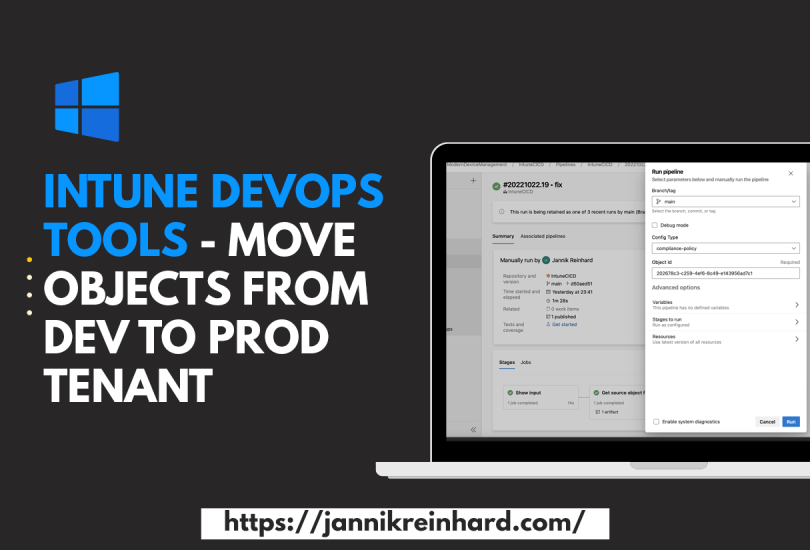
Intune DevOps Tools – Move objects from Dev to Prod Tenant

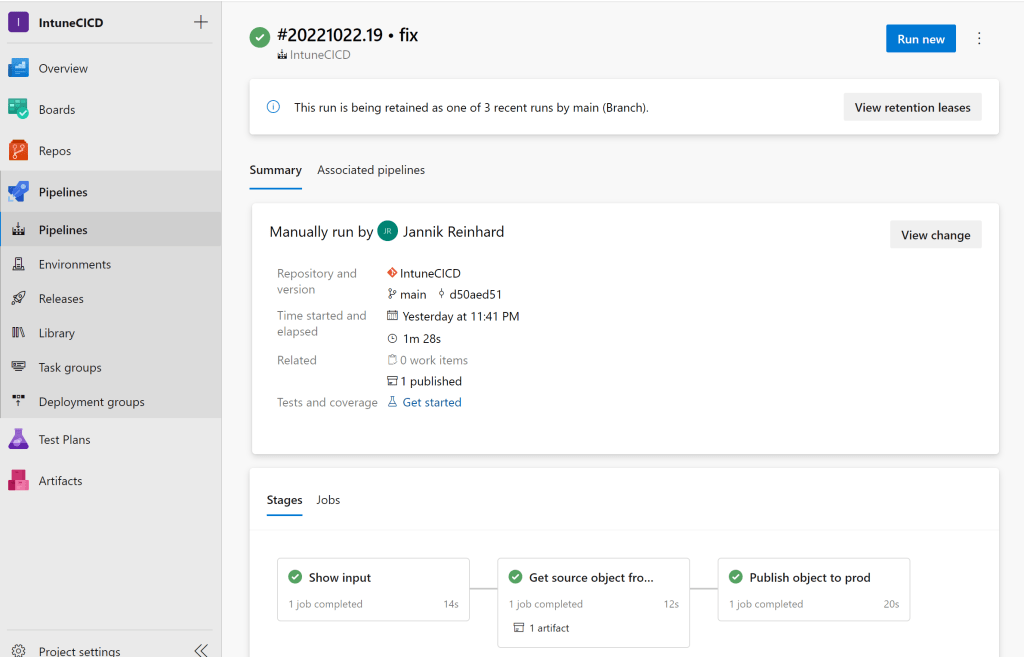
The more clients are managed in your tenant and the more people have contributor rights in your tenant, the more important it becomes to have good release management processes. In this blog post I would like to introduce you to my Intune CI pipeline that allows you to transfer configurations from one tenant to another. This offers the possibility that only a small number of administrators have access in the Prod tenant and all others create configurations in a Dev tenant and these are then transferred to the Prod tenant via a DevOps pipeline.
Read More »

How to skip the ESP for a single app installation

Unfortunately, there is no setting in Intune with which you can determine whether an app should be installed during ESP (Enrollment Status Page) or only after ESP. Of course, it is a huge advantage to install as many apps as possible during the ESP or even better during the white glove phase so that you have a ready to use device after enrollment. But there are cases where it can make sense to install an app after the ESP, for example if the installation routine requires an interaction. How you can skip the installation of an app in the ESP I will explain now.

Read More »

Show user dialog with Endpoint Analytics (Smartphone Replacement Tool)

It is not always easy to reach users via email or other channels. When there are projects running to exchange e.g. smartphones or migrations from files from a network drive to an SharePoint it is hard reach the users and get an answer. Intune provides with Endpoint Analytics a very good on board tool to easily reach users via a user dialog. In this blog I will show how you can use this with the example of a smartphone exchange. The dialog and the method can be adapted to many other use cases.

Read More »

Check Autopilot enrollment prerequisite

Everyone who has enrolled a few devices with autopilot in his life and has encountered errors knows the problem that it can quickly be very cumbersome to find the problem why an enrolment fails. Especially when it comes to network endpoints that are not reachable it can be very time consuming to find them. To enroll a device with autopilot there are also some prerequisites that have to be fulfilled. To check this before the enrollment I have created a script that helps you to check these requirements.

Read More »

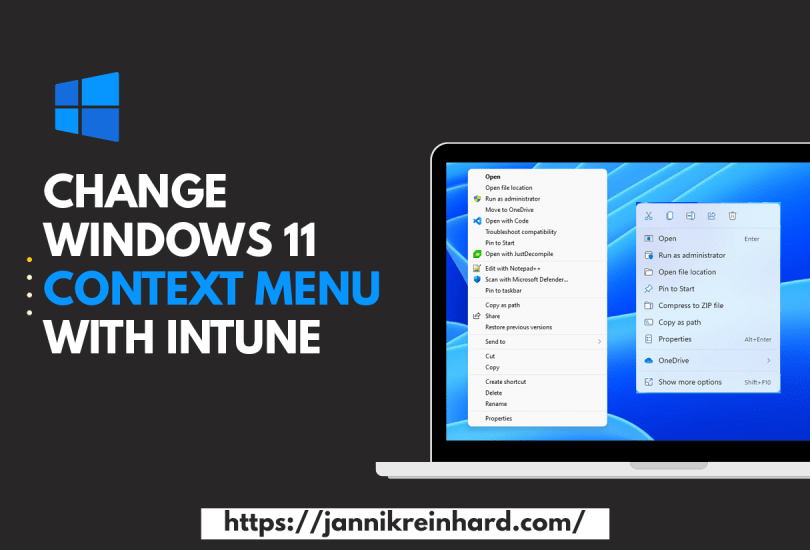
Change Windows 11 Context Menu with Intune

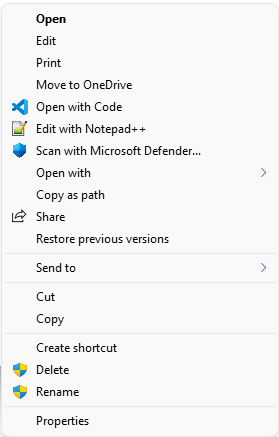
Windows 11 has brought some changes to the Windows Explorer, including the way the context menu looks. By default, the context menu is reduced to the really necessary functions. This is sufficient for most users. However, if you often need functions that are not in the reduced view, then this can be a hindrance in the workflow. In this blog I want to show you how to get back the Windows 10 context menu with the help of Intune.

Read More »

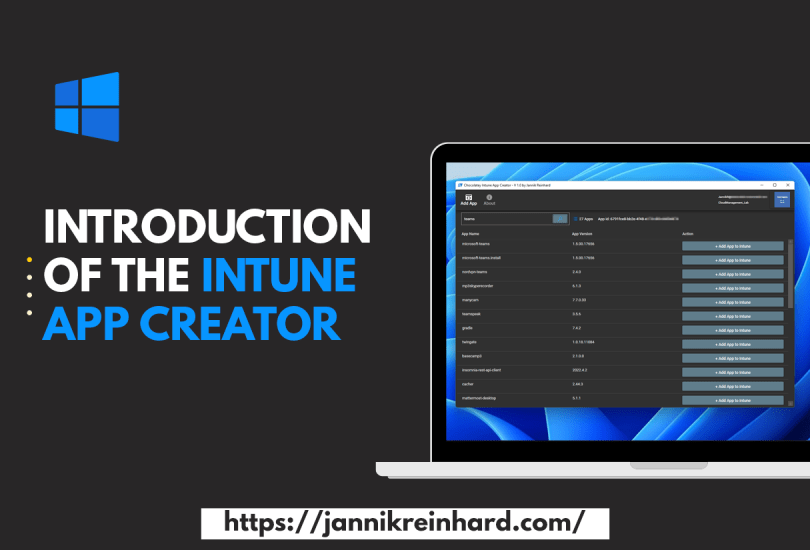
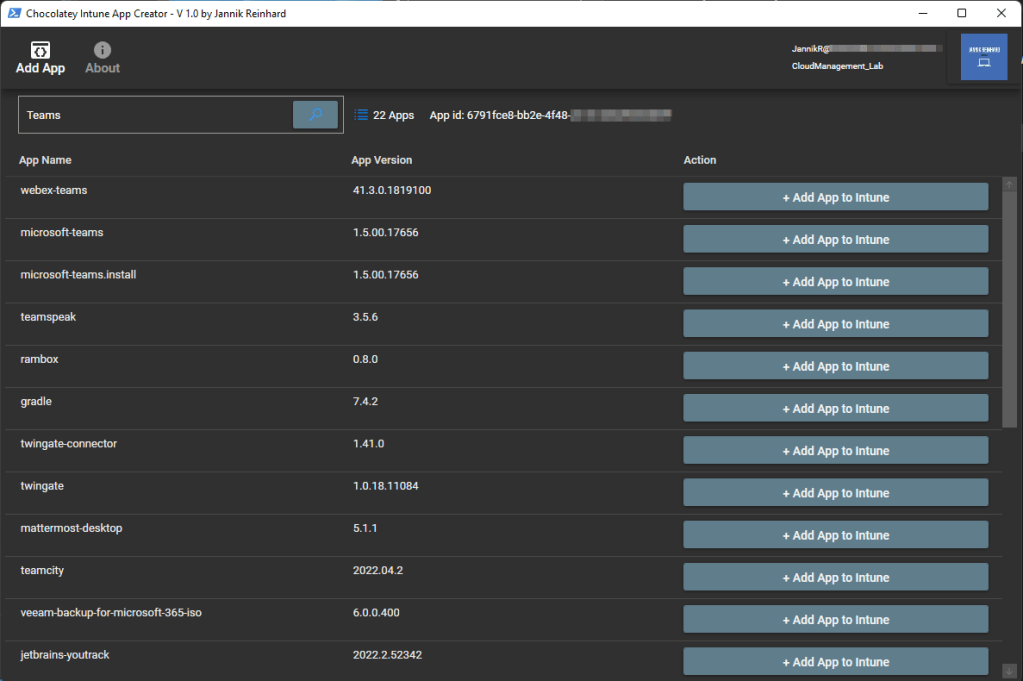
Introduction of the Intune App Creator with help of Chocolatey

Anyone who has worked with Intune and deployed an app knows that this is a bit of work. You have to download the sources, create the IntuneWin file, create the app in Intune. To simplify this I have created the Intune App Creator. With this application you can search within the >9,000 Chocolatey and automatically add this app to your Intune app portfolio with just one click.

Read More »

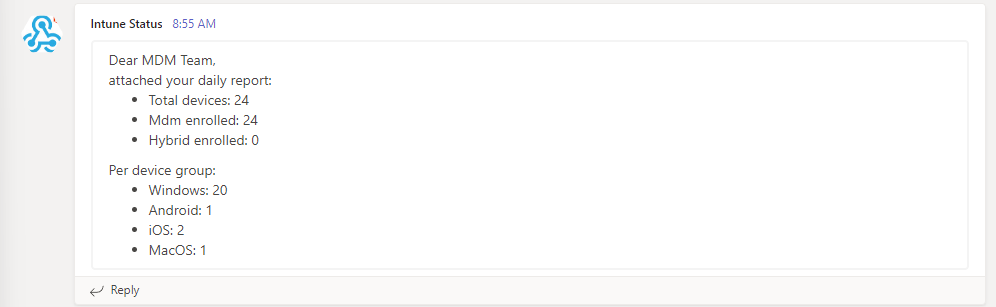
Copy Intune Discovered Apps in Log Analytics Workspace

Intune offers the possibility to show per device not only the apps installed via Intune but also the apps discovered on the device (Control Panel apps). Since this view is relatively static and you only have a per device view here, it is difficult to make analyses of the complete environment, e.g. to see which app is missing in the portfolio, since this is often installed by users themselves. Why don’t we use log analytics to have more options to work with this information’s? In this blog I want to show you how you can do this easily with a script.

Read More »

Configuration of Windows Update reboot notifications

In one of my blog posts (Delay Windows Update pending reboot with toast notification) I have already described how to give the user more flexibility in deciding when he wants to reboot his device but still remind him regularly. In this blog I want to explain you how to configure the system notification of Windows Update for business. The reason for this blog is a question in the Microsoft tech community.

Read More »