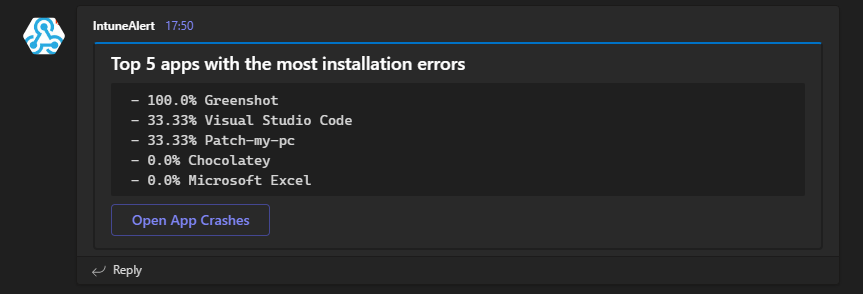
Get teams notification for the Top5 apps with installation errors

It is always important as an Intune admin to have an overview of the environment. Intune offers a lot of reports but as we all know you don’t look into them every day. Isn’t it easier to get a daily or weekly message in Teams and see the top failed app installation. I have already released some blogs with the topic of detecting anomalies in Intune with the help of cognitive services. In this blog I want to show you how to send a report that is already available in Intune to Teams using Azure Automation.

Read More »

Detect anomalies in your Intune environment with Azure Cognitive Services – Part 3 Bluescreen of death detection

Welcome to the third part of my series in which I describe ways to get proactive notifications when something in your environment has a problem / error. So that this monitoring does not work with static values I use Microsoft Cognitive services to detect anomalies via machine learning. In this blog we will take a look at the Endpoint Analytics Startup performance bluescreen detection. Here we want to be notified when an unusual number of devices report a blue screen or problem during detection.

Read More »

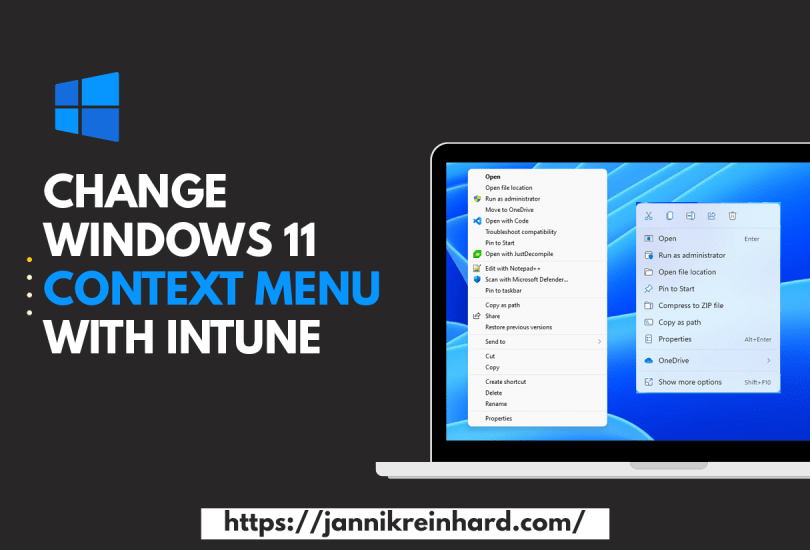
Change Windows 11 Context Menu with Intune

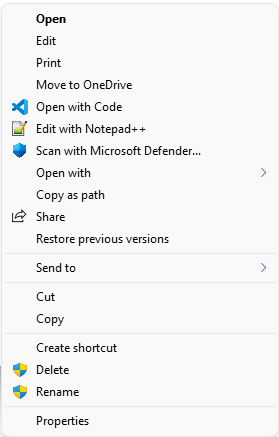
Windows 11 has brought some changes to the Windows Explorer, including the way the context menu looks. By default, the context menu is reduced to the really necessary functions. This is sufficient for most users. However, if you often need functions that are not in the reduced view, then this can be a hindrance in the workflow. In this blog I want to show you how to get back the Windows 10 context menu with the help of Intune.

Read More »

Introduction of the Intune App Creator with help of Chocolatey

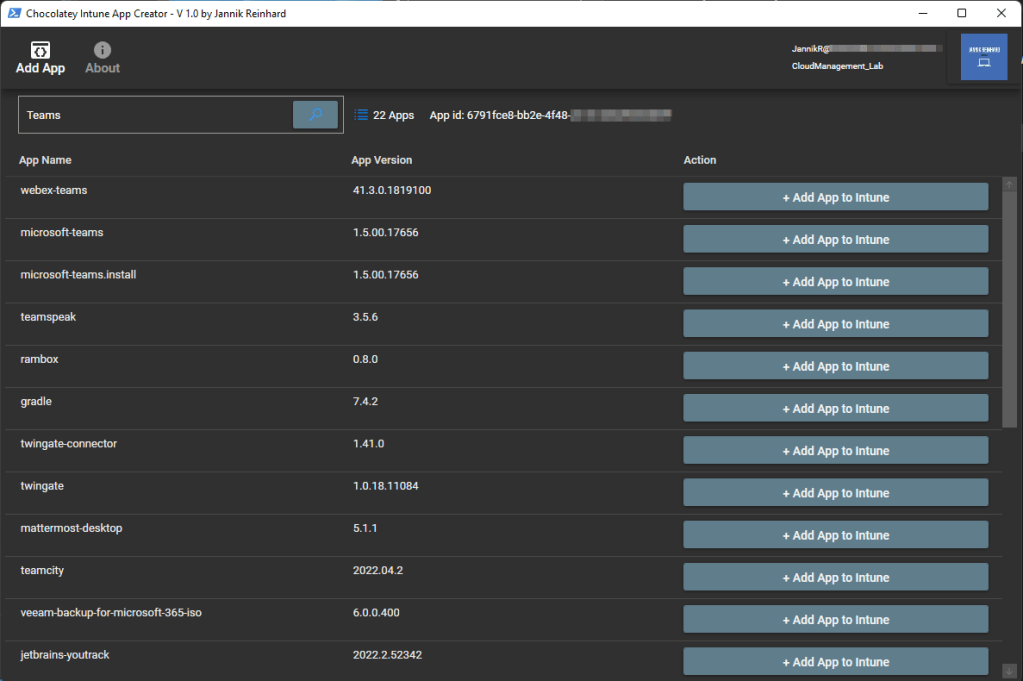
Anyone who has worked with Intune and deployed an app knows that this is a bit of work. You have to download the sources, create the IntuneWin file, create the app in Intune. To simplify this I have created the Intune App Creator. With this application you can search within the >9,000 Chocolatey and automatically add this app to your Intune app portfolio with just one click.

Read More »

Introduction of the Intune Device Troubleshooter


If you follow my blog, you know that there are two things I really like: helping people with their problems, and automating or simplifying processes. In this blog, I want to introduce you to my new tool, the Intune Device Troubleshooter. This is a PowerShell UI application that will help you to check the status of your devices, as well as support you to trigger remediation scripts to fix issues add-hock on single devices. It also provides you intelligent recommendations what you should check at a single device to determine and possible issue. So let’s get started and look at the features of the tool.

Read More »

The further development of the Company Portal System Tray Icon

A few weeks ago I released the Company Portal System Tray tool. The posts have a very good feedback and the tool was tested by some and also used productively. I have been working on developing the tool further and integrating more useful functions that can help with troubleshooting. The first version of the Company Portal system tray icon has many quick access possibilities to system tools or logs that are important for troubleshooting an Intune managed device. In addition, this tool has a quick access to open the Company Portal.

In this blog I want to introduce the new version of the Tool.

Read More »

Detect anomalies in your Intune environment with Azure Cognitive Services – Part 2 Application Installations

In one of my previous blog posts I explained how you can use Azure Automation and Azure Cognitive service to monitor the compliance state of your environment and notify you if there are major deviations today. In this part of the series I want to show you how you can apply this to the deployment of your applications and also get notified if the installation of an application suddenly fails abnormally often.

Read More »