This blog post is my take about how to install Windows Store Application via Intune. this feature makes it much easier to deploy apps via Intune. Intune provides all apps that are available in the winget repository and you can easily select them via a very large software catalog in Intune. This saves the cumbersome packaging of apps. In this blob post we will have an look how you can use this nice feature.
With the service release 2211, microsoft has brought a cool new feature called organizational message. These are different ways to contact users via different good looking messages to improve end-user communication and experience. This offers additional possibilities to the existing Notification Bar messages from Windows 10 and older. These messages can be delivered as a popup above the taskbar, in the notification area or in the Get Started app.
A small disadvantage is that this feature is currently only supported only for Windows 11 devices.
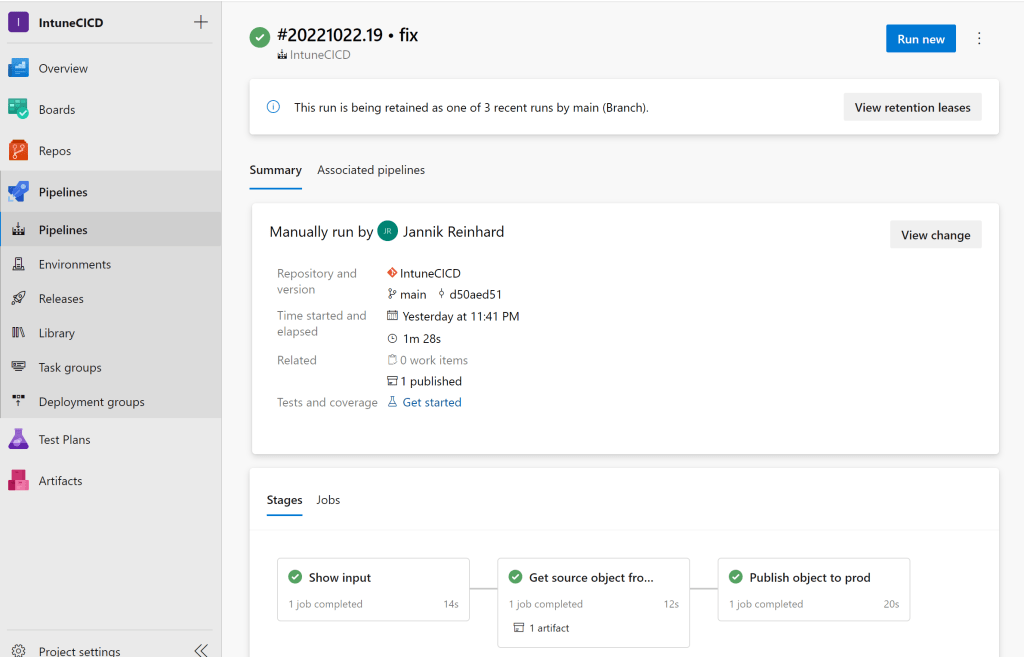
The more clients are managed in your tenant and the more people have contributor rights in your tenant, the more important it becomes to have good release management processes. In this blog post I would like to introduce you to my Intune CI pipeline that allows you to transfer configurations from one tenant to another. This offers the possibility that only a small number of administrators have access in the Prod tenant and all others create configurations in a Dev tenant and these are then transferred to the Prod tenant via a DevOps pipeline.
You can imagine that when a new Windows patch or a new version of a software is released and has to be installed on every Devices and many PCs start to download the content at the same time from a destination outside the corporate network, the Internet break outs are very busy. Or if the internet connection of a certain location has a low bandwidth the download of a large app takes a long time. But more and more organisations move their applications as well as the update management to the cloud and reduce their on premise infrastructure. To solve this problem microsoft has introduced a very good technology called Delivery Optimization. In this blog we would like to clarify what is DO and take a deeper look at how this works.
Unfortunately, there is no setting in Intune with which you can determine whether an app should be installed during ESP (Enrollment Status Page) or only after ESP. Of course, it is a huge advantage to install as many apps as possible during the ESP or even better during the white glove phase so that you have a ready to use device after enrollment. But there are cases where it can make sense to install an app after the ESP, for example if the installation routine requires an interaction. How you can skip the installation of an app in the ESP I will explain now.
With the Intune service release 2208 there is a really nice feature that provides the support to import ADMX and ADML templates very easy into MEM. This helps to create configurations for e.g. 3rd party products. How this work I will explain based on a Firefox.
I have already written several blog posts about endpoint analytics. In the Microsoft Tech Community the question came up how to clean up the disk using Intune. This is a question that is difficult to answer generically as it is always very specific. Through more and more applications and data moving to the cloud and the storage is also becoming cheaper and cheaper, the amount of storage needed on a workplace devices and the problems with full hard disks are no longer as present as in the past.
In this blog I will show you how to free up disk space on your clients with an high disk usage. So let’s get started.
Intune offers the possibility to show per device not only the apps installed via Intune but also the apps discovered on the device (Control Panel apps). Since this view is relatively static and you only have a per device view here, it is difficult to make analyses of the complete environment, e.g. to see which app is missing in the portfolio, since this is often installed by users themselves. Why don’t we use log analytics to have more options to work with this information’s? In this blog I want to show you how you can do this easily with a script.
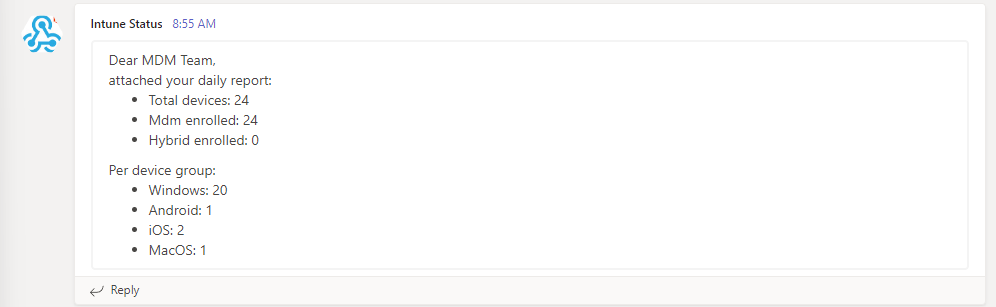
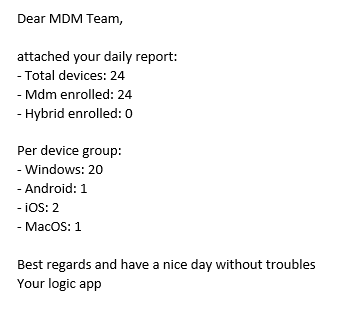
For an Intune admin it is always helpful to get an overview of the current status of his tenant and an overview of the count of devices in the field. In this blog I would like to explain how you can use Logic apps to send you a detailed daily report.
Quick assist was a cool windows out of the box tool that can get or provide PC support via a remote connection. Because Quick Assist is a pre-installed app in Windows, it can also be used to provide support during setup via e.g. Autopilot. The experience for the user was really easy. You have to only read out a 6 character code from the client and type in on the quick assist app on the supporter site.
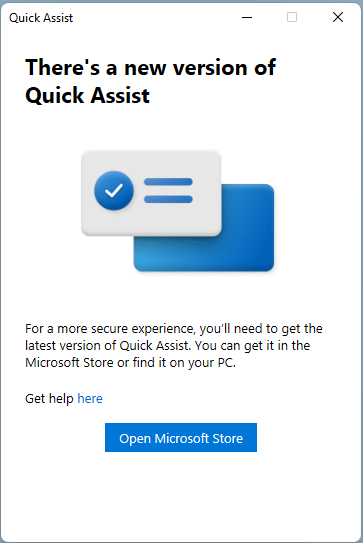
But this will be changed quick assist will not be longer a build-in tool in windows. Microsoft posted on April 27, 2022 in the Windows Insider blog that Quick assist will only be available via the Windows Store in the future and that support for the old client will end. So, if you want to continue using Quick assist in the future, you will have to install it from the Windows Store.
However, there are several problems here. The first problem is that the installation of Quick assist from the Windows Store requires admin rights. This is not always the case in a professionally managed business environment where users also have admin rights on their PC. The second problem is that if you are using Windows LTSC there is no Windows Store to get quick assist from. And user getting a error messages about missing WebView2 runtimes.
How you can solve this problem I will show you today in this blog.









 jannikreinhard.com