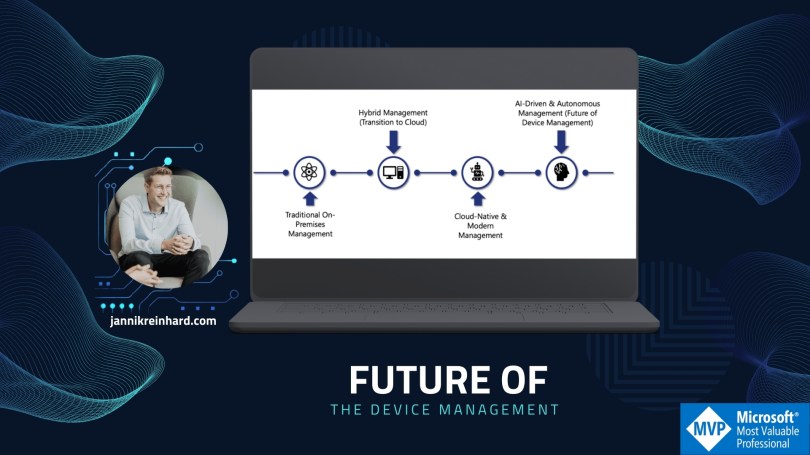
Let’s look in the future of device management

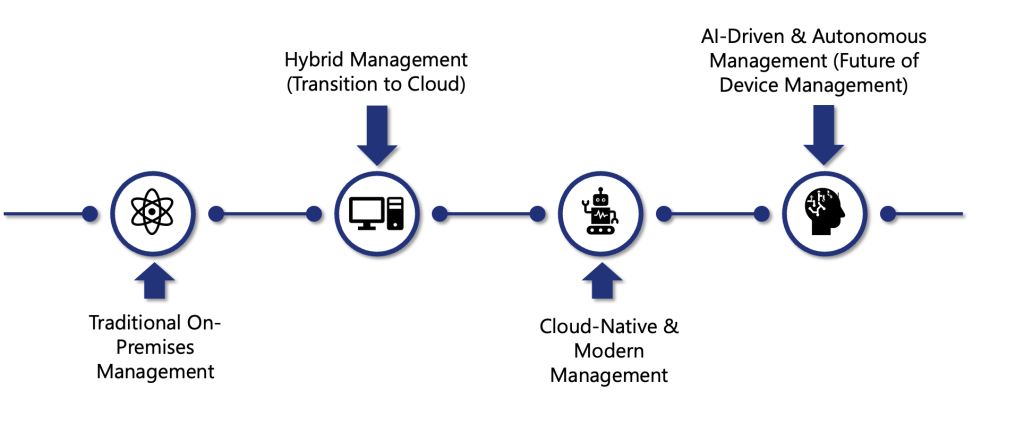
Endpoint management has come a long way from the days of manual, on-premises processes. In today’s world where employees work from home, on the road, or in branch offices—IT teams need tools that are not only powerful but also flexible and intelligent. Microsoft’s journey from Configuration Manager (SCCM) to Intune, and now toward AI-driven automation, shows how we can bridge legacy systems with cloud innovation to deliver seamless, secure, and proactive device management.
Read More »

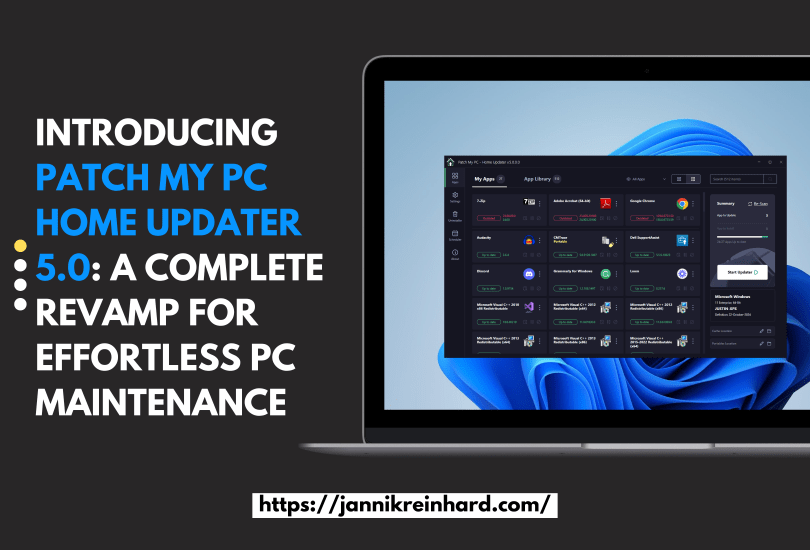
Introducing Patch My PC Home Updater 5.0: A Complete Revamp for Effortless PC Maintenance

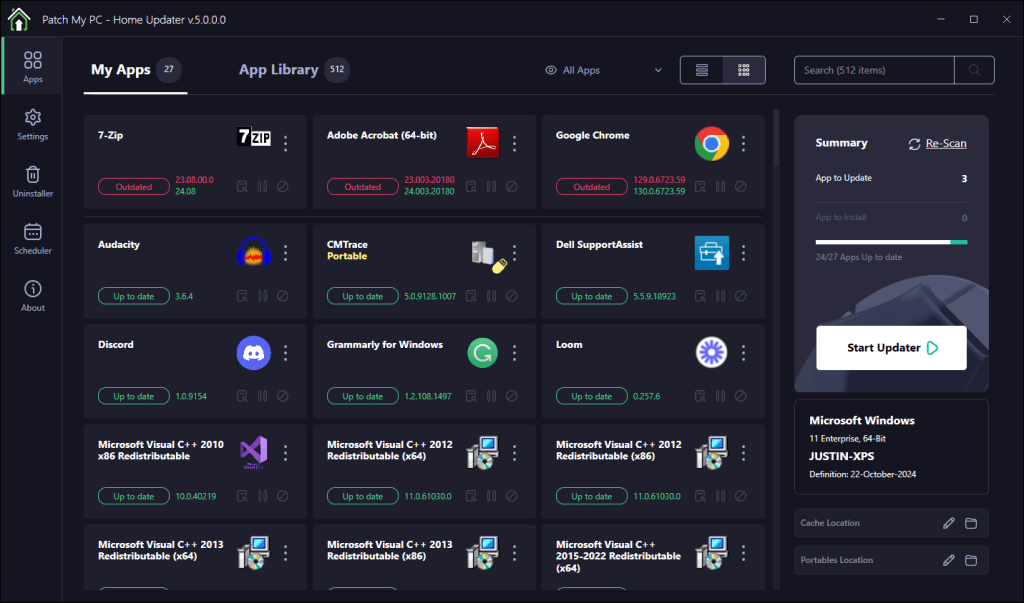
During the recent MMS conference, I had the opportunity to get an early look at the new Patch My PC Home Updater 5.0. Keeping your PC updated is crucial for security, performance, and accessing the latest features in your applications. In business environments, IT teams usually handle this task, but in our personal lives, it’s an important responsibility that often falls to us individually.

To simplify this process, Patch My PC offers a free tool designed to keep your home PC’s software up to date effortlessly. In this blog, I’ll walk you through how it works and what’s new in version 5.0.

Read More »

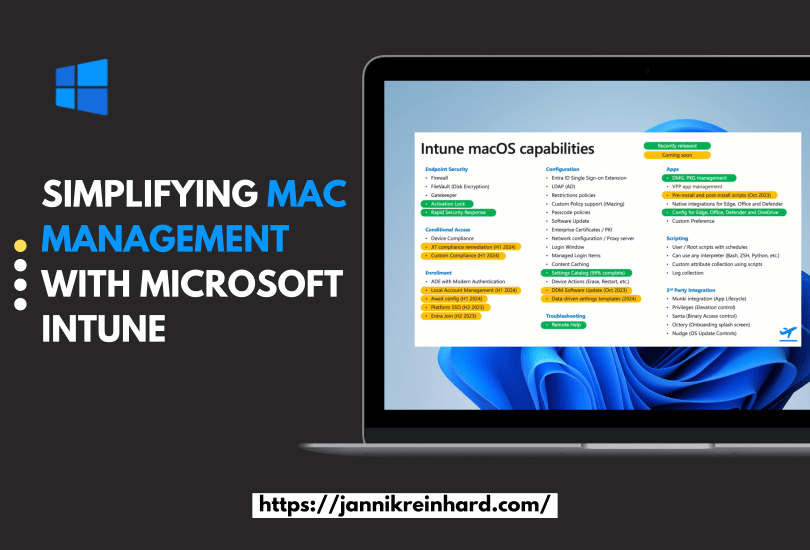
Simplifying Mac Management with Microsoft Intune

Managing a fleet of devices in today’s workplace isn’t just about only Windows management anymore —the world around Macs devices are increasing more and more. As more employees choose Macs for their performance, design, and reliability, you also have to deal about the right ways to manage and secure them. With Microsoft Intune, you have a powerful platform to managing macOS devices alongside other platforms. This post shows you how to manage macOS with Microsoft Intune and explains why integrating Macs into your corporate infrastructure is a smart move.

Read More »

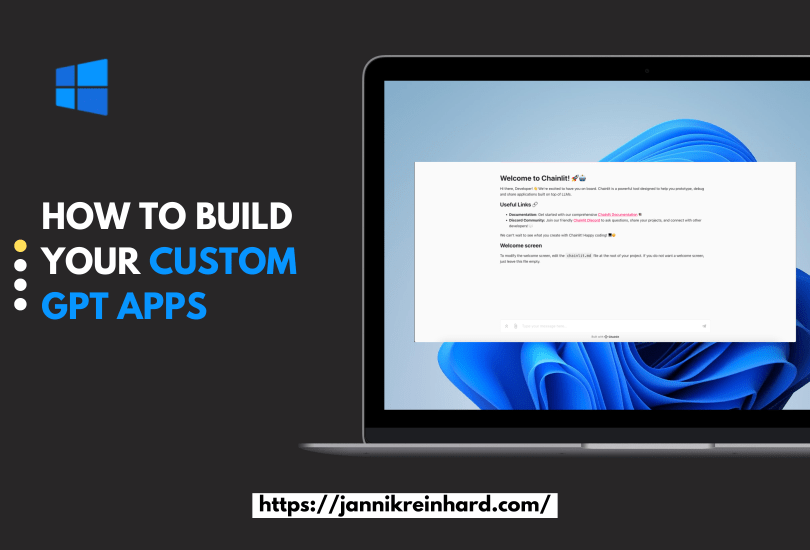
How to build your custom GPT apps

I wrote a lot of blogs about AI solution, utilizing e.g. Azure OpenAI. But I want to take you on this journey how you can build your own apps and websites. In this post I will show you how to build you customized solution with the help of two very powerful frameworks. One is Streamlit and one is Chainlit.

Both provide an interface for a Chat experience, but both has a different design (technical and visual).

Read More »

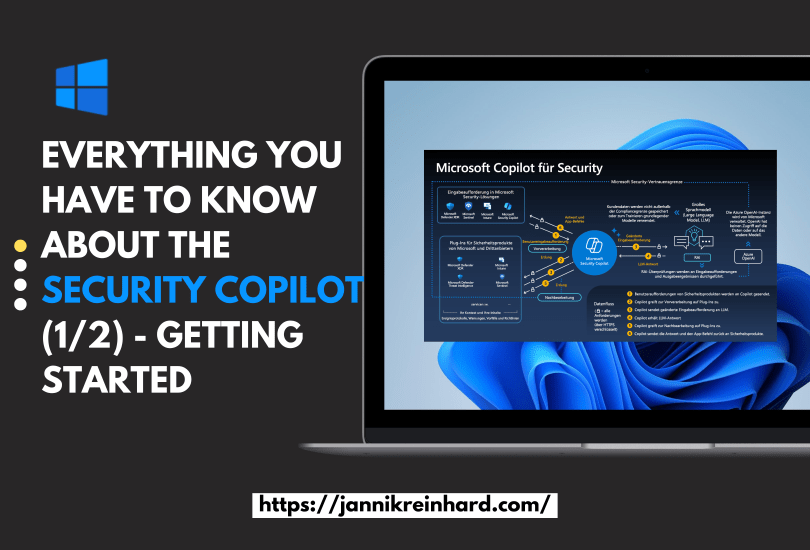
Everything you have to know about the Copilot for Security (1/2) – Getting started

This was an no brainer for me that I will write a blog about Microsoft Copilot for Security. You know I like AI and I like Intune. What is better if I can blog in one post about both. I was already part of the closed preview, and I a very big fan of this product and the potential behind. In this blog post I will write about everything what you have to know and how you can start.

Read More »

Create your own Intune Co Pilot using Azure OpenAi Studio

The simplest approach to deploying a chatbot is to do so without any coding. This is precisely what I aim to demonstrate. Such a chatbot can be tailored to utilize your custom documentation, knowledge articles, or any other resources you wish to integrate. This method simplifies the process, making it accessible even if you’re not well-versed in programming. By leveraging existing documents and knowledge bases, you can create a chatbot that is both informative and aligned with your specific needs and content.

Read More »

Reenrol devices without wipe

Enrolled Intune devices occasionally face trust issues due to MDM or Microsoft Azure certificate problems, among other factors. While wiping and re-enrolling is a standard fix, it’s straightforward for regular devices, with minimal data loss thanks to services like OneDrive. However, this process is more complex for specialized field devices, particularly those with custom configurations and vendor-installed software, especially if the vendor not longer exists. Creative strategies are essential in these cases. This blog post delves into an experimental approach to seamlessly bring such devices back under management.

Read More »