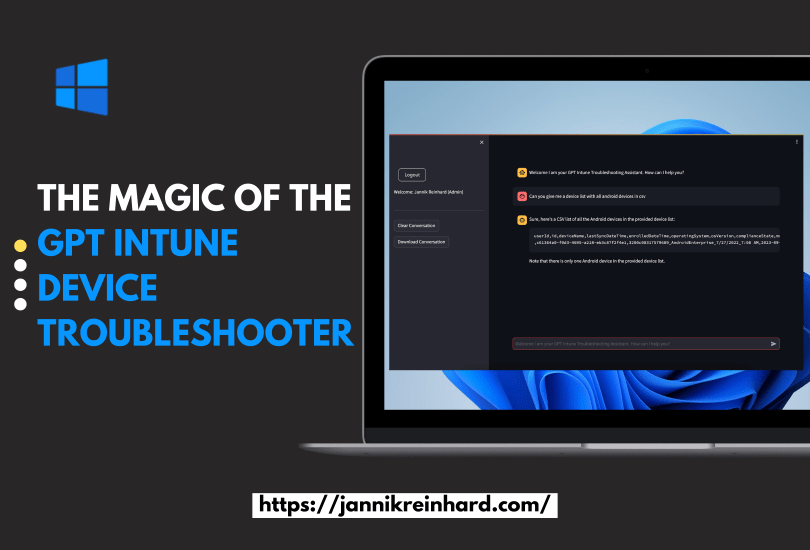
I am more than happy to release my new tool the GPT Intune Device Trouleshooter. Wouldn’t it be awesome if you have an assistant which you explain what you want to do in Intune an he do the job for you? This dream will now become reality with the GPT Intune Device Troubleshooter.
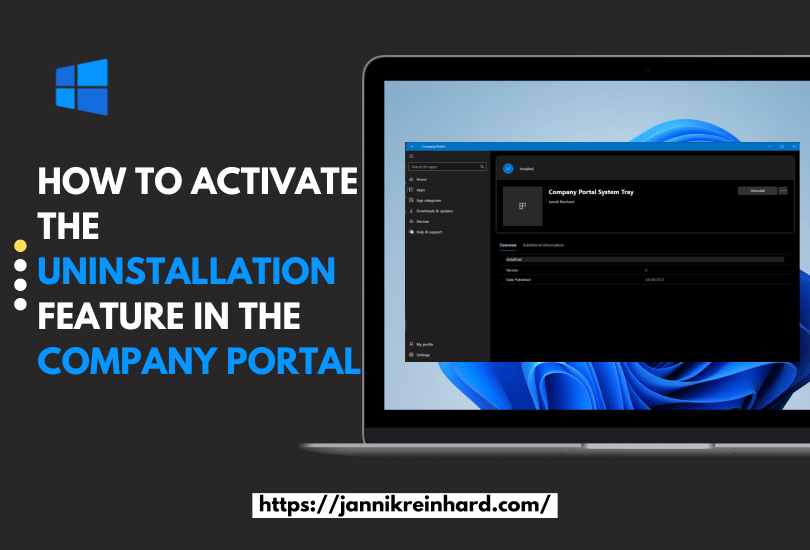
It is a feature where a lot customer waiting since a long time. Now it is here. The possibility to uninstall apps from the company portal. In this short blog post we want to have an look how you can configure this and how the user flow looks like.
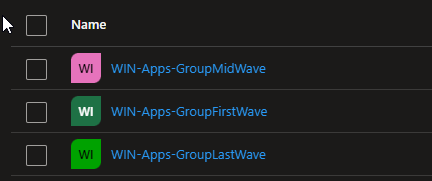
How do you distribute configuration profile, apps or other configurations in Intune today? In this blog I want to explain and provide a script how you can easily roll out objects in Intune using waves. Here I will help you to create groups defined by you that will pack a specified percentage of your devices into the groups so that you can perform a slow rollout and thus guarantee the quality. The current script describes how you can create device groups. If you are also interested in how to apply this to user groups or how to create a automation for the assignment then let me know.
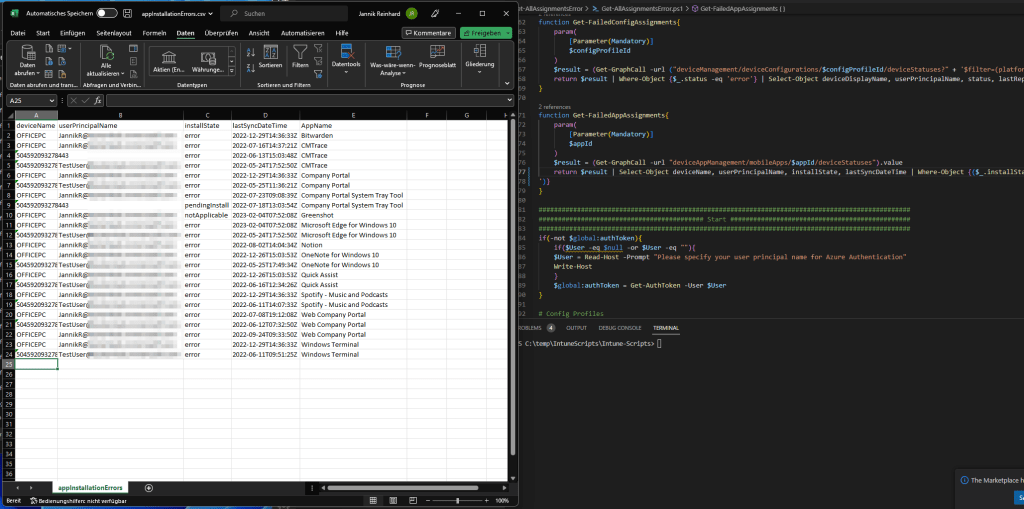
Welcome to my first blog as a Microsoft MVP! This blog will focus on a script I created in response to a request from a member of the community who asked how to efficiently export all errors in Intune. Instead of manually sifting through numerous reports to find errors, my script automates the process with just one click. Not only does this make the task much more convenient, but it also allows you to run the script regularly to create a historical record or receive weekly error reports automatically. Since this request can be helpful for several people within the community I decided to create the script and blog about it.
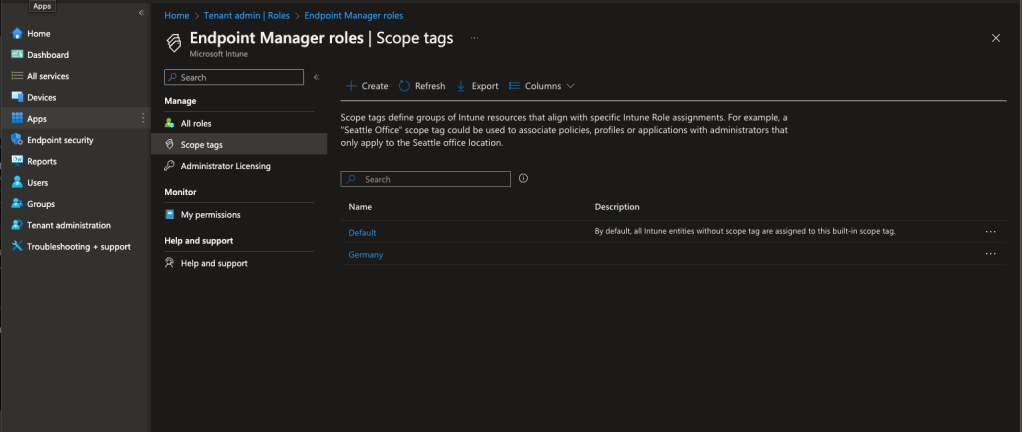
Intune scope tags allow you to manage a large organisations IT infrastructure while giving each department/region/sub company/… the flexibility to configure their own settings. Scope tags in Microsoft Intune allow administrators to divide devices in their organization into logical groups. These groups, also known as tags, can be used to make certain settings, applications, and policies available only to specific users or devices. By using Intune scope tags, you can streamline your IT infrastructure, improve security and make your life easier.
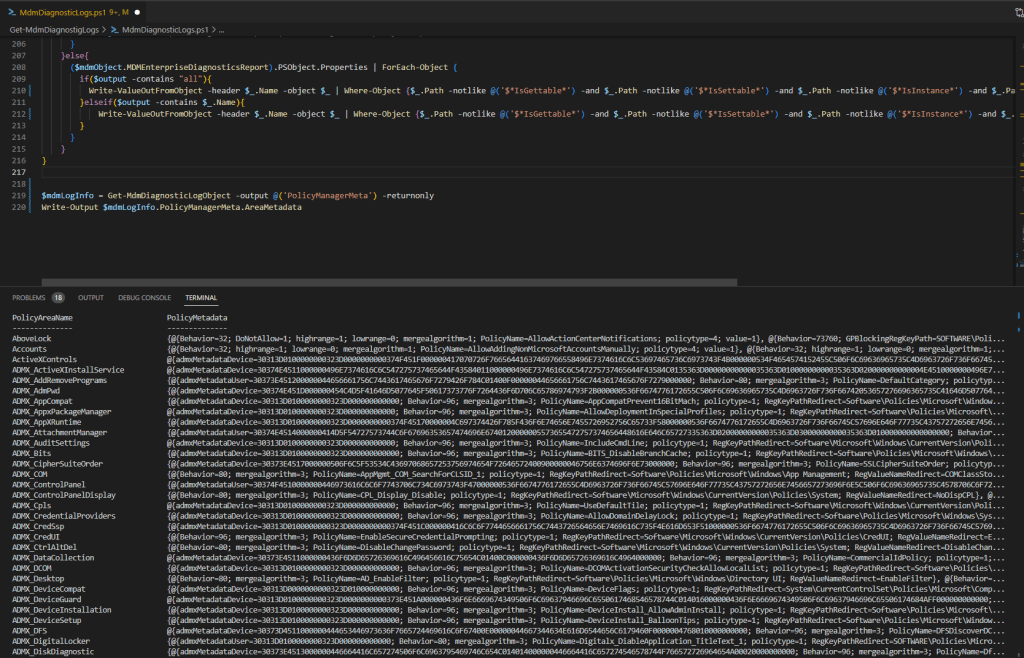
In this blog I would like to give you a helpful tool how you can analyze the MDM diagnostic log directly on the client with the help of PowerShell and how you can process the content in a simple way to implement remediations or to build a monitoring. In the following sections I will explain step by step how you can use this script.
There are many ways to export information from Intune. For example, you can use Log Analytics, the Data Warehouse or the Graph API. But if you want to export several thousand devices or apps via Graph, it can happen that Graph has a paging. Paging means that you only get a certain number of entries with one call and then you have to make another call for the next range. This means for you that you have to write a script that loops through the pages.
Another problem if you want to export e.g. all Discovered apps you have to loop through all devices because this attribute is not shared in List calls. But if you have several 10k or 100k devices this takes a long time.
But there is a Graph Report API that is designed to export large amounts of data and provide it to you as a CSV on a really easy way. How you can use it I will explain in this blog.
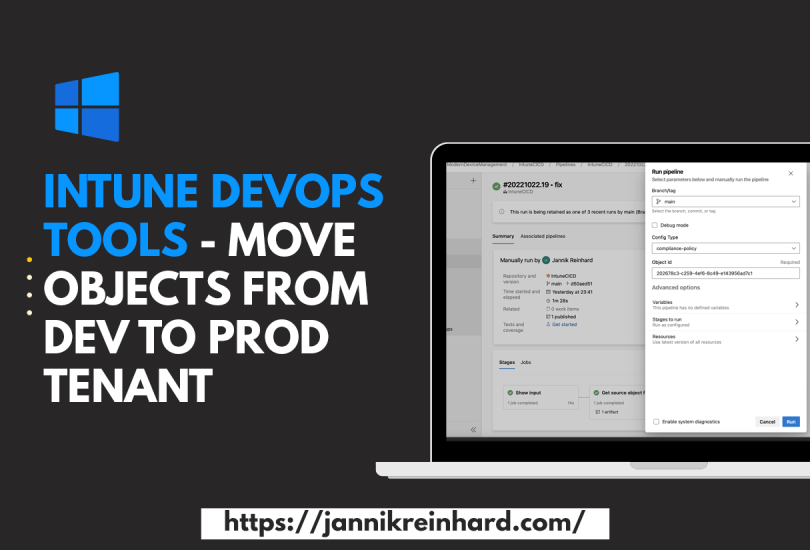
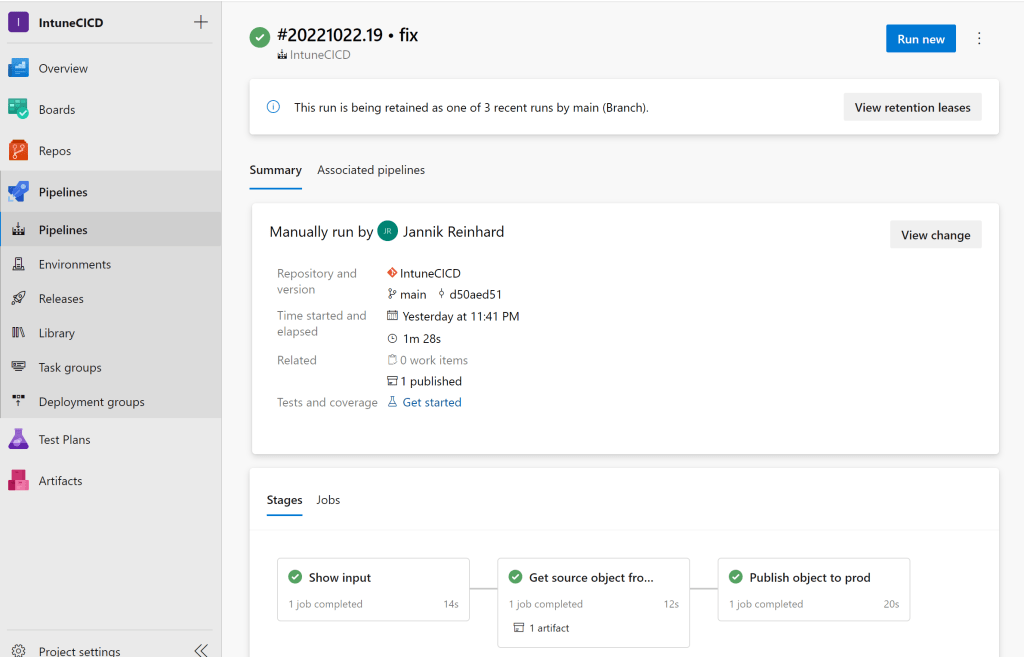
The more clients are managed in your tenant and the more people have contributor rights in your tenant, the more important it becomes to have good release management processes. In this blog post I would like to introduce you to my Intune CI pipeline that allows you to transfer configurations from one tenant to another. This offers the possibility that only a small number of administrators have access in the Prod tenant and all others create configurations in a Dev tenant and these are then transferred to the Prod tenant via a DevOps pipeline.
Everyone who has enrolled a few devices with autopilot in his life and has encountered errors knows the problem that it can quickly be very cumbersome to find the problem why an enrolment fails. Especially when it comes to network endpoints that are not reachable it can be very time consuming to find them. To enroll a device with autopilot there are also some prerequisites that have to be fulfilled. To check this before the enrollment I have created a script that helps you to check these requirements.
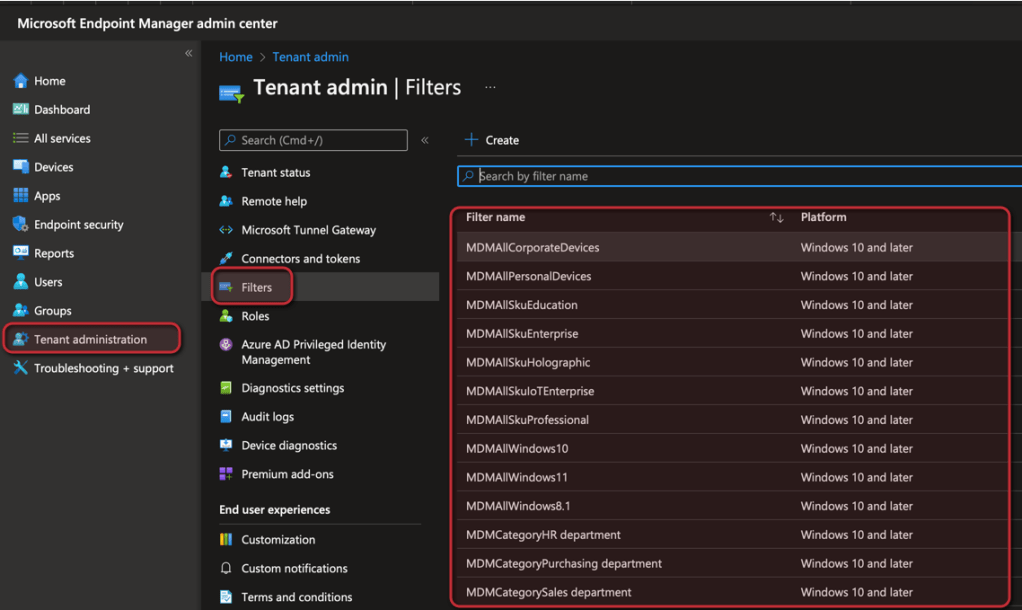
In one of my posts I have explain how you can create an apply assignment filters. Is a very powerful feature to refine the assignment of group. For example, you can assign a config profile to all devices and apply a filter to apply the config profile only on Windows 11 devices within the group. To make it easier for you to start with filters I wrote a script which creates a default set of filters.












 jannikreinhard.com