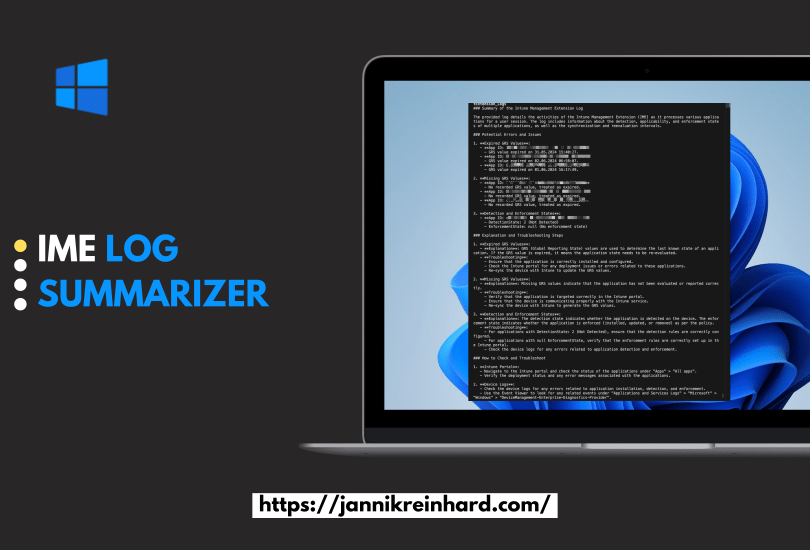
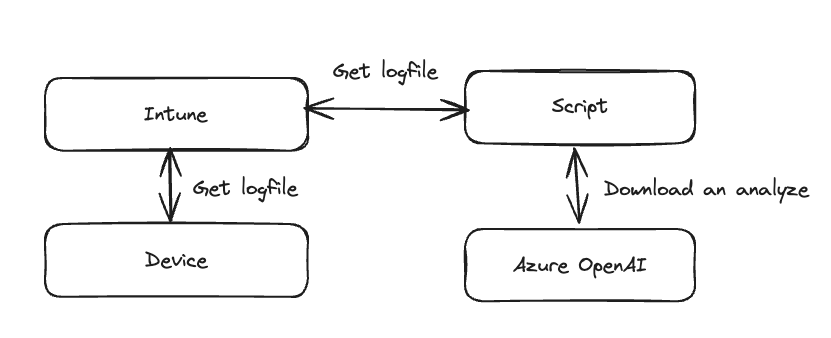
In this short blog I want to show you how you can use GPT to get a summarization of the Intune Management Log. This script will read the Intune Management Extension Log file in the ProgramData/Microsoft/IntuneManagementExtension/Logs folder and will pass this latest content of the script to GPT.
As GPT and other large language models revolutionize the way how we communicate and how we can build custom solutions for companies, the demand for intuitive frontends to deliver these AI capabilities to end-users has never been higher. If you’re wondering whether there’s a seamless way to integrate a bot into Microsoft Teams, you’re in luck! In this blog, I’ll guide you through the process of developing and deploying your own custom bot tailored for Microsoft Teams and the bot framework from Microsoft.
I wrote a lot of blogs about AI solution, utilizing e.g. Azure OpenAI. But I want to take you on this journey how you can build your own apps and websites. In this post I will show you how to build you customized solution with the help of two very powerful frameworks. One is Streamlit and one is Chainlit.
Both provide an interface for a Chat experience, but both has a different design (technical and visual).
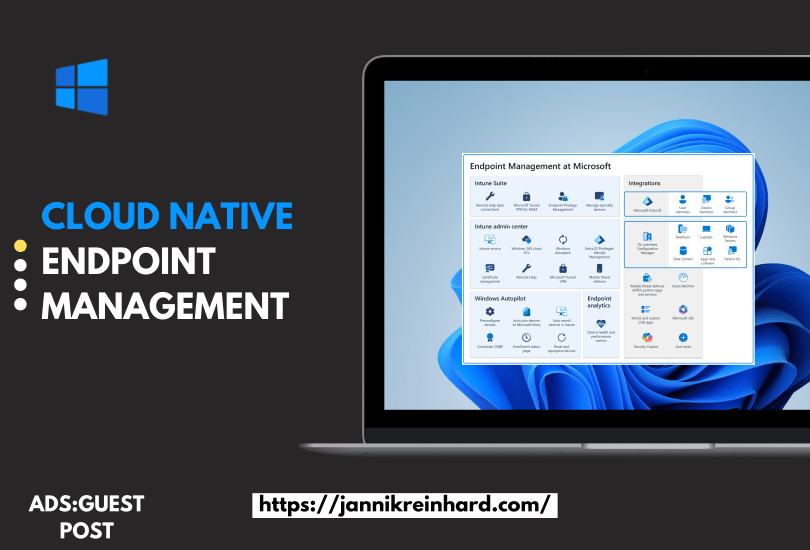
You plan to migrate to Intune? Then do this Cloud Native! Use the chance and get rid of you on-premises environment, maintenance of the infrastructure and move this responsibility to Microsoft. In this blog I want to explain what cloud native is and what Intune provides you to make your journey to a success.
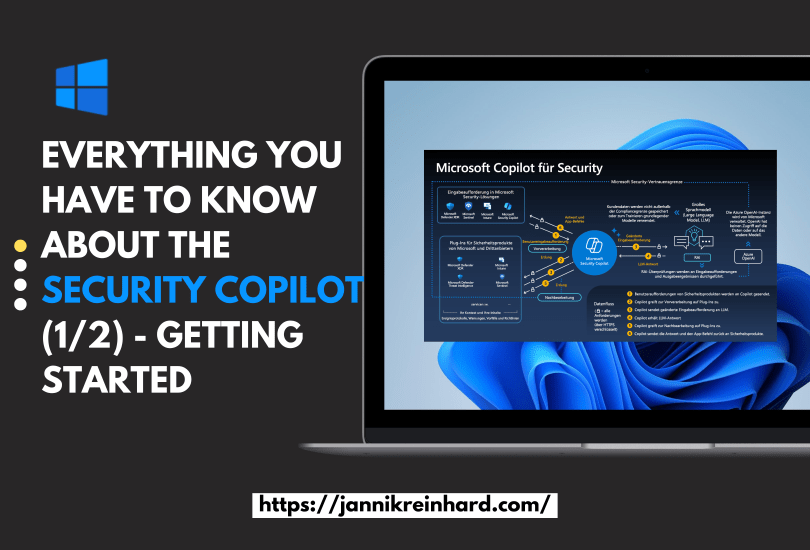
This was an no brainer for me that I will write a blog about Microsoft Copilot for Security. You know I like AI and I like Intune. What is better if I can blog in one post about both. I was already part of the closed preview, and I a very big fan of this product and the potential behind. In this blog post I will write about everything what you have to know and how you can start.
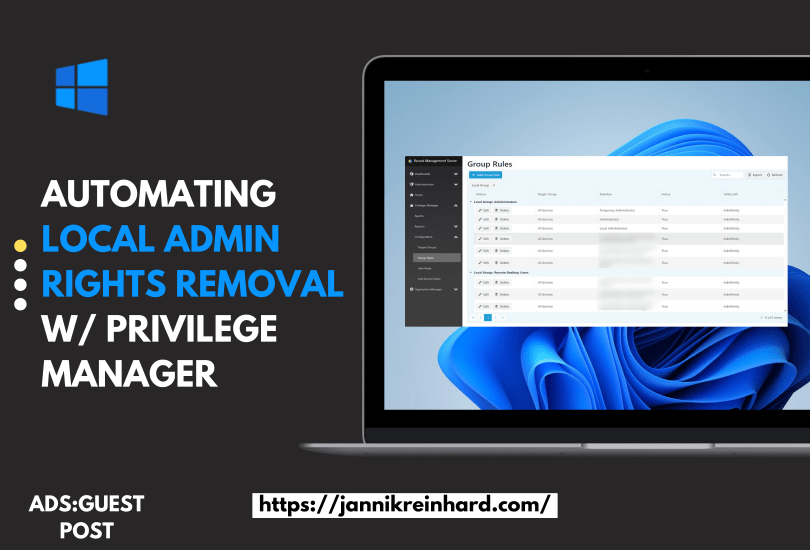
This is the second guest post from my partner Recast Software. Imagine reducing 90% of critical security vulnerabilities with a single change to your IT policy. Removing local admin rights can achieve this. IT departments face a constant influx of tickets and issues to manage. Many of these result from a need to elevate permissions, perhaps to update a piece of software or access a resource. The old way of getting around this issue was to give end users local admin permissions on their device. I know many of you are cringing just reading that—so am I. There are many, many reasons not to give end-users local admin permissions. The risks associated with local admin rights greatly outweigh the benefit of fewer tickets from end-users.
In the last post I explained how you can build a CoPilot using the Azure OpenAI Studio in this blog post we will do the same with the CoPilot Studio. Here we will also utilize the Azure OpenAI Service. Lets have an quick look into this topic as well:
The simplest approach to deploying a chatbot is to do so without any coding. This is precisely what I aim to demonstrate. Such a chatbot can be tailored to utilize your custom documentation, knowledge articles, or any other resources you wish to integrate. This method simplifies the process, making it accessible even if you’re not well-versed in programming. By leveraging existing documents and knowledge bases, you can create a chatbot that is both informative and aligned with your specific needs and content.
Enrolled Intune devices occasionally face trust issues due to MDM or Microsoft Azure certificate problems, among other factors. While wiping and re-enrolling is a standard fix, it’s straightforward for regular devices, with minimal data loss thanks to services like OneDrive. However, this process is more complex for specialized field devices, particularly those with custom configurations and vendor-installed software, especially if the vendor not longer exists. Creative strategies are essential in these cases. This blog post delves into an experimental approach to seamlessly bring such devices back under management.
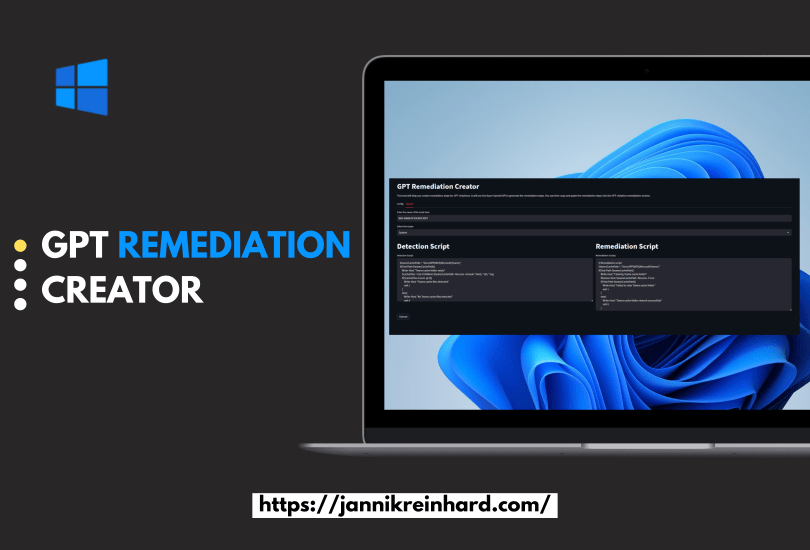
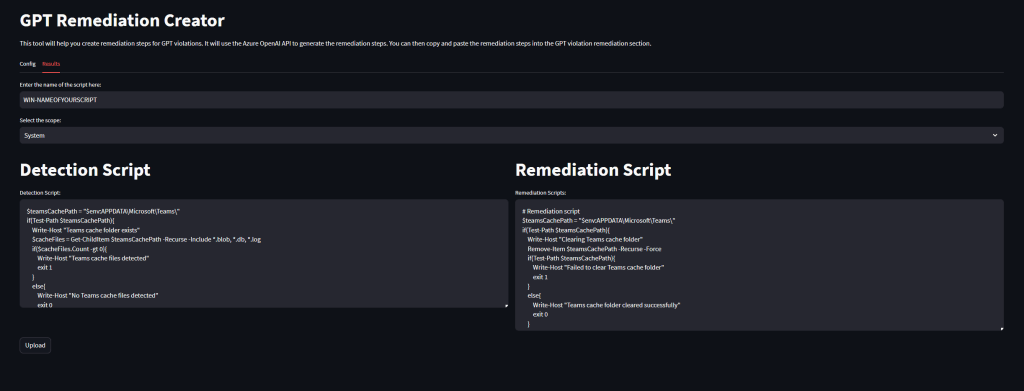
Remediations play a pivotal role in effective client management, allowing organizations to proactively identify and resolve end-user issues. Additionally, they serve as a valuable tool for enforcing specific settings or configurations that may not be natively supported in Microsoft Intune. However, the process of crafting these scripts can often be intricate and time-consuming.
Imagine a solution where you can simply describe your desired configurations, and a tool generates the necessary scripts for you. If you find this idea appealing and are keen to explore such a solution, this blog is tailored to meet your exact needs.





 jannikreinhard.com