Reenrol devices without wipe

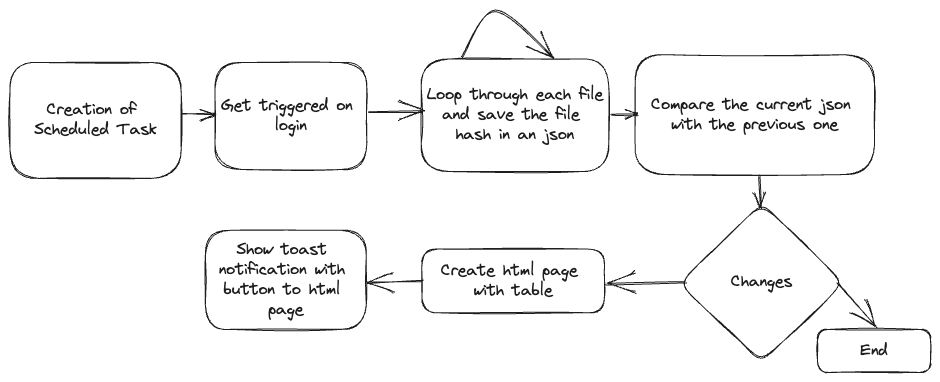
Enrolled Intune devices occasionally face trust issues due to MDM or Microsoft Azure certificate problems, among other factors. While wiping and re-enrolling is a standard fix, it’s straightforward for regular devices, with minimal data loss thanks to services like OneDrive. However, this process is more complex for specialized field devices, particularly those with custom configurations and vendor-installed software, especially if the vendor not longer exists. Creative strategies are essential in these cases. This blog post delves into an experimental approach to seamlessly bring such devices back under management.

Read More »

How to create PowerShell script to automate tasks in Intune

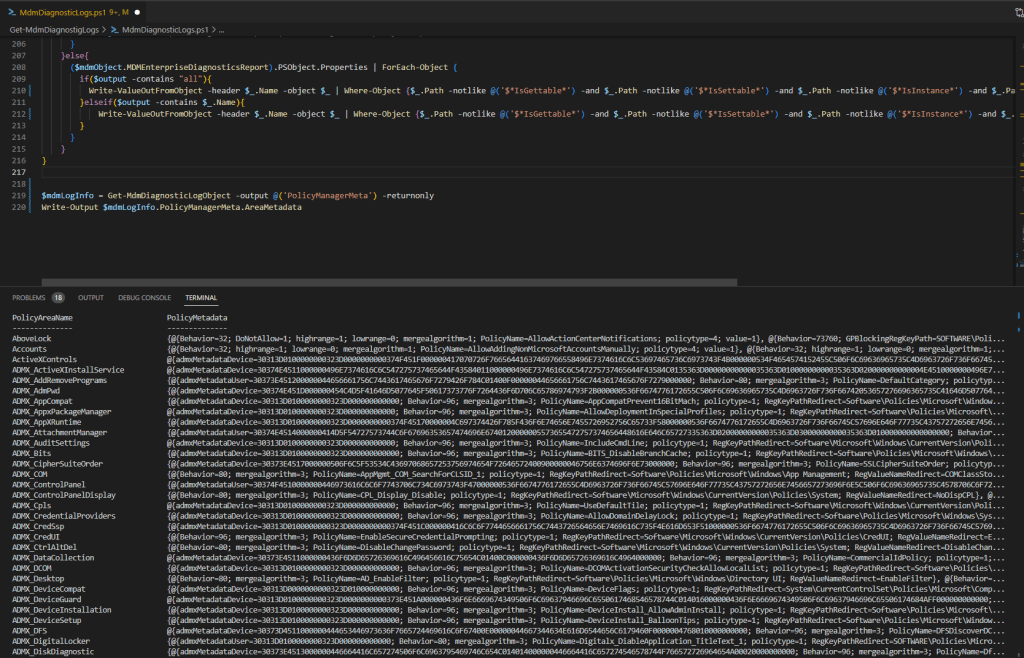
Most have heard the term Microsoft Graph API before. Ms Graph is an interface from MS for accessing and controlling a variety of Microsoft cloud services. In this blog post I will go into more detail on how you can use Graph in conjunction with Intune, what your options are and how it all works. I’ll also give you script examples in this blog that you can use directly.

Read More »

Get assignments of an device via Powershell

Via the MEM UI in the device overview you can see all assignments of a certain device. In the service release Service release 2206 even the function to see the group members of a device was included. But if you want to create automations it is helpful to be able to query this information with PowerShell. I have created a script at the request of a user in the community which returns this information to you.

Read More »

How to skip the ESP for a single app installation

Unfortunately, there is no setting in Intune with which you can determine whether an app should be installed during ESP (Enrollment Status Page) or only after ESP. Of course, it is a huge advantage to install as many apps as possible during the ESP or even better during the white glove phase so that you have a ready to use device after enrollment. But there are cases where it can make sense to install an app after the ESP, for example if the installation routine requires an interaction. How you can skip the installation of an app in the ESP I will explain now.

Read More »

Check Autopilot enrollment prerequisite

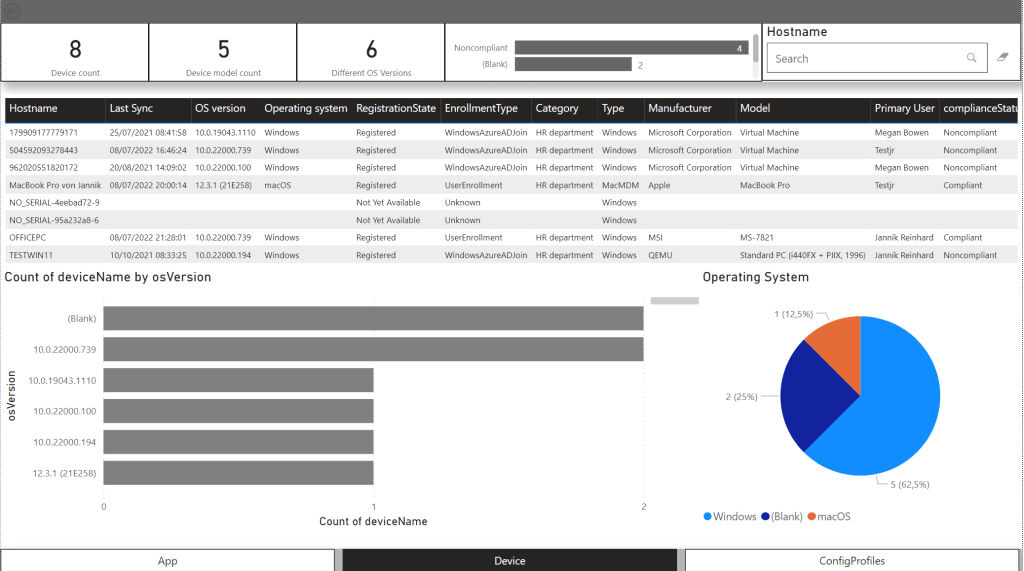
Everyone who has enrolled a few devices with autopilot in his life and has encountered errors knows the problem that it can quickly be very cumbersome to find the problem why an enrolment fails. Especially when it comes to network endpoints that are not reachable it can be very time consuming to find them. To enroll a device with autopilot there are also some prerequisites that have to be fulfilled. To check this before the enrollment I have created a script that helps you to check these requirements.

Read More »

Remove the primary user from Intune devices with powershell (Switch to shared device)

If an Intune device is not enrolled as a shared device or kiosk device, it always has a primary user. This creates a relation between the device and the user. This user is also used to license the device. This user only has the possibility to see this device in the company portal / company portal website and trigger certain self service actions. Also, while troubleshooting, an Intune admin can select this user in the Troubleshooting + support menu in Intune and directly see their devices.

The primary user is automatically added after the the enrollment of an intune managed device. It is possible to change the user to an other or remove this user to switch the device into a shared device.

Read More »