
Azure OpenAI Service
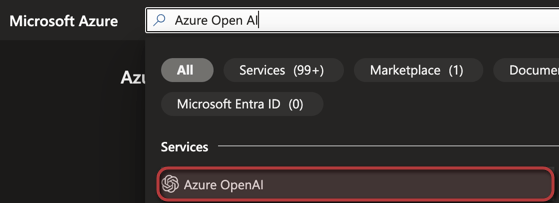
To do deploy the Azure OpenAI service, simply log in to the Azure Portal at portal.azure.com and search for ‘Azure OpenAI’ to proceed with the setup.
The next step in the deployment process is to click +Create to create a new Instance.

In the resource creation wizard within the Azure Portal, you’ll need to select the specific subscription that you previously enabled for Azure OpenAI Services. Also, choose the resource group where you want to deploy the resource, as well as the region. Keep in mind that different models may be available in various regions, so choose accordingly. Then, enter a name for your resource. For the pricing tier, select ‘Standard S0’. After these selections, click ‘Next‘ and follow the remaining steps to complete the deployment process.
 jannikreinhard.com