
Azure
Log Analytics
Deploy an log analytics workspace
- Log in to the Azure portal
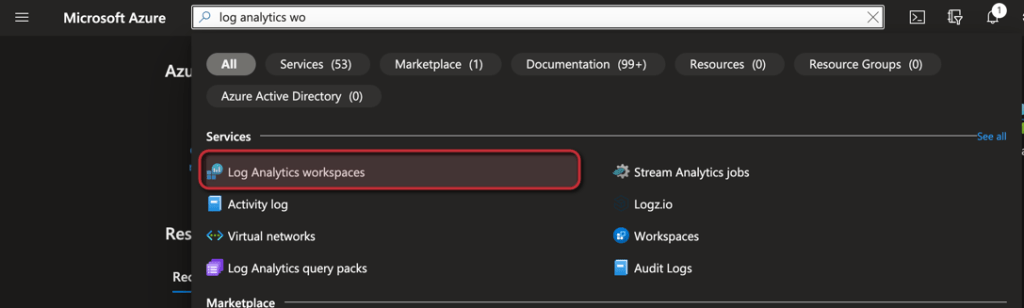
- Search for Log Analytics and select the Log Analytics workspace service
- Click + Create

- Select the Subscription and a Resource group or create a new one
- Enter an Name for the Workspace and select a Region
- Click Review + Create

- Click Create

 jannikreinhard.com