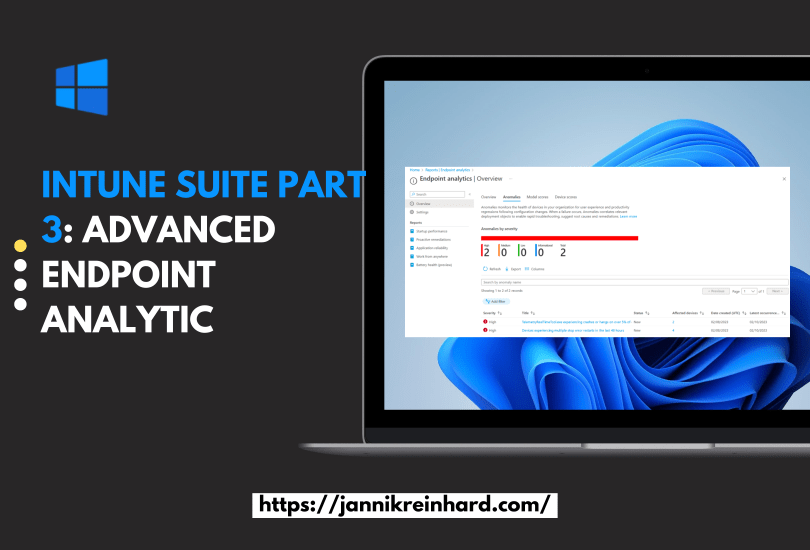
Intune Suite Part 3: Advanced Endpoint Analytics

In the third part of this Intune Suite series, I want to give you more insights into advanced endpoint analytics. I am really happy that Intune has gone in the direction of machine learning and anomaly detection. I blogged about these topics a few months ago, discussing how to analyze Intune data with the help of cognitive service anomaly detection. It’s awesome that Intune now includes this out-of-the-box in the tool. Unfortunately, I can’t test this feature in my own tenant because Endpoint analytics requires at least 10 devices, and this is not possible in my test tenant. However, I will cover all elements of the feature in this blog.

Source: https://learn.microsoft.com/en-us/mem/analytics/anomaly-detection

Read More »

Intune Suite Part 2: Easy start with Endpoint Privilege Management

In my second part of the Intune suite series I want to talk about Endpoint Privilege Management. This feature is brand new and was released yesterday. Endpoint Privilege Management (EPM) is a powerful feature in Microsoft Intune that allows you to enable users to run as standard users, without administrative rights, while still being able to complete tasks that require elevated privileges. This blog post will guide you through setting up Endpoint Privilege Management in your organization, ensuring users can remain productive without compromising on security.

Source: https://techcommunity.microsoft.com/t5/microsoft-intune-blog/enable-windows-standard-users-with-endpoint-privilege-management/ba-p/3755710

Read More »

Intune Suite Part 1: Easy start with Remote Help

Welcome to my Intune Suite series. In this series I will go over the features that are part of the Intune suite piece by piece. We will start with remote help. Every good device management tool has a remote support solution. To meet this use case microsoft has introduced remote help. In this post I want to show you how to implement and use this tool.

Read More »

How to use Custom Compliance Script + Example script

Compliance policies are essential for ensuring that devices meet all the necessary requirements set by the company, such as a minimum OS version. Previously, Microsoft provided predefined policies that could be used, but with the service release 2208, support for custom compliance checks was added, enabling the freedom to query everything on the device what you want. In this blog post, we will focus on how to create custom compliance policies for Windows.

Read More »

Intune Quick Start Guide

Remote working is the new normal and this is exactly what has contributed to the spread of intune. Intune gets a large number of new users/devices every day and is also being developed at a rapid pace. Intune is an extremely good platform to manage devices regardless of their location and offers the great advantage that you no longer have to worry about an infrastructure as with Config Manager. However, this growth brings the challenge that administrators have to get used to a new platform.

In my blog you will find many deep dives or useful tools and solutions how to get the full power out of Intune. In this blog post I want to go back to the beginning. I want to give you a general overview of what Intune is and provide you with a free QuickStart guide for the first steps.

Read More »

System Information and Self Service Tool

In this blog I would like to introduce you to my new System Information Tool. The System Information Tool is a software that displays various system information, such as the serial number, IP address, username and logged-in user, and many more. It also provides functions for troubleshooting and analysing problems with Intune Management and Intune Management Extension. In addition, custom scripts for self-service support can be added and provided to them user. The tool is thus a useful resource for users who need quick access to system information and assistance in troubleshooting problems.

Read More »

Deploy Windows Store Apps via Intune

This blog post is my take about how to install Windows Store Application via Intune. this feature makes it much easier to deploy apps via Intune. Intune provides all apps that are available in the winget repository and you can easily select them via a very large software catalog in Intune. This saves the cumbersome packaging of apps. In this blob post we will have an look how you can use this nice feature.

Read More »

Intune mass export with the Graph Report API

There are many ways to export information from Intune. For example, you can use Log Analytics, the Data Warehouse or the Graph API. But if you want to export several thousand devices or apps via Graph, it can happen that Graph has a paging. Paging means that you only get a certain number of entries with one call and then you have to make another call for the next range. This means for you that you have to write a script that loops through the pages.

Another problem if you want to export e.g. all Discovered apps you have to loop through all devices because this attribute is not shared in List calls. But if you have several 10k or 100k devices this takes a long time.

But there is a Graph Report API that is designed to export large amounts of data and provide it to you as a CSV on a really easy way. How you can use it I will explain in this blog.

Read More »

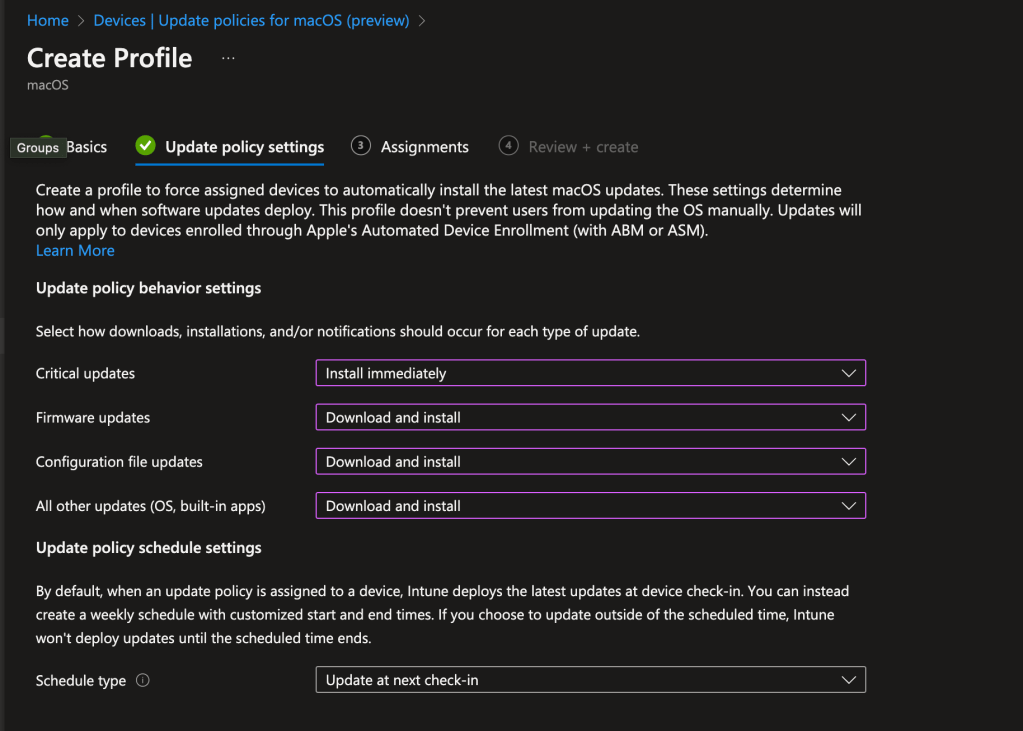
Whats new in 2210

Glad to publish today my second installment of my Intune Whats new series. This month was ignite and what you need to know that during this time very many are busy internally at microsoft through the Ignite. Nevertheless, the changes in the new service release are very noteworthy. In this blog I will show you the most important news which are related to the Workpalce management.

Read More »