Azure Monitor Agent to monitor Windows devices (1/2) – Setup

In this blog post we want to have an closer look into an way how you can collect data from an client system to monitor them. With endpoint analytics Microsoft provides an very powerful way to analyse clients, remediate potential issues or also detect anomalies in the field. If you are interested in unaggregated and more detailed data to build custom solutions than the log analytics management agent is the right solution for you. This is the first part of an small series with two parts. In this part we will check how this service works and how to setup und in th eother part how you can work with the data.
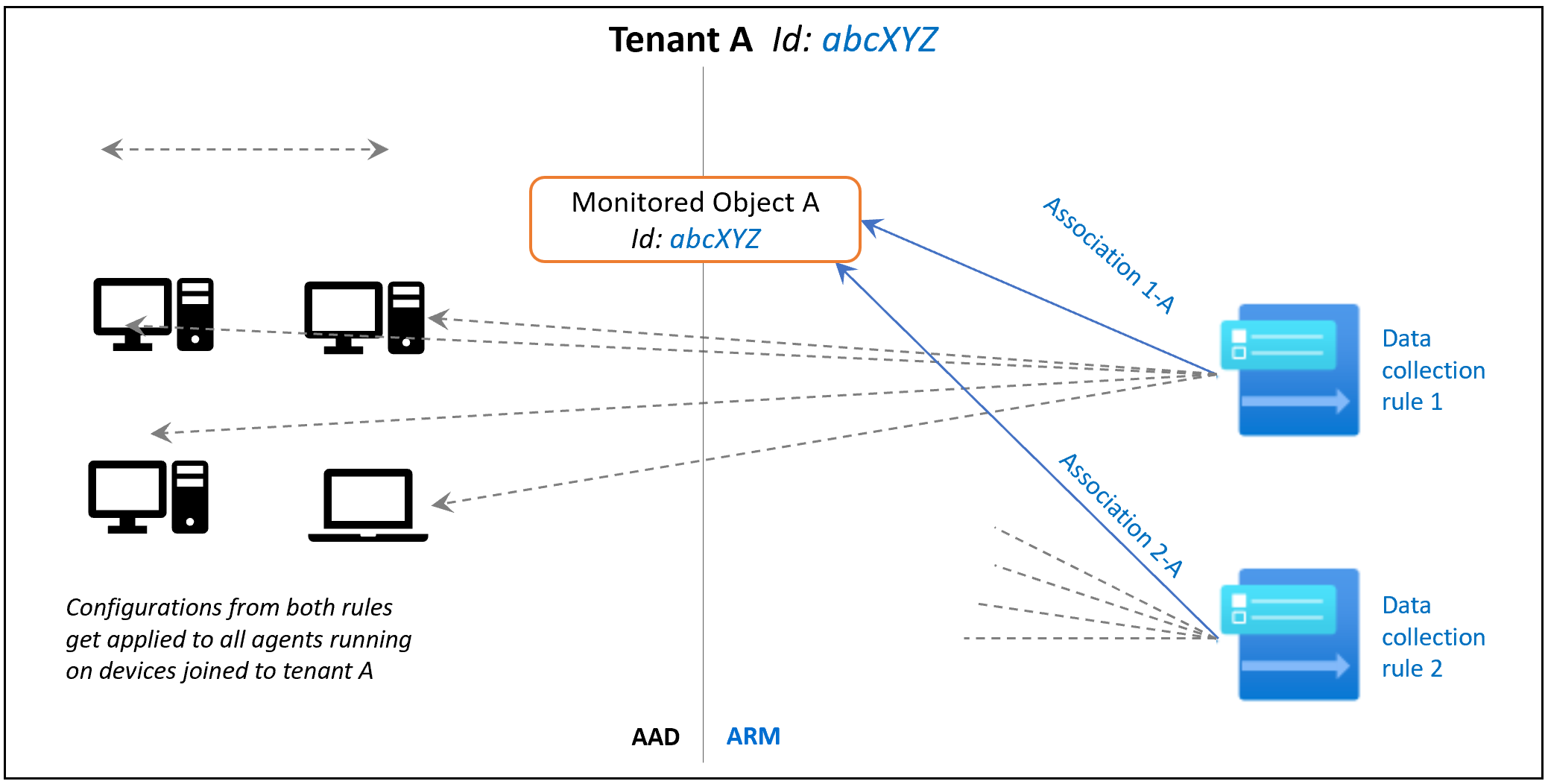
Diagram shows monitored object purpose and association.
Read More »

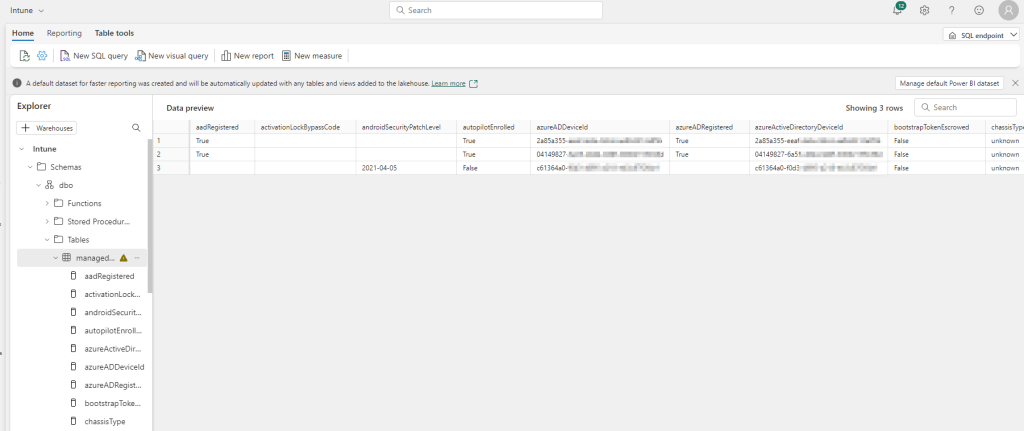
Using Microsoft Fabric to export Intune data into the OneLake for PowerBi reporting

Intune provides a lot of data that can be exported via interfaces. But wouldn’t it be cool if you could have everything from the data export to the powerbi dashboard in one place in a portal and additionally query the data Graph provides you with via SQL to build complex querys. That’s exactly what Microsoft Fabric delivers. In this blog we would like to take a closer look at this new platform.

Read More »

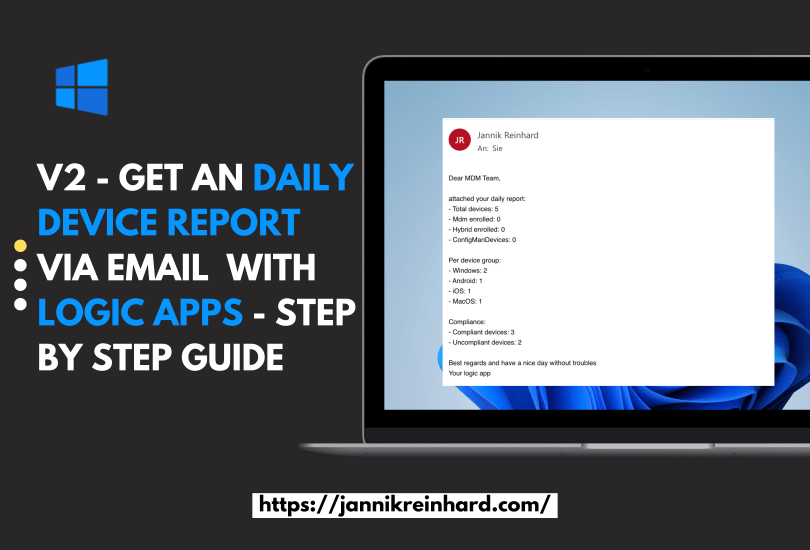
V2 – Get an daily device report via email or teams with logic apps – Step by Step guide

I have already written a blog about how to send a message using Logic apps to generate a regular device report. After a presentation about automation with Intune and Graph I got the good feedback if I can do a variant with Co Managed devices. So I decided to write a V2 of this blog and also update the authentication with Managed Identity. If you are interested in more blogs around the topic of logic apps, let me know and I will be happy to do a deep dive on logic apps.

Read More »

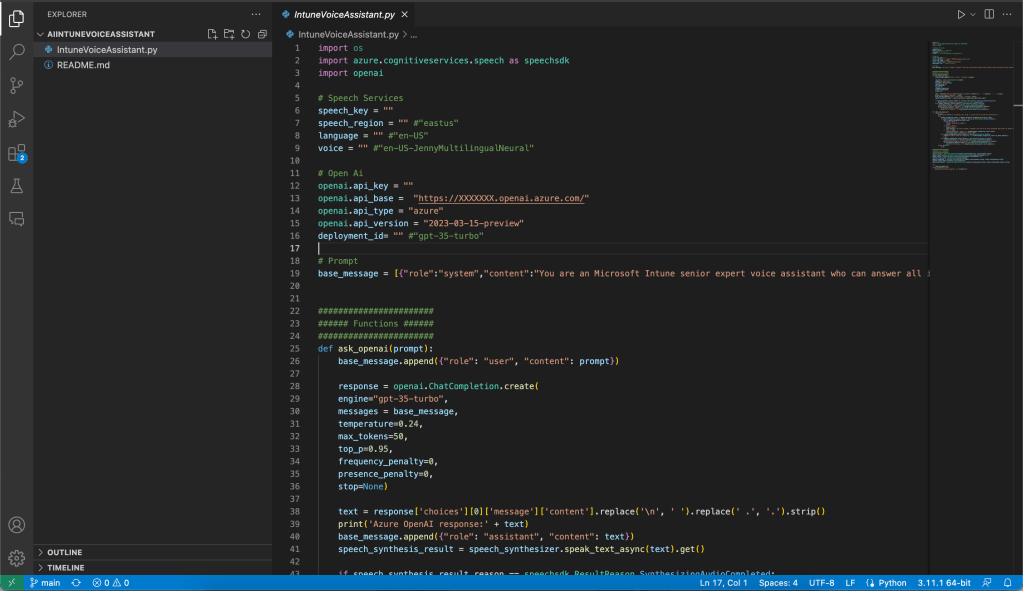
Intune AI Voice Bot

In the todays blog, I will announce the release of our experimental AI-driven voice assistant for Microsoft Intune-related questions. As you know, I am an huge fans of automation and AI technologies. I teamed up with Fabian Peschke to develop this innovative voice bot that aims to help users with their Intune questions.

Our voice bot is built using two different Microsoft cognitive services: Azure Speech Services and OpenAI’s GPT-35 Turbo. The Azure Speech Services allows the bot to recognize and synthesize speech, while OpenAI’s engine enables the bot to understand and respond to user queries intelligently. This bot was developed based on this example from microsoft.

Read More »

How to start with Azure Automation Runbook to automate tasks in Intune

As you all know I am a very very big fan of automation. The good thing is in almost all microsoft products there are interfaces to do exactly that. This is also the case for Intune. In one of my last blogs I wrote about how to use PowerShell to automate things in Intune. I also mentioned azure automation. In this blog I want to go deeper into the topic and explain how you can use azure automation to automate recurring processes.

Read More »

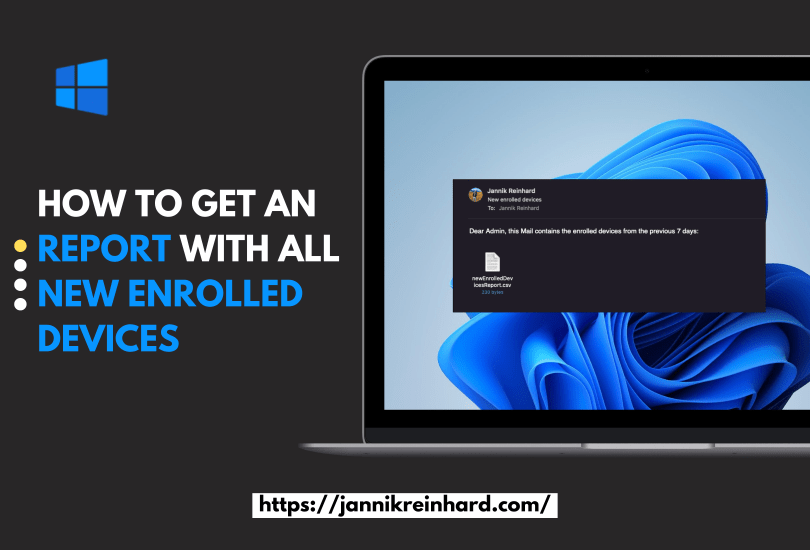
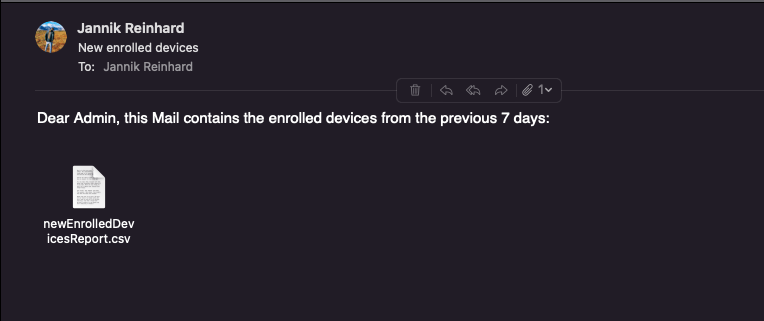
How to get an report with all new enrolled devices

Keeping track of newly enrolled devices in your organisation can be a challenging task when relying solely on the Intune console. Wouldn’t it be awesome to receive a comprehensive report automatically via email? As you know, I love automating things. In this blog post, we’ll explore a simple and efficient way to generate a weekly report for all newly enrolled devices using PowerShell, Azure Automation Runbooks, and Microsoft Graph API. This automated solution will save you time and effort, allowing you to focus on more important tasks in managing your organisations devices. So, let’s dive in and learn how to create this valuable report!

Read More »

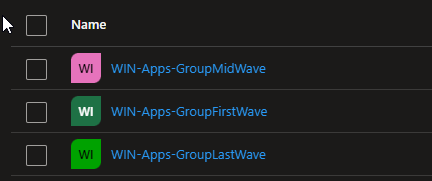
Create Smart Groups for Wave Deployment of Configurations in Intune

How do you distribute configuration profile, apps or other configurations in Intune today? In this blog I want to explain and provide a script how you can easily roll out objects in Intune using waves. Here I will help you to create groups defined by you that will pack a specified percentage of your devices into the groups so that you can perform a slow rollout and thus guarantee the quality. The current script describes how you can create device groups. If you are also interested in how to apply this to user groups or how to create a automation for the assignment then let me know.

Read More »

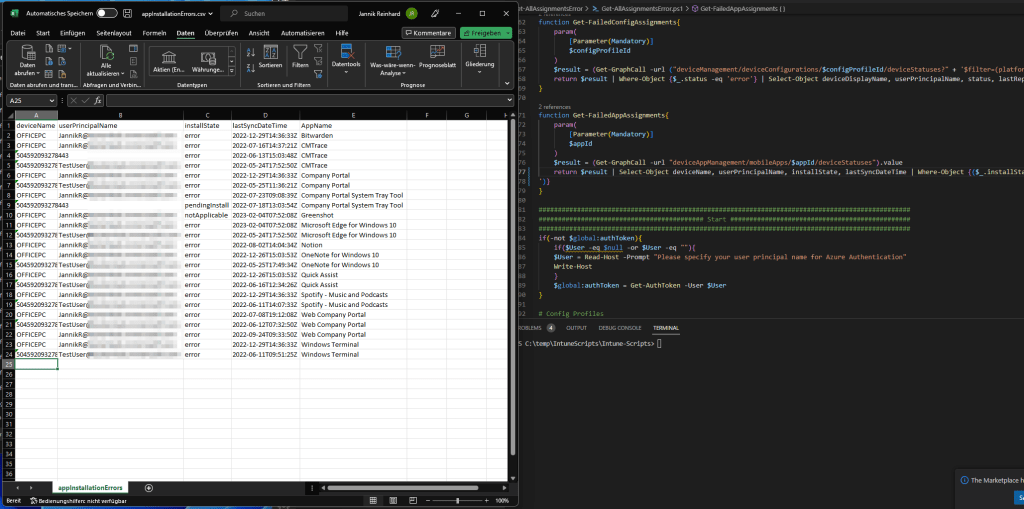
Detect Errors from Intune Assignments: How to Export all Errors

Welcome to my first blog as a Microsoft MVP! This blog will focus on a script I created in response to a request from a member of the community who asked how to efficiently export all errors in Intune. Instead of manually sifting through numerous reports to find errors, my script automates the process with just one click. Not only does this make the task much more convenient, but it also allows you to run the script regularly to create a historical record or receive weekly error reports automatically. Since this request can be helpful for several people within the community I decided to create the script and blog about it.

Read More »

How to activate the new options for Passwordless authentication

The best password is the password that is not needed. Statistics show that the more often you have to change the password, the more insecure it becomes. Users write down the password or simply count it up. How about a possibility that is secure but does not require a password. In this blog I want to show you how easy it is to enable passwordless authentication for your organization.

Read More »

Create and Fill AAD Group based on an local attributes

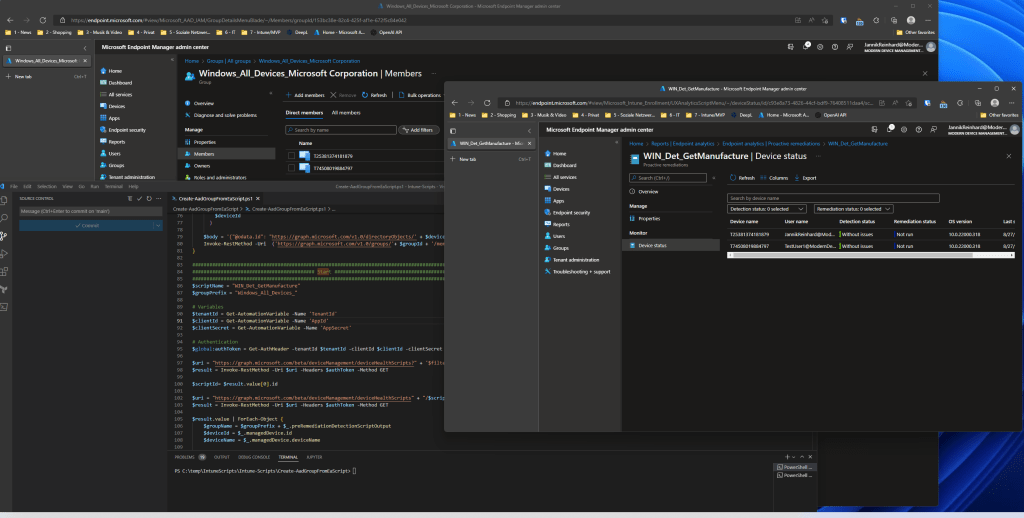
There is often the need to create an AAD group based on a local registry key or another attribute to make more specific accesses, to use this group for access rights to an application or many other usecases. How you can do this with the help of endpoint analytics and azure automation I will show you in this blog post. In my blog I show you how to do this with the example of device manufacture for sure we already have this info in Intune but it is an example how this work. Of course you can also do this with anything else you can read out on a client.

Read More »