Deep Dive into Co-Pilots: Understanding Architecture, LLMs, and Advanced Concepts

In this blog post I want to deep dive with you how LLMs and CoPilots work, want to give an explanations into the most important aspects and show you some important architecture aspects and concepts. We will not build an own Copilot but I will share also some reference architectures and a tool I created to answer your question with informations of you own Intune tenant. Let me know if I should create also an second blog post to go with you step by step through the process of implementing an own bot which use your own data and a LLM model to help you in your daily business working with Intune.

Read More »

Azure Monitor Agent to monitor Windows devices (1/2) – Setup

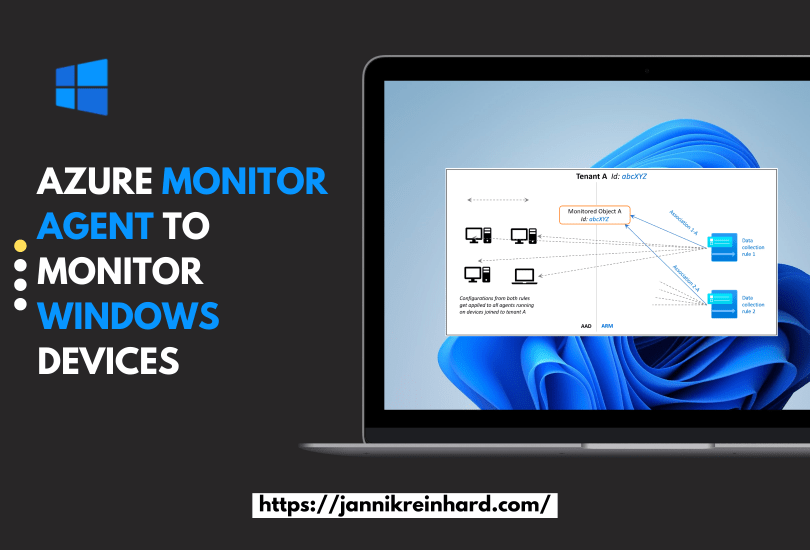
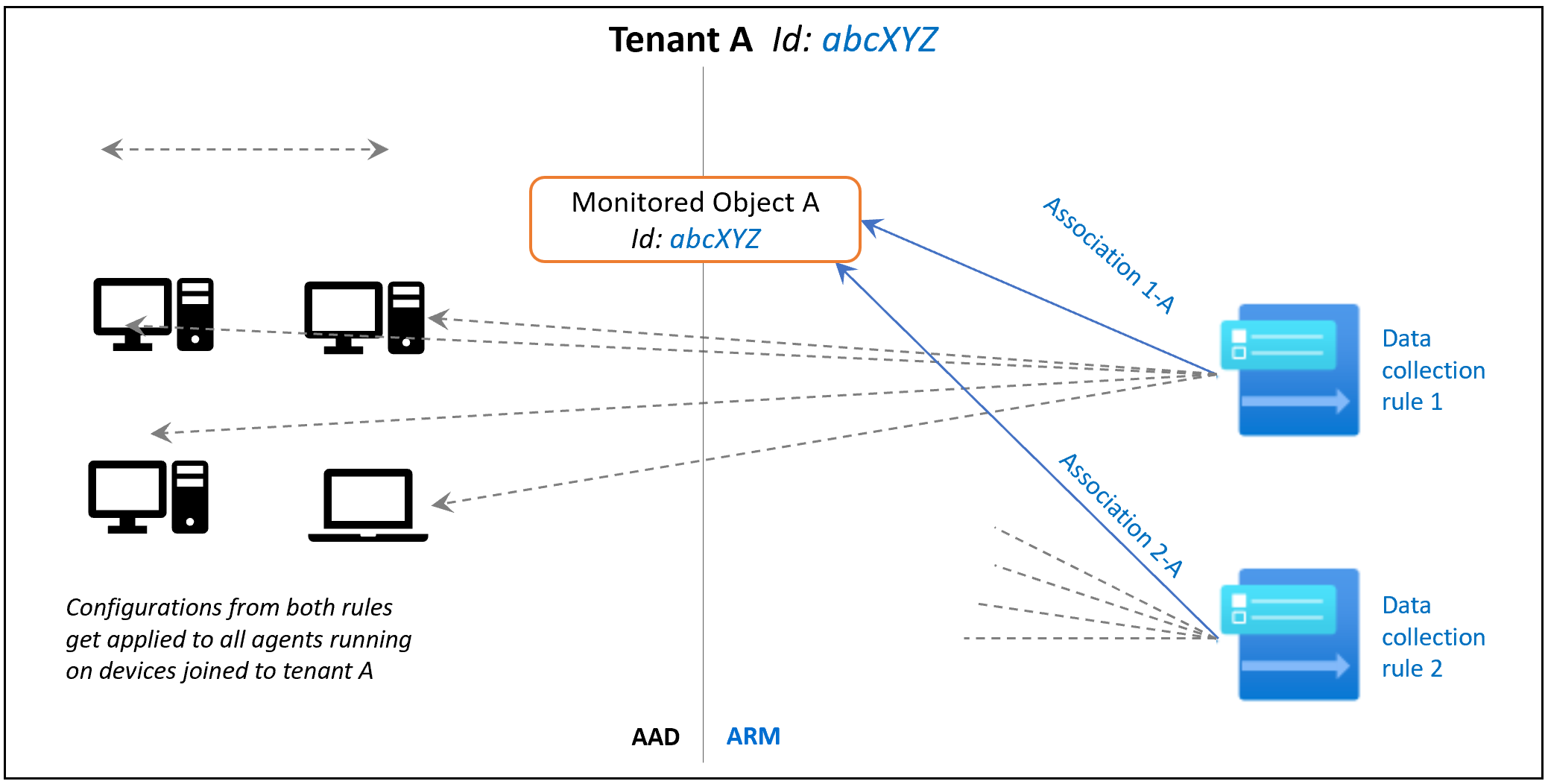
In this blog post we want to have an closer look into an way how you can collect data from an client system to monitor them. With endpoint analytics Microsoft provides an very powerful way to analyse clients, remediate potential issues or also detect anomalies in the field. If you are interested in unaggregated and more detailed data to build custom solutions than the log analytics management agent is the right solution for you. This is the first part of an small series with two parts. In this part we will check how this service works and how to setup und in th eother part how you can work with the data.

Diagram shows monitored object purpose and association.
Read More »

Using Microsoft Fabric to export Intune data into the OneLake for PowerBi reporting

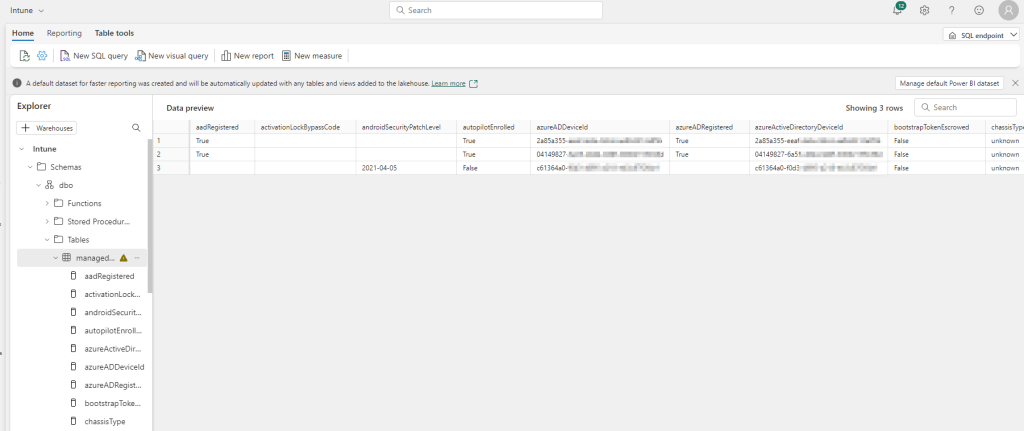
Intune provides a lot of data that can be exported via interfaces. But wouldn’t it be cool if you could have everything from the data export to the powerbi dashboard in one place in a portal and additionally query the data Graph provides you with via SQL to build complex querys. That’s exactly what Microsoft Fabric delivers. In this blog we would like to take a closer look at this new platform.

Read More »

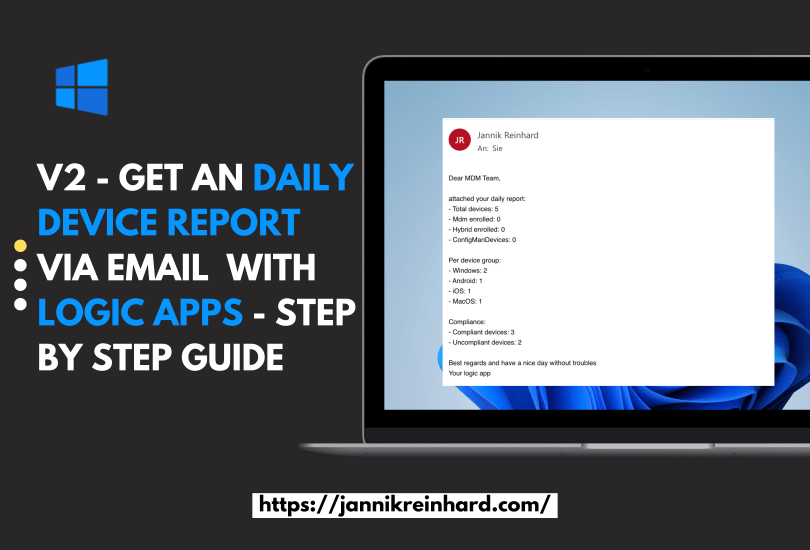
V2 – Get an daily device report via email or teams with logic apps – Step by Step guide

I have already written a blog about how to send a message using Logic apps to generate a regular device report. After a presentation about automation with Intune and Graph I got the good feedback if I can do a variant with Co Managed devices. So I decided to write a V2 of this blog and also update the authentication with Managed Identity. If you are interested in more blogs around the topic of logic apps, let me know and I will be happy to do a deep dive on logic apps.

Read More »

Mastering Intune Reporting and Analytics

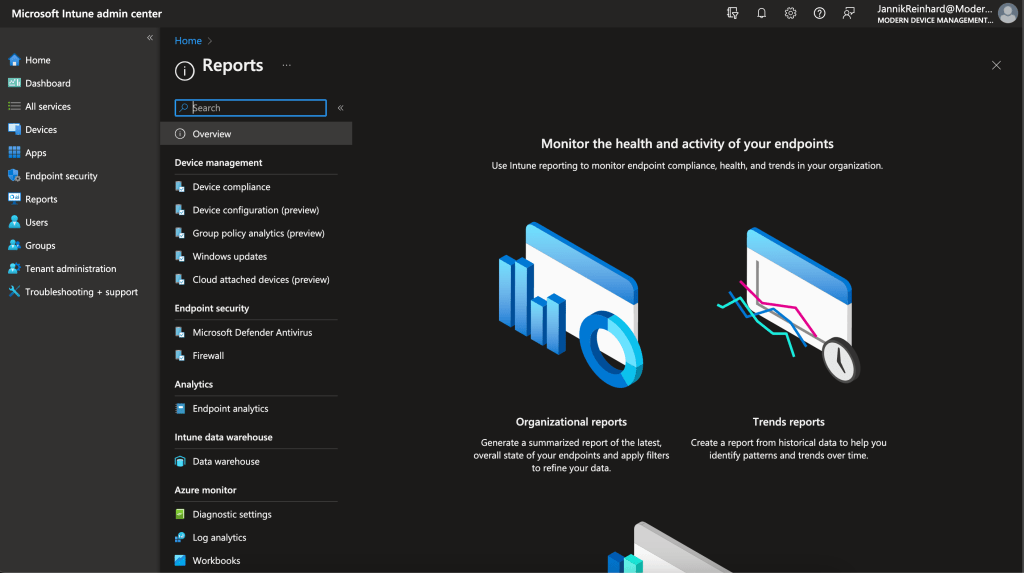
In this new blog post I want to give you an overview hot you can start with reporting analytics with Intune. I already wrote several blogs how to create custom reports via mail or team, to to export and automate things. I also wrote an blog with an overview of the analytics capabilities of Intune. In this post I want to go an step back and want to give you an overview how to start with this topic and which capabilities Intune offers.

Read More »

Tracking Windows 11 Upgrades with Azure Automation and Intune

In today’s blog, I will address a question from one of our community members, who is looking to create a report for tracking Windows 11 upgrades via Azure Automation Runbook and Microsoft Intune. He has tried to gather enrolled devices details using a runbook but hasn’t found a solution yet. In this post, we will demonstrate how to generate a report on Windows 11 upgrade tracking with Intune and Azure Automation.

Read More »

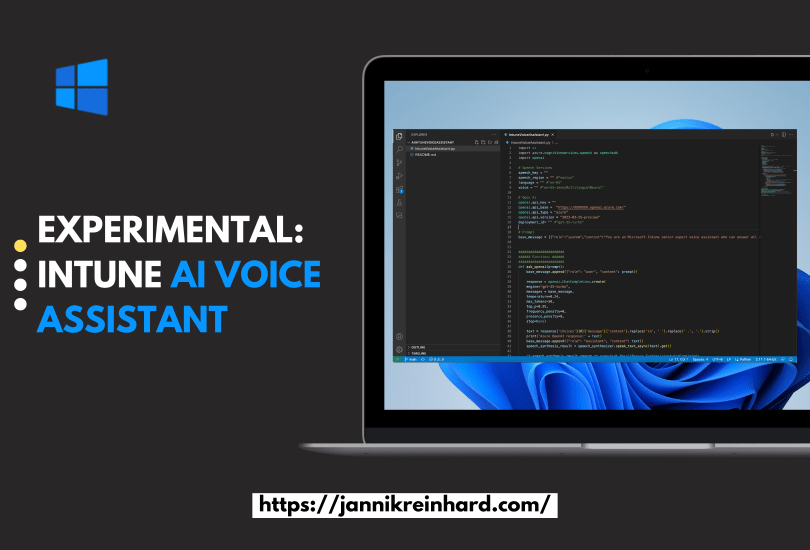
Intune AI Voice Bot

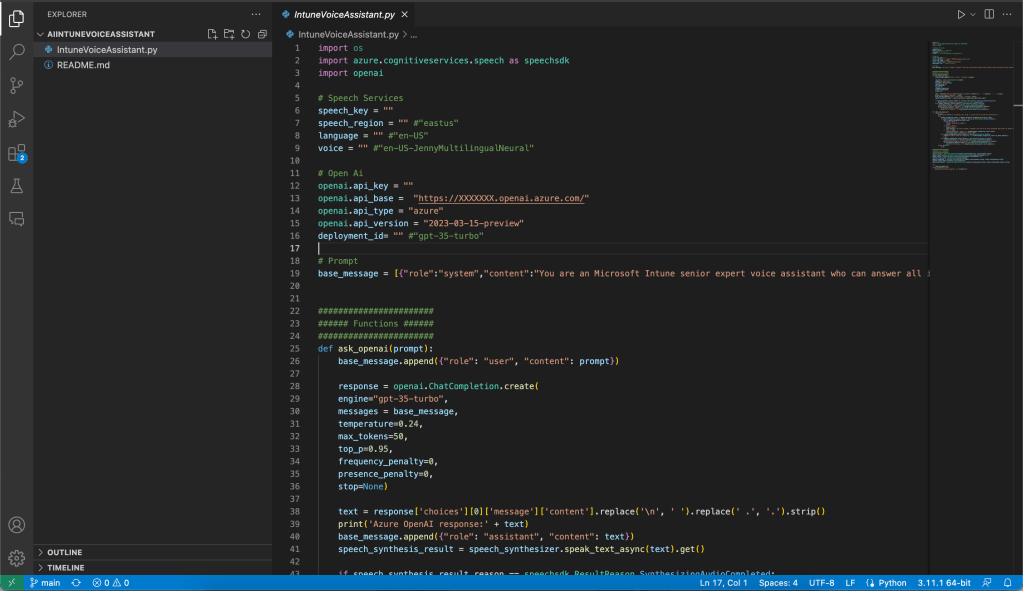
In the todays blog, I will announce the release of our experimental AI-driven voice assistant for Microsoft Intune-related questions. As you know, I am an huge fans of automation and AI technologies. I teamed up with Fabian Peschke to develop this innovative voice bot that aims to help users with their Intune questions.

Our voice bot is built using two different Microsoft cognitive services: Azure Speech Services and OpenAI’s GPT-35 Turbo. The Azure Speech Services allows the bot to recognize and synthesize speech, while OpenAI’s engine enables the bot to understand and respond to user queries intelligently. This bot was developed based on this example from microsoft.

Read More »

How to start with Azure Automation Runbook to automate tasks in Intune

As you all know I am a very very big fan of automation. The good thing is in almost all microsoft products there are interfaces to do exactly that. This is also the case for Intune. In one of my last blogs I wrote about how to use PowerShell to automate things in Intune. I also mentioned azure automation. In this blog I want to go deeper into the topic and explain how you can use azure automation to automate recurring processes.

Read More »