Azure Monitor Agent to monitor Windows devices (1/2) – Setup

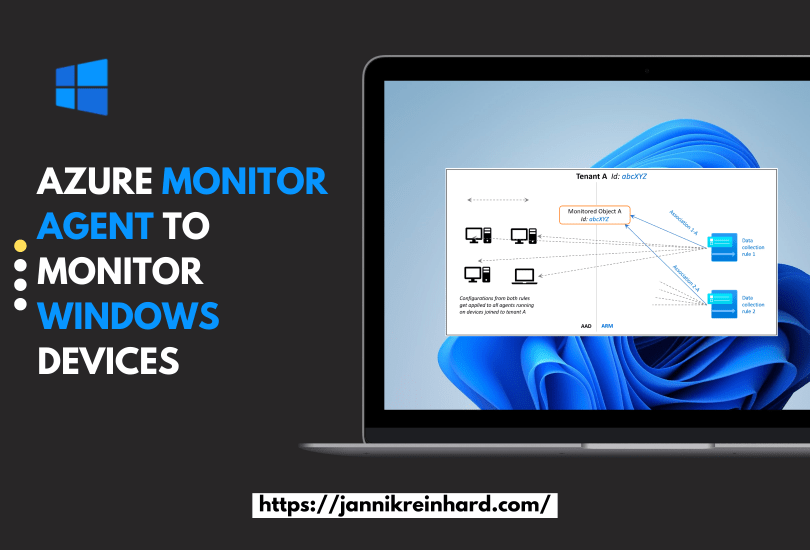
In this blog post we want to have an closer look into an way how you can collect data from an client system to monitor them. With endpoint analytics Microsoft provides an very powerful way to analyse clients, remediate potential issues or also detect anomalies in the field. If you are interested in unaggregated and more detailed data to build custom solutions than the log analytics management agent is the right solution for you. This is the first part of an small series with two parts. In this part we will check how this service works and how to setup und in th eother part how you can work with the data.
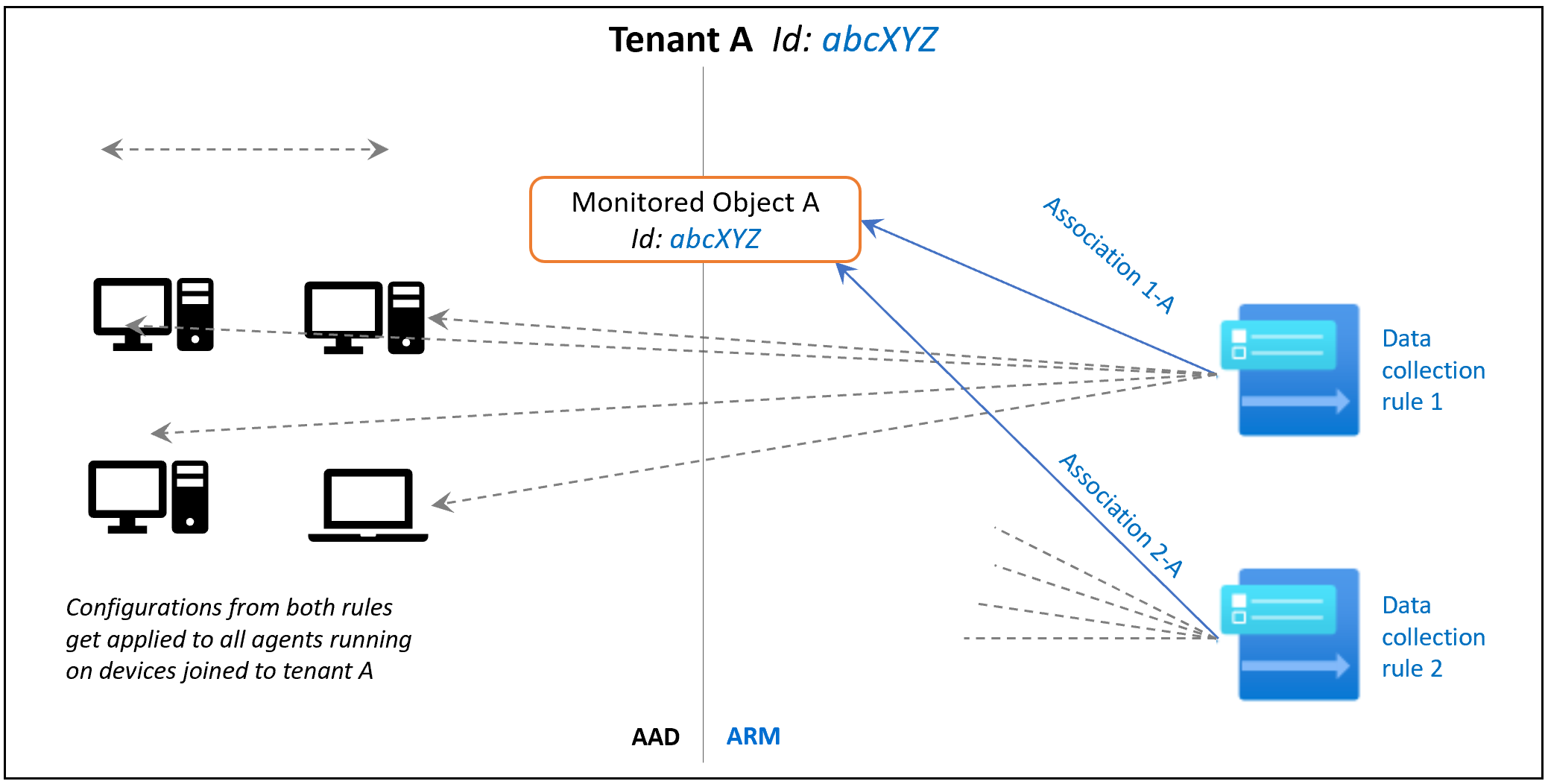

Diagram shows monitored object purpose and association.
Read More »

Mastering Intune Reporting and Analytics

In this new blog post I want to give you an overview hot you can start with reporting analytics with Intune. I already wrote several blogs how to create custom reports via mail or team, to to export and automate things. I also wrote an blog with an overview of the analytics capabilities of Intune. In this post I want to go an step back and want to give you an overview how to start with this topic and which capabilities Intune offers.

Read More »

Deep Dive into delivery optimization

You can imagine that when a new Windows patch or a new version of a software is released and has to be installed on every Devices and many PCs start to download the content at the same time from a destination outside the corporate network, the Internet break outs are very busy. Or if the internet connection of a certain location has a low bandwidth the download of a large app takes a long time. But more and more organisations move their applications as well as the update management to the cloud and reduce their on premise infrastructure. To solve this problem microsoft has introduced a very good technology called Delivery Optimization. In this blog we would like to clarify what is DO and take a deeper look at how this works.

Read More »

How to write from a Toast Notification in Log Analytics Workspace

It is useful after triggering a remediation action or for simply getting feedback from the user/customer to have a kind of survey. Contacting them by mail usually results in very poor response rates. It is much better to contact him directly via a popup. How you can implement this with the help of a Remediation script and write the response in a Log Analytics workspace I will explain in this blog post.

Read More »