Reenrol devices without wipe

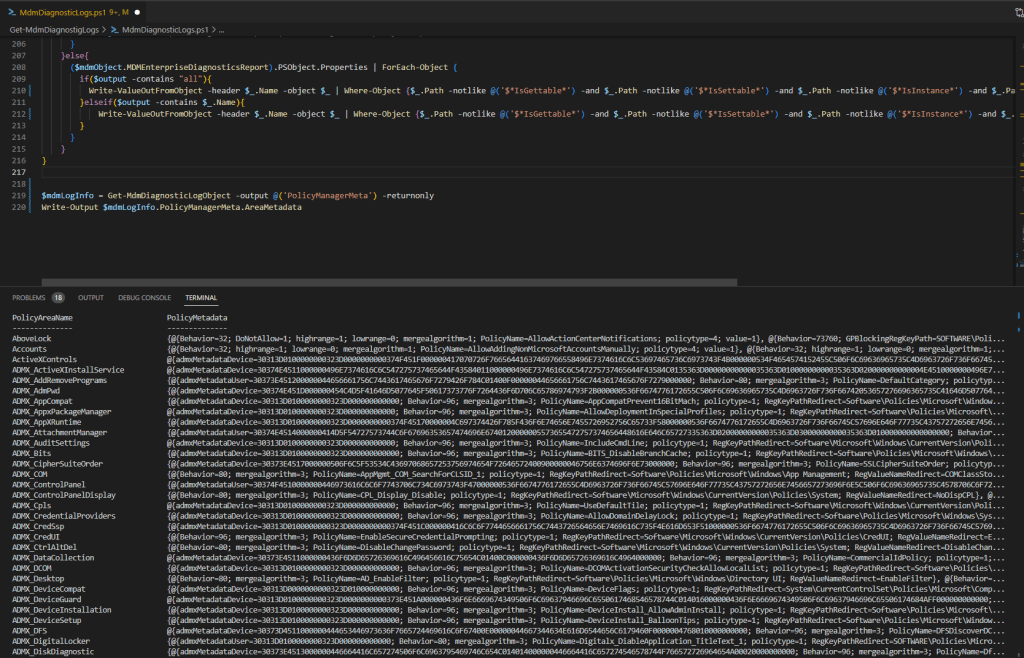
Enrolled Intune devices occasionally face trust issues due to MDM or Microsoft Azure certificate problems, among other factors. While wiping and re-enrolling is a standard fix, it’s straightforward for regular devices, with minimal data loss thanks to services like OneDrive. However, this process is more complex for specialized field devices, particularly those with custom configurations and vendor-installed software, especially if the vendor not longer exists. Creative strategies are essential in these cases. This blog post delves into an experimental approach to seamlessly bring such devices back under management.

Read More »

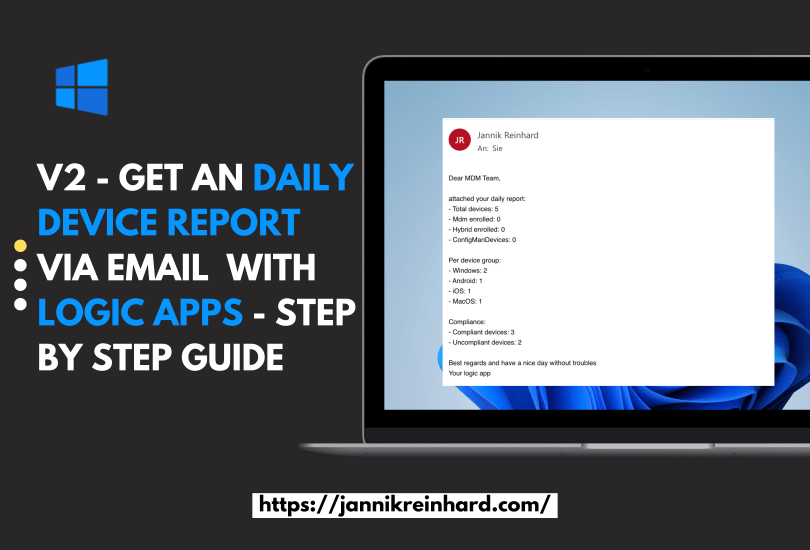
V2 – Get an daily device report via email or teams with logic apps – Step by Step guide

I have already written a blog about how to send a message using Logic apps to generate a regular device report. After a presentation about automation with Intune and Graph I got the good feedback if I can do a variant with Co Managed devices. So I decided to write a V2 of this blog and also update the authentication with Managed Identity. If you are interested in more blogs around the topic of logic apps, let me know and I will be happy to do a deep dive on logic apps.

Read More »

Creating and Configuring Bash Scripts for Ubuntu Devices in Intune

In one of my previous blog posts, I demonstrated how to enroll an Ubuntu device in Intune. In this blog post, I will walk you through creating and configuring custom Bash scripts for your Ubuntu devices using Microsoft Intune. With the service release 2023, Intune now supports running Bash scripts on Linux devices, offering a powerful way to manage and configure your Linux devices.

Read More »

Create Smart Groups for Wave Deployment of Configurations in Intune

How do you distribute configuration profile, apps or other configurations in Intune today? In this blog I want to explain and provide a script how you can easily roll out objects in Intune using waves. Here I will help you to create groups defined by you that will pack a specified percentage of your devices into the groups so that you can perform a slow rollout and thus guarantee the quality. The current script describes how you can create device groups. If you are also interested in how to apply this to user groups or how to create a automation for the assignment then let me know.

Read More »

Get assignments of an device via Powershell

Via the MEM UI in the device overview you can see all assignments of a certain device. In the service release Service release 2206 even the function to see the group members of a device was included. But if you want to create automations it is helpful to be able to query this information with PowerShell. I have created a script at the request of a user in the community which returns this information to you.

Read More »

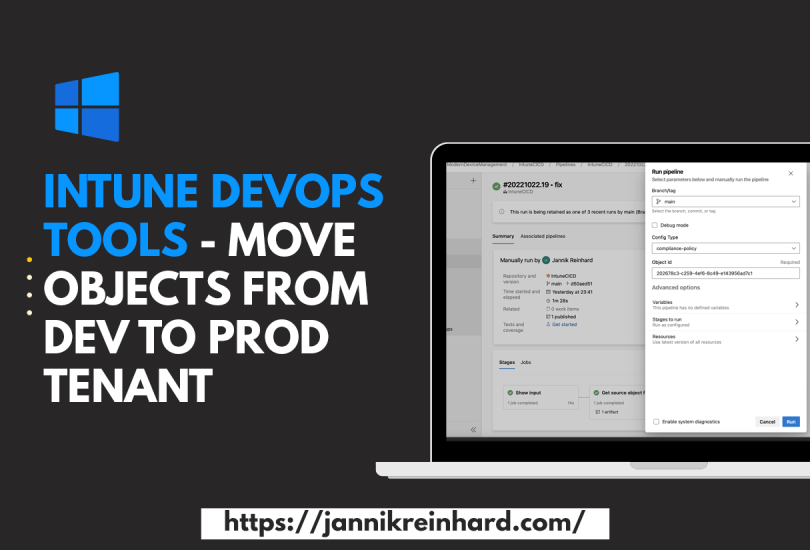
Intune DevOps Tools – Move objects from Dev to Prod Tenant

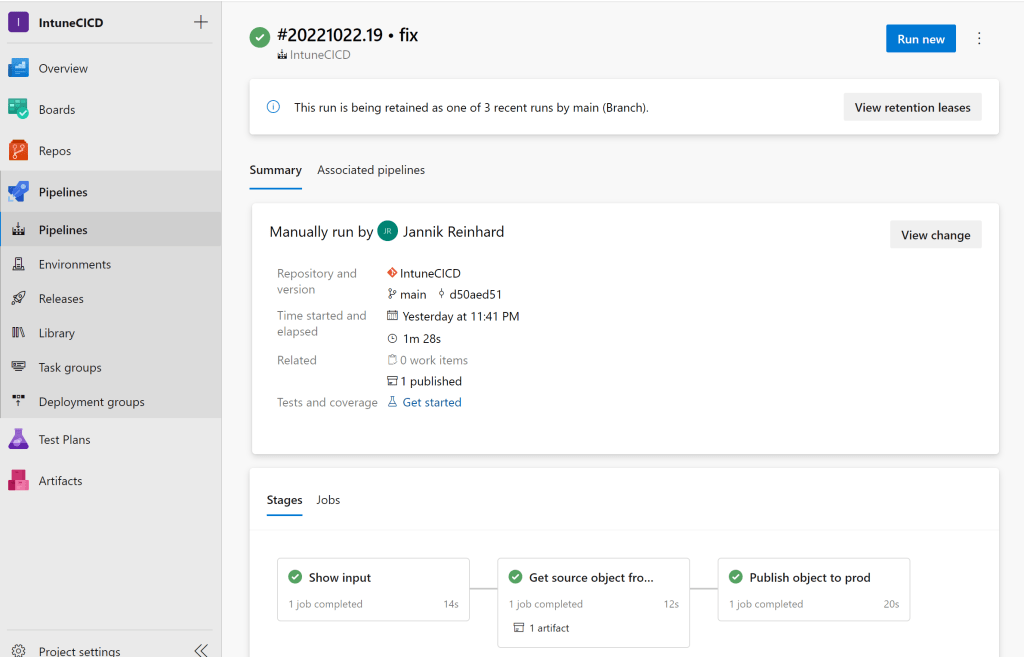
The more clients are managed in your tenant and the more people have contributor rights in your tenant, the more important it becomes to have good release management processes. In this blog post I would like to introduce you to my Intune CI pipeline that allows you to transfer configurations from one tenant to another. This offers the possibility that only a small number of administrators have access in the Prod tenant and all others create configurations in a Dev tenant and these are then transferred to the Prod tenant via a DevOps pipeline.

Read More »