Let’s be honest: the AI video space has exploded. Every week there’s a new tool promising Hollywood-quality results. But what happens when you combine AI image generation with video transformation and some creative editing? You get something that looks surprisingly real – and it’s easier than you might think.
I recently created a video that looks like I’m walking around, taking selfies with some of the most recognizable faces in tech. Sam Altman, Bill Gates, Steve Jobs – the whole crew. And no, I didn’t actually meet them at a conference. Here’s exactly how I did it.
Let’s be honest: building AI agents in the enterprise has been a mess. You spend 80% of your time stitching together data sources, wrestling with RAG pipelines, and praying your agent doesn’t hallucinate the CEO’s name. Every new project feels like reinventing the wheel – but a wheel made of duct tape and hopes.
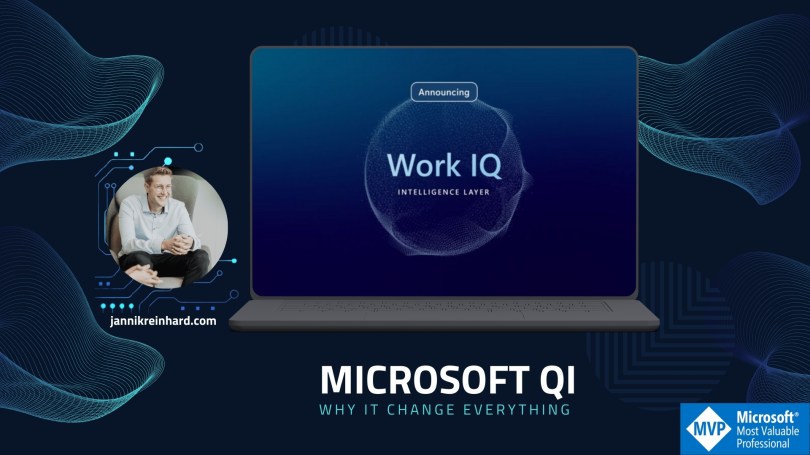
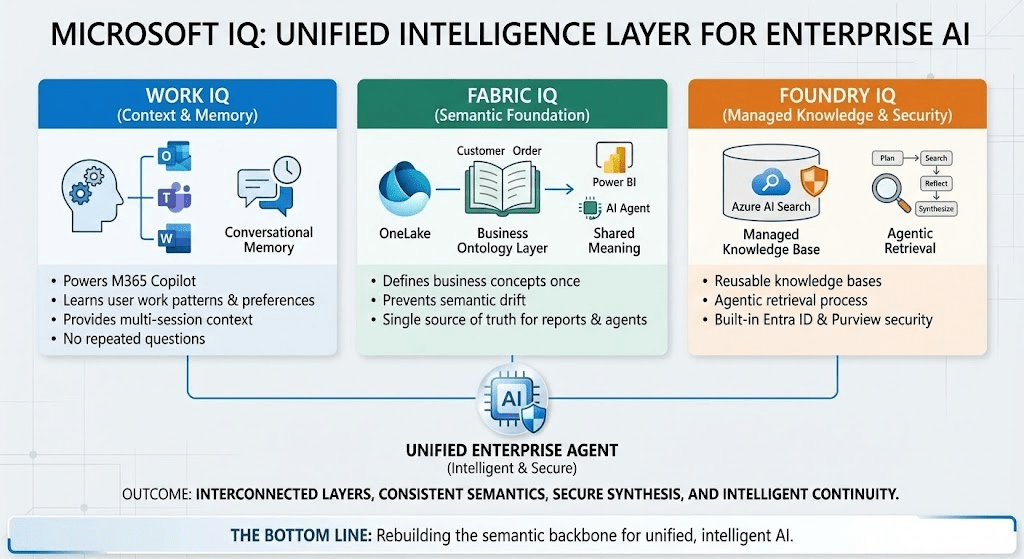
At Ignite 2025, Microsoft dropped something that might actually change this. They call it “IQ” – a unified intelligence layer that spans across Microsoft 365, Fabric, and Microsoft Foundry. And no, it’s not just another buzzword. Let me break down what this actually means for you.
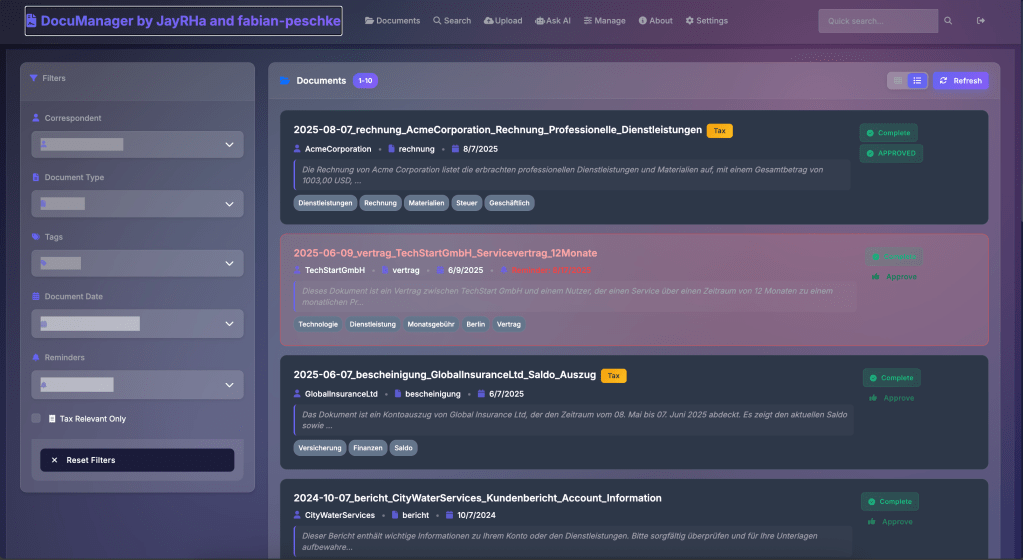
Let’s be honest: most document management systems feel like they’re stuck in 2005. I decide to move to an paperless office and scan all my documents. I tried multiple ways to realize this but I don`t find the tooling where I say I feel comfortable with and it saves me a lot of work in storing and retriving documents.
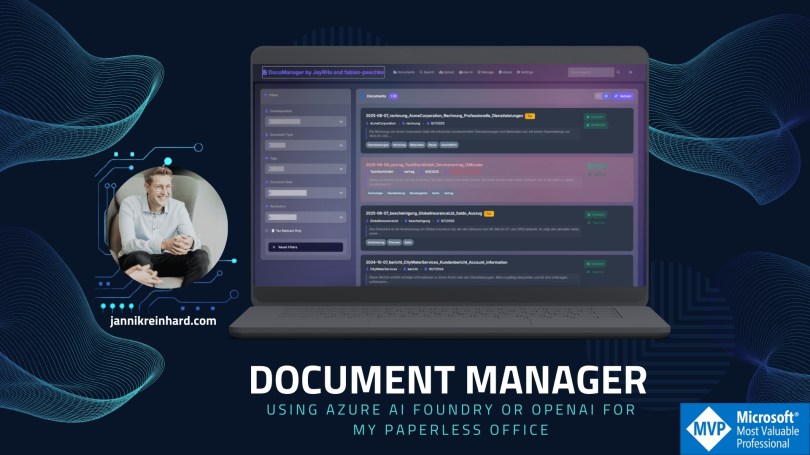
I wouldn’t be a developer or an AI MVP if I didn’t get stuck in and write my own tool. With Doc Manager, I demonstrate how to use Azure Open AI / AI Foundary to build a best-in-class document management system.
Welcome to the future, where chatting with AI is as common as texting a friend! But just like crafting the perfect message to your crush, getting the right response from AI requires a bit of finesse. Enter the world of prompt engineering.
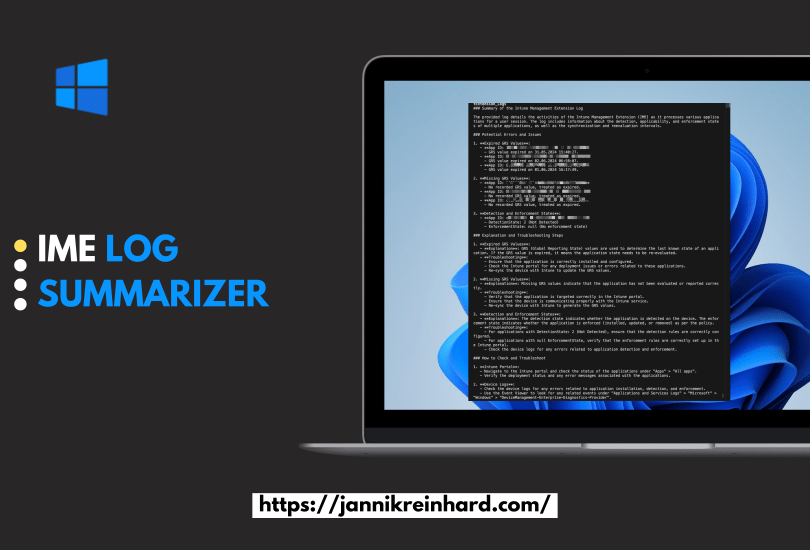
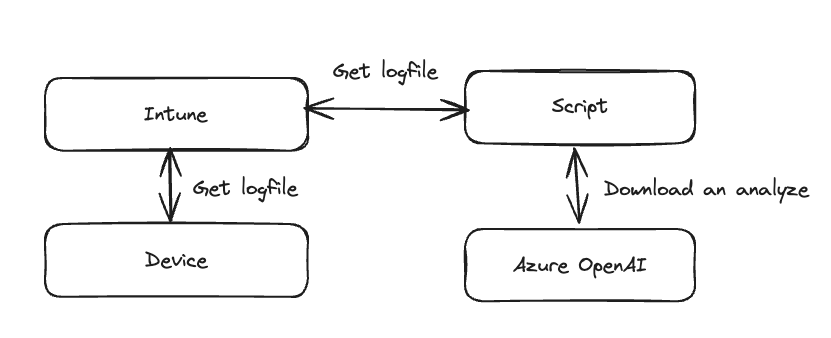
In this short blog I want to show you how you can use GPT to get a summarization of the Intune Management Log. This script will read the Intune Management Extension Log file in the ProgramData/Microsoft/IntuneManagementExtension/Logs folder and will pass this latest content of the script to GPT.
As GPT and other large language models revolutionize the way how we communicate and how we can build custom solutions for companies, the demand for intuitive frontends to deliver these AI capabilities to end-users has never been higher. If you’re wondering whether there’s a seamless way to integrate a bot into Microsoft Teams, you’re in luck! In this blog, I’ll guide you through the process of developing and deploying your own custom bot tailored for Microsoft Teams and the bot framework from Microsoft.
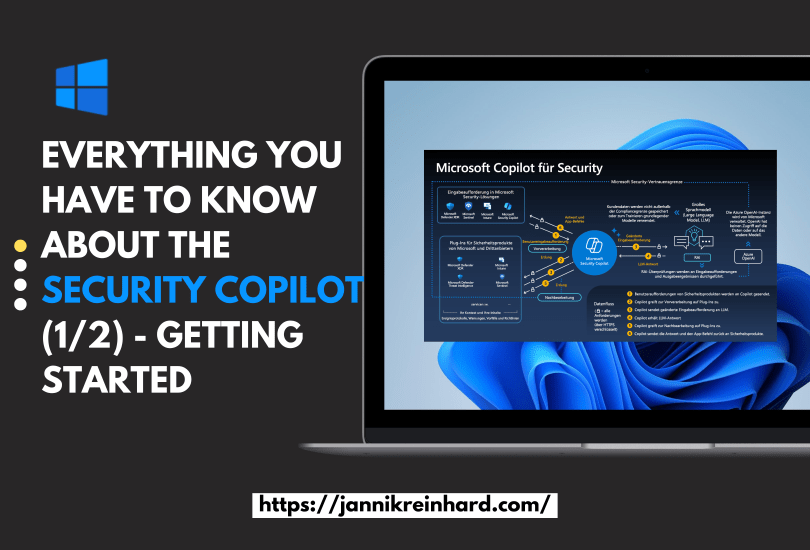
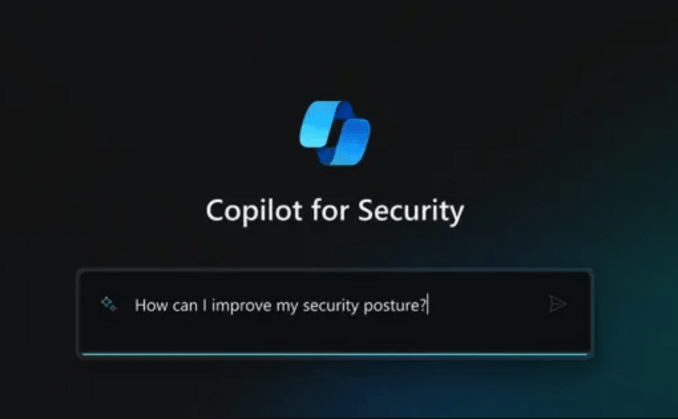
This was an no brainer for me that I will write a blog about Microsoft Copilot for Security. You know I like AI and I like Intune. What is better if I can blog in one post about both. I was already part of the closed preview, and I a very big fan of this product and the potential behind. In this blog post I will write about everything what you have to know and how you can start.
In the last post I explained how you can build a CoPilot using the Azure OpenAI Studio in this blog post we will do the same with the CoPilot Studio. Here we will also utilize the Azure OpenAI Service. Lets have an quick look into this topic as well:
The simplest approach to deploying a chatbot is to do so without any coding. This is precisely what I aim to demonstrate. Such a chatbot can be tailored to utilize your custom documentation, knowledge articles, or any other resources you wish to integrate. This method simplifies the process, making it accessible even if you’re not well-versed in programming. By leveraging existing documents and knowledge bases, you can create a chatbot that is both informative and aligned with your specific needs and content.