
Robopack A bis Z: Alles, was du wissen musst (Sponsor)
Robopack A bis Z: Videos und Praxisbeispiele zu Tenant-Setup, Instant Apps, Deployment Waves, Radar und Patch Flow. Gesponserter Beitrag mit klarer Einordnung.
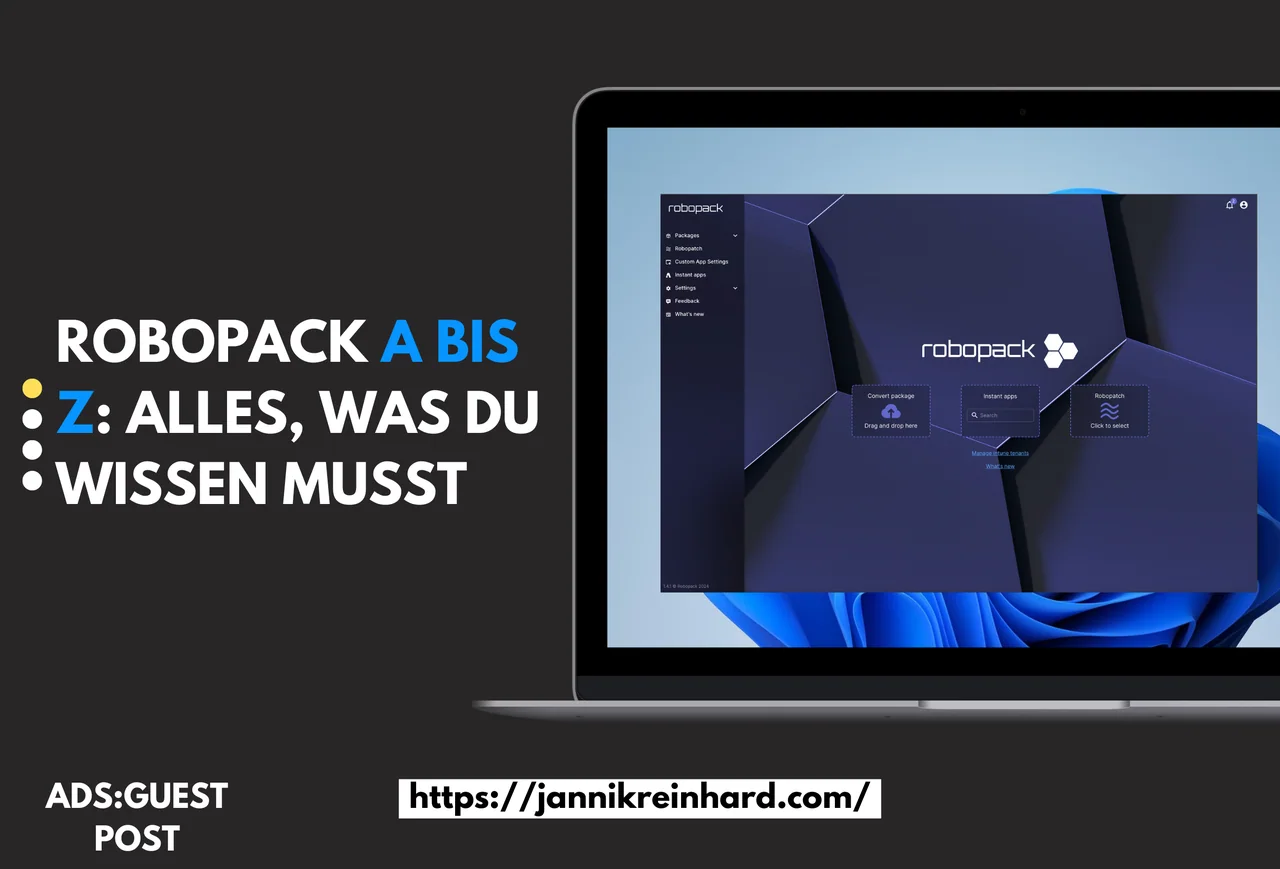
Advertisement. This article is a paid collaboration with Robopack.
This Robopack A to Z series covers tenant setup, application deployment, migration and patching. The videos are in German.
Application packaging is one of the most thankless jobs in endpoint management — until something goes wrong, nobody notices it, and the moment it does, everyone notices. Robopack entered this space promising a fundamentally different approach: AI-assisted packaging that turns hours of MSI repackaging and silent-install detective work into a guided workflow. In this Robopack A bis Z post I walk through the tool from A to Z — what it actually does, where it fits in a Microsoft Intune tenant, how the pricing maps to a real fleet of devices, and the situations where I would (and would not) reach for it. Sponsored review, but the technical assessment is mine and any limitation I hit is in here too.
The walkthroughs show the application-management tasks in the portal, with a separate video for each stage.
Quick answer: Robopack is a cloud-native application packaging and patch-management platform for Microsoft Intune. Instant Apps covers more than 30,000 Winget and Microsoft Store applications, while Robopatch, Deployment Waves, Radar and Custom Packaging automate deployment and updates. This is a sponsored post; the technical assessment is my own.
Last verified: July 22, 2026
Choose the stage that matches your task: connecting a tenant, creating an application, migrating a catalogue or managing updates.
Part 1: Settings and tenant setup
The first video introduces Robopack and walks through settings and tenant setup. For the Intune side, see Microsoft’s application-management documentation.
A practical tip before you watch: when you connect Robopack to a fresh tenant, create a dedicated app-registration or service account with only the Intune permissions it actually needs, rather than reusing a global-admin identity. It keeps the audit trail clean and makes it trivial to revoke access later if you decide the tool is not for you.
Watch the German walkthrough:

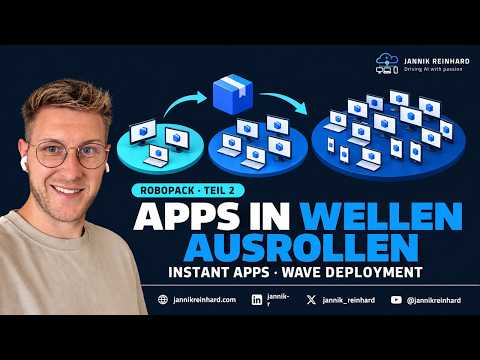
Part 2: Instant Apps and deployment waves
The second video shows how to create an Instant App and deploy it in waves, followed by additional deployment options.
Why wave deployment matters: pushing a new package to every device at once is the fastest way to turn a small packaging mistake into a fleet-wide incident. By rolling out in waves — a pilot ring first, then broader rings — you catch a bad detection rule or a missing dependency on a handful of machines instead of thousands, and you still have a clean baseline to roll back to.
Watch the German walkthrough:
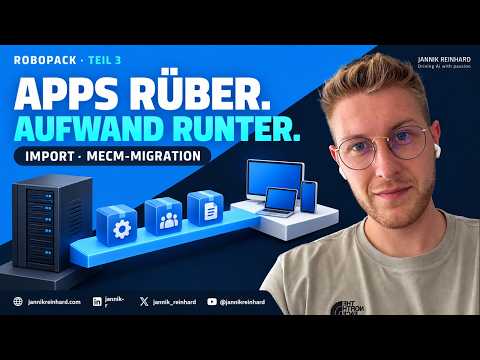
Part 3: MECM migration and bulk import
The migration video covers MECM migration, uploading your own applications and using bulk import for a larger catalogue.
A common pitfall during the MECM-to-Intune migration is assuming every application maps over cleanly. Apps with complex task-sequence logic, custom install scripts, or hard-coded distribution-point paths usually need a manual review before you trust the bulk import. Pick a representative sample, migrate those first, and confirm both install and uninstall behaviour before you let the importer run across your full catalogue.
Watch the German walkthrough:
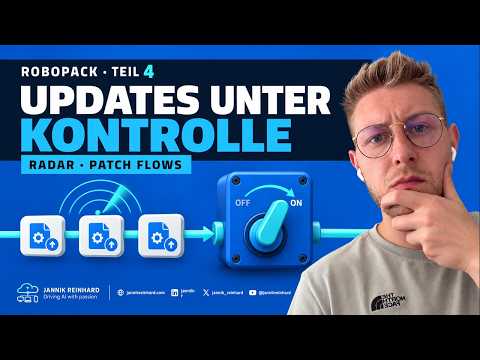
Part 4: Radar and patch flows
The fourth video shows Radar and the creation of patch groups and flows.
Radar is where Robopack earns its keep over time: instead of manually tracking which third-party apps have shipped a new version, it surfaces outdated packages and lets you funnel them into a patch flow. The practical win is consistency — the same review-and-approve step applies to every update, so a critical browser patch follows the exact path you already trust for everything else.
Watch the German walkthrough:
Choosing a pilot
Use the four videos to compare the workflow with the applications and update process in your own environment.
My honest takeaway: Robopack is most compelling for teams that package a steady stream of third-party apps and want to retire the repetitive parts of that work without giving up control. If you only deploy a handful of static apps a year, the manual Intune workflow is probably enough. But once your catalogue grows and patching becomes a weekly chore, the time the guided workflow and Radar save adds up quickly — just budget a proper pilot before you migrate anything mission-critical.
Product information is available at Robopack.
Robopack sponsored these videos. The opinions are my own.