How to use Custom Compliance Script + Example script

Compliance policies are essential for ensuring that devices meet all the necessary requirements set by the company, such as a minimum OS version. Previously, Microsoft provided predefined policies that could be used, but with the service release 2208, support for custom compliance checks was added, enabling the freedom to query everything on the device what you want. In this blog post, we will focus on how to create custom compliance policies for Windows.

Read More »

Create Smart Groups for Wave Deployment of Configurations in Intune

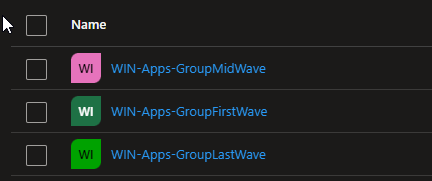
How do you distribute configuration profile, apps or other configurations in Intune today? In this blog I want to explain and provide a script how you can easily roll out objects in Intune using waves. Here I will help you to create groups defined by you that will pack a specified percentage of your devices into the groups so that you can perform a slow rollout and thus guarantee the quality. The current script describes how you can create device groups. If you are also interested in how to apply this to user groups or how to create a automation for the assignment then let me know.

Read More »

How to create PowerShell script to automate tasks in Intune

Most have heard the term Microsoft Graph API before. Ms Graph is an interface from MS for accessing and controlling a variety of Microsoft cloud services. In this blog post I will go into more detail on how you can use Graph in conjunction with Intune, what your options are and how it all works. I’ll also give you script examples in this blog that you can use directly.

Read More »

Detect Errors from Intune Assignments: How to Export all Errors

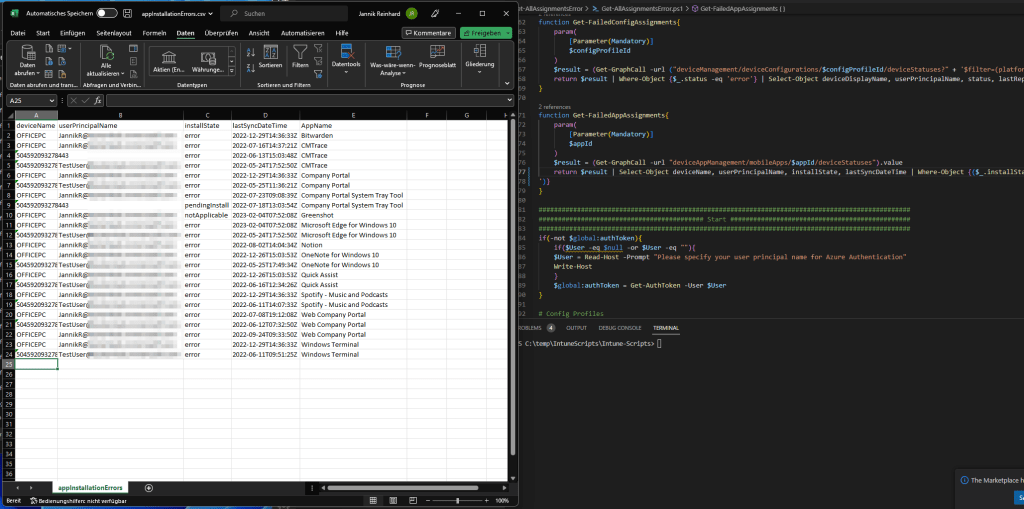
Welcome to my first blog as a Microsoft MVP! This blog will focus on a script I created in response to a request from a member of the community who asked how to efficiently export all errors in Intune. Instead of manually sifting through numerous reports to find errors, my script automates the process with just one click. Not only does this make the task much more convenient, but it also allows you to run the script regularly to create a historical record or receive weekly error reports automatically. Since this request can be helpful for several people within the community I decided to create the script and blog about it.

Read More »

Get assignments of an device via Powershell

Via the MEM UI in the device overview you can see all assignments of a certain device. In the service release Service release 2206 even the function to see the group members of a device was included. But if you want to create automations it is helpful to be able to query this information with PowerShell. I have created a script at the request of a user in the community which returns this information to you.

Read More »

Intune Quick Start Guide

Remote working is the new normal and this is exactly what has contributed to the spread of intune. Intune gets a large number of new users/devices every day and is also being developed at a rapid pace. Intune is an extremely good platform to manage devices regardless of their location and offers the great advantage that you no longer have to worry about an infrastructure as with Config Manager. However, this growth brings the challenge that administrators have to get used to a new platform.

In my blog you will find many deep dives or useful tools and solutions how to get the full power out of Intune. In this blog post I want to go back to the beginning. I want to give you a general overview of what Intune is and provide you with a free QuickStart guide for the first steps.

Read More »

System Information and Self Service Tool

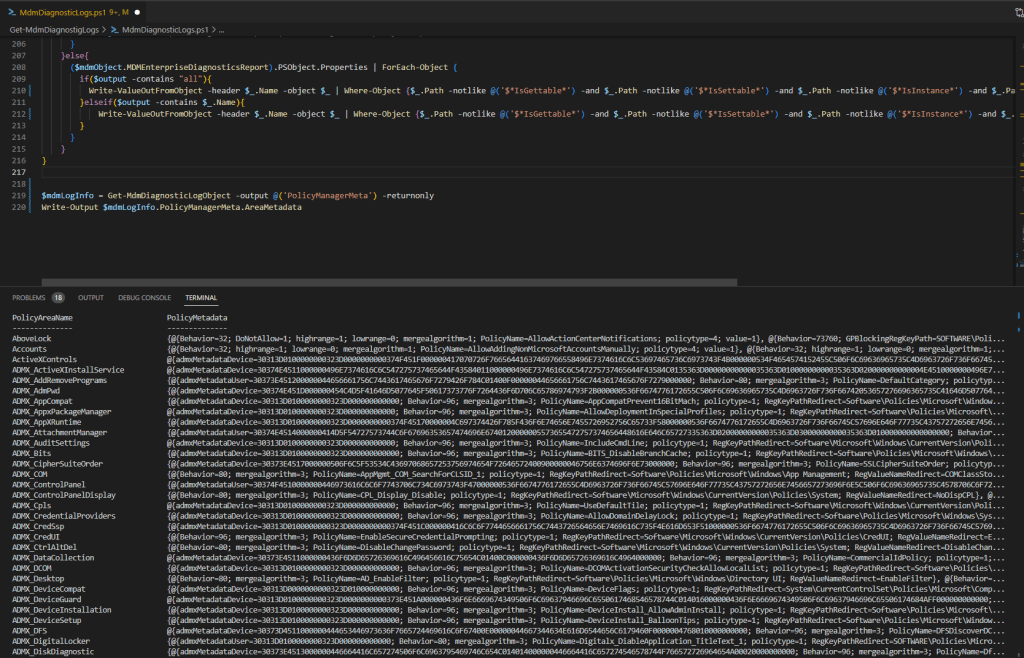
In this blog I would like to introduce you to my new System Information Tool. The System Information Tool is a software that displays various system information, such as the serial number, IP address, username and logged-in user, and many more. It also provides functions for troubleshooting and analysing problems with Intune Management and Intune Management Extension. In addition, custom scripts for self-service support can be added and provided to them user. The tool is thus a useful resource for users who need quick access to system information and assistance in troubleshooting problems.

Read More »

Intune mass export with the Graph Report API

There are many ways to export information from Intune. For example, you can use Log Analytics, the Data Warehouse or the Graph API. But if you want to export several thousand devices or apps via Graph, it can happen that Graph has a paging. Paging means that you only get a certain number of entries with one call and then you have to make another call for the next range. This means for you that you have to write a script that loops through the pages.

Another problem if you want to export e.g. all Discovered apps you have to loop through all devices because this attribute is not shared in List calls. But if you have several 10k or 100k devices this takes a long time.

But there is a Graph Report API that is designed to export large amounts of data and provide it to you as a CSV on a really easy way. How you can use it I will explain in this blog.

Read More »

Intune Device Inventory UI

Anyone who has been working in the area of device management for a while knows that a good inventory is a very important prerequisite for good device management.

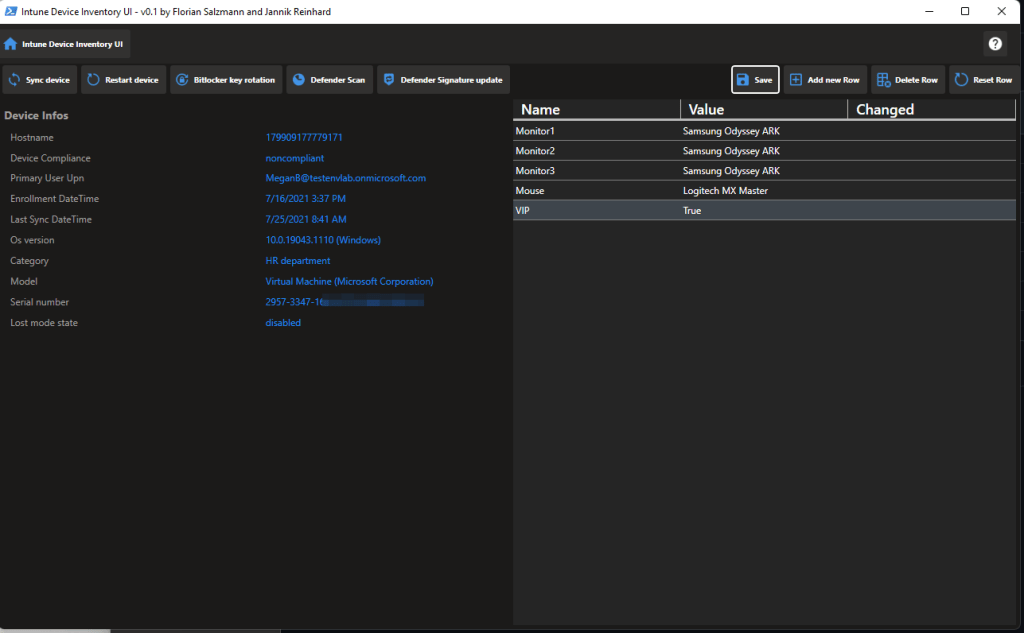
A very desired feature from you is to have a custom inventory directly in Intune with which you can then continue to work in certain processes. This is exactly what Florian Salzmann and I have taken up and developed a solution for you that solves exactly this problem.

Read More »