Foundry Local: Run AI Models Offline on Your Mac
Run supported AI models locally on macOS with Foundry Local. Review installation, model downloads and a local inference example without a cloud deployment.
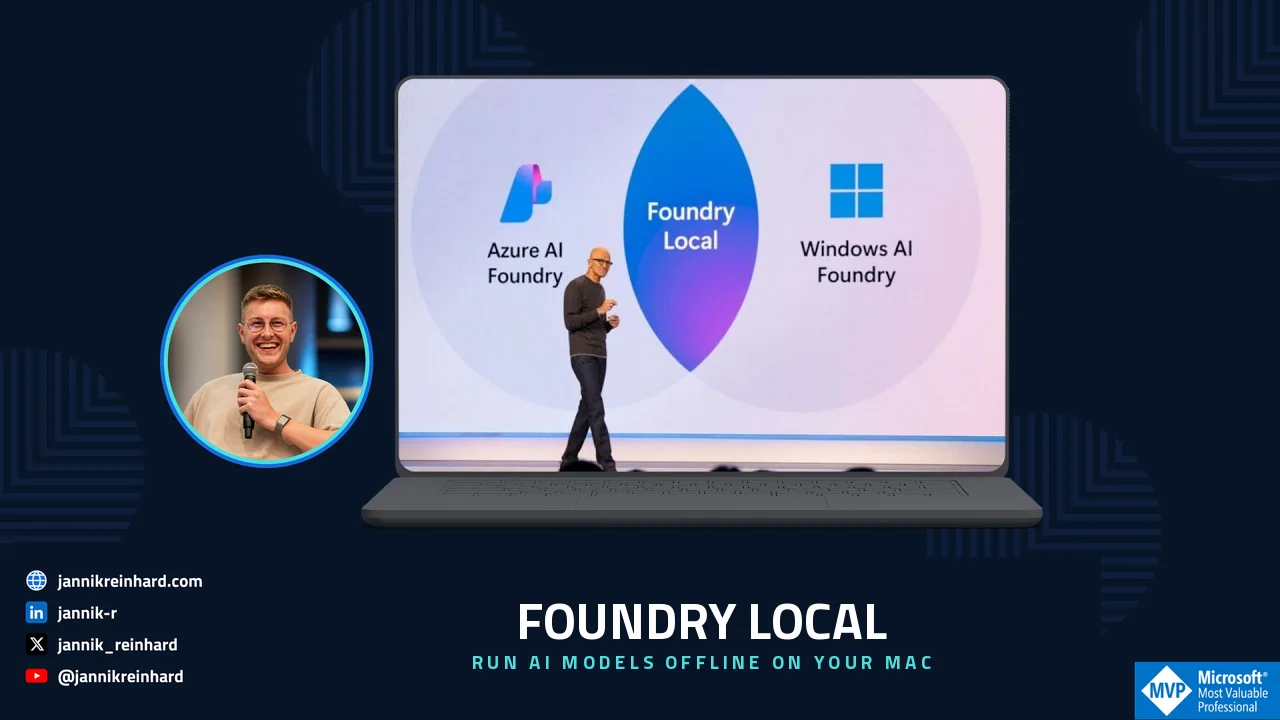
In this blog post I explain how to run AI models offline on a Mac with Microsoft Foundry Local — completely offline, on your own hardware. No Azure subscription, no API key, no internet connection. Everything runs on your own device.
I made a short video that walks through the whole thing. If you prefer watching over reading, here it is:

The rest of this post is the written version, so you can copy the commands and follow along.
What is Foundry Local?
Foundry Local is Microsoft’s runtime that lets you run AI models offline directly on your own machine. You can think of it as “the Azure AI Foundry experience, but the model runs on your laptop instead of in the cloud.”
The important part: once a model is downloaded, you can use it fully offline. Your prompts and your data never leave the device.
A few things make it nice to work with:
- It is built on ONNX Runtime and uses execution providers to pick the best hardware. On a Mac with Apple Silicon it uses the GPU through Metal.
- It ships with a model catalog. You pull a model once with a short alias, it gets cached, and after that it runs locally.
- It exposes an OpenAI-compatible API on localhost. So if you already have code that talks to the OpenAI SDK, you mostly just point it at the local endpoint.
- There is a CLI for quick testing and SDKs for Python, C#, JavaScript and Rust for real apps.
Why would I run AI models offline?
The cloud is great, but it is not always the right answer. These are the cases where I reach for local and choose to run AI models offline:
- Data that is not allowed to leave the device — legal, health, or internal documents.
- Offline or edge scenarios — on a plane, on a shop floor, or inside a locked-down network.
- Prototyping — no token costs and no rate limits while you experiment.
- Low latency — when a round-trip to the cloud is the slow part.
Note: A local model will not match the biggest cloud models on hard reasoning tasks. And the size of model you can run is limited by your RAM. For “good enough and fast” workloads it is genuinely impressive though.
How do I install Foundry Local on a Mac?
The easiest way on macOS is Homebrew. The full setup is also documented in the Microsoft Learn quickstart. Open a terminal and run these two commands:
# Add the Microsoft tap and install Foundry Localbrew tap microsoft/foundrylocalbrew install foundrylocalThat is it. You now have the foundry command available.
Hint: You need macOS with Apple Silicon, at least 8 GB of RAM (16 GB recommended) and a few GB of free disk space for the models.
How do I run AI models offline for the first time?
The fastest way to run AI models offline is one command. Pick a small model so the download is quick:
# Download (if needed) and start an interactive chatfoundry model run phi-3.5-miniThe first time, Foundry Local downloads the model. After that it starts in seconds. You drop straight into an interactive chat in the terminal — type a question, get an answer, all on your machine.
To see what else is available, list the catalog:
# List the models you can pullfoundry model listAnd to manage the background service that serves the models:
foundry service status # is it running?foundry service start # start itfoundry service stop # stop itNote: The very first run feels slow because of the model download. Don’t judge the speed by it — the second run is the real one.
How do I call it from my own code?
This is where it gets interesting. Foundry Local exposes an OpenAI-compatible API locally, so you can reuse the normal OpenAI SDK. Here is a minimal Python example:
# Talk to a local model through the OpenAI-compatible APIfrom foundry_local_sdk import Configuration, FoundryLocalManagerconfig = Configuration(app_name="my_local_app")FoundryLocalManager.initialize(config)manager = FoundryLocalManager.instance# Pick a model from the catalog, download + load itmodel = manager.catalog.get_model("qwen2.5-0.5b")model.download()model.load()client = model.get_chat_client()messages = [{"role": "user", "content": "Why is the sky blue?"}]for chunk in client.complete_streaming_chat(messages): content = chunk.choices[0].delta.content if content: print(content, end="", flush=True)model.unload()Install the SDK first with pip install foundry-local-sdk openai. There are equivalent SDKs for C#, JavaScript and Rust, so it drops into a real application and not just a demo.
Hint: Because the API is OpenAI-compatible, the easiest migration path is to keep your existing OpenAI code and only change the base URL to the local endpoint.
What runs well when you run AI models offline?
A simple rule from my own testing on a Mac:
| Model size | Runs on | Good for |
|---|---|---|
| Small (under ~1B) | 8 GB RAM | quick tasks, classification, drafts |
| Mid (3–8B) | 16 GB RAM | most everyday chat and summarizing |
| Large | lots of RAM | usually still better in the cloud |
If you have 16 GB of RAM, a mid-size model is the sweet spot. Bigger than that and you will feel your RAM running out.
What I would do
For me the real shift is mental. Once you can run AI models offline, the cloud is no longer the default. It is now one option next to the very capable machine already on my desk.
If you want to run AI models offline because you handle sensitive data, work offline a lot, or just want to experiment without a bill, install Foundry Local and run foundry model run phi-3.5-mini once. It takes five minutes, and it changes how you think about where AI has to run.
If you want the bigger picture of where all of this is going, I wrote about the agentic stack Microsoft showed in Microsoft Build 2026: A Field Guide to the Agentic Stack. Local inference is one more building block in that same story.
I hope this is a little help.
Stay healthy, Cheers Jannik