Jannik Reinhard AI Cloud Endpoint header logoJannik Reinhard AI Cloud Endpoint header logo
Blog-Archiv: Intune, KI und Azure

Thema dieser Seite: Blog-Archiv: Intune, KI und Azure

Blog

Alle Beiträge zu Intune, KI und Azure

Jeder Artikel auf jannikreinhard.com, die neuesten zuerst. Praxisnahe Notizen, ausführliche Analysen und praxiserprobte Ideen rund um Microsoft Intune, KI, Automatisierung, Azure und Endpoint Management.

Jannik Reinhard spricht über KI, Intune und Azure-Automatisierung

182 practical engineering posts Newest first. Filter the archive by year or topic, then keep scrolling.
Reset
Desk Setup 2026: Every Product I Use and What I Would Skip - Jannik ReinhardRead Desk Setup 2026: Every Product I Use and What I Would Skip
Aug 25, 2026Automation

Desk Setup 2026: Every Product I Use and What I Would Skip

After my post about the Oakywood Standing Desk Pro, many of you asked what else is on my desk. This is my complete desk setup 2026: the hardware I use every day, why I chose it and what I would not buy again. This is not a list of products that look good in a photo. My desk is where I write, code, record videos, join calls and prepare community sessions. Every item must remove friction from that work. I will also explain where I would start if I had to build the setup again with a smaller budget. Sponsored-product disclosure: Oakywood provided the Standing Desk Pro and the Oakywood accessories shown in this article free of charge as part of a sponsored collaboration. I did not pay for these products. Oakywood did not approve or edit my verdicts, and all opinions and trade-offs are my own. I bought every non-Oakywood product in this article myself.

Read article: Desk Setup 2026: Every Product I Use and What I Would Skip
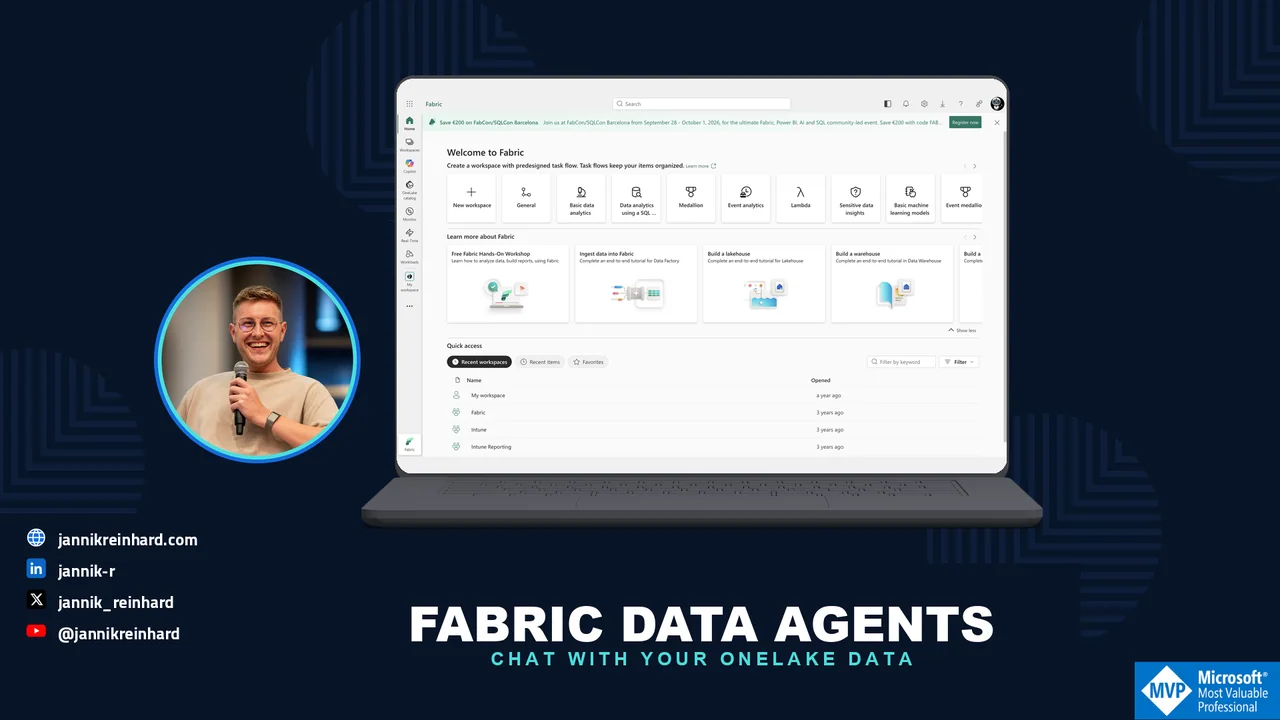
Fabric Data Agents: Chat With Your Data in OneLake - Jannik ReinhardRead Fabric Data Agents: Mit deinen OneLake-Daten chatten
Aug 20, 2026AI

Fabric Data Agents: Mit deinen OneLake-Daten chatten

Every company has the same gap: the data sits in lakehouses and semantic models, and the people with questions cannot write SQL or DAX. In this blog post I explain what a Fabric data agent is and how you build one. A Fabric data agent is the conversational analytics piece of Microsoft Fabric — your colleagues ask questions in plain English, and the agent generates and runs the queries against your governed data in OneLake.

Read article: Fabric Data Agents: Mit deinen OneLake-Daten chatten
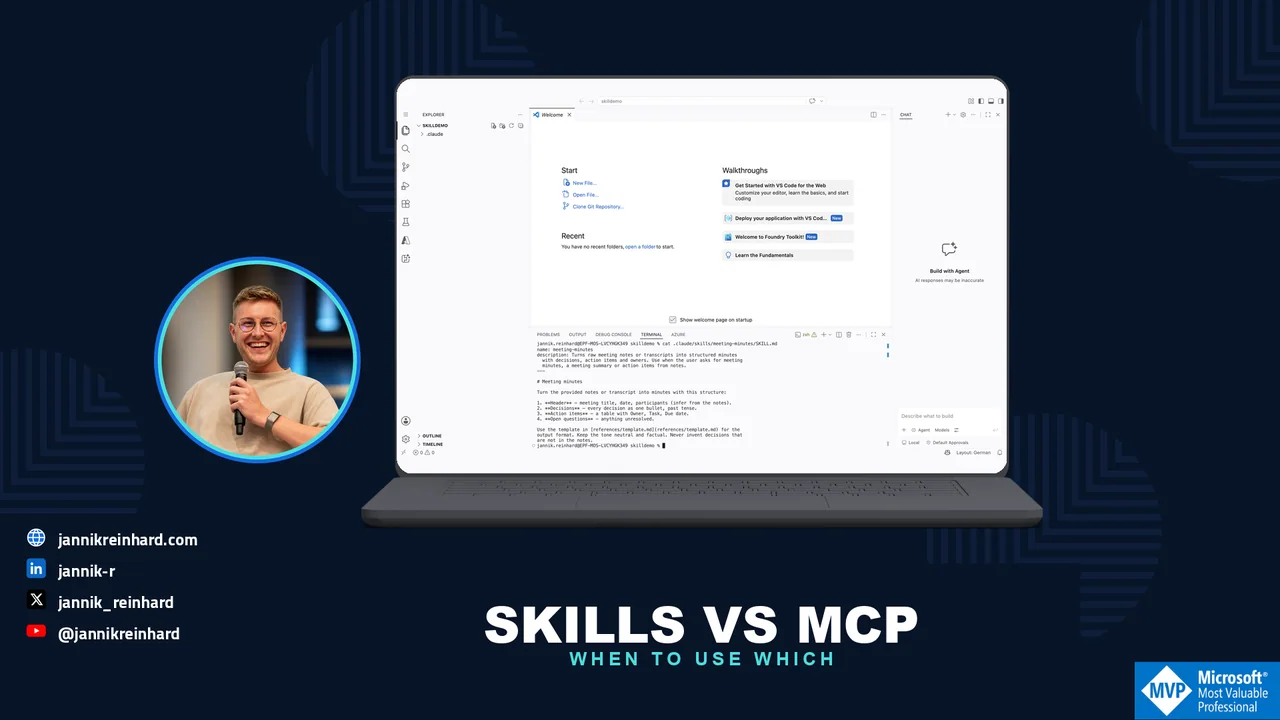
Agent Skills vs MCP: When to Use Which for AI Agents - Jannik ReinhardRead Agent Skills vs. MCP: Wann du was für KI-Agenten nutzt
Aug 18, 2026AI

Agent Skills vs. MCP: Wann du was für KI-Agenten nutzt

In February I wrote about why CLI tools are beating MCP for AI agents. It became my most read post so far, and one follow-up question came up again and again: "Okay, and where do Agent Skills fit in?" That is a fair question, because Skills vs MCP is not an either-or decision. They solve different problems, and they work well together. In this blog post I explain the difference, compare the context cost, and give you a simple decision guide for when to use which.

Read article: Agent Skills vs. MCP: Wann du was für KI-Agenten nutzt
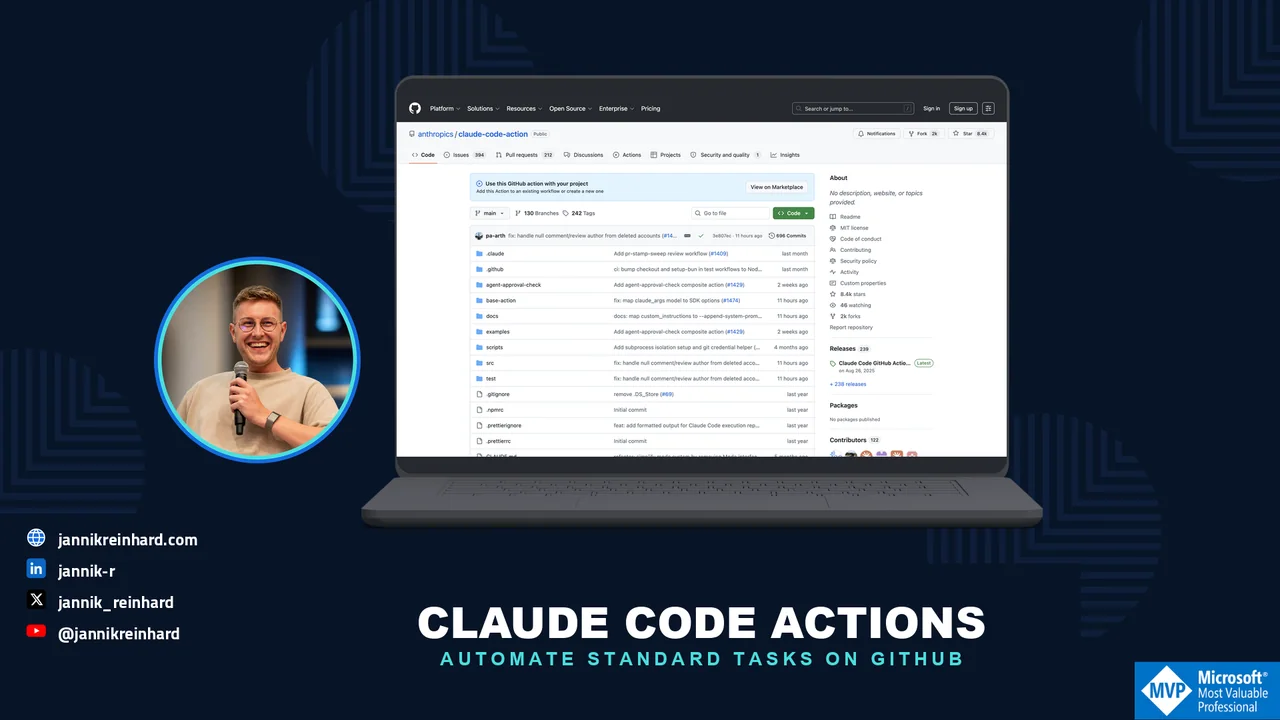
Claude Code in GitHub Actions: Automate Standard Tasks - Jannik ReinhardRead Claude Code in GitHub Actions: Standardaufgaben automatisieren
Aug 13, 2026Automation

Claude Code in GitHub Actions: Standardaufgaben automatisieren

Most of us use AI coding agents interactively: you sit in the terminal, type a prompt, and watch the agent work. But a lot of the work in a repository is not interactive at all. Reviewing pull requests, triaging new issues, writing release notes, updating documentation — these are standard tasks that repeat every week. In this blog post I show you how to run Claude Code inside your GitHub pipelines with Claude Code GitHub Actions, so these tasks run automatically while you do something else.

Read article: Claude Code in GitHub Actions: Standardaufgaben automatisieren
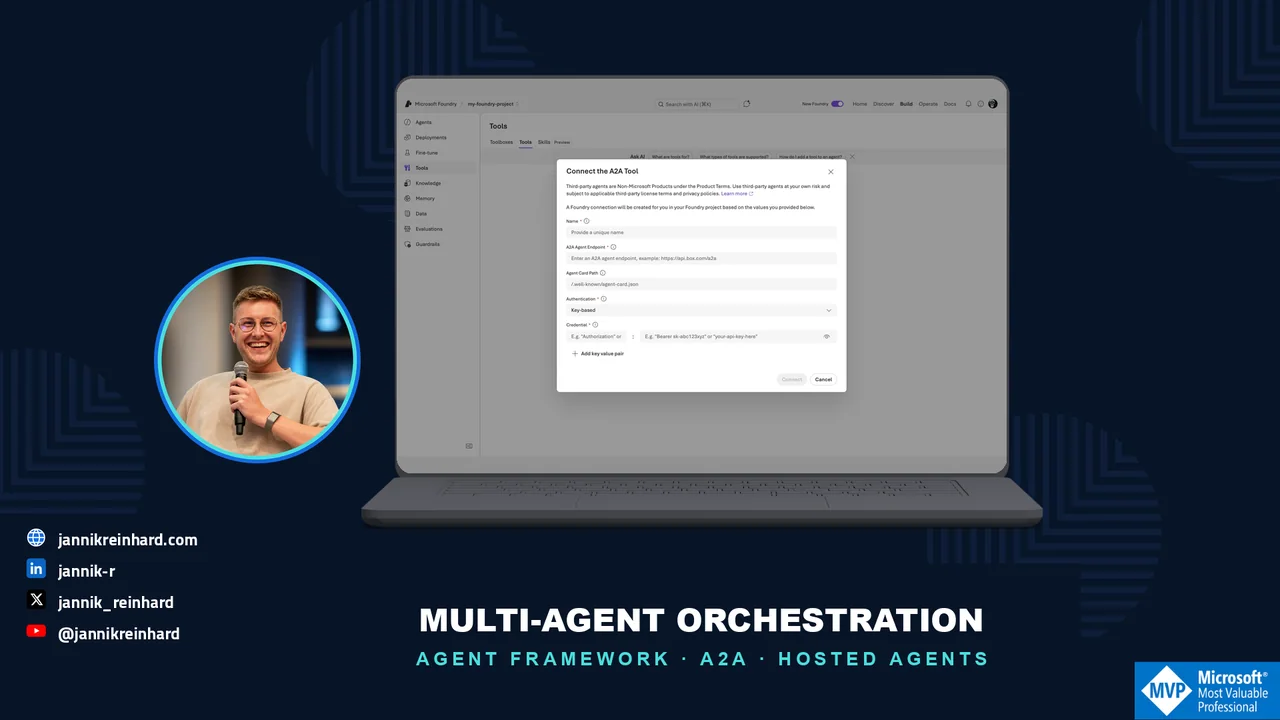
Multi-Agent Orchestration in Microsoft Foundry: A Deep Dive - Jannik ReinhardRead Multi-Agent-Orchestrierung in Microsoft Foundry: Deep Dive
Aug 11, 2026AI

Multi-Agent-Orchestrierung in Microsoft Foundry: Deep Dive

One agent alone rarely solves a real business process. As soon as you build something serious, you want a triage agent, a specialist for your knowledge base, maybe one that creates tickets — and something that coordinates them. In this blog post I do a deep dive into multi-agent orchestration in Microsoft Foundry. I explain how the story changed three times within one year, how the Microsoft Agent Framework patterns work, and which pattern I would choose for which scenario. At the end you will know exactly where to build your orchestration today so that it does not get deprecated next year. I already wrote about building your first agent in Microsoft Foundry. This post is the next step: making several agents work together.

Read article: Multi-Agent-Orchestrierung in Microsoft Foundry: Deep Dive
My Agentic OS: How I Run Notion, Outlook, Codex and OneDrive - Jannik ReinhardRead My Agentic OS: How I Run Notion, Outlook, Codex and OneDrive
Aug 7, 2026AI

My Agentic OS: How I Run Notion, Outlook, Codex and OneDrive

I do not need another AI chat window. I need an agentic operating system that knows where my work starts, where every result belongs and which actions still require me. That difference sounds small, but it is the reason my daily setup keeps working even as I add more agents, repositories, documents and content channels. My current system connects Notion, Outlook, Codex, reusable skills, OneDrive, GitHub and scheduled automations. Codex is my primary execution layer. Claude Code gives me a second coding path when its strengths fit the task better or when I need to distribute a long coding day across both subscriptions. Notion gives me the working context for the day. Outlook owns communication and time. OneDrive remains the system of record for documents and media, while GitHub owns code. The tools are not interchangeable, and that is the point. This post is not a list of apps I like. It is the operating model I use every day: how work enters the system, how I choose what matters, how an agent gets the right instructions, where the output is stored and where I deliberately keep a human approval step.

Read article: My Agentic OS: How I Run Notion, Outlook, Codex and OneDrive
Security Copilot Agents in Intune: What You Get in 2026 - Jannik ReinhardRead Security Copilot Agents in Intune: Das bekommst du 2026
Aug 6, 2026Intune

Security Copilot Agents in Intune: Das bekommst du 2026

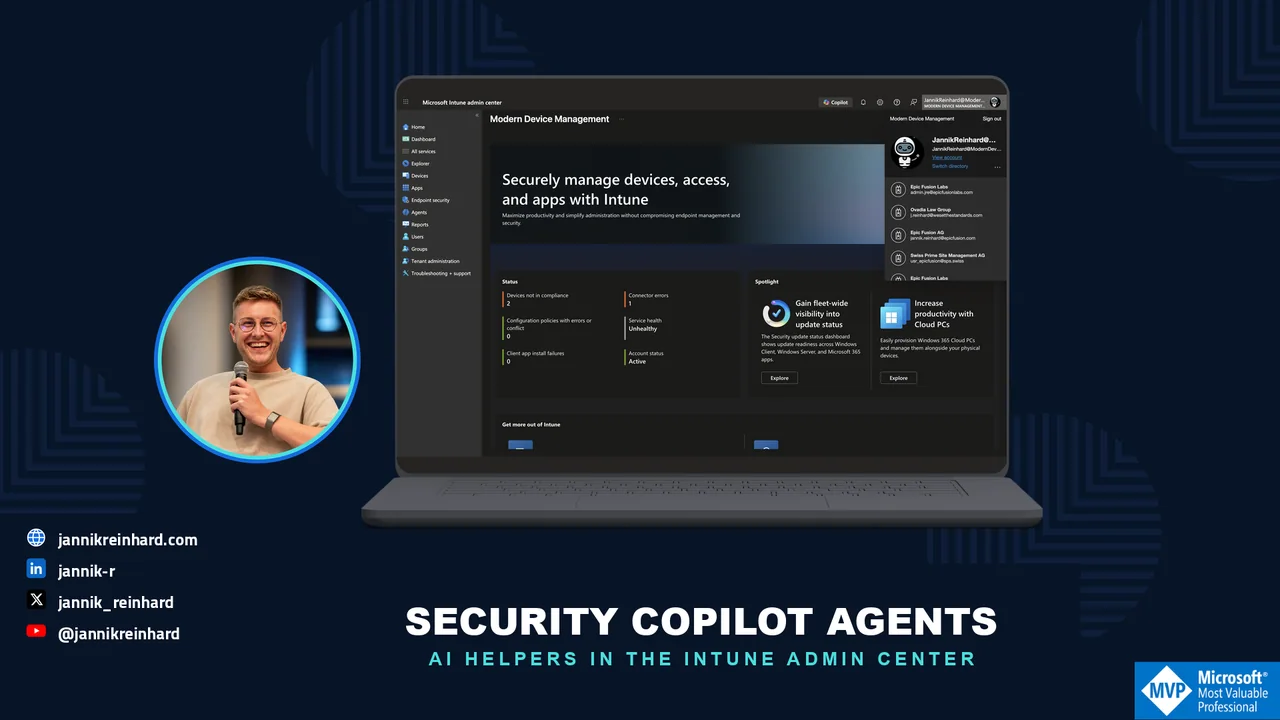
Microsoft is bringing AI agents into more and more admin portals. In this blog post I explain the Security Copilot agents in Intune: the Policy Configuration Agent, the Change Review Agent, and the new Vulnerability Remediation Agent. I show what each agent actually does, how you can enable them, and what you should watch out for. I also cover an important licensing change: Microsoft 365 E5 and E7 tenants get Security Copilot capacity included at no additional cost.

Read article: Security Copilot Agents in Intune: Das bekommst du 2026
Microsoft Foundry Model Deployment: A Practical GuideRead Microsoft Foundry Model Deployment: A Practical Guide
Aug 5, 2026AI

Microsoft Foundry Model Deployment: A Practical Guide

Seeing a model in the Microsoft Foundry catalog is not the same as having a model that an application can use. The bridge is the deployment. Think of it as the saved, named configuration that your app talks to. Your code does not call a vague catalog entry; it calls the deployment name you create. That makes the portal form more important than it looks. It connects a model, a deployment type and a name that people and code will depend on. In this post I explain those three choices in plain English before you put a model behind an agent or an application. The video below shows the practical deployment path in German. Here I add the questions that are easy to miss while the portal is open — and a simple path for a first deployment.

Read article: Microsoft Foundry Model Deployment: A Practical Guide
Foundry IQ Deep Dive: Knowledge Bases for AI Agents - Jannik ReinhardRead Foundry IQ Deep Dive: Wissensdatenbanken für KI-Agenten
Aug 4, 2026AI

Foundry IQ Deep Dive: Wissensdatenbanken für KI-Agenten

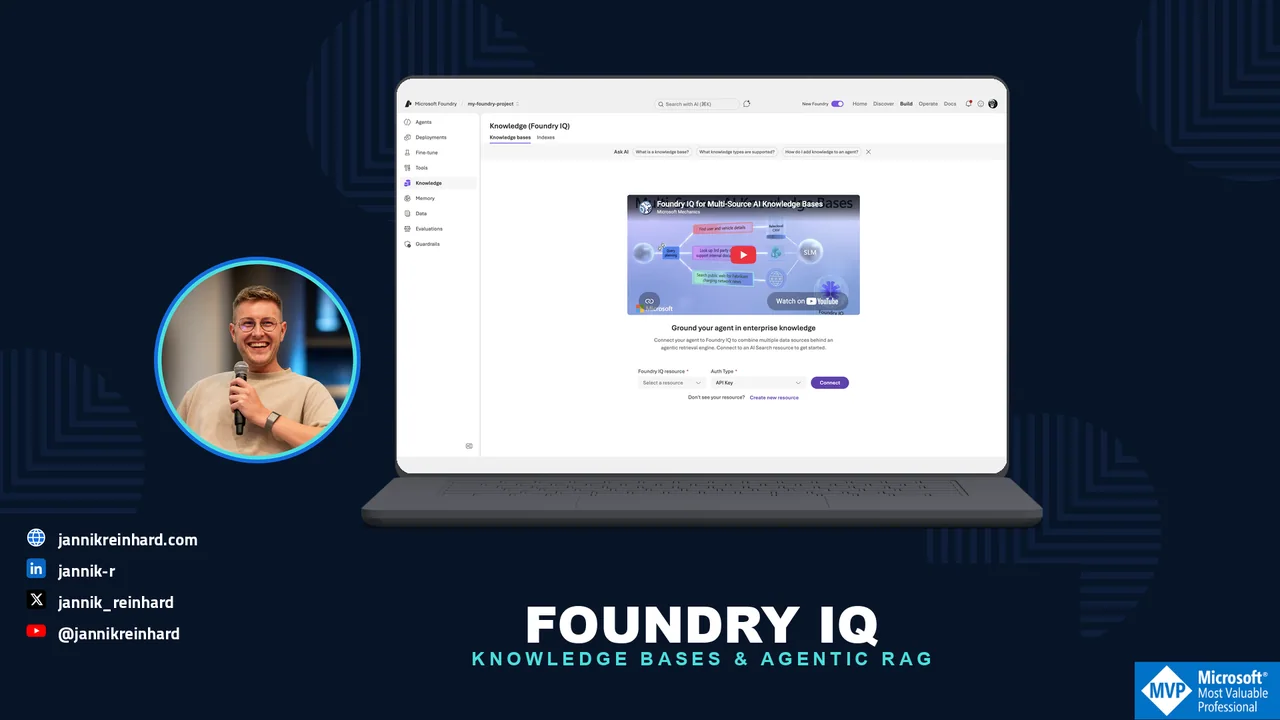
Every team that builds AI agents ends up building the same thing: a retrieval pipeline that feeds company knowledge into the agent. And most of these pipelines are built again and again, per agent, per project. Foundry IQ is Microsoft's answer to this problem — a shared knowledge layer in Microsoft Foundry that any number of agents can plug into. In this blog post I explain how Foundry IQ works under the hood, how you create a knowledge base and wire it into an agent, and where the limits are. At the end you can decide if it should replace your custom RAG setup.

Read article: Foundry IQ Deep Dive: Wissensdatenbanken für KI-Agenten
Microsoft Foundry Setup: Project, Model and DeploymentRead Microsoft Foundry Setup: Project, Model and Deployment
Aug 4, 2026AI

Microsoft Foundry Setup: Project, Model and Deployment

The first Microsoft Foundry screen can feel like a wall of new words. Workspace, project, model and deployment appear almost at once, even though they do different jobs. If you are new to Foundry, start with this: a project is the concrete use case your team works on, a model is the capability you want to try, and a deployment is the named version that an app can call. The word workspace needs a little more care — I explain that below. You can create all three quickly. The useful part is making the first setup easy to understand when you return to it next week. In this post I show the small, practical structure I use before an experiment turns into an application dependency. The video below shows the practical click path in German. This article adds a beginner-friendly explanation around it, so you know what each choice means before you move on.

Read article: Microsoft Foundry Setup: Project, Model and Deployment
Intune Multi Admin Approval Now Enforced on Graph API Calls - Jannik ReinhardRead Intune Multi Admin Approval gilt jetzt für Graph-API-Aufrufe
Jul 30, 2026Intune

Intune Multi Admin Approval gilt jetzt für Graph-API-Aufrufe

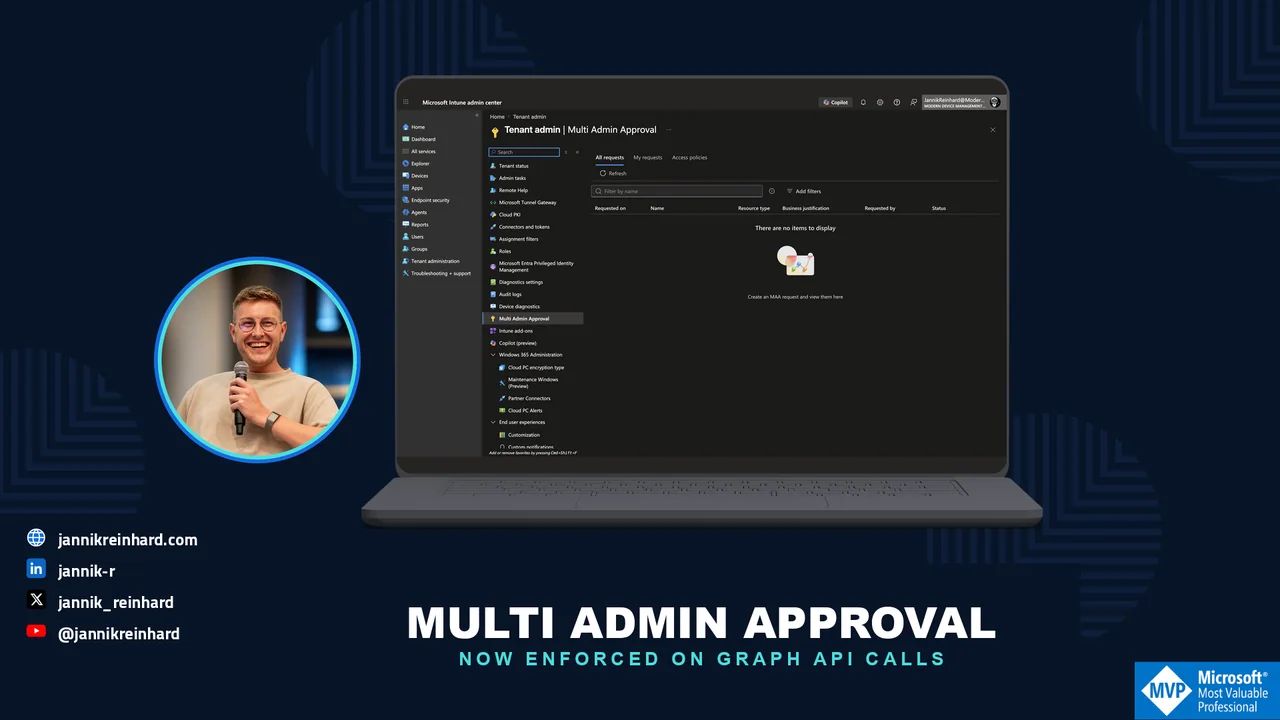
In June 2026 (week of June 22), Microsoft changed something that can break your automation overnight. Multi Admin Approval is now also enforced on Microsoft Graph API calls made with app-only tokens. Until now, only interactive (delegated) admin actions were intercepted. From now on, service principals, PowerShell scripts and third-party tools that change protected resources like apps or scripts are intercepted too. If they don't handle the new approval flow, they fail with an HTTP 403 error. In this blog post I explain what changed, why your automation suddenly gets 403 errors, how the approval flow works for API calls, and how you can exclude your automation apps from the enforcement.

Read article: Intune Multi Admin Approval gilt jetzt für Graph-API-Aufrufe
More posts available.
Complete archiveAll articles by year

2026

2025

2024

2023

2022

2021

Instruction pages